
14 Best Employee Training Software (Tested and Reviewed)

By Sofia KondratSofia KondratCorporate Training Expert & Content EditorHey there! I’m Sofi Kondrat, your go-to corporate training advisor here at EducateMe. I’ve been navigating the highs…Read more
Corporate Training Expert & Content Editor
20 min read
Most teams I've talked to don't fail at employee training because they chose the wrong platform. They fail because they picked a platform before they knew what they needed from it. One company buys an enterprise LMS with AI personalization for 40 employees running quarterly compliance courses. Another tries to run cohort-based sales training inside a tool that was designed for self-paced SOPs.
The search for "employee training software" covers a huge range of actual situations. This article is structured to help you figure out which situation you're in, and which type of tool solves it.
What Does Employee Training Software Actually Do?
Employee training software is any platform that helps you create, deliver, and track training programmes for your team. That's a wide definition on purpose, because the category includes tools that look completely different from each other.
At the simplest end: a tool that hosts video walkthroughs and tracks who's watched them. At the complex end: a full learning management system with AI-generated course content, skill gap analysis, manager dashboards, and multi-tenant architecture.
Most companies don't need the complex end.
The three core jobs employee training software needs to do, in order:
- House your content — video, PDFs, SCORM, written modules, or some mix
- Deliver it to the right people — based on role, team, location, or hire date
- Track completion — so managers know who's done what, without asking HR
Everything else (gamification, AI, live sessions, certifications) sits on top of those three. Get those right first.
How to Pick Employee Training Software: 5 Questions That Actually Matter
Before you demo anything, answer these.
1. What content formats are you already using? If your existing training lives in PDFs, slide decks, or recorded Zoom sessions, you need a platform that handles those formats natively — not one that forces you to rebuild everything inside a proprietary editor. SCORM support matters if you've bought third-party courses or used an authoring tool like Articulate.
2. Can managers track completion without involving HR? This sounds minor. It isn't. A manager who has to file a request with HR every time they want to check who's completed onboarding will stop checking. I'd call this a filter-level requirement: if the platform can't give a line manager a real-time dashboard, it's creating more admin, not less.
3. Does it connect with the tools you already use? Slack, your HRIS (BambooHR, Workday, HiBob), your CRM. You don't need 20 integrations, but if you auto-provision employees through your HRIS, you need that connection to work. A platform with no native integrations means manual CSV uploads and someone getting missed.
4. What does it cost at your actual headcount? A lot of platforms look affordable at 20 users and get expensive fast. Work out what you'd pay at 50, 100, and 500 learners before you sign anything. I've included real pricing ranges in the comparison table below.
5. Do you need to train one audience or several? A single internal team training on one topic is simple. Running onboarding for employees, a product certification track for customers, and compliance training for contractors (all from the same platform) is a different problem. Multi-tenancy and audience segmentation matter a lot more once you're managing more than one training population.
Best Employee Training LMS Software
Having reviewed the features of popular platforms and knowing training providers' needs, we created a list of software for employee training. We also grouped them.
Let's start with the employee training LMS software. Below are flexible and balanced solutions that focus on centralized training and management.
| Platform | Best For | Pricing (approx) | SCORM Support | Key Integration |
|---|---|---|---|---|
| EducateMe | Mid-size teams blending cohort + self-paced training | From $239/mo | Yes | Slack, Zoom, Zapier |
| TalentLMS | Small teams needing quick rollout + gamification | From $149/mo (20 users) | Yes | Salesforce, BambooHR |
| Docebo | Enterprise L&D with AI upskilling | From $16,000/yr | Yes | Workday, Salesforce |
| Absorb LMS | Large orgs needing flexible content + analytics | On request | Yes | HCM systems, course providers |
| LearnUpon | Partner and customer training with branded portals | On request | Yes | Salesforce, BambooHR |
| Trainual | SMBs standardising onboarding and SOPs | On request | No | Slack, Gusto, Rippling |
| 360Learning | Teams running expert-led, collaborative programmes | From $8/user/mo | Yes | Workday, Salesforce |
Spoiler alert: yes, they are similar at first glance, but choosing one is a matter of needs and experience.
#1. EducateMe: Best AI-Powered Employee Training Platform
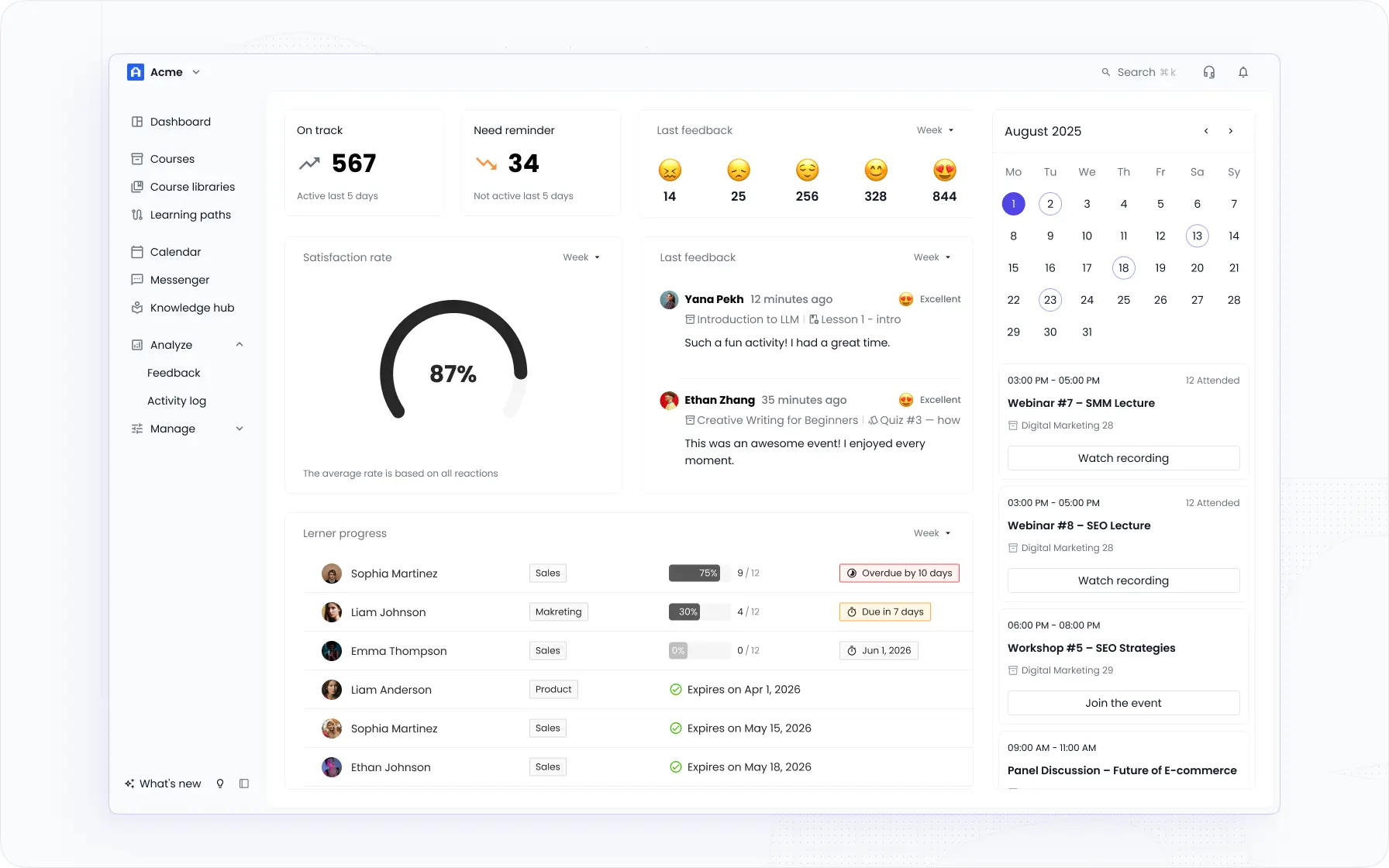
EducateMe is an AI-powered employee training platform, built for mid-size companies running structured training across multiple audiences — onboarding, upskilling, sales enablement, and customer education in one place.
What I'd recommend it for specifically: teams that are blending cohort-based training (think: a 4-week onboarding programme with weekly live sessions and assignments) with self-paced content in the same platform. Most tools make you choose. EducateMe handles both without the workaround.
The AI Course Builder reduces content build time by 3x, you feed it a URL, document, or prompt and get a structured course draft back. The AI Roleplay Coach is one of the more genuinely useful differentiators I've seen for sales and customer-facing teams: it lets reps practise pitch scenarios against an AI and receive consistent rubric-based feedback, which scales what normally requires a senior manager's time.
Why you should consider EducateMe?
Because of the balance of structure and freedom. You get clear personalized learning paths for learners, tons of room to customize how training looks and flows, and great automation options.
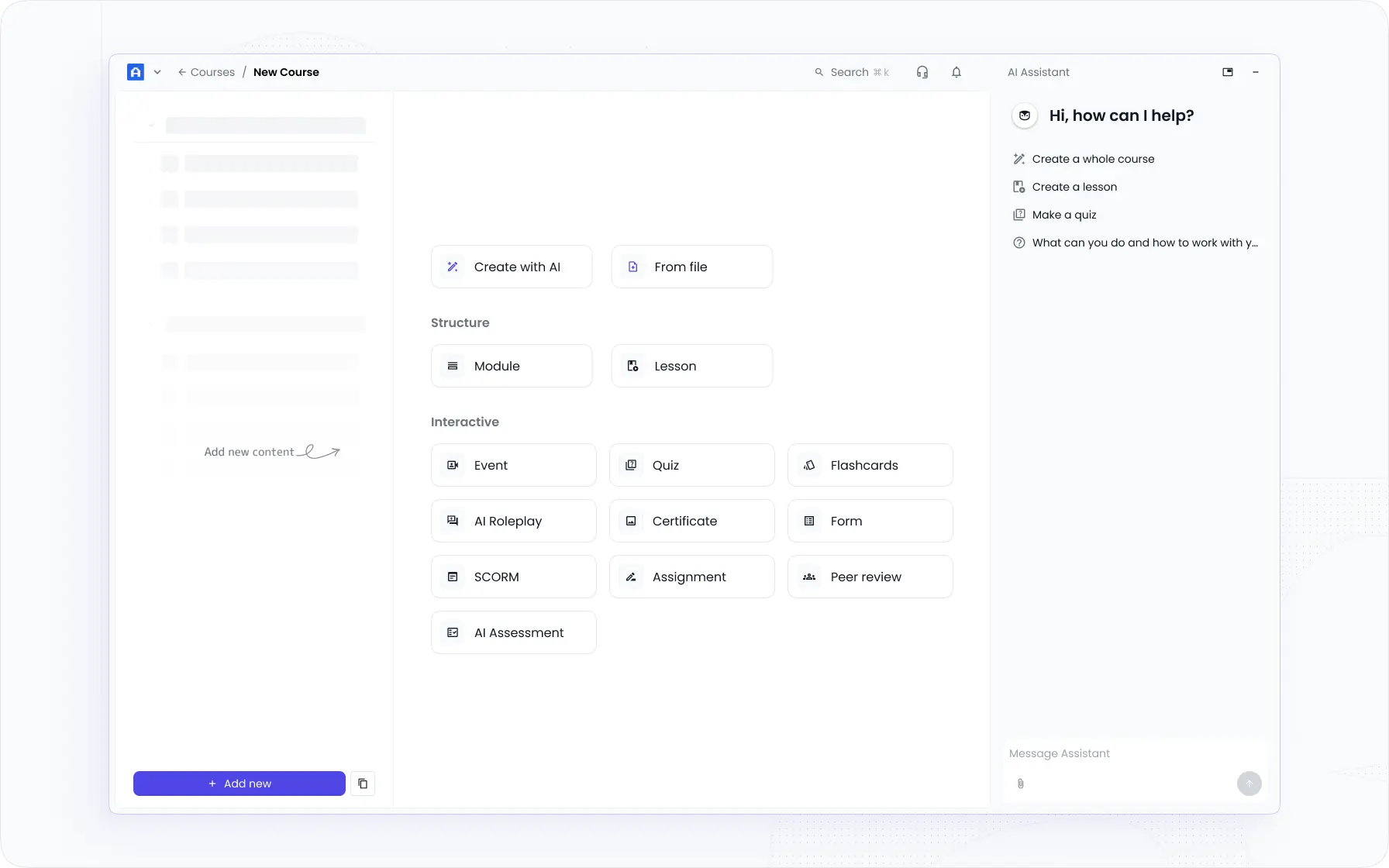
What I love is how easy it is to create training journeys and manage multiple training groups. With tagging, course libraries, and learning paths, I can create paths based on role, seniority, or team or segment learners based on needs.
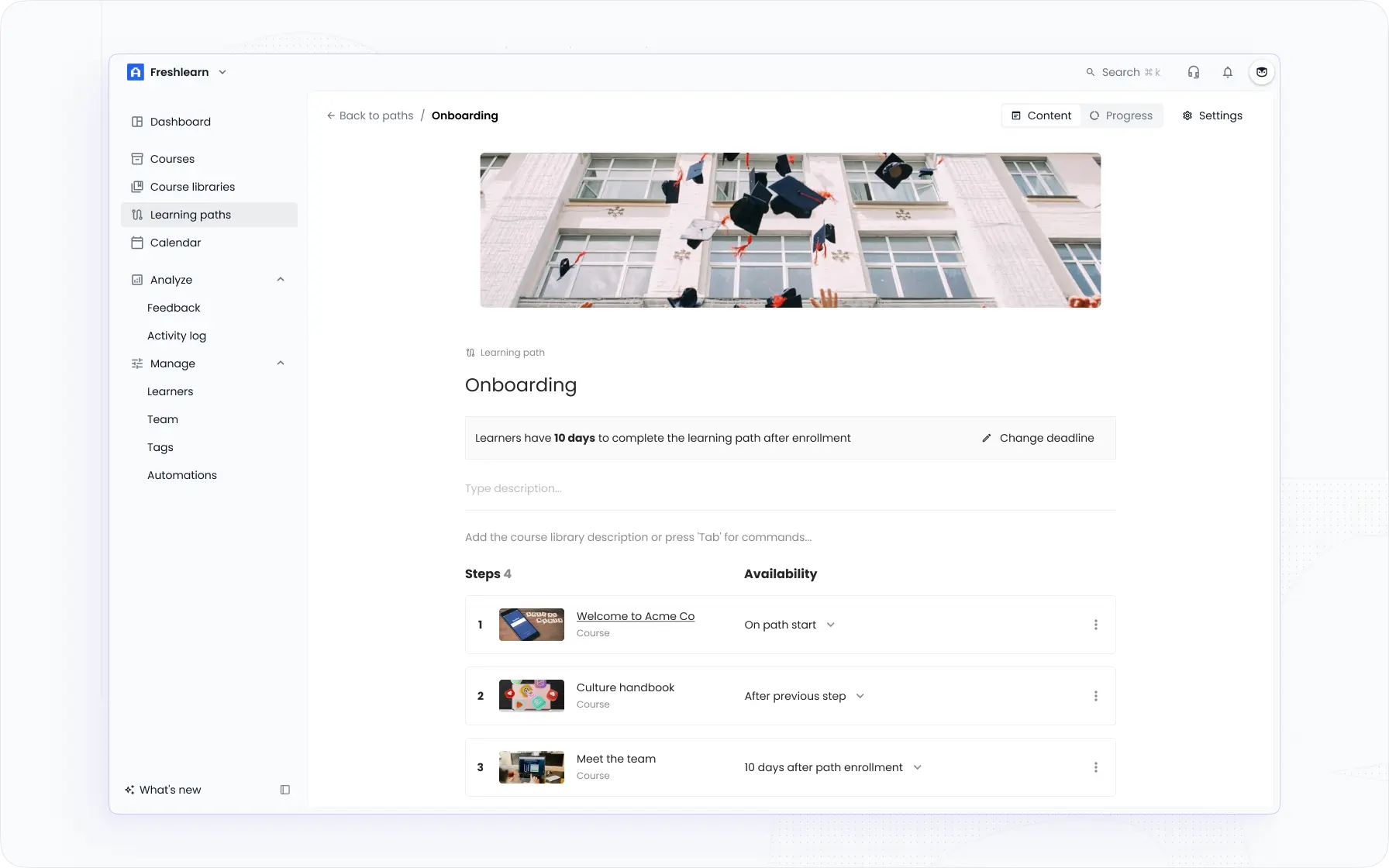
Unlike others employee training platforms, EducateMe makes scaling easy and doesn’t lock you into one approach. You can create multiple sub-accounts, segment audiences, and mix training styles.
Moreover, you have feedback tools, peer reviews, and integrated live sessions that make learning feel human, not just digital.
You can’t help but notice how much smoother it is to manage cohorts, structure learning, track progress, and align it to the business goals.
Key features
- Centralized approach to management
- Automation to reduce admin time with scheduled alerts, reminders, and tracking.
- AI-powered course builder that speeds up content creation
- Live sessions, peer reviews, and collaboration tools that contribute to engagement
- Custom learning paths that support role-based, flexible journeys
- Deep analytics & reporting – track outcomes and learning behavior
- Space customization to make the environment unique for different groups.
Worth knowing: No native iOS/Android app. The platform is mobile-responsive, but if offline mobile access is a hard requirement, that matters.
#2. TalentLMS: Comprehensive LMS for Online Training
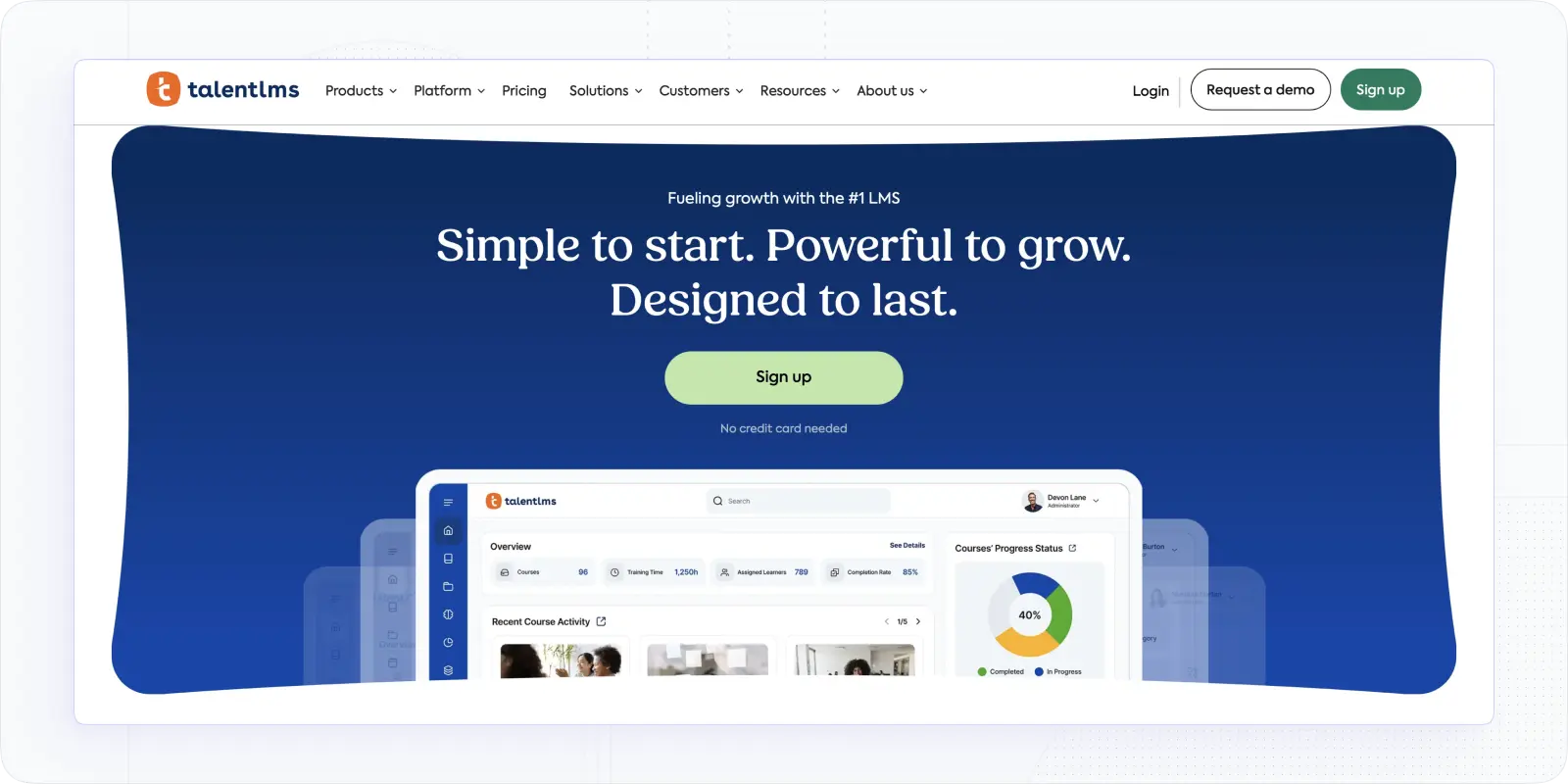
On to the next, a less intuitive, but pretty all-inclusive software for employee training.
TalentLMS is one of the more universal options in this category. It's straightforward enough to set up in a day, supports SCORM, video, quizzes, and surveys, and comes with a branch feature for managing separate training environments. The gamification tools (points, badges, leaderboards) are simple but work.
I'd reach for TalentLMS for a team that needs to get training running fast and doesn't have complex multi-audience requirements. It won't challenge you with the setup, and the TalentLibrary gives you a large bank of ready-made course content to draw from.
Why you can try Talent LMS?
I found TalentLMS automation a huge time-saver. Simultaneously, creating courses there feels like a breeze. Whether for onboarding or compliance training, SCORM, videos, quizzes, and surveys are all right, not to mention the ability to use third-party content. Besides, I loved their gamification options, quite simple but still effective.
Compared to other LMSs, TalentLMS offers a huge library of pre-made templates and a branch feature to customize spaces. The mobile app is reliable and supports learning on the go.
Key features
- Course builder that supports SCORM, video, quizzes, and surveys
- Great gamification tools to increase engagement and motivation
- Branch management to customize and separate spaces or training environments
- TalentLibrary offers an enormous content depository for course creation
Worth knowing: Collaboration tools are thin compared to 360Learning or EducateMe, and reporting doesn't go deep enough for teams tracking granular skill outcomes.
Pricing: starts at $89/month for up to 20 users; free plan. More dertails you can find in "TalentLMS Pricing vs Canvas vs Absorb vs EducateMe 2026"
#3. Docebo: All-in-one Skill Development Suite
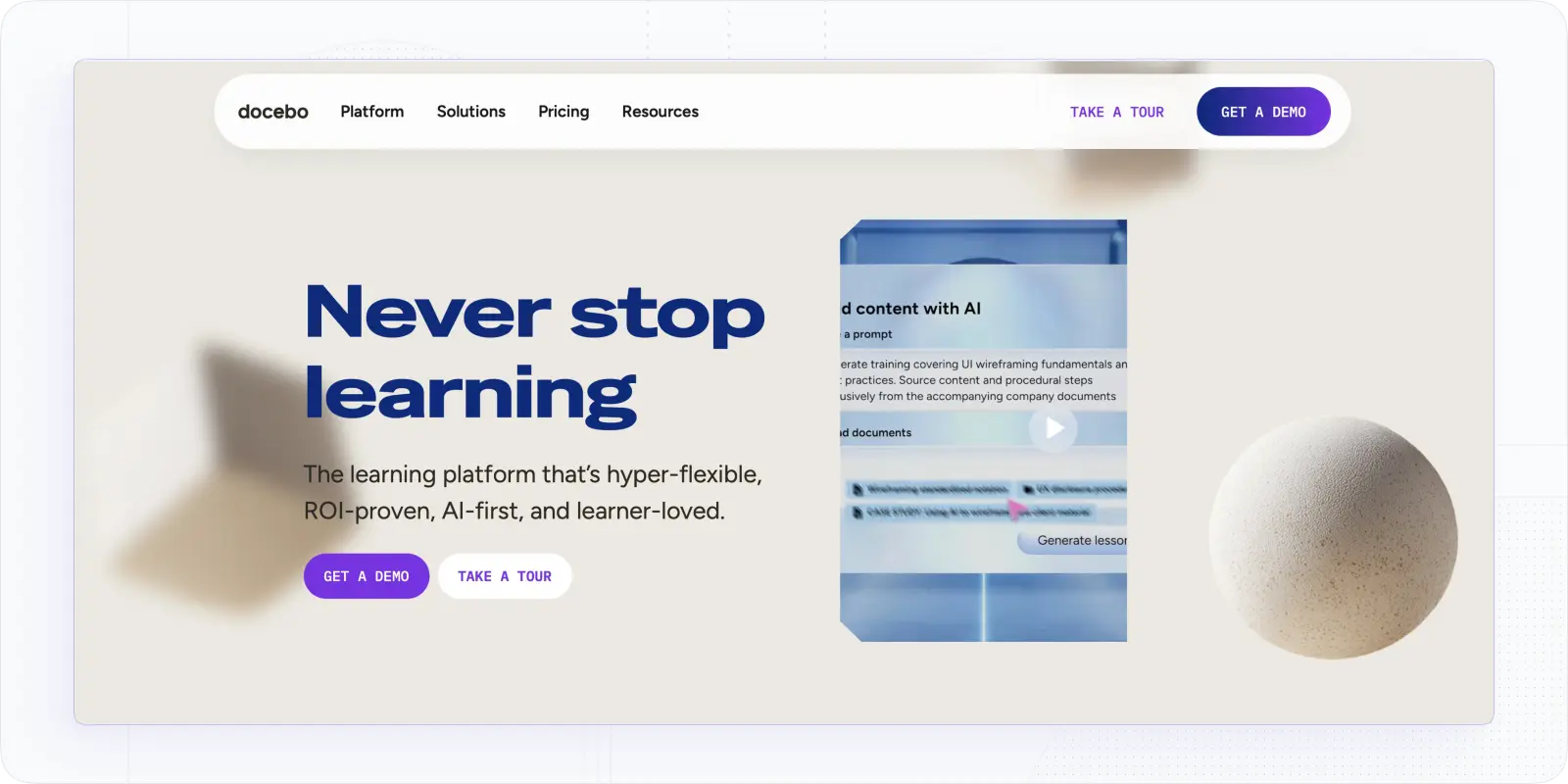
For larger organizations, the employee training software would need more features. Docebo is definitely one of them.
Docebo is the full-stack option — LMS, LXP, and AI skill development blended into one. For a large organisation running training across hundreds or thousands of employees, the automation depth and content scalability are hard to match. AI skill recommendations, a UGC marketplace, and advanced analytics that connect learning data to business goals.
I wouldn't recommend it for anyone under a few hundred employees. The platform is powerful, but it's also heavy, the editor is basic relative to the price point, and the annual contract starts at $16,000. You're paying for capability you probably won't fully use at smaller scale.
Why did I choose this software?
I’m shocked at how encompassing this suite is and how it automates the operations related to content assigning and training management. Its AI skill development recommendations are another level compared to some other platforms.
As an enterprise employee training software, it brings far deeper automation, content scalability, and smart upskilling recommendations. Yet, even with its advanced options related to AI, UGC marketplace, and customization, it is not very intuitive and far from being affordable.
Key features
- AI-powered learning paths and recommendations for skill development or upskilling
- Content marketplace & UGC tools to scale content without starting from scratch
- Advanced automation to optimize workflows
- Mobile and gamified learning boosts flexibility and engagement
- Advanced analytics to connect and track business and organizational goals
Worth knowing: The annual contract starts at $16,000 and there's no monthly option. Budget and procurement cycles matter here, this isn't a tool you trial and then decide on.
Pricing:starts at $16,000/year (based on a year contract). More details you can find in "Docebo Pricing: Complete Guide to Costs, Plans, and Add-Ons"
#4. Absorb LMS: Powerful Software for Large Organizations
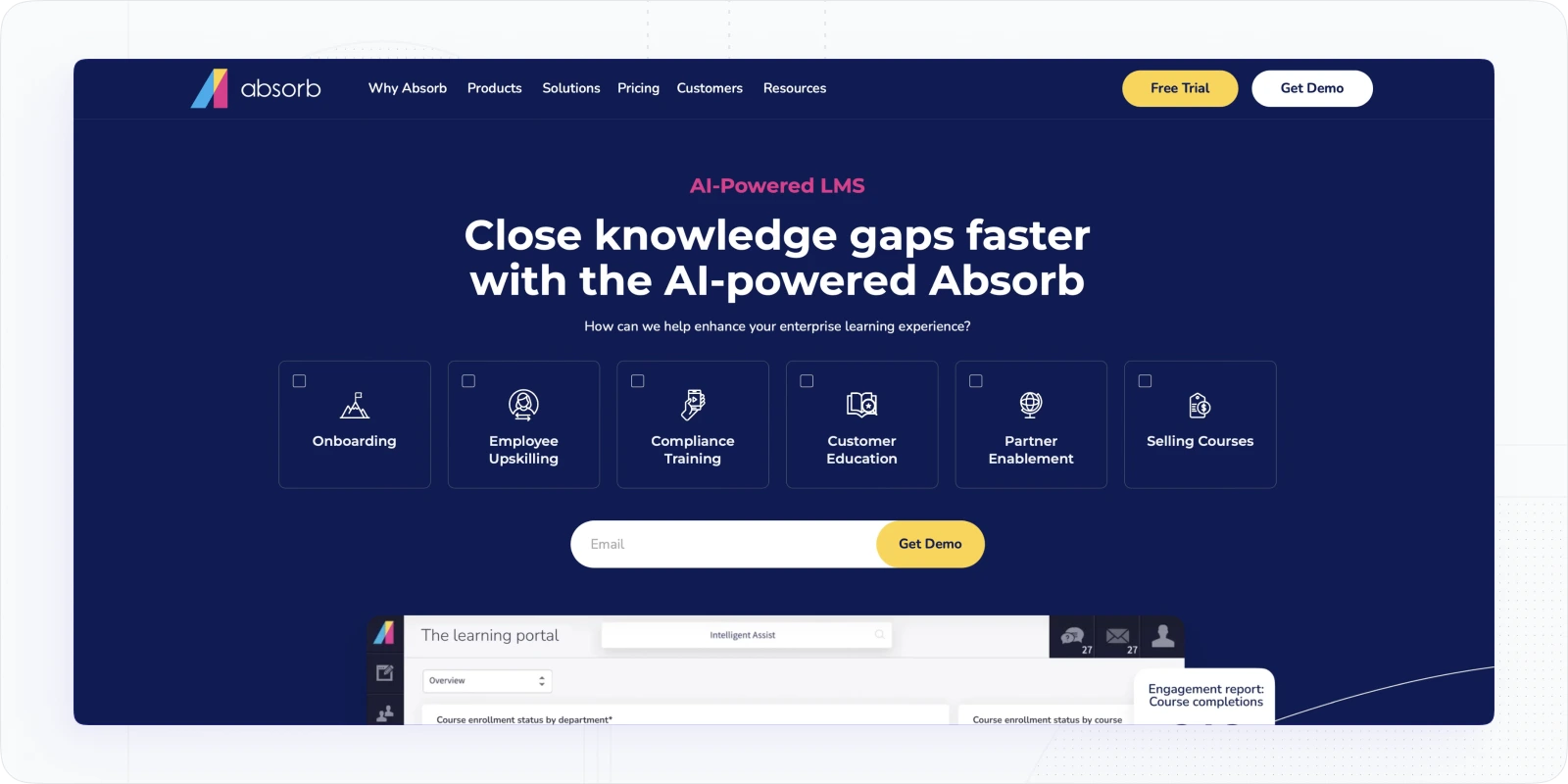
If Docebo feels like too much, Absorb LMS offers enterprise-grade control with a lighter touch. Admin customisation is genuinely strong — the dashboard is configurable, integrations with HCM systems and third-party course providers work well, and the observational checklist feature for skills-based training is something I don't see enough platforms prioritise.
The pricing model of this employee training management platform isn't transparent, which is frustrating. You'll need to contact sales for a quote.
Why did I pick AbsorbLMS?
What impressed me the most were the admin control and customization options. The editor is pretty flexible, while for skill training you have such features as observational checklists.
Moreover, I love how the content creation is backed by integrations with course platforms and providers. Yet, you will need a higher plan for the latter.
Other than that, the analytics offers a customizable dashboard, while the mobile learning app works well for remote teams.
Key features
- AI recommendations that allow you to personalize learning paths and content
- Observational checklists that verify the skills level of
- Gamification tools that add to learner motivation
- Content libraries to support internal and external training
- Headless LMS capabilities and integrations with HCM and business software, course providers
Worth knowing: Pricing is entirely opaque,. no published rates, no ballpark figures on the website. Factor in a longer sales cycle before you can even compare it against alternatives.
Pricing: free trial available; full pricing is provided upon request
#5. LearnUpon: Employee Training Software Offering Multiportals
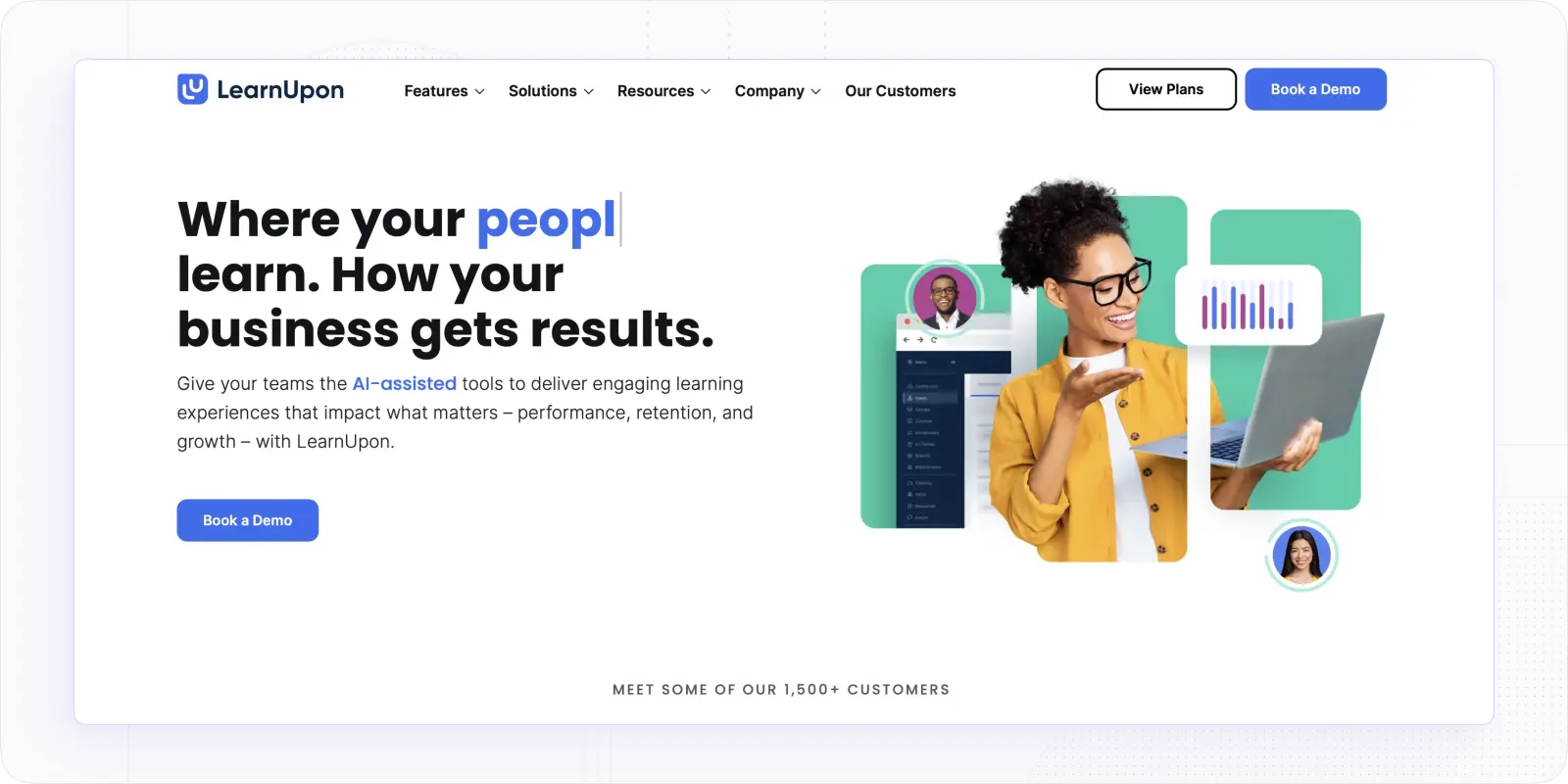
What is other online wmployee training platform that may be ideal for employee training of diverse teams? The one with portals.
LearnUpon is a top LMS platform for employee training with great customization, decent course creation, and great structure. It allows for easy course creation and management, while portals support customizable learning paths and training space customization.
Why did I choose this software?
It brings a great organization and flexible training options. I liked the customization options when you set up branded learning portals for different teams, and I still kept control over structure, access, and reporting.
For sure, its multitenancy is on par with EducateMe in this regard. Other than that, it offers some gamification and certifications, that make this software great for partner and sales training.
Key features
- Branded learning portals to tailor the experience for each team or audience
- Learning paths with automatic enrollments
- Gamification tools (badges, points, leaderboards) to support engagement
- Flexible content editor with a variety of tools
Worth knowing: Course authoring is functional but not advanced. If your team builds complex interactive content, you'll likely need a separate authoring tool alongside it.
Pricing: available upon request. More details you can find in "LearnUpon Pricing: What It Really Costs, What You’re Paying For, and When It’s Worth It"
Employee Training Platforms For a Specific Case
Not every team needs a full LMS. That's why the following group of employee software refers to smart solutions working for different use cases, from onboarding to collaborative learning.
#6. Trainual: Best Employee Training Platform for SOP
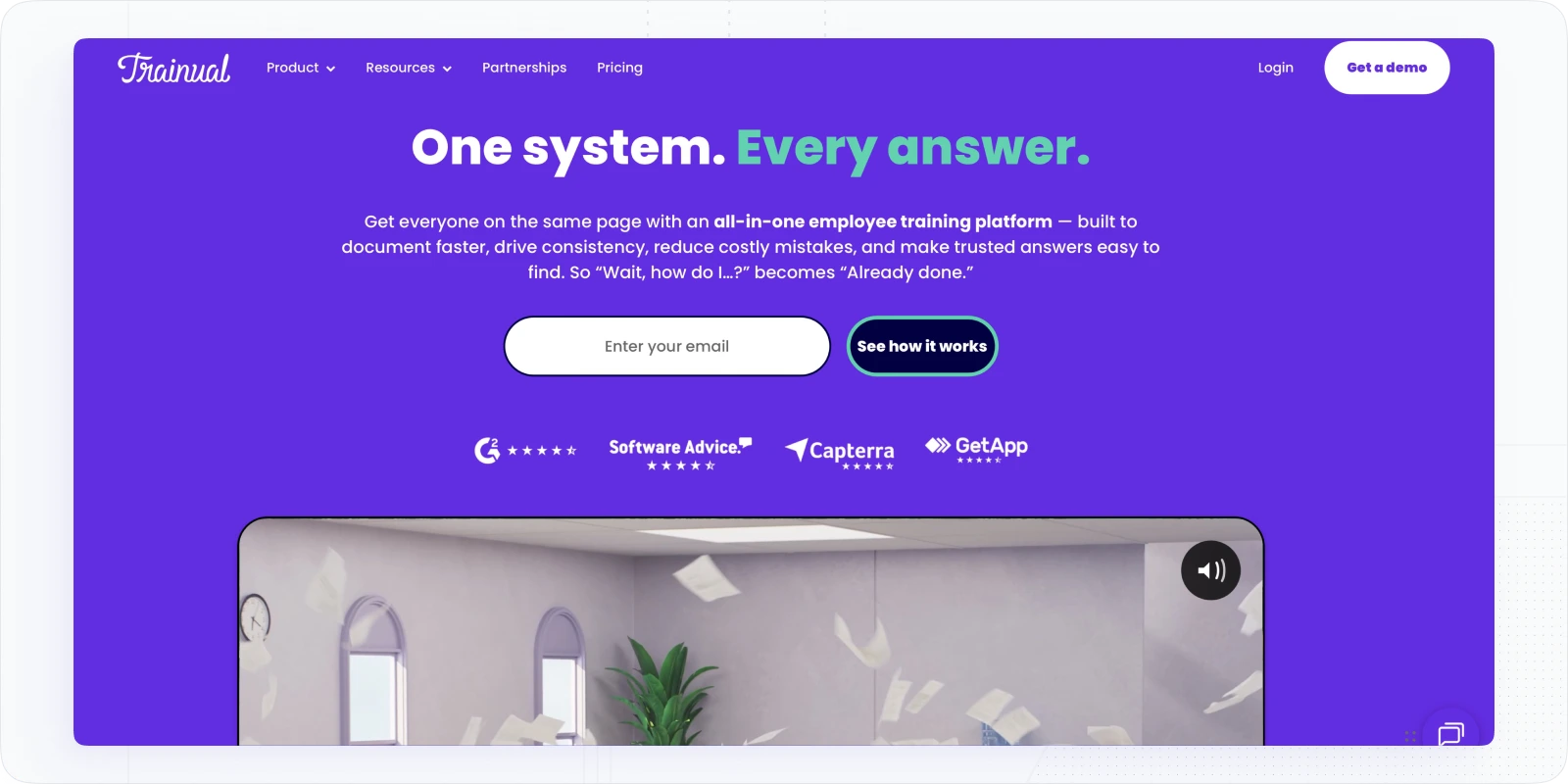
What’s next? Trainual is one more intuitive employee training software, a gem for systemizing materials, activities, and documentation for the training.
Why did I choose this software?
I’ve tried it to create onboarding programs and some policy training, and it’s straightforward. I’d say it combines elements of a lightweight LMS, handbook tool, and org chart, which makes it easy to align people with processes.
So, yes, it’s the right tool for onboarding, compliance training, and self-paced modules within small or middle-size organizations.
But you probably wonder how it is better than others. It’s very smooth in turning knowledge into step-by-step guides, offers plenty of pre-made courses, and makes editing very easy. Besides, I loved using AI to build the initial drafts. Yet, it won’t be a fit for complicated programs with multiple teams and activities.
Key features
- Process & SOP builder makes knowledge easy to capture and update
- Role-based options to assign content by role, department, or location
- An AI-powered editor that speeds up training content creation
- Central knowledge hub to manage content and scale onboarding
- Training completion tracking that works fine with simple programs
Worth knowing: No SCORM support and no way to manage multi-cohort programmes. If your training needs grow beyond onboarding and SOPs, you'll outgrow it and need to migrate.
Pricing: available upon request.
#7. 360Learning: Best for Collaborative Training and Expertise Sharing
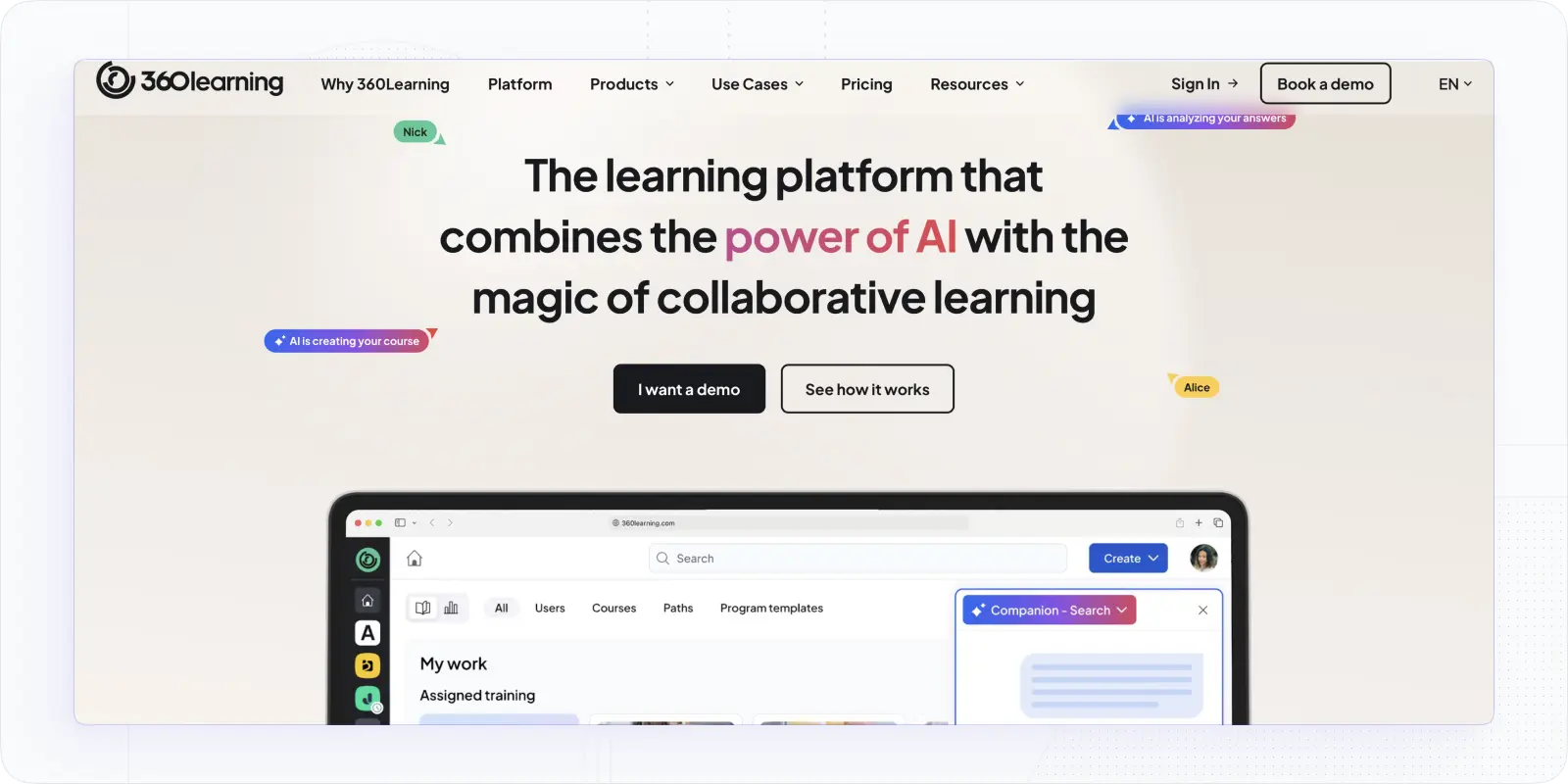
Let’s continue our employee training software journey. Next, a platform designed to prioritize collaboration and team participation.
360Learning is a top LMS platform for employee training that blends LMS and LXP features and offers smart skills suggestions and vast content creation options
Why did I choose this software?
Because of its knowledge-sharing and co-creation capabilities. What stood out immediately was how easy it was to co-create content with subject-matter experts.
That’s clear that it works well for internal training and knowledge sharing within an organization or between partners. Besides, I appreciated the variety of user management, collaboration, and gamification tools.
The globalization feature is a blast, especially for those who want to scale across the globe.
Overall, this online training software allows you to create collaborative experiences without sacrificing content creation, management, or reporting.
Key features
- Collaborative authoring allows multiple people to work on program creation and streamlines course creation with internal experts
- AI-assisted course building that saves hours on content development
- User management and automated enrollment that reduces manual work
- Custom learning paths that deliver role-specific learning at scale
- Discussion forums & feedback to boost engagement and retention
Worth knowing: The collaborative authoring model only works if your subject-matter experts are willing to participate. If content creation stays centralised in L&D, you're paying for a differentiator you won't use.
Pricing: Starts at $8/user/month. More details you can find in "360Learning Pricing in 2026: Plans, Costs & What Buyers Miss"
#8. Connecteam: Workforce software with training tools
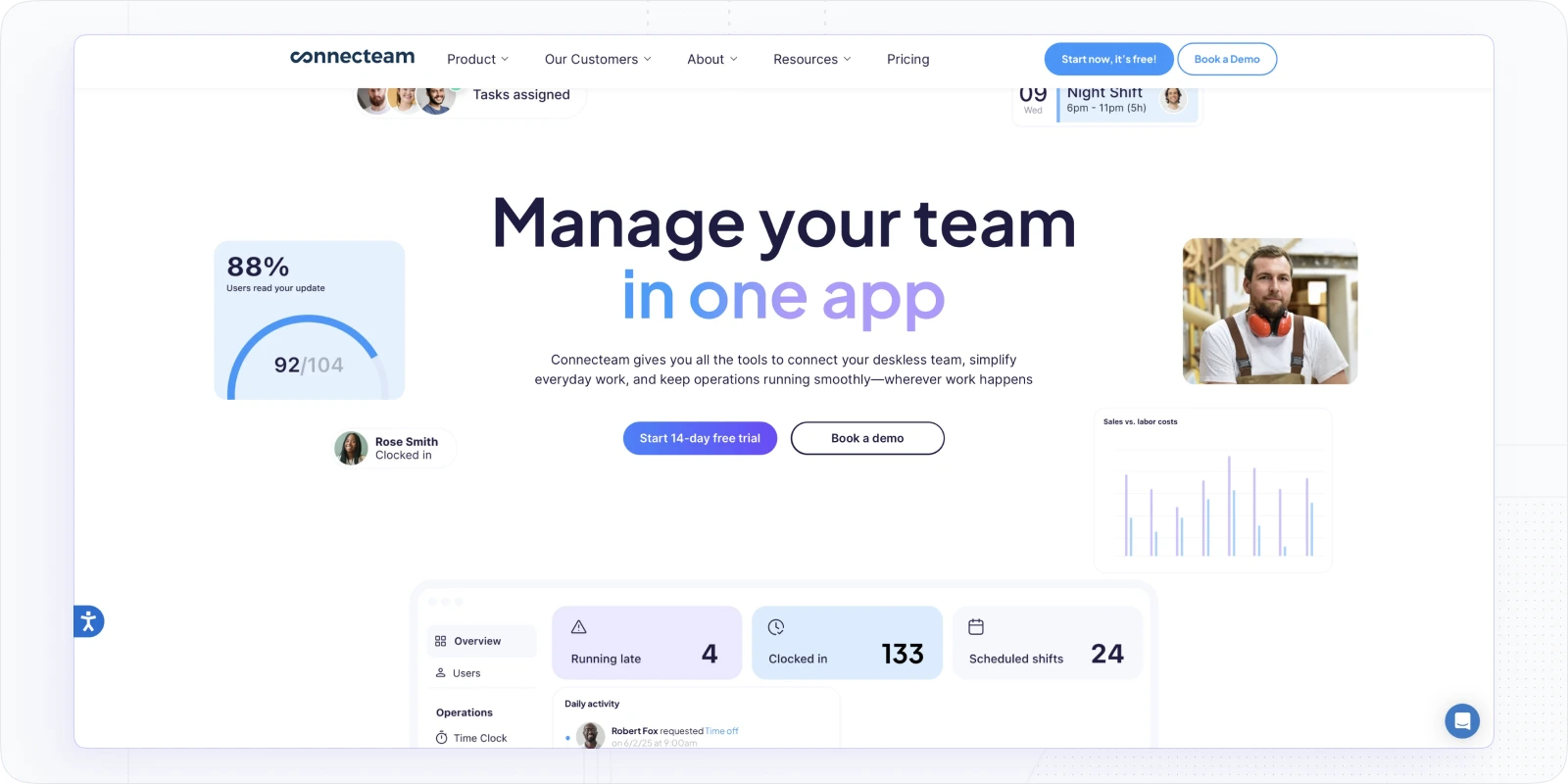
Thinking of employee training, while setting a workforce management? Here’s an option.
Connecteam is a workforce management platform with decent built-in training tools. It shines when you need a quick, mobile-friendly solution with built-in communication and task management features.
Why did I choose this software?
I’ve tried it to create onboarding programs, and its mobile-first approach is what makes it stand out. Creating courses and a knowledge base was surprisingly simple. Yet, other than that, there are powerful timeline and org chart features that helped to organize the training flow and structure the team.
So, it’s not an LMS, but rather an HR software with decent tools for training. Yet, this fact does not stop it from offering great tools for onboarding and compliance training programs.
Notably, compared to platforms like Trainual or TalentLMS, it lacks more advanced customization and detailed reporting options.
Key features
- Mobile learning to make training accessible for teams on the go
- Course builder and knowledge center that supports various formats (from video to quizzes)
- Tools for progress tracking and course completion checking in real-time
- Integrations with HR tools to unify training with scheduling and HR operations
Worth knowing: The free plan is heavily restricted. Most of the useful training features sit behind paid tiers, and the cost adds up fast once you move past the base plan.
Pricing:Starting from $35/mo
#9. Sana Labs (Now part of Workday): AI-powered LMS to Automate Everything
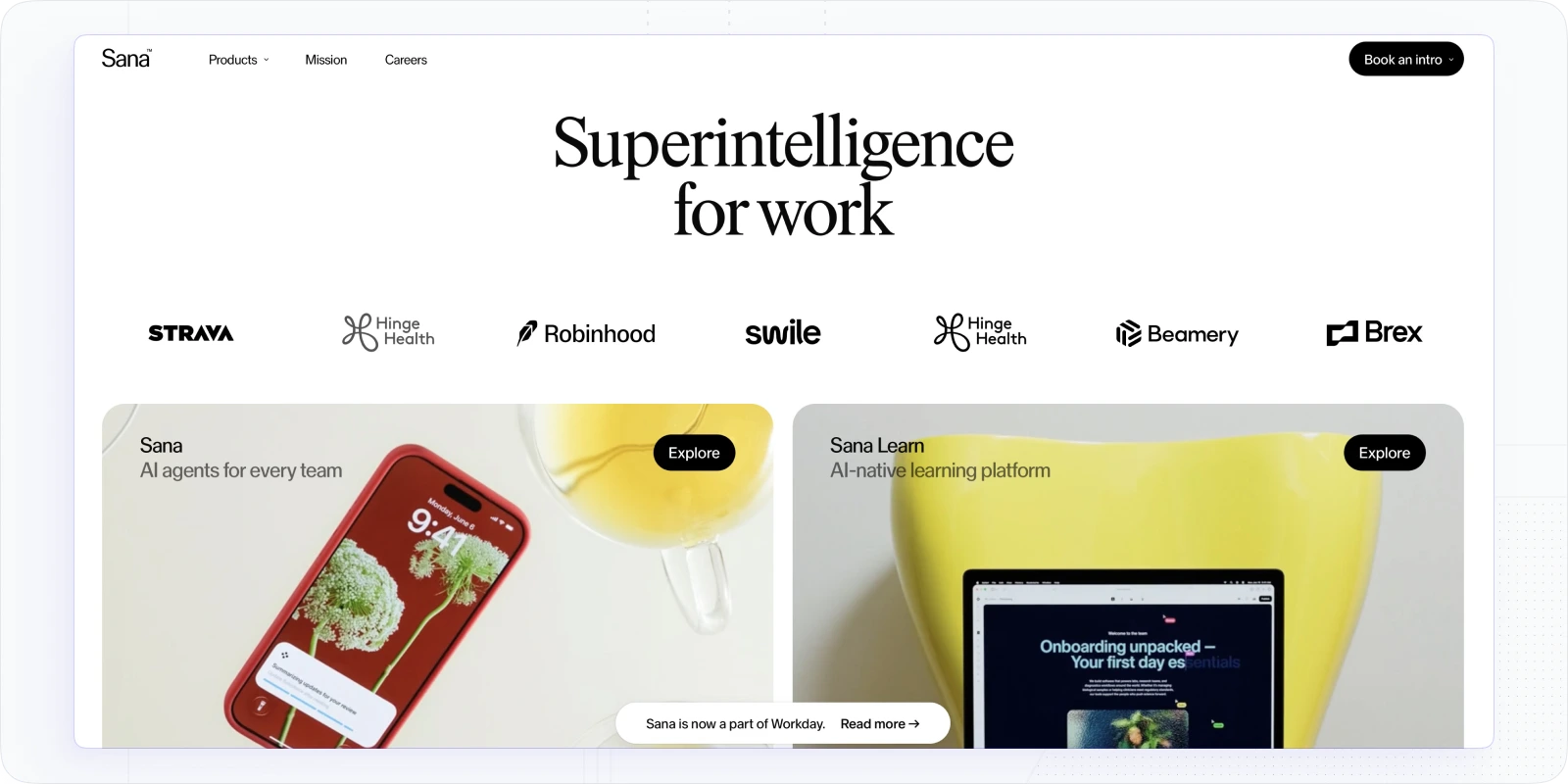
Next, let’s cover a platform that puts AI and automation in the center.
SanaLabs is a next-gen, AI-native LMS offering outstanding agents to automate training, speed up course creation, and personalize learning. Unlike traditional LMS platforms, Sana blends powerful AI with a clean design and smartly automated workflows to produce high-quality training.
Why did I choose this software?
I was impressed by how easy it was to collaborate on content and turn static files into interactive content. I uploaded a PDF and, within minutes, had a polished course. Creating personalized learning paths seems to be pretty easy.
Setting customized rules for automation is another thing that I loved. It gives freedom to automate many things from enrollments and reminders to skill progress tracking.
Oh, and if you just want to optimize things, you may refer to its AI agents, they are pretty cool as well.
Overall, unlike AI-powered TalentLMS, Docebo, or AbsorbLMS, Sana is lightweight and very intuitive and shines with its AI tutor and smart dashboards.
Key features
- AI-powered course creation with agents to transform files and offer voice narration and translation
- Automation rules that can be customized
- Custom real-time dashboards with AI analytics
- Powerful integrations with other tools
Worth knowing: The 300-user minimum isn't flexible — it's a hard floor. If you're under that headcount, the cost per user at minimum spend makes it difficult to justify against alternatives.
Pricing: starts at $3,900/year (Core plan: $13/user/month, min. 300 users). More details you can find in "Sana Labs Pricing: Real Costs, Plans, and What Enterprises Should Expect in 2026"
#10. Adobe Learning Manager: Suite For Interactive Training
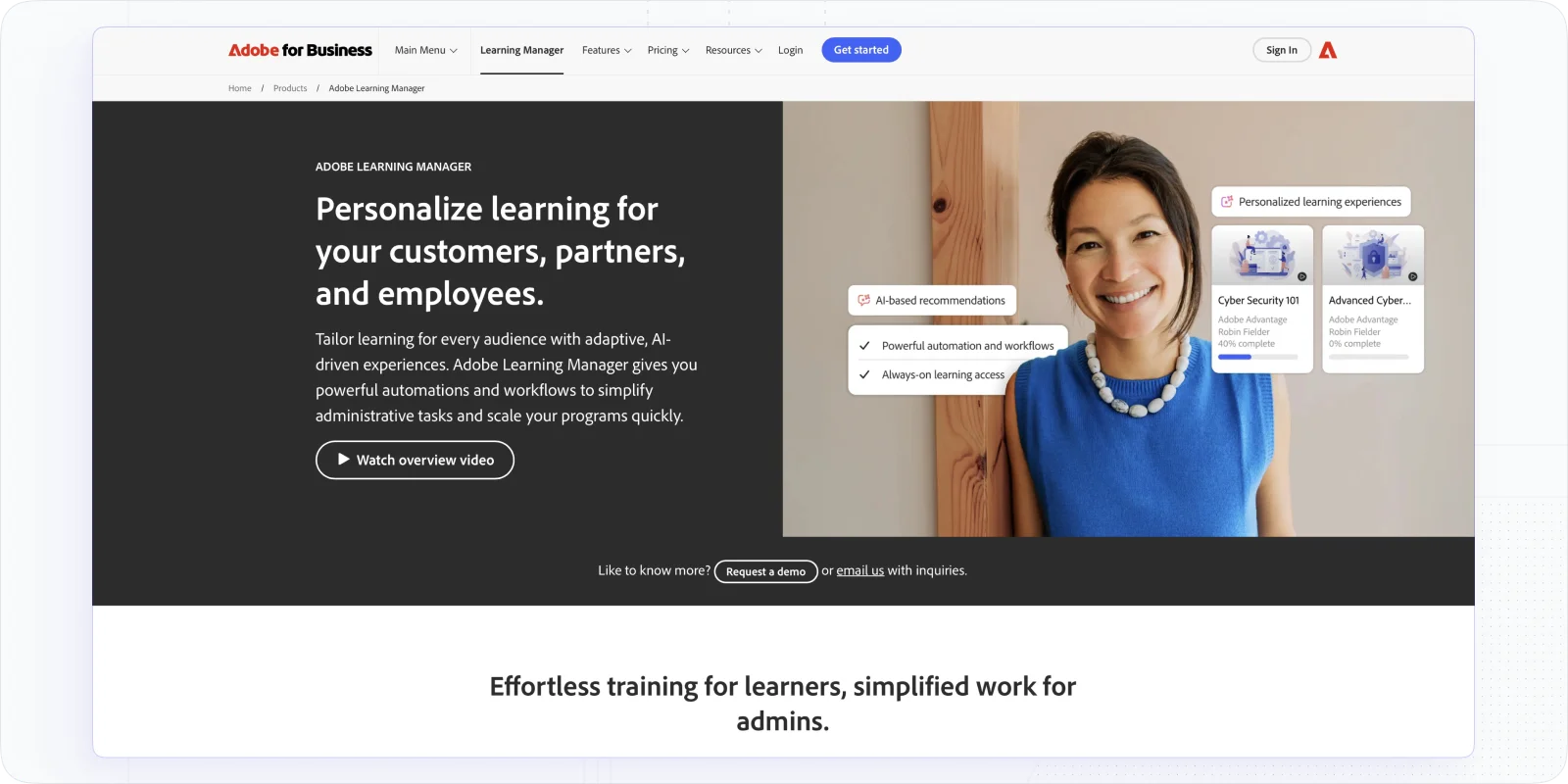
Not so many employee training software can bring advanced and rich interactive content. That’s where Adobe Learning Manager steps in.
Adobe Learning Manageris a powerful suite that brings advanced content capabilities with interactive elements and an immersive experience. Yes, its focus on interactive learning sets it apart in the realm of employee development.
Why did I choose this software?
From many LMSs that I tried, this one offers one of the best dynamic and interactive content options. I love how its Fluidic Player handles multiple formats seamlessly. Mainly because of the interface and integrations, Adobe Learning Manager made it easy for me to create some vivid experiences and simulations.
I am also fond of the gamification experience it allowed me to create, not to mention smooth learning paths and scenarios.
Out of all employee software, this one is best for advanced and well-thought-out programs. Besides, its deep integration capabilities with Adobe Experience Manager and Adobe Connect provide a cohesive ecosystem.
Key features
- Fluidic Player for seamless creation and immersive experience
- Personalized AI-powered course suggestions to help with skills training
- Points, badges, and milestones for social learning
- Multi-tenancy structure to create distinct learning environments for different departments or partners
Worth knowing: The value compounds significantly if you're already using Adobe Connect or Adobe Experience Manager. If you're not in that ecosystem, the integration benefit largely disappears and the price is harder to justify.
Pricing: Free trial available; pricing available through Adobe sales based on your company’s size and needs.
#11. Whatfix: Training Platform for Software Training
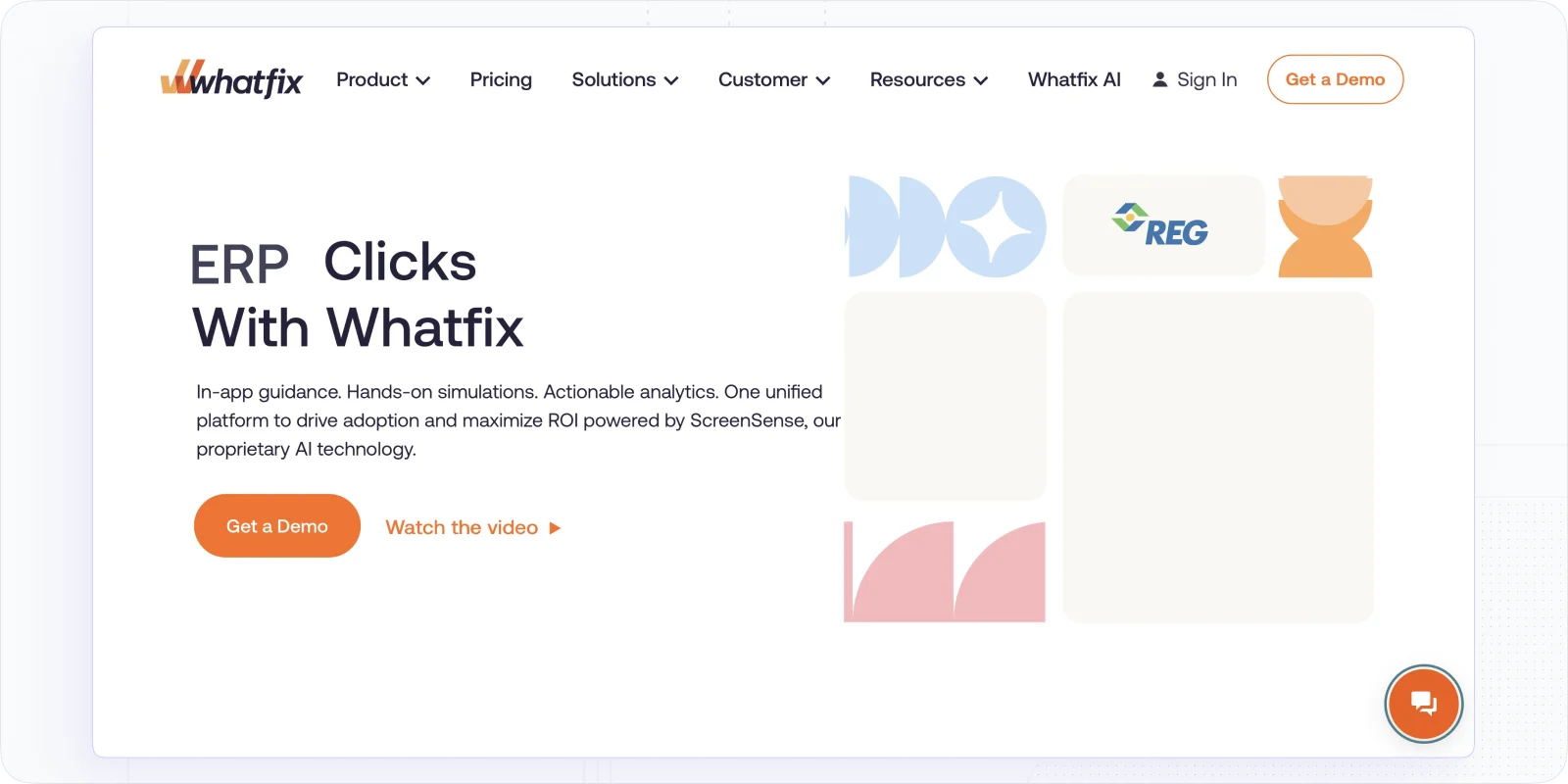
And the last on the list is the software that is great for software and product training. Whatfix.
Whatfix is the best LMS platform for employee training, offering in-app, contextual training for software, products, and systems. As you might have guessed, it’s not a classic LMS. It is more of a smart guide to helping employees with the software or topic.
Why did I choose Whatfix?
It’s quite handy in turning programs into microlearning experiences and dealing with daily tasks using pop-ups, walkthroughs, and task lists. Instead of watching tutorials, it shows prompts. The guides are really easy to use. Moreover, it offers powerful sandbox options for users to avoid making mistakes in real apps.
Key features
- In-app walkthroughs to boost real-time learning
- Feedback tools for adaptive learning
- Sandbox mode to test software
- Detailed analytics to track task completion
Worth knowing: Whatfix works best as a complement to an LMS, not a replacement. If employees need training outside of a specific software context (onboarding documentation, compliance courses, skill development) you'll still need a separate platform for that.
Pricing: available on request.
Course Providers and Content Creation Software
Lastly, let's switch to software that is less about training management and more about content provision. In case you're looking for a training platform with a massive library of courses or simply a solid platform to create training videos fast, here's anoter group of employee training platforms.
Check them and take the content creation burden off your shoulders.
#12. Go1: Content Subscription Software for Employee Upskilling
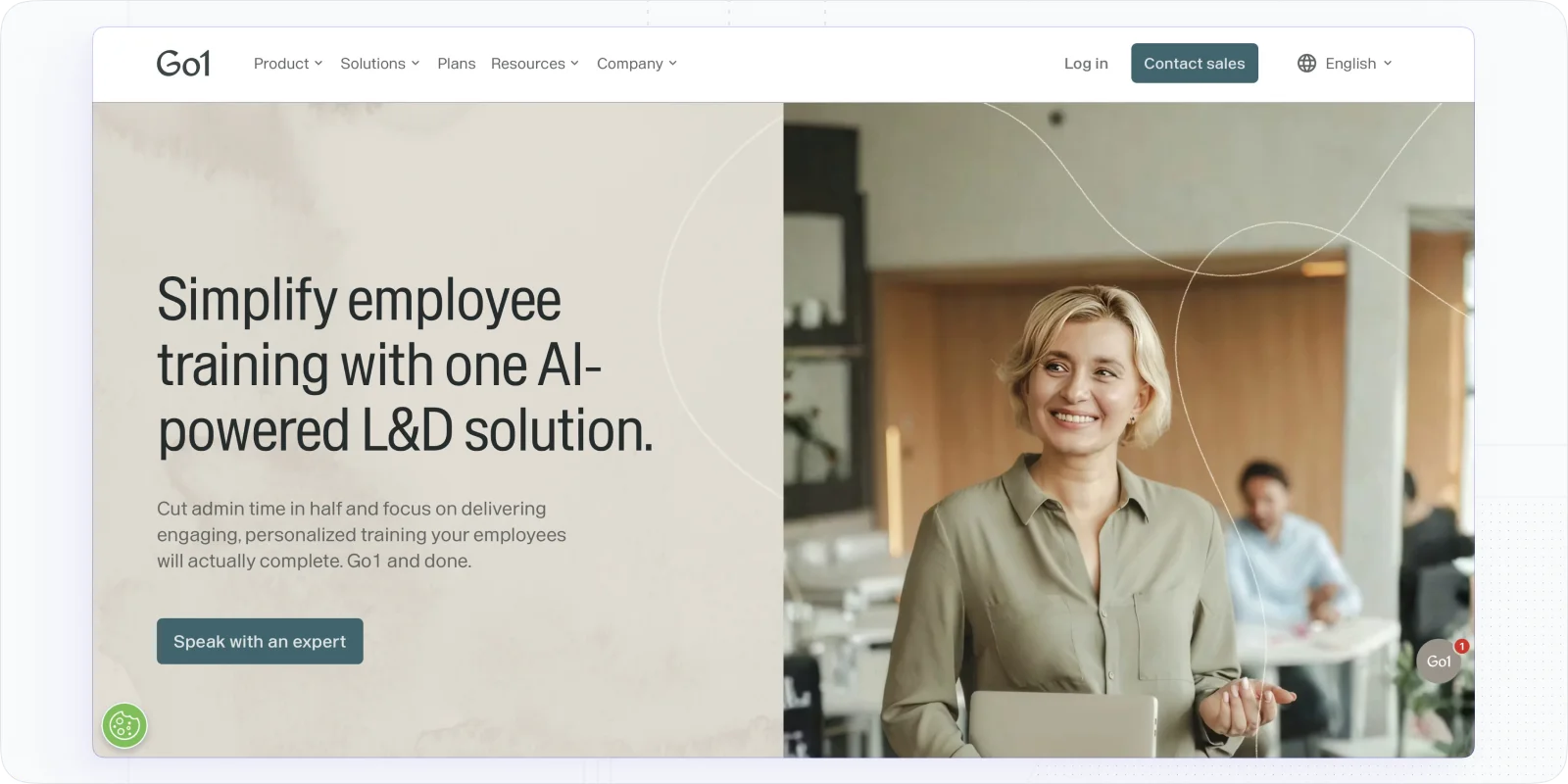
Go1 is a content subscription platform offering employee upskilling and compliance training through access to thousands of ready-made courses. It is different from other software, even LMSs with libraries, thanks to the depth of content, flexibility, and delivery at scale.
Why would I choose Go1?
Some companies have no time for training management, they believe that it’s simply easier to assign courses and track results. From what I see, Go1 offers that and more. You can simply curate learning paths from Go1’s massive library of business, leadership, DEI, and technical content.
That way, there’s a variety of topics to cover and no admin overhead. Moreover, Go1 provides smart search tools and AI-driven recommendations. However, with such a tool, you have far less control over training and its results.
Key features
- Content library with 100K+ courses from 250+ providers
- AI-powered search & curation for fast, relevant content discovery
- LMS & HRIS integrations allow the content to be embedded into your tech stack
- Simple analytics to track engagement and upskilling trends
Worth knowing: Go1 doesn't host your custom content — it only provides licensed third-party courses. For any internally built training (onboarding, product knowledge, company-specific compliance), you'll need an LMS alongside it.
Pricing: available upon request.
#13. Skillsoft: Enterprise Training and Course Provider
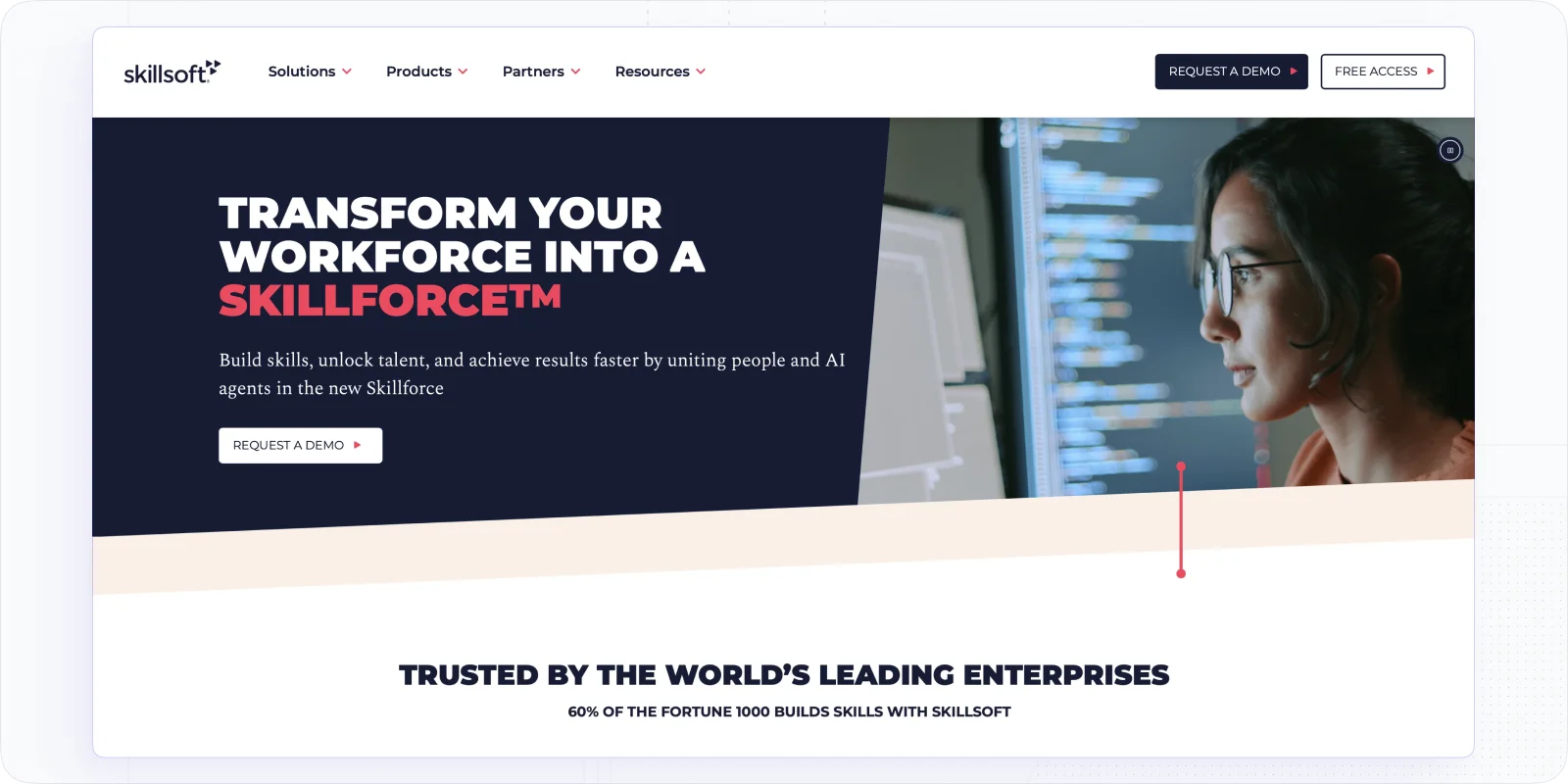
Now, we are to cover another software that centers its operation around training course provision.
Skillsoft is a training provider that focuses on courses related to leadership development, business skills, compliance, and tech upskilling. I would say it is best suited for large organizations, providing a massive content library, structured learning paths, and coaching tools.
Why did I choose Skillsoft?
I really enjoy that it offers such a breadth of expert-backed content. Moreover, it offers a separate platform, Percipio, for learning, where you can combine self-paced courses, live sessions, and coaching. So, it may be a pretty great solution for large corporations and an addition to their HR systems.
Yet, what I noticed is that with all the breadth, it lacks the depth of content, and some courses may be shallow.
Key features
- MIT-powered leadership courses and career paths
- Massive content library (compliance, business, tech)
- Percipio platform with personalization and analytics
Worth knowing: Skillsoft works best as a content layer on top of your existing LMS, not as a standalone training platform. If you don't already have an LMS, Percipio handles delivery, but you're still paying for content, not infrastructure.
Pricing: Custom quote; free demo available.
#14. Synthesia: AI-Powered Video Creation for Training at Scale
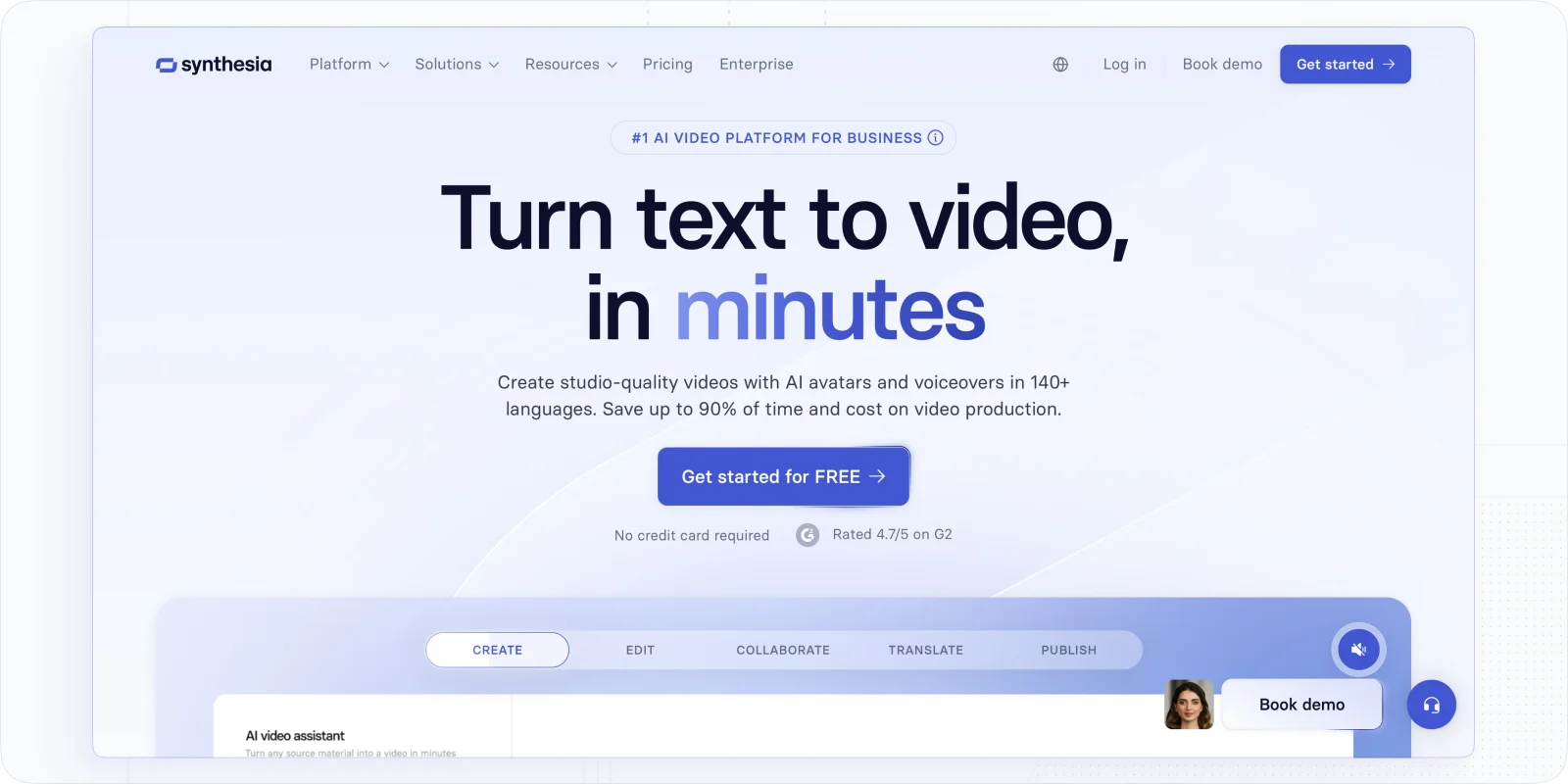
Another option is to rely on video for employee training. In this regard, you have no choice but to check Synthesia.
Synthesia is a powerful AI video platform to quickly create training and explainer videos. In particular, it allows you to generate content using screen recorders, lifelike AI avatars, and voiceovers.
Why did I choose Synthesia?
I do enjoy how user-friendly and easy to navigate their editor is. This experience reminds me of developing PowerPoint presentation. And it is as easy. I used it to create an onboarding video, and everything was smooth, including managing scripts and avatars.
Besides, what is great as well is that this employee training software offers video assistants with links, translation options, workspace collaboration, and a library of pre-made materials. It is pretty effective and saves time if you want to record training videos.
Key features
- 230+ avatars and 80+ languages for global reach
- AI script generator and voiceovers for fast production
- Great integrations with LMS and CMS to embed content
Worth knowing: There's a video minute cap on every paid plan — 120 minutes per year on the entry plan. If you're producing training content at volume, check the per-plan limits against your actual output before choosing a tier.
Pricing: a free plan is available; paid plans start at $16/month (120 min/year).
Which Employee Training Software To Choose: LMS, Content Provider, or Niche Solution
When reviewing the top employee training software, we focused on the ones that can help with training complexity, disengagement, and scaling. Upon the analysis, I can divide them in three main categories.
- LMSs as employee training software (best for diverse types of training or continuous training and development)
- Training software for specific cases (focuses on certain training types andoffers great advanatges)
- Content providers and video training platforms (provides no management features but great content variety and creation capabilties)
What are the options that seem to be the most balanced? Sure, it all depends on the training needs, your team size, and delivery style. Yet, ifyou ask me here are the TOP 4 worth remembering:
- EducateMe: The most flexible solution to manage and scale training
- Trainual: Intuitive solution for onboarding and SOP training
- Synthesia: Best Software to create training videos
- AbsorbLMS: Balanced solution for large organizations and enterprises
EducateMe offers a free trial with full access to all features - including its powerful AI assistant - so you can experience the platform’s full potential before committing.
Frequently asked questions
EducateMe LMS offers a comprehensive platform with features like a 14-day free trial, quick support, and high adaptability, making it a strong choice for corporate training.
Online training programs, like those offered by EducateMe LMS, can be highly effective with flexible content, personalized learning paths, and peer-to-peer learning features.
SkyPrep and TalentLMS are notable platforms with features beneficial for software development training, such as SCORM support and customizable learning paths.
EducateMe LMS stands out as a top platform for online learning with its mix of cohort-based & self-paced learning, powerful customization, and peer-to-peer learning features.