
Best White Label LMS Platform 2026 [Full Guide]

By Roman ShaukRoman ShaukCorporate Training & AI Expert, FounderRoman Shauk is the Founder of EducateMe.Read more
Corporate Training & AI Expert, Founder
13 min read
The real test of a white label LMS isn't the demo. It's the moment a client logs into what's supposed to be your platform and sees a vendor logo in the corner, a generic login URL, or an email notification signed by someone else. That's the moment the illusion breaks, and with it, a bit of your credibility.
I've seen this happen with platforms that technically offer white labeling but treat it as a checkbox: you get a logo upload and a color picker, and that's more or less it. The deeper you go (custom email domain, client-specific admin access, separate branded portals for different audiences) the more gaps you find.
This article is for two different buyers who use the same search term for very different reasons. I'll cover both, then get into the platforms.
A white-label LMS lets you deliver training under your own brand - custom logo, colors, domain, and login pages - with no trace of the vendor. EducateMe leads for flexible multi-tenant portals with AI course creation. Docebo suits enterprise-scale headless delivery. LearnWorlds is the top pick for course creators selling branded content.
Training Companies vs. Internal L&D Teams: Why the Difference Matters
Most white label LMS articles treat these two buyer types as the same. They're not, and getting this wrong leads to expensive mistakes.
Training companies selling to external clients
If you're a training agency, a B2B SaaS company running customer education, or an organisation that sells programmes to external clients, you need multi-tenancy. That means genuinely separate portals (each with its own branding, its own learner base, its own curriculum, and ideally its own admin account) all managed from a single backend. You're not just applying your brand once. You're applying it dozens of times, differently, per client.
You also need seat-based pricing you can actually mark up. Client-facing reporting that doesn't require you to export, reformat, and resend. And a learner login experience that looks like it belongs to your client, not to you or the LMS vendor.
Internal L&D teams who want a branded experience
You're not reselling anything. You want your employees to log in to something that looks like it was built by your company — your domain, your logo, your colours. SSO so employees don't have to create new accounts. A single tenant is usually fine. You're not managing 40 client portals; you're managing one or a few internal audiences.
For this use case, most platforms that claim white labeling will work adequately. The real differentiators are SSO quality, how convincing the learner-facing UI actually looks, and whether your IT team will have a fight getting it set up.
The training company use case is where most platforms fall short. That's where I'll spend more time.
White Label LMS Platform Comparison
Choosing the right white-label learning platform is a real challenge, given the multitude of options available. But don't worry, we've got you covered! Here's a comprehensive look at some great cost-effective options, which we've reviewed based on features, customizations, advantages and disadvantages.
| Platform | Branding depth | Multi-tenant | Pricing model | Best for |
|---|---|---|---|---|
| EducateMe | Deep — custom domain, login page, logo, colours, fonts per portal; SSO included | Yes — separate portals per client/department under one admin account | From $239/mo (Pro); $399/mo (Premium); $999/mo (Scale) | Training agencies, B2B SaaS customer education, internal L&D with multiple audiences |
| LearnUpon | Medium — login page, portal banner, custom domain, email personalisation | Yes — multi-portal architecture with separate access controls per audience | Quote-based; typically mid-to-enterprise range | Corporate training teams and mid-sized training companies needing fast deployment |
| Docebo | Deep — logo, colours, domain, headless delivery via API | Yes — extended enterprise feature; separate portals for employees, partners, customers | Custom; from ~$25,000/year on 3-year contracts | Large enterprises with complex integration requirements and dedicated LMS admin teams |
| Absorb LMS | Medium-deep — login screens, colours, logo, domain; CSS-level control on higher tiers | Yes — multi-portal support; more capable than SMB-tier platforms | Custom quote; estimated from ~$500/mo for small deployments, scales with active learners | Mid-to-large internal L&D teams in regulated industries needing clean branding and strong automation |
| 360Learning | Medium — custom URL and branded UI; no per-client portal separation | No — single instance per account; not suited for external client portal management | Team plan $8/user/mo (up to 100 users); Business and Enterprise — custom | Internal L&D teams prioritising collaborative, peer-driven content creation |
| AcademyOcean | Medium-deep — custom domain, logo, colour schemes, personalised certificates | Limited — audience segmentation available but not full multi-tenant portal separation | Standard $300/mo; Pro $800/mo; Premium $2,800/mo; Enterprise — custom | Enterprises running customer onboarding or partner training with personalised content delivery |
| TalentLMS | Medium — custom domain, logo, colours; vendor branding removed on paid plans | Yes — branch-based; up to 15 branded branches on Pro plan; suited to internal audience segmentation | Core $149/mo; Grow $299/mo; Pro $579/mo; Enterprise — custom | SMBs and internal L&D teams needing fast setup and clean branded delivery without enterprise complexity |
#1. EducateMe
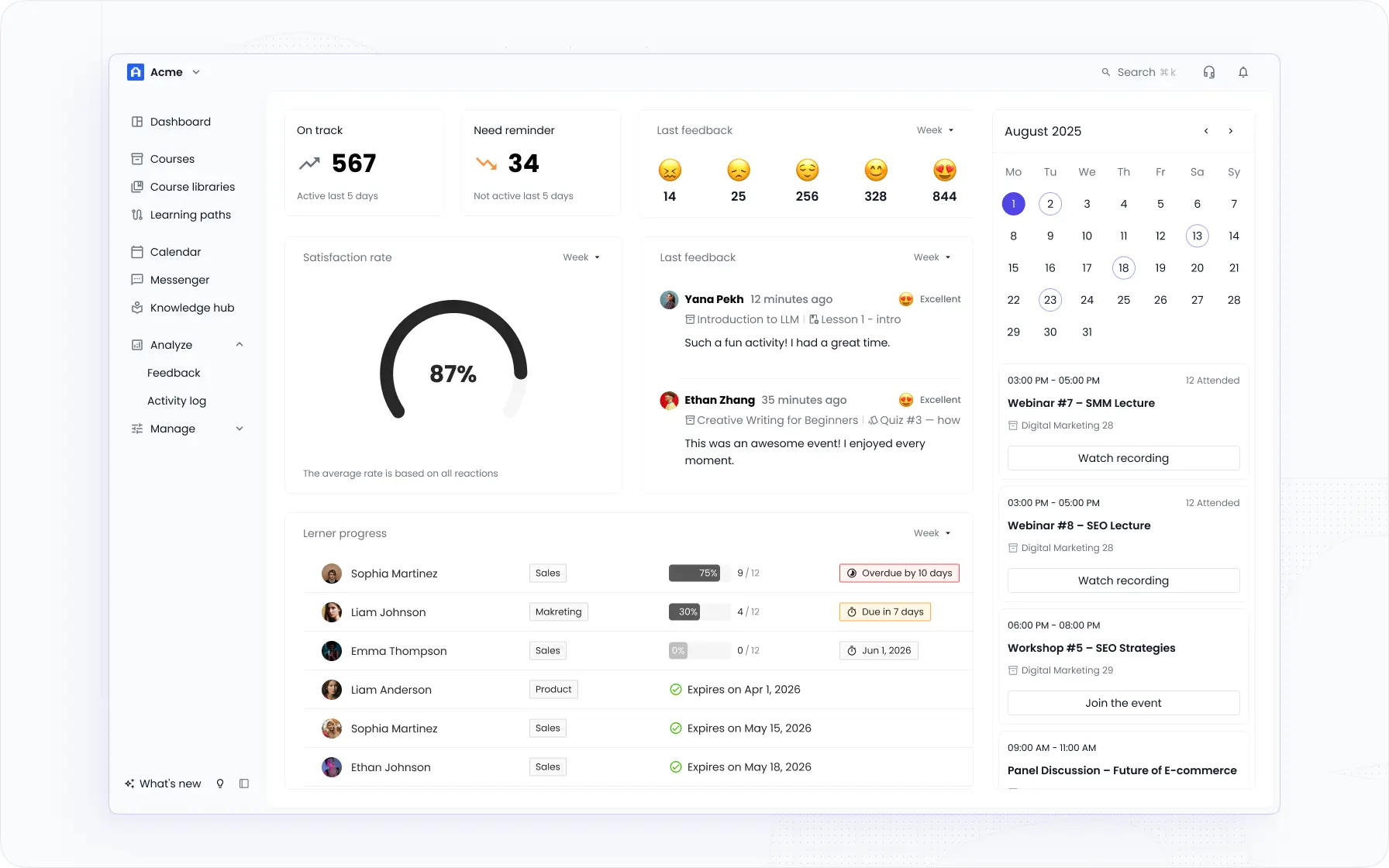
I'd recommend EducateMe first for training companies specifically because multi-tenancy is native, not retrofitted. Each client portal has its own domain, its own login page, its own curriculum and access controls, and its own learner pool, none of which bleed into each other. The admin managing all of it sits in a single dashboard.
What's less obvious until you're actually using it: the white label LMS features extend into course creation. You can generate a course from a prompt, a URL, or an uploaded document, which matters when you're standing up branded training for a new client quickly.
The AI Roleplay Coach is worth a mention for anyone running sales or customer-facing training — learners practice scenarios with rubric-based feedback, which scales well across multiple client portals without extra setup per client.
Honest limitations: no native iOS/Android app (mobile-responsive only), and gamification is not a strong point if badges and leaderboards are central to your learner engagement strategy. If either of those is a hard requirement, factor that in.
Key Features
- Full LMS branding and white-label customisation. Custom domain, login page, logo, colours, and fonts. Each portal looks like it was built in-house. SSO integration so learners access training through your existing systems.
- Multi-tenant architecture. Separate branded portals per department, client, or partner — each with its own curriculum, access controls, and analytics — all managed from one admin account. I'd recommend this specifically to training agencies and B2B SaaS teams running customer education.
- AI course creation and management. Generate full courses from a text prompt, URL, or uploaded document. Build quizzes in one click. The AI Roleplay Coach adds practice scenarios with rubric feedback — useful for sales onboarding and customer-facing training.
- Automated workflows. Auto-enrolment by role or seniority, completion reminders, compliance re-enrolment — reduces admin overhead when you're managing multiple branded programmes at once.
- Rich content formats. Drag-and-drop editor supporting live sessions, pre-recorded video, SCORM files, assignments, and peer reviews. Mix cohort-based and self-paced delivery within the same programme.
- Assessment Customization and Management. EducateMe provides tailored assessments and peer reviews for learners to evaluate their understanding and proficiency in a given subject. Use AI to quickly create quizzes and assignments.
- Progress tracking and analytics. 10+ metrics per portal: completion rates, engagement, skill gap detection, per-manager dashboards. Reports are exportable and customisable.
- Comprehensive Support Services. EducateMe offers solid assistance for learners and instructors. Its team is available to provide answers to any inquiries, help with onboarding, or produce custom solutions.
EducateMe G2 rating: 4.7/5
#2. LearnUpon
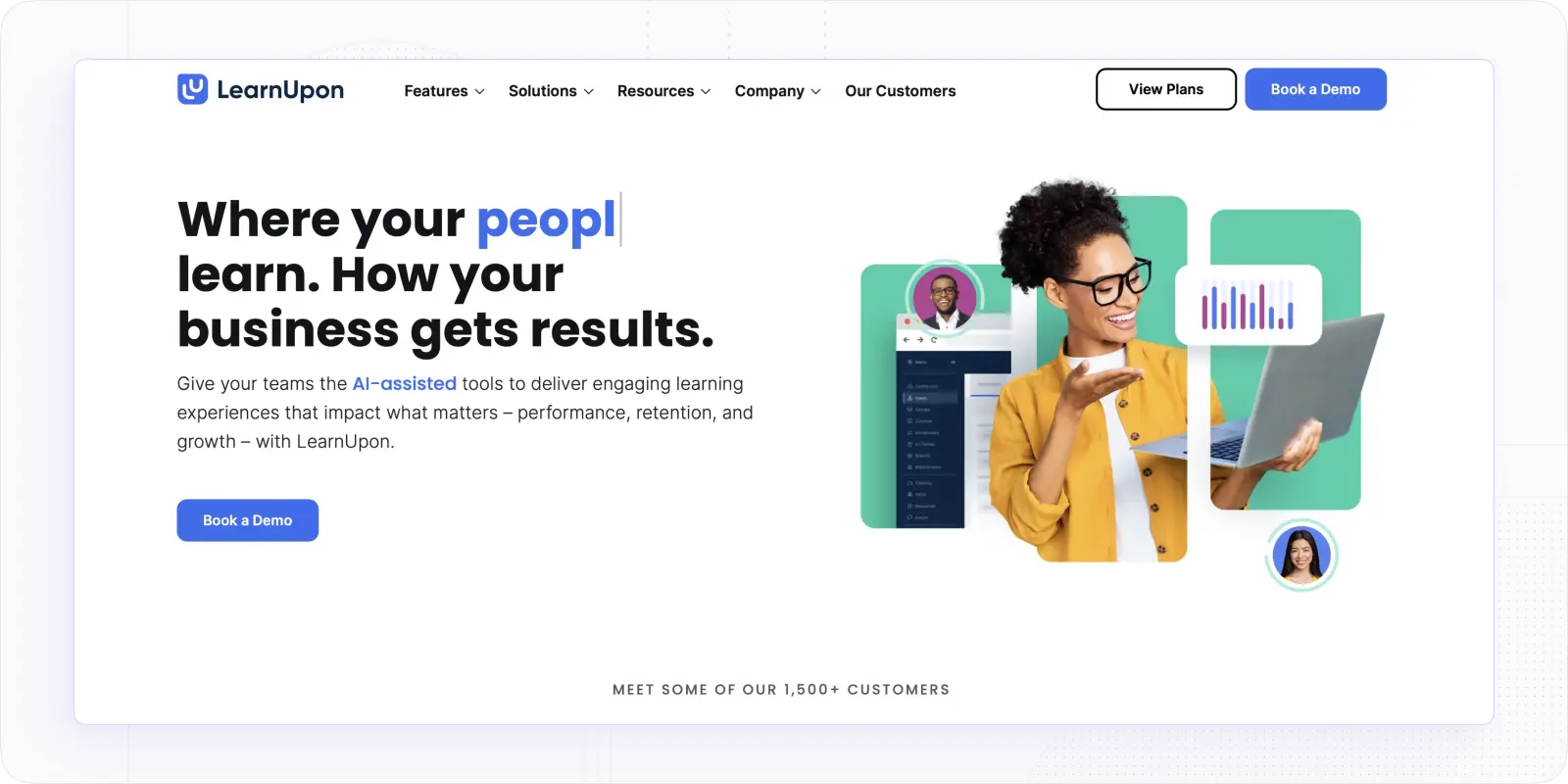
LearnUpon is one of the stronger white label multi tenant LMS options for organisations that need genuine multi-portal separation without the enterprise complexity of Docebo. Its setup is straightforward and the multi-portal architecture is well-executed, each portal gets its own branding, domain, and learner pool. Where I'd push back: reporting is a known weakness. If client-facing analytics are central to what you're delivering, verify what's actually exportable before you sign a contract.
Honest limitations: Reporting and analytics are limited relative to the platform's price point. No transparent public pricing — you have to go through sales to find out if it's in range. Limited customisation depth compared to EducateMe or Docebo; you won't get per-pixel control over the learner-facing UI.
LearnUpon G2 rating: 4.5/5
Key Features
- Login Page Branding. You can tailor this sign-in feature to match the rest of your site's aesthetic. You can also modify the width of the login screen, include a company logo, and write your own welcome message.
- Portal Customization. You can customize your portal and include elements such as banner images with details about your courses and the logo of your organization.
- Multi-portals. Through the use of multi-portals, tutors can create a personalized experience for each distinct demographic.
- Custom Domain. LearnUpon's white-labeling feature enables you to customize the URL using the domain of your company or business website.
- Personalize Emails. LearnUpon portals give you the ability to build an automated messages system with your own company's information, such as an HR Manager's or Director's contact info.
LearnUpon Pricing: available upon a quote.
Best For: LearnUpon is an excellent option for corporate actors and training companies, offering a simple approach to learning provision and having space for branding and customization.
#3. Docebo
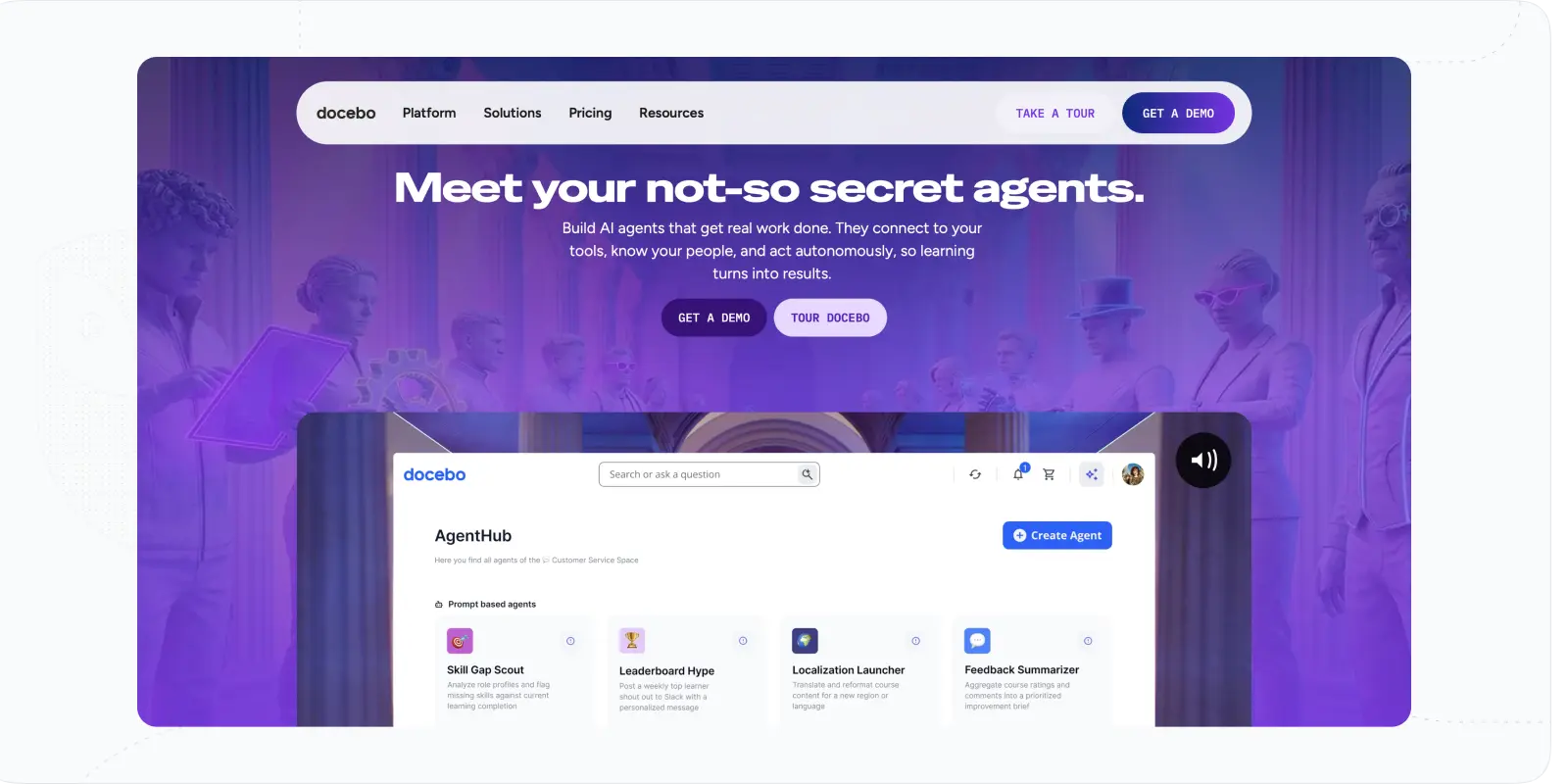
Docebo has the deepest enterprise white-label capabilities in this list, including headless delivery via API for organisations that want to embed learning directly into their own product UI. The multi-tenant architecture is genuinely enterprise-grade. The pricing reflects all of that — you're typically looking at $25,000/year minimum on a multi-year contract, which prices it out of the mid-market entirely.
Honest limitations: High cost is the primary barrier — not worth evaluating seriously below ~500 users or without a dedicated LMS admin. Admin complexity requires real onboarding investment. Some users report issues with SCORM and Tin Can course downloads, and there is a video upload limit. Basic tier has limited functionality.
Docebo G2 rating: 4.3/5
Main Features
- Deep branding and white-label customisation. Logos, colours, domain; headless delivery via API for embedding into existing product environments
- Multi-tenant architecture. Separate branded portals for employees, partners, and customers, with individual access controls
- Multi-format content publishing. Supports SCORM 1.2, SCORM 2004, AICC, xAPI; video embed from YouTube, Vimeo, Wistia
- AI-powered personalisation. Adaptive learning paths, content recommendations, and skills analysis
- Mobile learning. Native iOS and Android apps with offline access and progress sync
- Training impact measurement. Customisable reporting dashboards, KPI tracking, learner-specific progress views
Docebo Pricing: starts at $25.000/year (based on a 3-year contract).
Best For: Docebo is excellent choice for enterprises and large organizations seeking AI-powered LMS with advanced features and predictive analytics for employee training and development.
#4. Absorb LMS
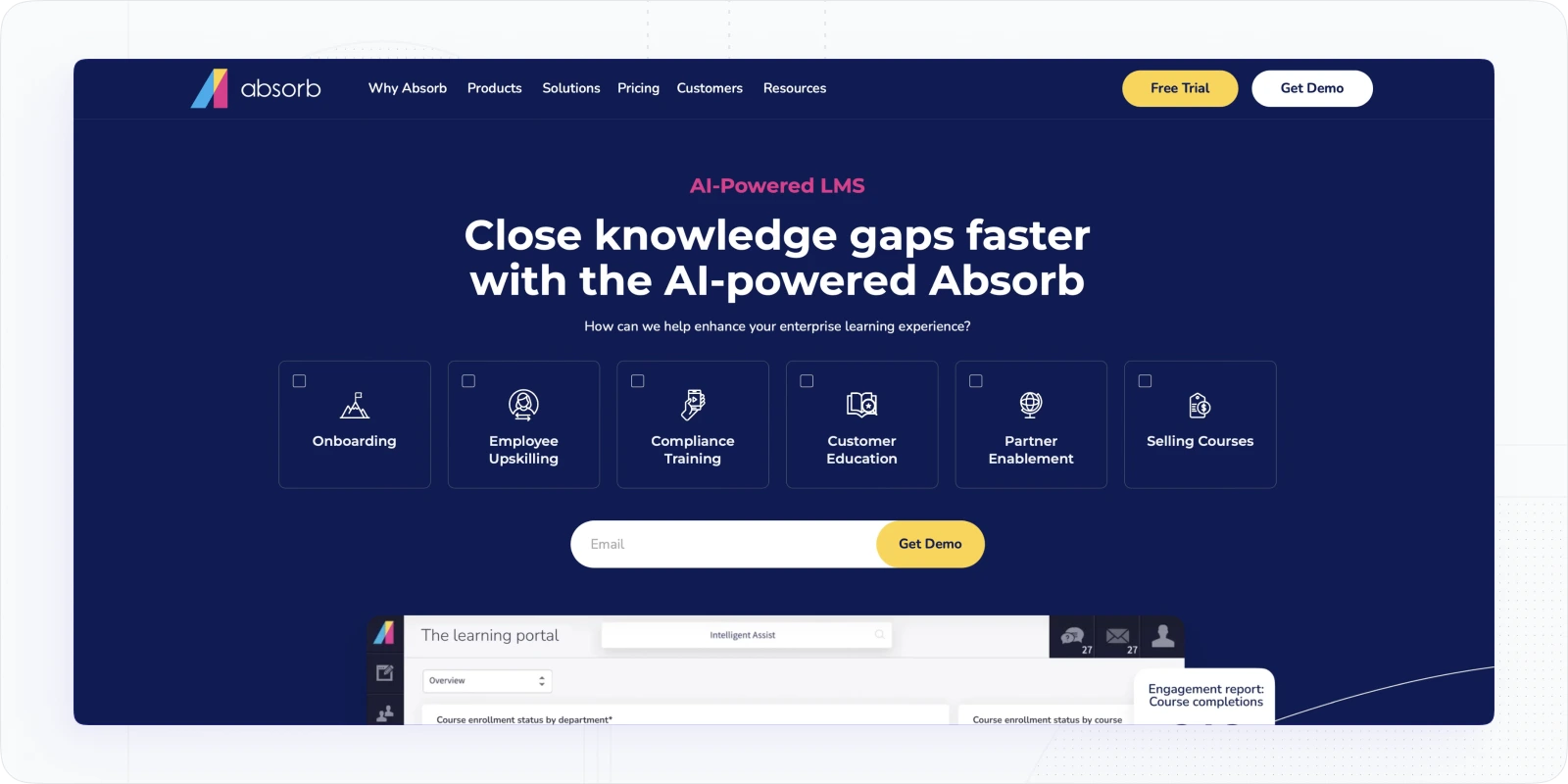
Absorb is a solid mid-to-enterprise white label LMS software for internal L&D teams that need a clean, modern interface with configurable branding and good HRIS integration. The white-label depth covers login screens, colours, logos, and domain — enough for most internal branded deployments. Multi-tenant support exists but is less the focus here than with training company-oriented platforms. Where Absorb stands out is usability: admins consistently describe it as one of the more intuitive platforms to manage day-to-day.
Honest limitations: White-label features including custom domain and advanced branding are on higher-tier plans, not the base. Multi-tenant capability exists but is not as developed as platforms purpose-built for training companies. Pricing is not publicly listed and requires a quote, which makes early budget planning difficult. Some users report limited layout customisation options.
AbsorbLMS G2 rating: 4.6/5
Key Features
- Configurable branding. Custom domain, login screens, colours, and logo; CSS-level control on advanced plans
- Observation checklists and e-signatures. Useful for compliance and skills verification workflows
- AI-powered recommendations. Personalised learning suggestions based on role and completion history
- Integrations. Connects with Salesforce, Workday, BambooHR, and other HRIS/CRM tools; SSO supported
- Mobile app. Native iOS and Android with offline access
- Reporting and analytics. Customisable dashboards and exportable reports; certification tracking and renewal automation
Pricing: Custom quote; estimated from ~$500/mo for small deployments, scaling with active learner count
Best for: Mid-to-large internal L&D teams in regulated industries (healthcare, manufacturing, retail) that need polished white-label delivery, strong HRIS integration, and automation without a steep implementation curve.
#5. 360Learning
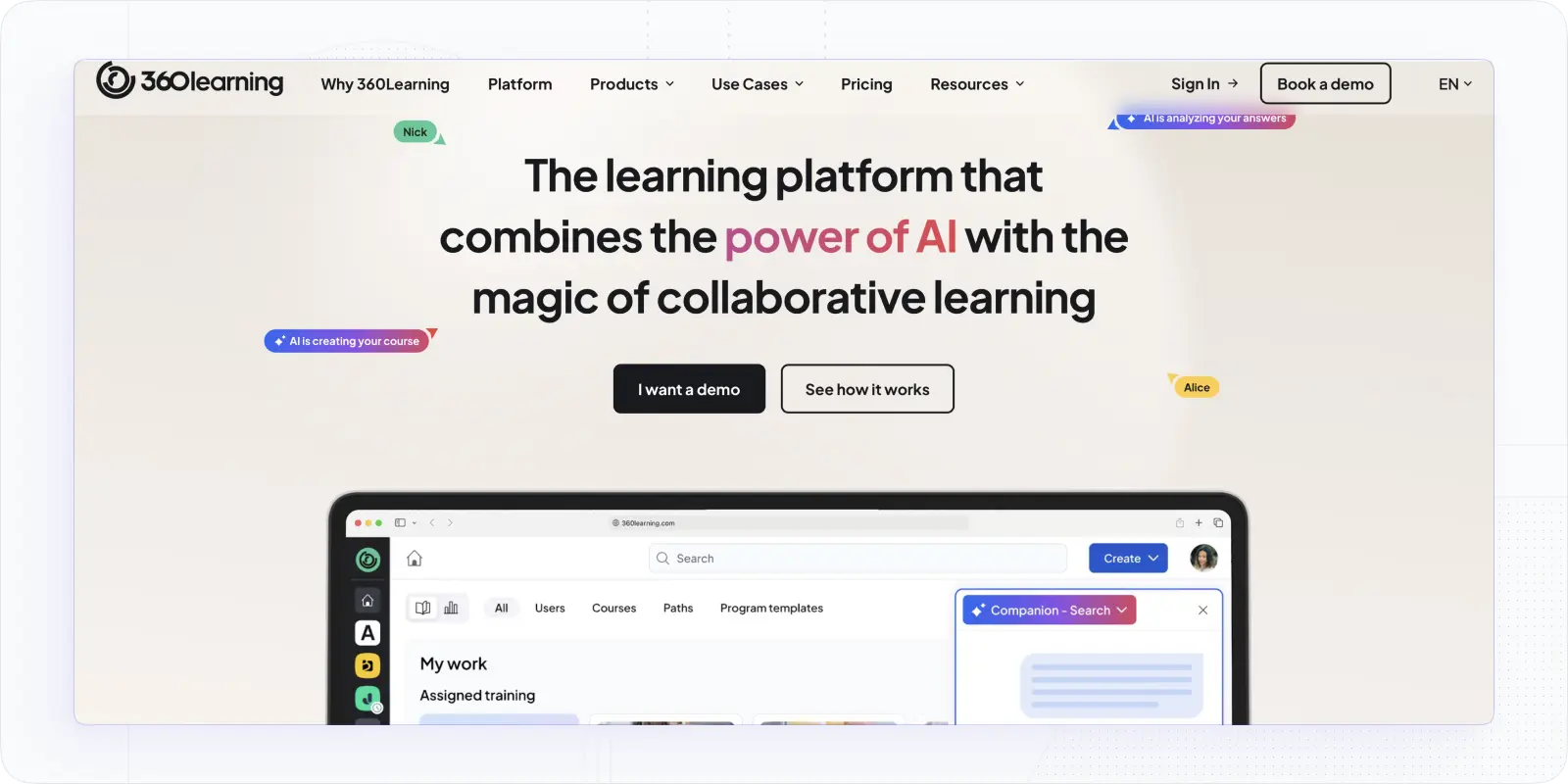
360Learning differentiator is collaborative learning — it's built around the idea that internal subject-matter experts create and update training content, rather than an L&D team doing it centrally. That's genuinely useful for fast-moving organisations where knowledge lives with people, not documents. The white-label offering covers custom URL and design, which works for most internal L&D use cases. Where it falls short for training companies: it's a single-tenant platform, so running separate client portals isn't supported.
Honest limitations: No multi-tenancy — one instance per account, which rules it out for training companies managing multiple client environments. White-label depth is adequate for internal use but doesn't extend to per-client portal separation. Pricing scales per registered user, which gets expensive fast at scale. Mobile app has reported inconsistencies. Above 100 users, pricing moves to custom contracts.
360Learning G2 rating: 4.6/5
Key Features
- Custom domain and branded UI. Personalised URL structure and design to match your organisation's identity
- Collaborative course authoring. Internal experts can create, update, and rate courses; peer feedback loops built into the workflow
- AI-powered course creatio. Generate course structures and content suggestions from existing materials
- HRIS and tool integrations. Connects with SAP SuccessFactors, Workday, Salesforce, Slack, and Microsoft Teams
- Mobile app. iOS and Android; SCORM courses mobile-enabled by default
- Analytics and reporting. Completion tracking, learner engagement metrics, and reaction-based feedback data
360Learning Pricing: Team plan $8/user/mo (up to 100 users); Business and Enterprise — custom
Best for: Internal L&D teams in fast-moving organisations where subject-matter experts drive content creation. Not suited to training companies that need separate client portals.
#6. AcademyOcean
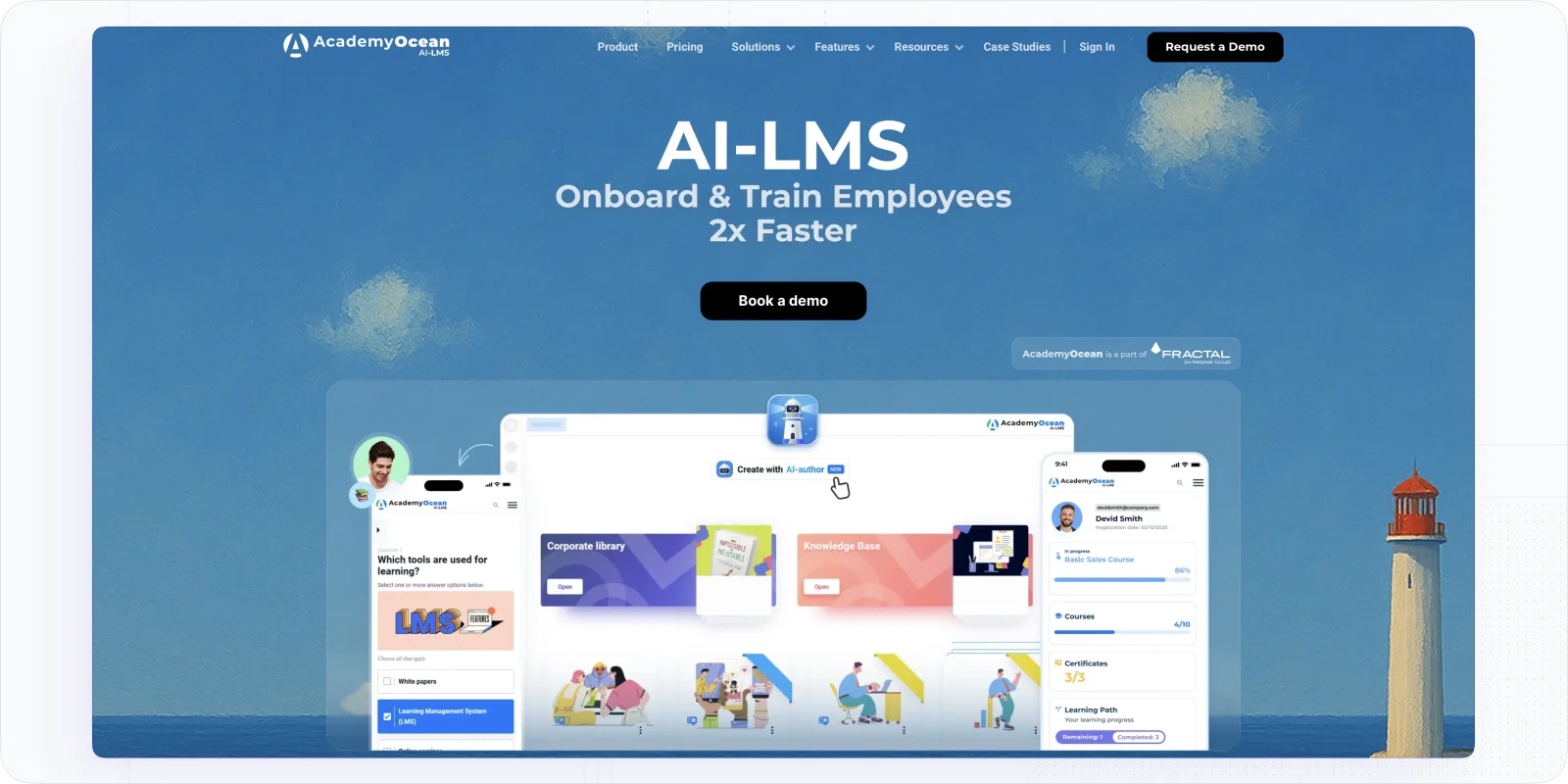
AcademyOcean is a white label onboarding lms with a strong focus on branded customisation and personalised learning paths. It's a reasonable option for enterprises running customer onboarding or partner training alongside internal programmes. The $300/month entry price is steep for what you get at the base tier, and the lack of a free trial makes it hard to evaluate properly before committing.
Honest limitations: No free trial. Limited integration capabilities compared to Docebo or Absorb. Limited font and theme options despite the branding focus. High pricing relative to feature depth — the $300/mo Standard plan is entry-level, not full-featured. G2 rating is high but review volume is low, so take it with appropriate caution.
AcademyOcean G2 rating: 4.9/5
Key Features
- Assessments. AcademyOceans customizes each assessment to the particular requirements of each student and offers feedback on their progress.
- Customized Content. Organizations can tailor their content to the individual requirements of each employee, providing them with an optimal learning experience. Through tailored content, each staff member can accomplish their development objectives and become successful learners.
- Support Services. The online assistance is always accessible, ensuring that all learners, administrators & instructors can receive the help they need to reach their goals.
- Progress Tracking. You can monitor the trainee’s work and pinpoint areas where more effort is needed. Learners can receive feedback on their performance and stay motivated.
Pricing: Standard — $300/mo; Pro — $800/mo; Premium — $2800/mo; Enterprise — custom.
Best For: AcademyOcean is ideal for enterprises and content creators with multiple offerings, making it one of the costlier white-label LMS solutions.
#7. TalentLMS
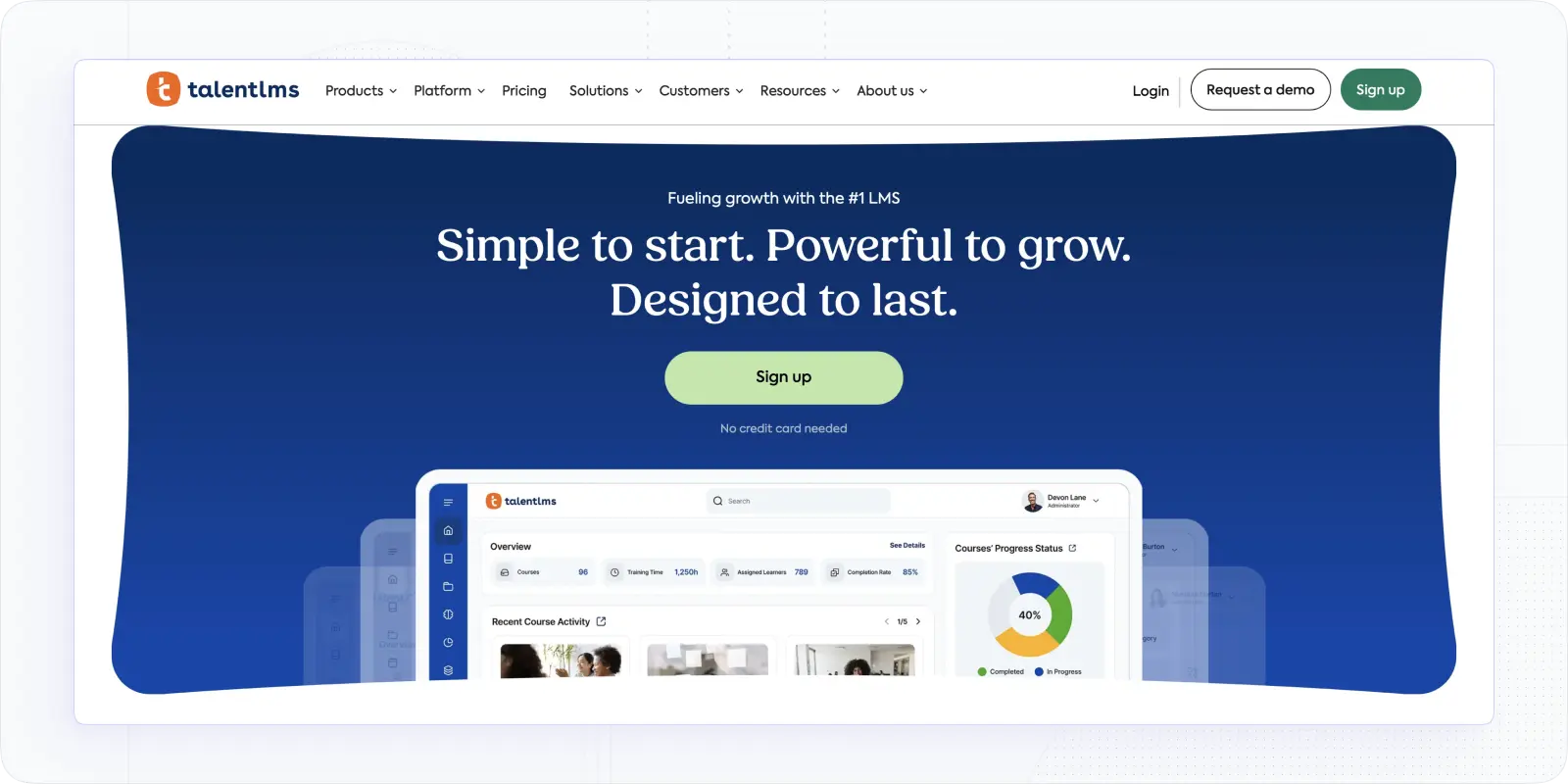
TalentLMS is the most accessible entry point in this list for internal L&D teams — it's the only major platform here with transparent public pricing and a free tier, which makes budget planning straightforward. White-label depth is genuine: custom domain, branded login, and the vendor's name removed from the learner-facing UI on paid plans. Multi-tenancy exists in the form of branches, which work well for internal audience segmentation but are less suited to full client-portal separation at a training company scale.
Honest limitations: Branch-based multi-tenancy works for internal L&D audience segmentation but isn't the same as true multi-tenant portal management for external clients. White-label features (including removing TalentLMS branding) require a paid plan — the free tier shows vendor branding. Reporting is functional but not deep. Some users report that the interface feels dated compared to newer platforms.
TalentLMS G2 rating: 4.6/5
Key Features
- Branded domain and login page. Custom domain, logo, colours; vendor branding removed on paid plans
- Branch architecture. Separate sub-portals per department, team, or audience type, each with its own content and access rules
- SCORM, xAPI, and cmi5 support. Broad content format compatibility
- SSO and integrations. SAML-based SSO; integrates with Salesforce, BambooHR, Slack, Zoom, and others
- Gamification. Badges, leaderboards, and points system built in; one of the stronger implementations in this list
- Mobile app. Native iOS and Android with offline course access
Pricing: Free tier (up to 5 users); Core $149/mo · Grow $299/mo · Pro $579/mo · Enterprise — custom
Best for: SMBs and internal L&D teams that need a fast, clean branded deployment without enterprise pricing or complexity. A solid starting point for teams new to LMS administration.
#8 iSpring Learn
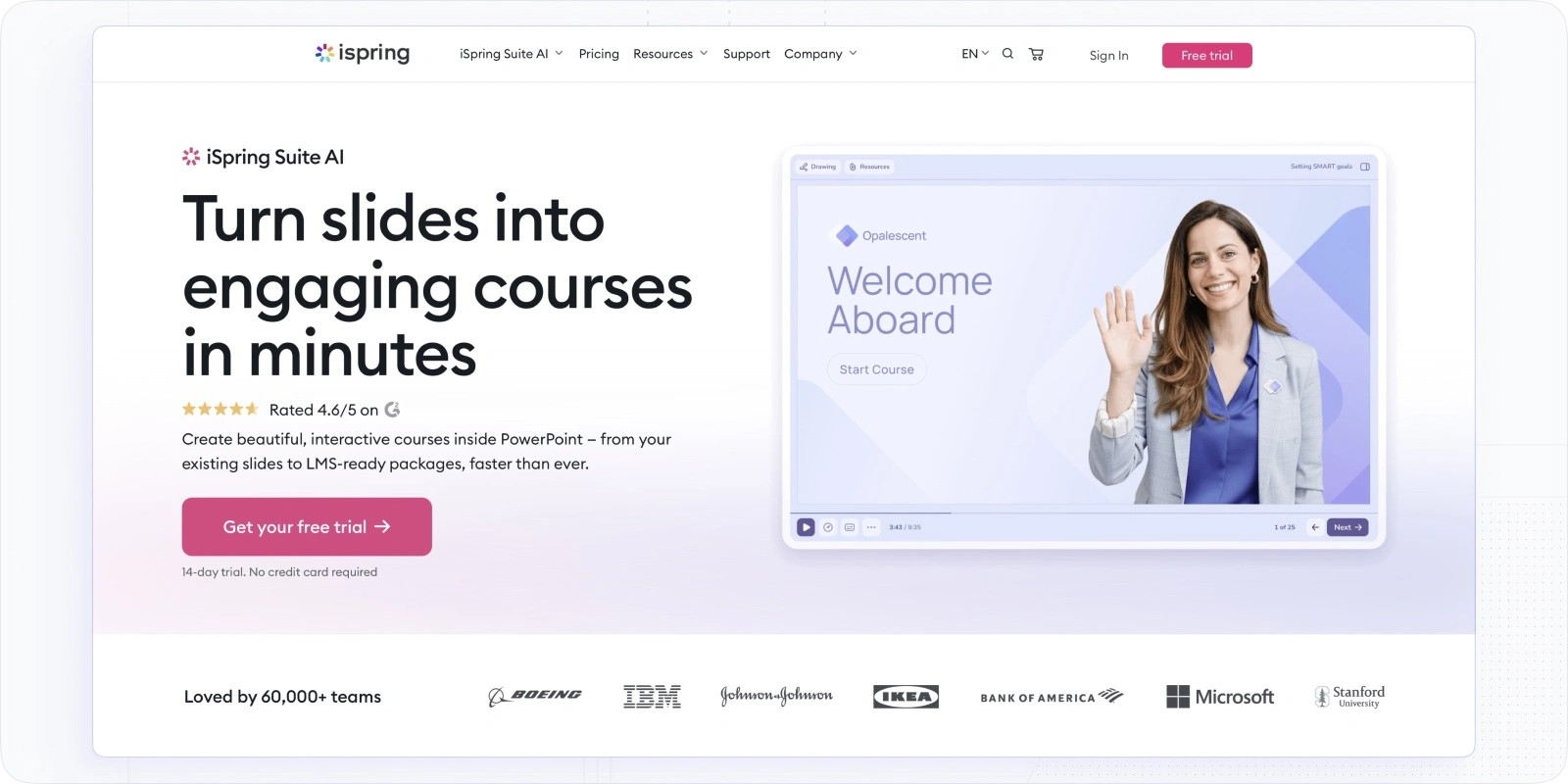
iSpring Learn is a white label training LMS with genuine white-label depth, and its main differentiator is the native integration with iSpring Suite — a PowerPoint-based authoring tool that L&D teams producing a lot of in-house content will find genuinely useful. Branded mobile app, custom domain, and SSO are all present. For internal L&D teams that create training content in PowerPoint and want a clean, white-labeled delivery environment, it's one of the better fits in this list.
Honest limitations: Multi-tenant portal management is more limited than enterprise platforms — delegation and reporting boundary controls are less robust, which limits its usefulness for training companies with multiple external clients. Analytics don't reach the depth of Docebo or Absorb. Pricing scales notably as user numbers increase. Best suited to mid-sized internal L&D deployments rather than external client training.
iSpring G2 rating: 4.6/5
Key Features
- White-label branding. Custom domain, login page, logo, colours, and branded mobile app (iOS and Android)
- Native iSpring Suite integration. Create SCORM courses in PowerPoint and publish directly to the LMS; no separate authoring tool required
- SSO and HRIS integration. SAML-based SSO; connects with Workday, BambooHR, and other HR systems
- Automated enrolment and learning paths. Role-based enrolment rules and structured learning path sequences
- Progress tracking and reporting. Completion rates, time-on-task, quiz scores, and certificate management
- Mobile learning. Branded mobile app with offline access and progress sync
Pricing: From $3.66/user/mo (100 users, billed annually); scales with user count; contact sales for exact quote
Best for: Mid-sized internal L&D teams that produce training content in PowerPoint and want a white-labeled delivery environment without investing in a separate authoring tool.
#9. Paradiso
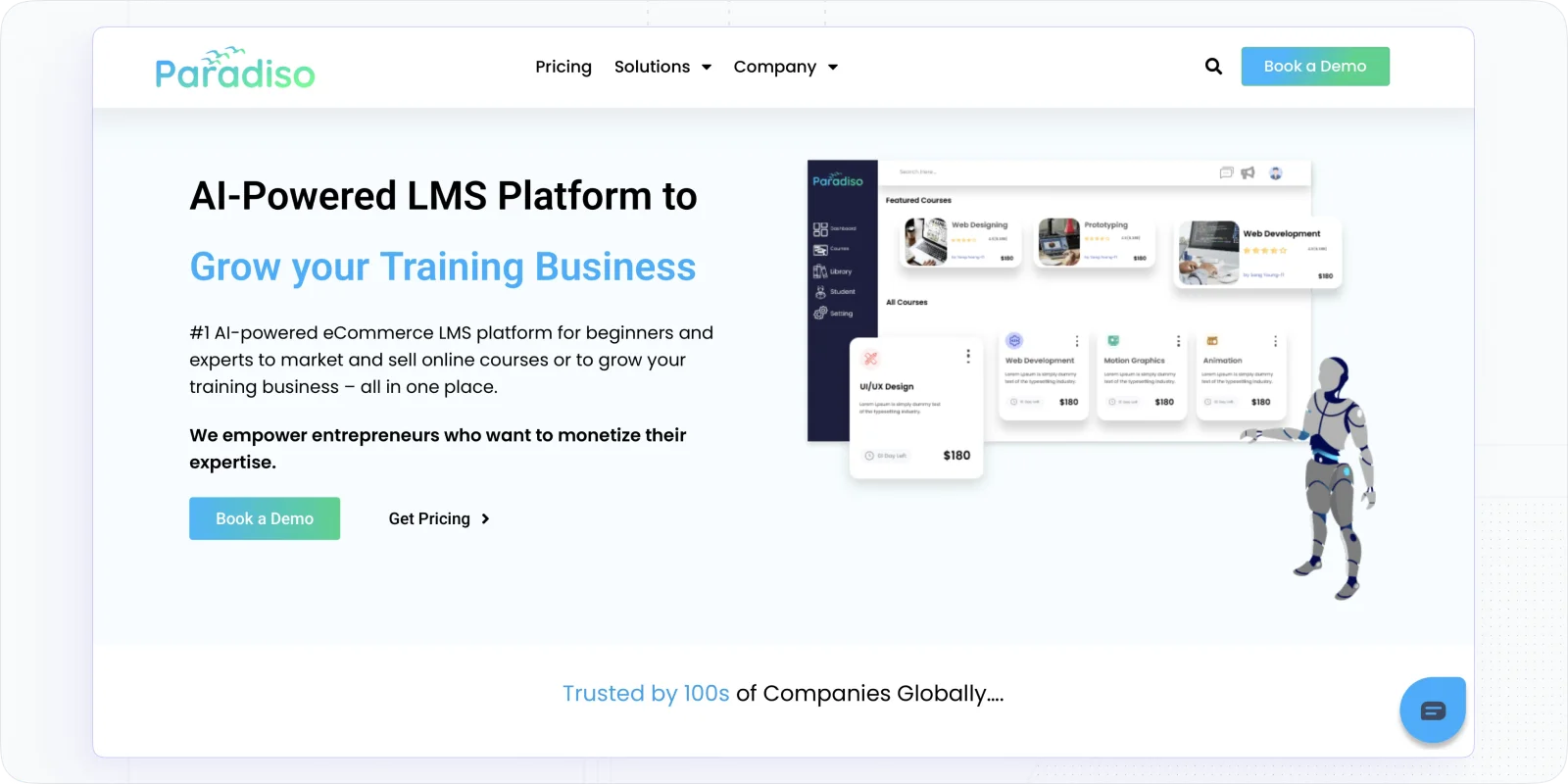
Paradiso is a top customizable platform that allows you tailor your online training site to match your brand. You can adjust the logo, colors, fonts, and even the domain name to reflect your style.
With Paradiso, you get access to an AI-driven content creator that makes crafting engaging lessons easy. Just input your keywords or topics, and the tool generates text, images, and videos for you.
The platform supports a range of content types, including videos, documents, and quizzes, promoting interactive learning. Plus, its design adapts to different devices, ensuring learners can access it anytime, anywhere.
Honest limitations: Reporting navigation is cumbersome, finding and exporting the data you need takes more steps than it should. Page load performance is a recurring complaint in user reviews. Built-in authoring tools are basic; most teams will need a separate authoring tool. Pricing is not publicly listed. No verified G2 reviews dated to 2026 at time of writing, so the 4.1 rating should be treated with caution.
Paradiso G2 rating: 4.1/5
Key Features
- Branding and CSS customisation. Logo, colours, domain, background images, and CSS-level adjustments; branch-level branding for different audiences
- Branch-based multi-tenancy. Separate tenant accounts per client or department with individual customisation
- Content library. ~7,000 pre-built courses on topics including customer service, compliance, and coaching
- 200+ integrations. Including Zoom, Adobe Connect, GoToWebinar, and Salesforce
- Learning analytics. Canned and custom reporting options; scheduled reports with graph visualisation
Pricing: Available by request to their sales department.
Best For: Paradiso is decent option for small/mid-sized companies looking for an LMS that can be tweaked to a greater extent.
#10. Litmos
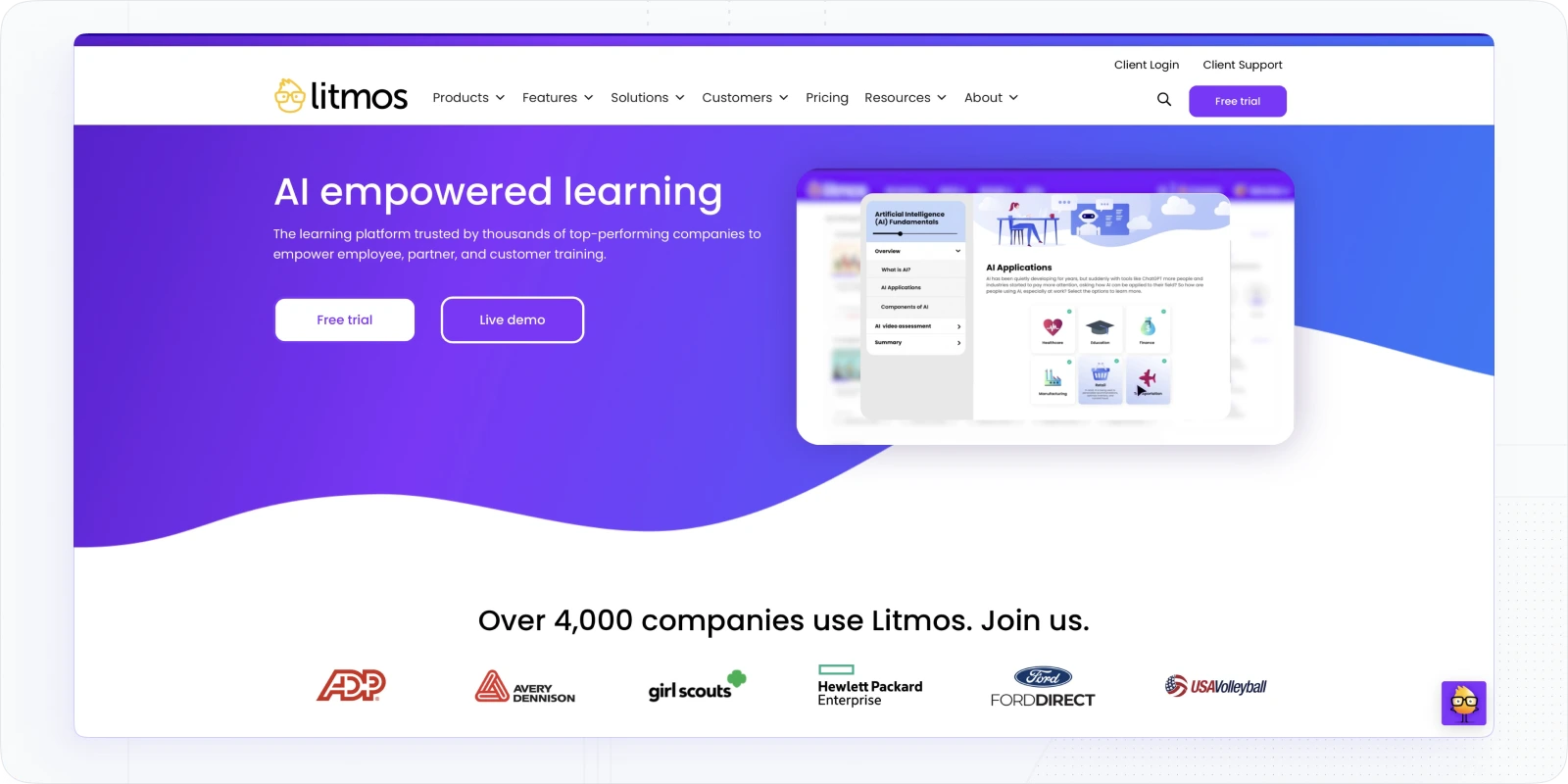
SAP Litmos is a simple white label solution that allows you to upload different types of content in course modules and combine them into learning paths. You can customize your design to match your company’s brand, from fonts and colors to headers and footers and more. Also, you have the opportunity to configure dashboards to meet the training needs of different learner types.
It also has a built-in authoring tool that allows you to create SCORM courses that look like pages of text filled with information, similar to iSpring. You can also subscribe to their library of ready-made content, including courses on soft skills, compliance, and more.
Honest limitations: Multi-tenant support is limited — not suited for training companies managing separate external client portals. No direct payment processing. Customer service experience is a recurring complaint in user reviews. Pricing is not publicly listed. No tagging option, which creates friction in content organisation at scale.
Litmos G2 rating: 4.3/5
Key Features
- Content Creation. Content creation is made simple and less time-consuming, thanks to the drag-and-drop import mechanism and WYSIWYG editor, and the possibility to import/export files in all desired formats. The system supports files of all sizes (large, video content is welcomed), and works also with Tin Can and SCORM type files.
- Customization & Branding. With Litmos LMS, you can tailor the design to reflect your company's brand, adjusting fonts, colors, and more. Customize dashboards to suit various learner preferences, enhancing their experience. If you have basic CSS and HTML knowledge, you can customize your instance down to the finest details from fonts and colors to headers and footers and more.
- Interactive Tools. At the heart of engagement is gamification, with Litmos standing out for tracking and rewarding achievements with badges. Instructors can craft personalized assessment paths, interactive quizzes, and gather feedback to enhance teaching based on learner input.
- Accurate Performance Evaluation. Litmos reports enhance learning with clear metrics displayed through pie charts, tables, and graphs. Supervisors can schedule and customize reports, specifying time ranges and evaluated areas. Reports can be exported in PDF or CSV formats and integrated with third-party systems.
- Secure Data and SCORM Certification. Litmos LMS stands out with its SOC Type 2 Highly Secure Environment and SCORM certification. This ensures robust security and accessibility across devices, browsers, and operating systems in the learning environment. Users are guaranteed that their data and content remain safe. It's an ideal choice for large remote teams needing secure access to sensitive company data.
SAP Litmos Pricing: Available by request to their sales department.
Best For: Litmos is a good option for small and middle-sized businesses to provide instructor-led programs.
What to Check Before You Commit to a White Label LMS
Demos are optimistic. Here's what I'd specifically verify — because these are the things that cause problems after you've signed a contract.
- Custom email domain support. Can system emails (enrolment confirmations, reminders, certificates) come from your domain? Or will learners get notifications from the vendor's domain? This is the most common white-label gap and vendors rarely lead with it.
- What the learner login page actually looks like. Ask for a live example of a client's login page, not a mockup. Does it look genuinely branded, or does the vendor's DNA show through? Check the browser tab title and URL structure.
- SSO availability and setup complexity. Single sign-on is critical for internal L&D teams. Ask which SSO protocols are supported (SAML, OIDC), whether setup requires developer involvement, and whether it's included in your plan or a paid add-on.
- SCORM delivery in the branded environment. If you're uploading SCORM courses, verify they load and track correctly within the branded portal — not just in a default test environment.
- Client admin access. For training companies: can your clients get their own admin dashboard, limited to their portal only? What can they see and configure, and what's locked to you as the master admin? This determines whether you can genuinely hand off portal management to clients.
- Per-portal analytics. Can you generate completion and engagement reports per portal, and export them in a format your clients can read? Some platforms aggregate everything at account level, which isn't useful when you have 20 different clients.
- Pricing per portal or seat. Understand exactly how you'll be charged as you add clients or portals. Some platforms have generous base plans that become expensive fast once you scale beyond the included seat count.
Which White Label LMS Should You Choose?
I'd frame it this way: choose EducateMe if you're a training company managing multiple client portals, or an internal L&D team that needs AI-native course creation alongside solid branding. The multi-tenant architecture and AI tooling are genuinely strong, and the price point is reasonable relative to what you get.
Choose Docebo if you're a large enterprise with headless delivery requirements and a budget to match. Choose LearnUpon if you're mid-market and want a simpler admin experience than Docebo. Choose LearnWorlds if you're a solo creator selling branded courses, not managing client portals.
If you are seeking an advanced white-label online platform that promotes efficient collaborative education, EducateMe is the ideal solution. Get started now or request a demonstration of the system's UI/UX by booking one today.
Frequently asked questions
A White-Label LMS enhances brand consistency, offers a tailored user experience, and provides the flexibility to integrate with existing systems, making it easier to deliver and manage corporate training.
Yes, a White-Label LMS allows for extensive customization, enabling you to modify features, add custom integrations, and tailor the platform to meet your specific training needs.
On platforms with genuine multi-tenancy, spinning up a new client portal (domain, branding, curriculum) typically takes a few hours to a couple of days, depending on how much content needs building. The longer setup times usually come from SSO configuration and custom domain DNS propagation, not the platform itself. Build those into your client onboarding timeline.
Multi-tenancy means each client or audience gets a genuinely isolated environment (separate database, separate admin, separate domain) with no data crossover between portals. A branch structure shares the same underlying instance and database, with access restrictions applied on top. Branches work well for internal audience segmentation (different departments, regions, roles). They're less appropriate when clients need assurance that their data, their learners, and their content are completely separated from other accounts. For training companies managing external clients, multi-tenancy is the safer architecture.