
Totara LMS Pricing in 2026: Costs, Licensing, and AI Features

By Sofia KondratSofia KondratCorporate Training Expert & Content EditorHey there! I’m Sofi Kondrat, your go-to corporate training advisor here at EducateMe. I’ve been navigating the highs…Read more
Corporate Training Expert & Content Editor
8 min read
Totara LMS pricing is one of the harder numbers to pin down in corporate learning, and it's not an accident. Totara doesn't publish a price, doesn't sell direct, and layers a paid subscription on top of an open-source core sold through partners who each set their own rates. This guide breaks down what you actually pay for, how the open-source version differs from the paid one, what the AI adds, and roughly what it costs.
I checked Totara's own license and platform pages plus the review sites in August 2026, so the figures below reflect where things stand now.
Totara has no public price: a GPLv3 open-source core plus paid Enterprise Extensions, sold only through partners who each set their own rates. Third-party estimates start near $3,500–$4,250/year plus $2,000–$10,000 onboarding. Its AI is included but needs your own OpenAI integration.
How Totara LMS Pricing Works
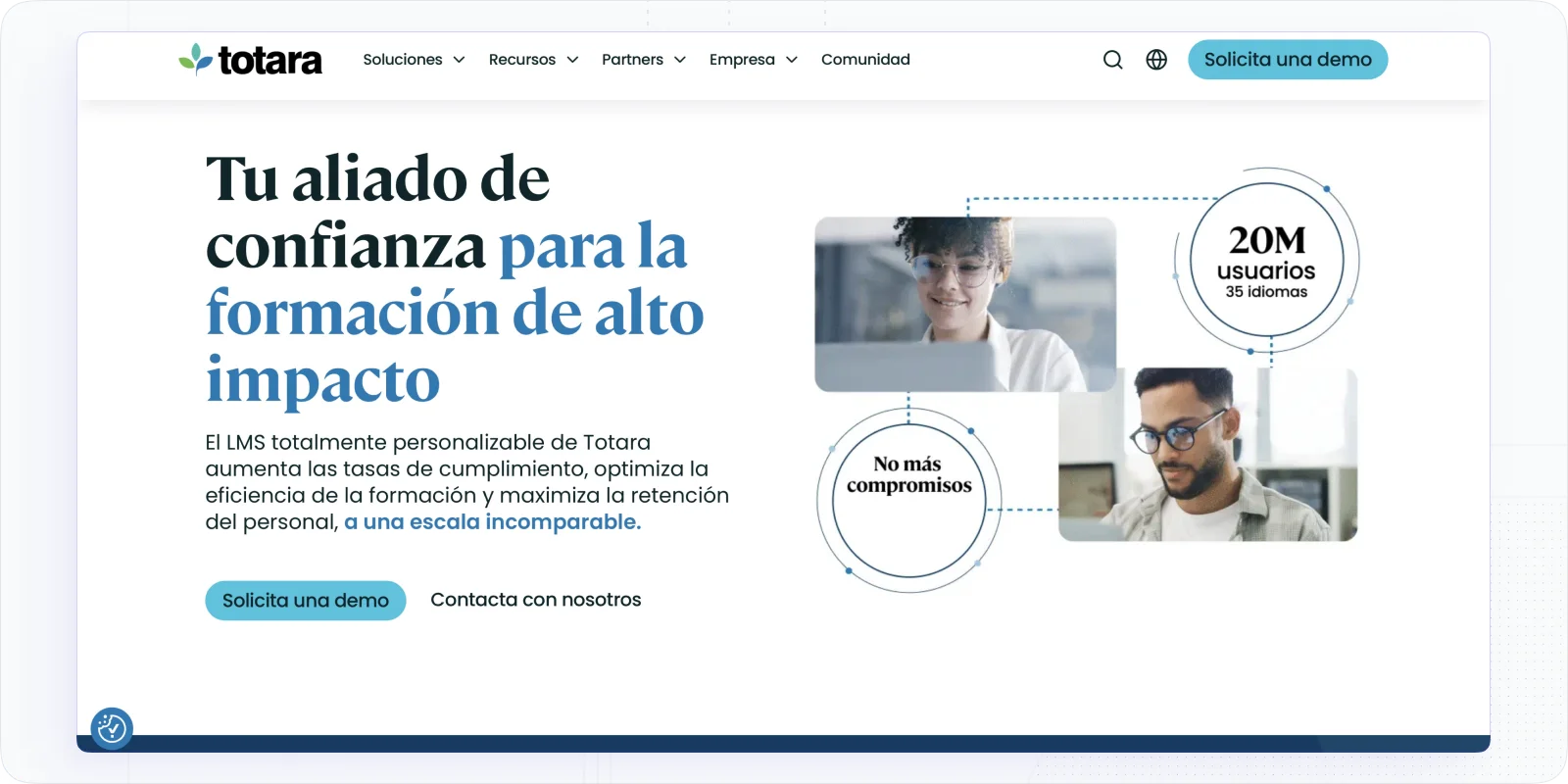
Totara goes to market through a partner network, and that single fact shapes everything about its cost. There's no online checkout, no published rate card, and no “pricing” page. Every path on the site leads to “Request a demo,” “Speak to our team,” or “Find a Partner.”
So when you ask what Totara costs, the honest answer is: it depends on which partner quotes you. Totara sells the software; a certified partner builds, hosts, implements, and supports it, and prices that bundle themselves. I've seen the same product quoted at very different numbers depending on the partner, because there's no central rate to anchor against.
Pricing itself is subscription-based and scales by the number of active users per year, in tiers. There's no free trial of the commercial product, which makes the open-source route (more on that next) the practical way to try before you commit.
This partner model is why Totara LMS pricing feels opaque compared with self-serve tools. A partner rolls consultancy, hosting, and support into the quote, so the license is only one slice of what you sign. Two buyers with identical user counts can land on very different totals depending on how much implementation and managed hosting their partner includes.
Free vs Paid: The Open-Source Catch
Here's the part that confuses most buyers. Totara has a genuine free version — and a paid one — under the same name.
Totara uses a dual-license model. The core, Totara Core, is open source under GPLv3, which you can download and self-host at no license cost. The paid subscription covers Totara Enterprise Extensions: proprietary modules and bundled third-party software that sit on top of the free core. Those extensions are where much of the modern platform lives, and they aren't free.
I'd flag two things buyers miss. First, the license agreement itself states that no support is provided under it — support comes through a separate agreement with a partner, which is a real cost, not a nicety. Second, “free and open source” and “the platform Totara markets” are not the same product. Running the GPLv3 core yourself means you own hosting, security, upgrades, and integrations. Most organizations that go this route still end up paying a partner to manage it.
What You're Buying: Learn, Engage, and Perform
Totara isn't a single product. The Talent Experience Platform bundles three: Totara Learn (the LMS), Totara Engage (an LXP for social and collaborative learning), and Totara Perform (performance management, goals, and appraisals).
They're modular. You can license Totara Learn on its own or take the combined platform, and whether you bundle changes the quote. What you can't do is look up the difference — bundle versus à-la-carte pricing is partner-quote only, like everything else.
For a straight LMS need, I'd scope Totara Learn alone and treat Engage and Perform as separate decisions rather than assuming the full suite. Buying all three because they're offered together is the fastest way to pay for modules that sit unused.
Totara AI Features Overview
Totara added a real AI layer in its recent releases, and the pricing nuance is worth understanding before you evaluate it. As of version 20 (2026), the AI features are included in the platform rather than sold as a separate add-on, but they only work once you connect an OpenAI integration.
Here's what ships:
- AI Knowledge Check-in — generates informal quizzes automatically from uploaded files, cutting manual question-writing.
- AI Form and Goal Assistants — help draft form content and write SMART goals, useful for performance and appraisal workflows.
- AI Image Generation — creates images anywhere the platform supports uploads, for faster course visuals.
- AI-powered recommendations and course tag suggestions — surface relevant content to learners and speed up cataloguing.
The catch is the dependency. Because the AI runs on OpenAI, you'll need that integration configured, and the documentation implies you supply the connection rather than Totara metering it for you, so I'd confirm with your partner whether AI usage adds cost on your side. It's a different model from vendors who bake a fixed AI allowance into the plan.
That distinction matters for a pricing decision. “AI included” reads well on a feature sheet, but if the compute runs on your own OpenAI key, the real cost is variable and lands on a separate bill you have to forecast yourself. If you're weighing Totara mainly for its AI, it's worth seeing how it compares to the best AI LMS platforms overall — several of which meter AI inside the subscription so you're not managing a second vendor.
The Hidden Costs and a Worked Estimate
The subscription is only the visible layer of Totara LMS pricing. Because a partner delivers everything, implementation, hosting, customization, and support are separate line items, and they add up fast.
Since Totara publishes nothing, the most useful thing I can give you is a modeled estimate built from third-party figures, clearly labeled as an estimate. One analyst pegs the license starting near $3,500 per year and ranging to roughly $18,500, with onboarding fees of $2,000 to $10,000 on top. Capterra lists a starting point around $4,250 per year. Rough per-user math lands near $3 per user per month for smaller deployments, though partner quotes vary widely.
Put together, a small organization might see a first-year total somewhere between $5,500 and $28,500 once onboarding is included — a wide band that reflects how much the partner and your requirements drive the number. Watch for the usual add-ons: exceeding user tiers, custom integrations, extra hosting, and ongoing support all sit outside the base license. When you gather quotes, ask each partner to itemize license, hosting, implementation, and support separately so you can compare like for like.
Treat every figure here as directional. Because no official Totara pricing exists, these numbers come from third-party analysts and will shift with your partner, your user tier, and how much customization you ask for. For a broader view of how these ranges sit against the market, our guide to LMS pricing in 2026 is a useful companion read.
Is Totara Worth the Price, and Who It's For
For the right organization, Totara earns its complexity — I just wouldn't call it a fit for everyone. It's rated 4.4 out of 5 on Capterra across 51 reviews (checked August 2026), and reviewers consistently praise its flexibility: deep configurability, customizable reporting, multi-tenancy, and the extensibility that comes with an open-source foundation. You can also see reviews on G2 for a second read.
The recurring criticism is just as consistent, and it maps straight to cost. Totara has a steep administrative learning curve, configuring permissions, workflows, and custom reports takes real time or a paid partner to do well. That partner dependence, plus the lack of a free trial or self-serve pricing, is exactly why smaller teams often find the total outlay hard to justify.
Totara fits best where its strengths are non-negotiable: large, compliance-heavy organizations in government, healthcare, and regulated industries that need multi-tenancy, audit-ready tracking, and deep customization. If you're a lean team that mostly needs to build and ship training quickly, you're likely buying an enterprise platform to solve an SMB problem.
Totara Pricing vs a Transparently-Priced Alternative
If the partner-quote maze is the sticking point, the honest fix is a platform that publishes its numbers. EducateMe is an AI-native LMS for modern training teams that launches fully branded training in hours, and unlike Totara, you can read its pricing without a demo call or a partner.
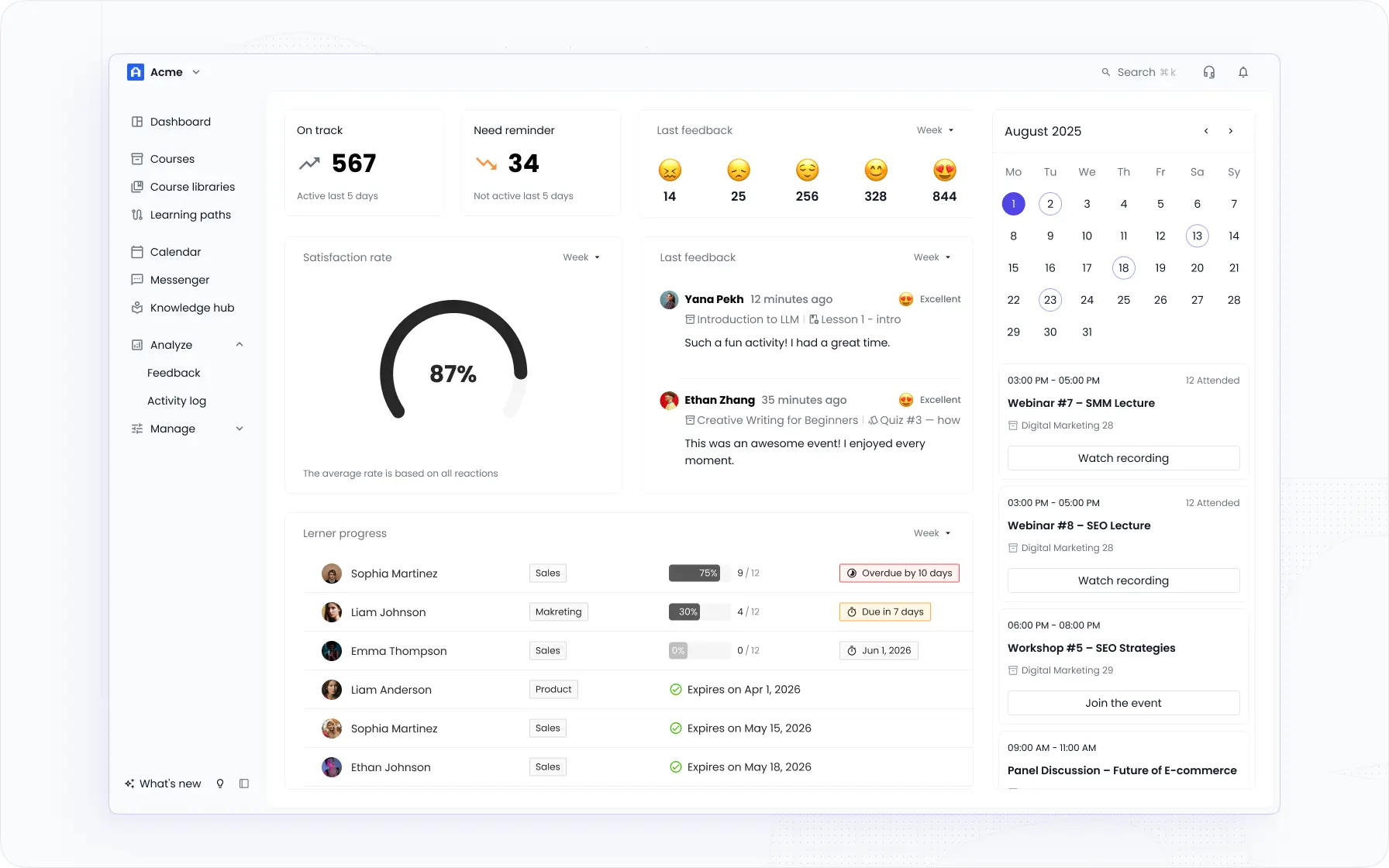
EducateMe publishes three plans: Pro at $239/month (80 users), Premium at $399/month (100 users), and Scale at $999/month (200 users), with a 14-day free trial. That works out to roughly $3–$5 per user — a number you can budget against directly, rather than reverse-engineering it from partner quotes.
The AI comparison is telling. EducateMe's AI Assistant builds courses from a prompt, file, URL, or video, and its AI Roleplay Coach lets staff practice real conversations with scored, rubric-based feedback — with customers reporting 3x faster course creation. Where Totara's AI depends on you wiring up OpenAI, EducateMe's AI is native and its Roleplay sessions are metered plainly per plan (10, 40, or 200 per month).
| Factor | Totara | EducateMe |
|---|---|---|
| Pricing model | Partner-quoted, no public price | Published plans |
| Starting price | Not published (est. ~$3,500–$4,250/yr) | $239/mo (Pro, 80 users) |
| Free option | GPLv3 open-source core (self-hosted) | 14-day trial; no free plan |
| AI | Included, but requires your OpenAI integration | Native AI Assistant + AI Roleplay |
| Best for | Enterprise, compliance-heavy, multi-tenant | SMB & mid-market training teams |
I'll be fair to Totara here: it offers something EducateMe doesn't — a free, self-hostable open-source core and enterprise-grade multi-tenancy for organizations with the technical depth to run it. EducateMe is web-only with no native mobile app, and it's build-first with no pre-built course library. It's the stronger pick for corporate training teams that want AI-native creation and transparent pricing — not for teams that need open-source control or heavy compliance tooling.
Frequently asked questions
Totara doesn't publish prices — cost is quote-only through a certified partner and scales by active users per year. Third-party estimates put the license near $3,500–$4,250 per year to start, plus onboarding of roughly $2,000–$10,000. Because each partner sets its own rates, always compare itemized quotes to confirm your actual Totara LMS pricing.
Partly. Totara Core is open source under GPLv3, so you can self-host it at no license cost. The paid subscription covers Totara Enterprise Extensions — proprietary modules and support that make it production-ready. Running the free core still means owning hosting, upgrades, and integrations yourself, which is why most teams pay a partner.
No. Totara offers no free trial of its commercial product and no self-serve pricing; evaluation runs through a partner demo or the open-source download. If you want to test a full platform without a sales call, EducateMe runs a 14-day free trial and publishes its plans openly, starting at $239/month for up to 80 users.
EducateMe is an AI-native LMS that publishes its pricing: Pro at $239/month, Premium at $399/month, and Scale at $999/month, roughly $3–$5 per user. Its AI course creation and AI Roleplay Coach are native, not dependent on your own OpenAI key — though it's web-only with no native mobile app and no pre-built course library.