
Canvas inside content
Create pies, bar charts, line graphs, and more. Add them directly into your lessons: powered by our AI Agent for faster, smarter content creation.
A rundown of the latest EducateMe feature releases, product enhancements, design updates, and important bug fixes.
Create pies, bar charts, line graphs, and more. Add them directly into your lessons: powered by our AI Agent for faster, smarter content creation.
Now you can switch between Sidebar and Floating modes, collapse the course menu on smaller screens, and have your chat mode preference saved automatically for a smoother user experience.
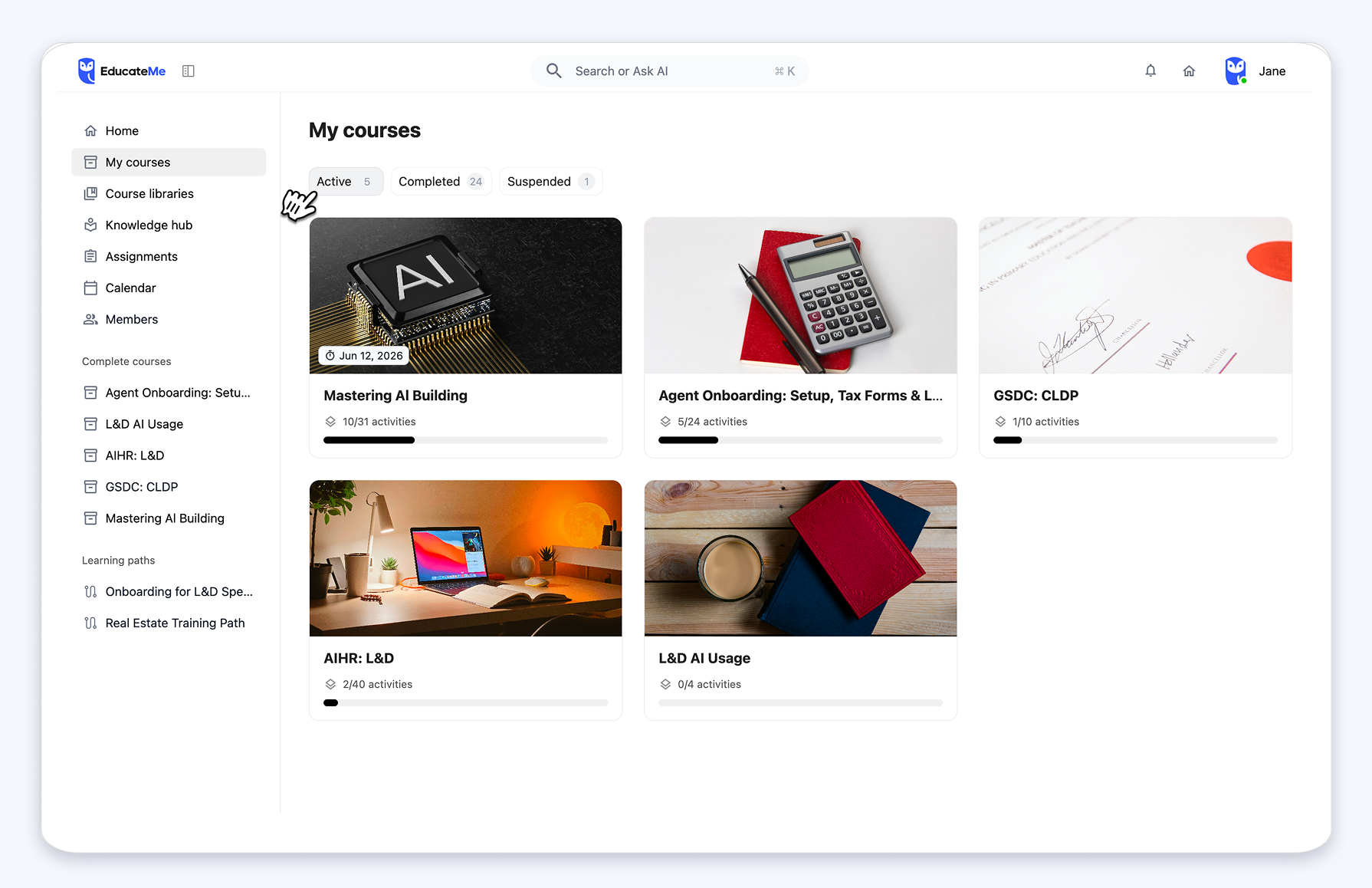
Now learners can browse courses faster and smarter: redesigned course cards, tabs for Active, Completed, and Suspended courses & active courses sorted by due date & progress.
Events are now easier to browse with better time-based sorting, visible Zoom details, and a new expanded view (All events).
Add individual learners to a learning path for more flexible access management.
AI Roleplay now supports multiple languages, allowing learners to practice realistic conversations in their preferred language.
Supported languages include English, Spanish, Portuguese, German, Italian, French, and Ukrainian.
Admins and instructors can now create, edit, and delete Question blocks directly in the content editor. Learners can submit answers and view responses instantly, with Single and Multiple-choice are supported. Questions with existing submissions are protected, preventing changes or multiple submissions.
The AI Course Creation Agent now generates richer content automatically! You can create Flashcards, AI Roleplay scenarios, and add Takeaway blocks to new or existing lessons in just a few clicks.
Generating courses is now faster than ever. With an AI agent, you can draft lessons, quizzes, and content from a prompt, and you can turn PDFs or other documents into built courses instantly.
We’ve rolled out several updates to make quizzes more interactive and insightful. Learners can now see correct answers immediately, instructors can view all quiz attempts, track question correct rates, and access summary metrics for a quick performance overview.