EducateMe

What’s new?

A rundown of the latest EducateMe feature releases, product enhancements, design updates, and important bug fixes.

Follow us on X or LinkedIn

UpdateImprovement

Enhanced calendar experience

Events are now easier to browse with better time-based sorting, visible Zoom details, and a new expanded view (All events).

Explore calendar →

UpdateImprovement

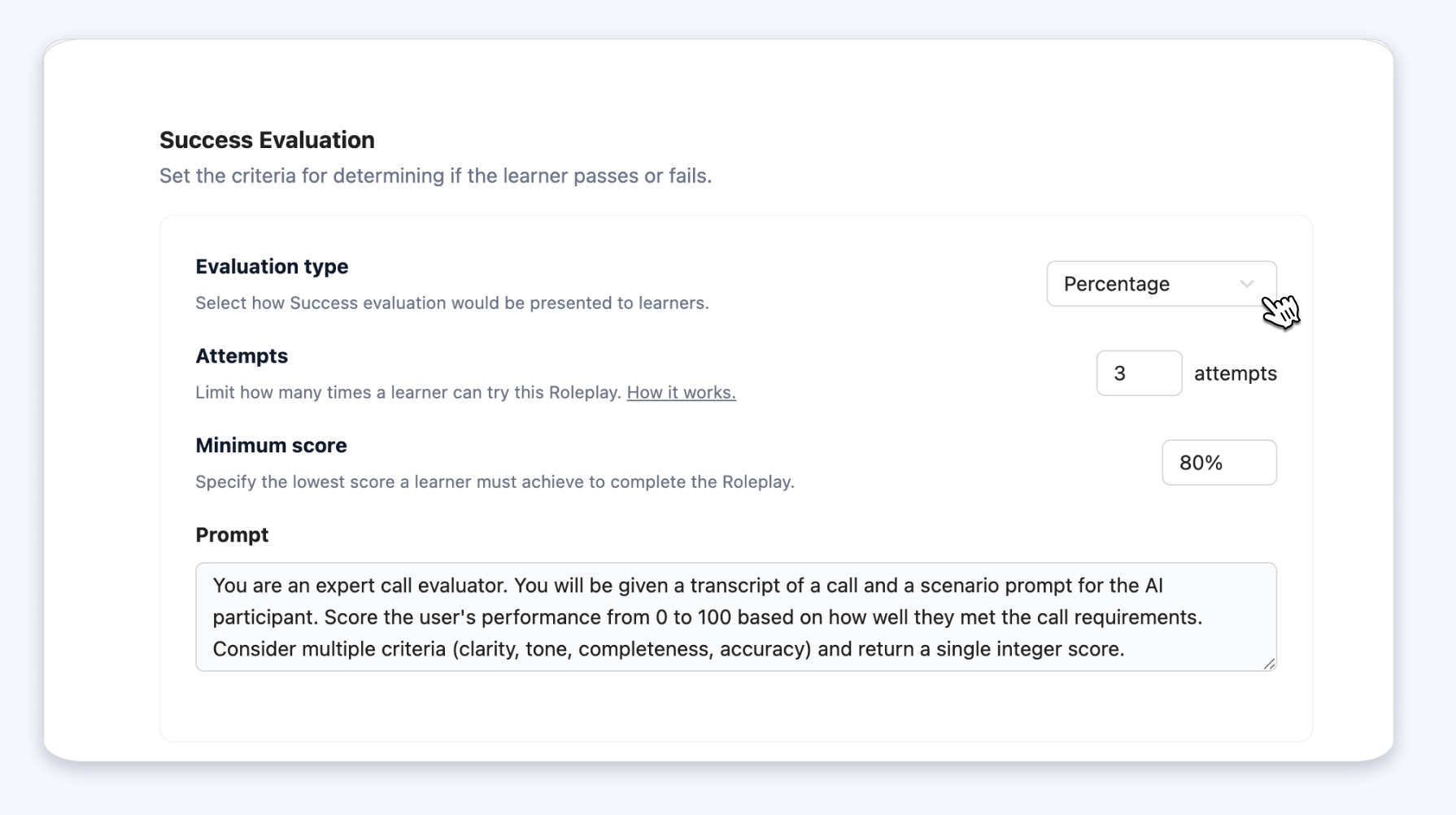
Multilingual AI Roleplay

AI Roleplay now supports multiple languages, allowing learners to practice realistic conversations in their preferred language.

Supported languages include English, Spanish, Portuguese, German, Italian, French, and Ukrainian.

Try AI Roleplay →

FeatureUpdateImprovement

Question Block in content builder

Admins and instructors can now create, edit, and delete Question blocks directly in the content editor. Learners can submit answers and view responses instantly, with Single and Multiple-choice are supported. Questions with existing submissions are protected, preventing changes or multiple submissions.

Explore Question block →

UpdateImprovement

AI Course Creation Agent: new activities & blocks

The AI Course Creation Agent now generates richer content automatically! You can create Flashcards, AI Roleplay scenarios, and add Takeaway blocks to new or existing lessons in just a few clicks.

Generate new activities →

FeatureUpdate

AI course creation assistant

Generating courses is now faster than ever. With an AI agent, you can draft lessons, quizzes, and content from a prompt, and you can turn PDFs or other documents into built courses instantly.

Generate a course with AI →

UpdateImprovement

Quizzes: instant feedback & performance metrics

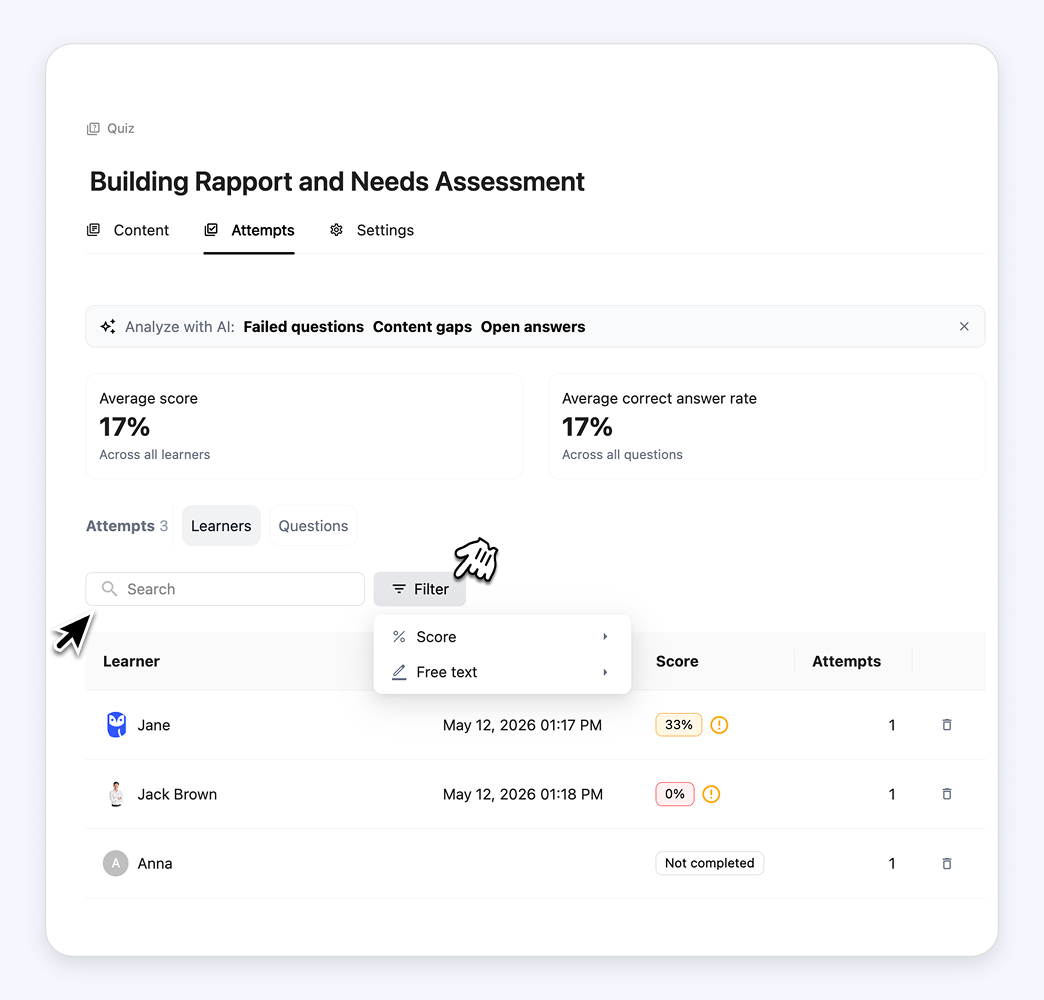
We’ve rolled out several updates to make quizzes more interactive and insightful. Learners can now see correct answers immediately, instructors can view all quiz attempts, track question correct rates, and access summary metrics for a quick performance overview.

Try it now→

Admins can now update learner’s emails

We’ve improved how email management works inside Learner settings. Admins can now directly edit a learner’s email address simply.

Check it out →

Customized sign-in options

Admins can now control how users sign in with a new Sign-in options section under Organization settings → General. If a custom domain is connected, methods can be enabled or disabled.

Set up the sign-in option →

UpdateImprovement

Assignment submission improvements

Learner submissions are now clearly separated from comments, with a dedicated submission area and a collapsible side panel for comments. We also updated labels and statuses (such “Complete assignment” or “Send for review”) to make the flow simpler and clearer for learners.

Create new assignments →