Disable AI Review, MCP, Quiz Filters
FeatureUpdateImprovement
MCP Integration
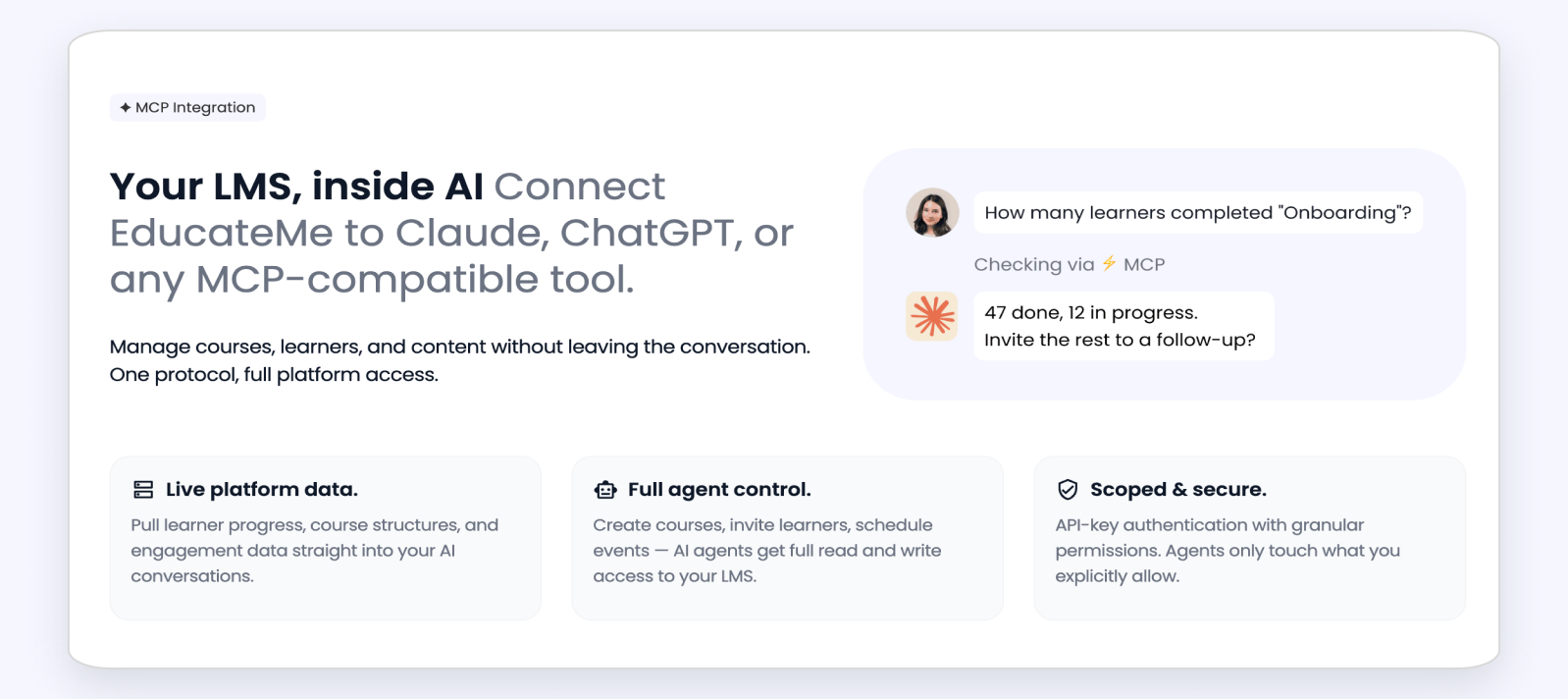
Connect your EducateMe workspace to AI tools: Claude, ChatGPT, and others via an MCP server. Head to Organization settings → API & MCP to find your ready-to-use MCP URL, copy it into your AI tool, and get direct access to your platform data.
Open API & MCP →
Quiz Attempts: Search & Filters
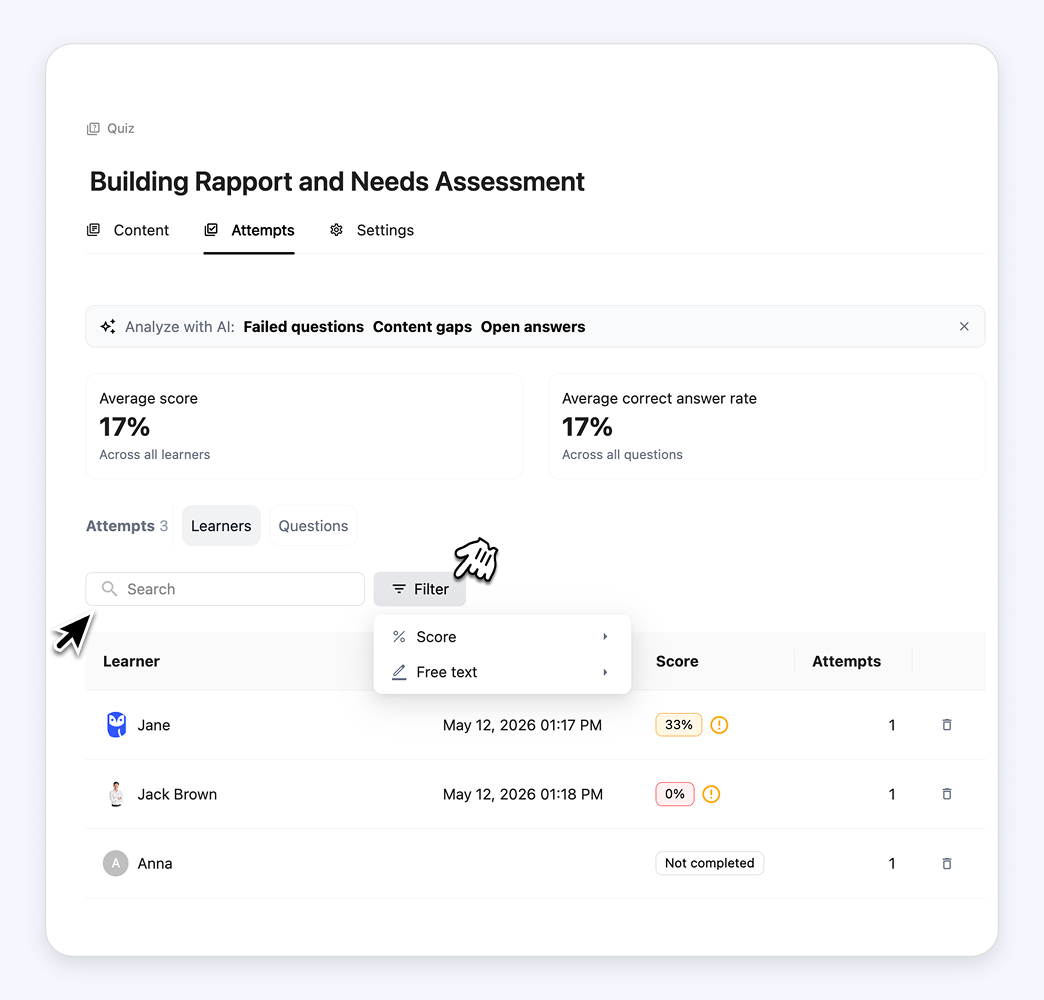
The Quiz attempts table (Quiz → Attempts → Learners) now has a search bar to find learners by name or email, plus filters by score status (Passed / Not passed / Not completed) and by free-text questions (Not rated / Rated). Find the right learners faster and never miss an answer waiting to be reviewed.