EducateMe

What’s new?

A rundown of the latest EducateMe feature releases, product enhancements, design updates, and important bug fixes.

Follow us on X or LinkedIn

FeatureUpdateImprovement

Deadlines for Self-Paced Courses

Set and enforce completion timelines for self-paced content. Deadlines automatically track from assignment dates and trigger email reminder notifications at key intervals.

Set a Deadline→

Enhanced dashboard of Self-Paced Courses

Gain deeper visibility into course performance with new metrics tracking completion rates, time spent, and deadline adherence across all self-paced courses.

View Dashboard→

Advanced Course Library Analytics

Monitor library-wide performance with aggregate reporting on completion rates, pass/fail statistics, and learner progression trends across all contained courses.

Course libraries→

FeatureUpdateImprovement

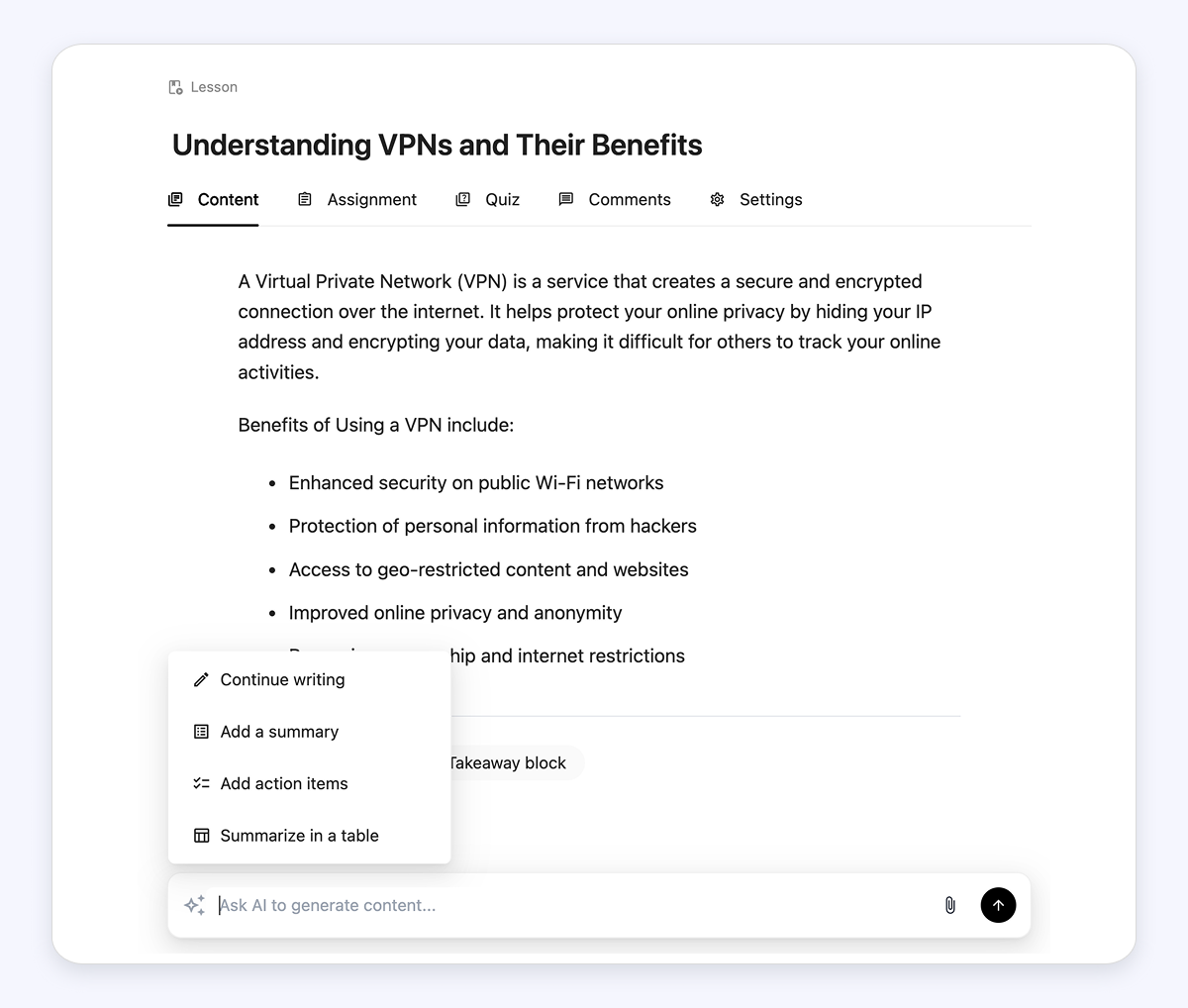
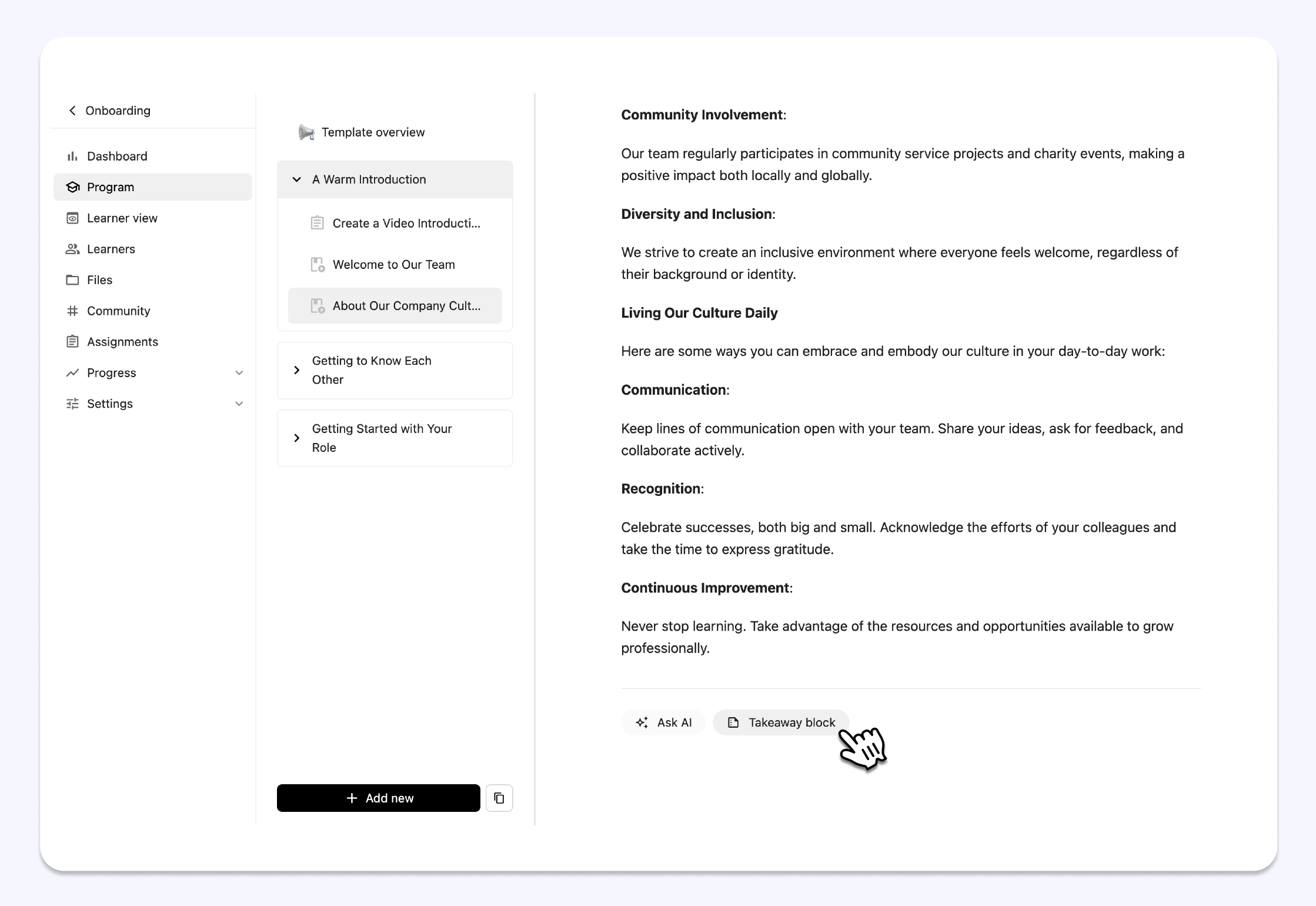
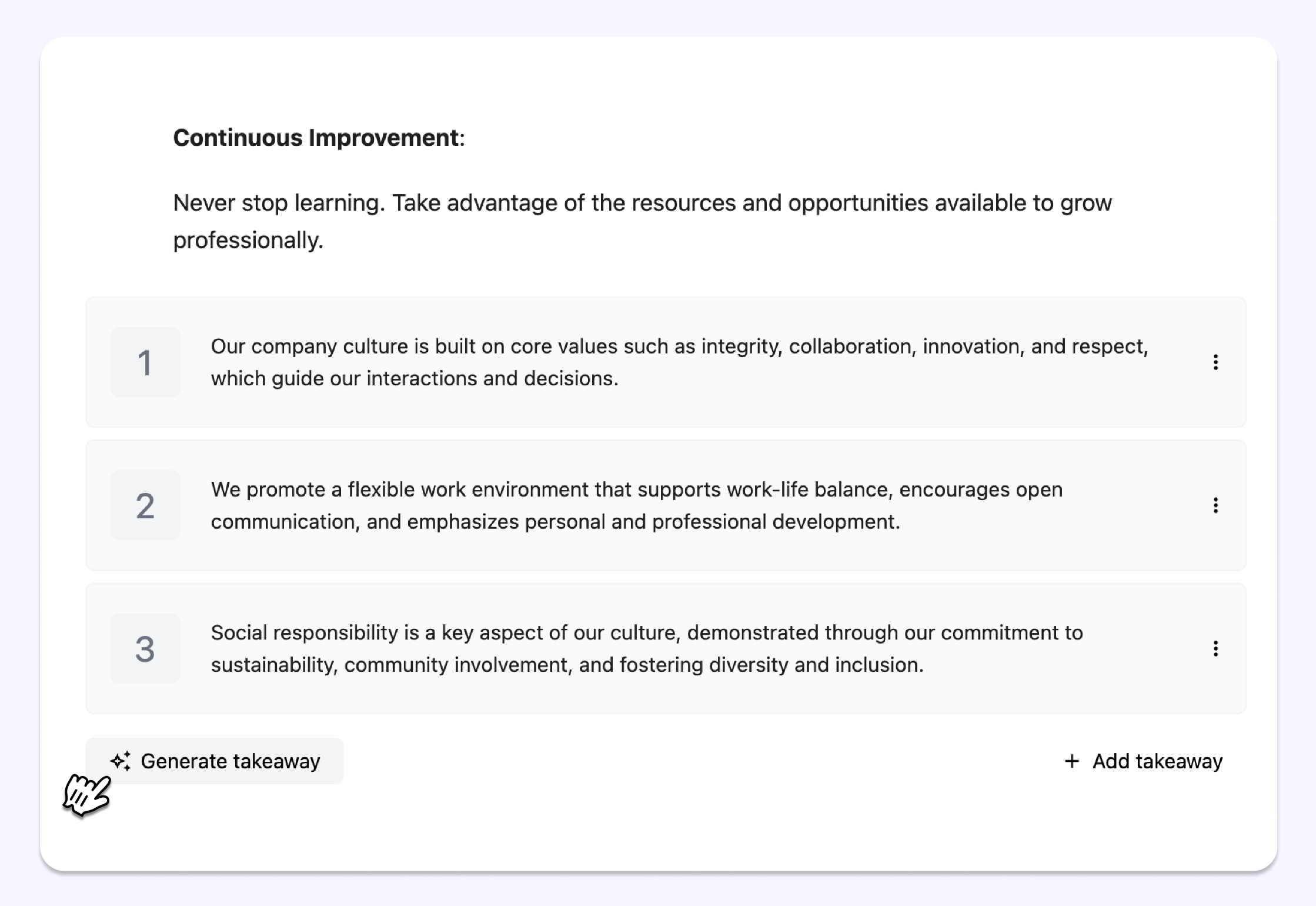
Ask AI

Our new AI writing assistant helps you refine, summarize, or expand your text directly in the editor. With a few clicks, you’ll produce polished, engaging course content.

Ask AI in your content →

AI activities scheduling

Our AI scheduling tool simplifies complex event and lesson planning. Just provide a prompt — like scheduling December events excluding holiday dates — and it will organize your activities automatically.

Schedule activities with AI →

Generate quiz with AI

Create quizzes in seconds — simply paste your questions, and the AI instantly builds your quiz on the platform. No more manual formatting required!

Generate your first quiz →

And more...

Embed PDF as presentations

Present PDF files like slide deck within your courses, keeping learners engaged without ever leaving the platform.

Updated course feedback page

A cleaner, more intuitive feedback page now includes the option to export filtered feedback, making it easier to analyze and share learner insights.

Copy courses between learning spaces

Try out our new “Linked learning spaces” to copy courses between connected learning environments in just a few clicks, streamlining content sharing across your organization.


Tags in ‘invite learners via link’ modal

Assign tags to learners automatically when they join via your invitation link, seamlessly segmenting your learners as they enroll.‍

Course-wide feedback settings

Enable or disable feedback for all activities at once in the course settings.

Other updates

7 bug fixes: enhanced stability and reliability.

8 UI/UX improvements: smoother navigation, cleaner layouts, and a more user-friendly experience.

Share ideas on how to improve EducateMe →

FeatureUpdateImprovement

Activity Log

Track all course activities and monitor each learner and teammate in real time.

View 'Activity Log' →

The new ‘Form’ activity

The ‘Form’ activity enables quick feedback collection, allowing you to gather insights and responses directly within the EducateMe without relying on external tools.

Test out ‘Form’ in your course →

Embedding Google Drive videos

Embed Google Drive videos directly into your lesson content, making it simple to share multimedia resources with your learners.

Embed Google Drive videos to your lessons →

Setting to display content before or after an event

You can choose to show content before or after the event, giving you the flexibility to share resources when they’ll be most useful for your participants.

Try the event setting →

Other updates

• Fixed 6 bugs 🐞
• Launched 43 UI/UX improvements 🚀

Share ideas on how to improve EducateMe →

Advanced learner analytics

To improve insights, we’ve added the capability to display detailed analytics for individual learners based on their progress in multiple courses

See in action →

Updates

・Removed the restriction on editing the quiz after learners submit it.

・Added the "Re-do" column for the learner role.

・Fixed the ratio of the player for uploaded and embedded videos.

・Updated access to comments in the assignment on mobile for learners.

・Connected the messenger channel to a course.

Share ideas on how to improve EducateMe →

Improved Notification Center

We've significantly improved notifications to enhance your user experience:

• The window has been updated to provide more space for notifications.
• Added filter functionality to help you find specific notifications more easily.
• Enhanced "Mark as read/unread" options for improved management.

See in action →

Share ideas on how to improve EducateMe →

FeatureUpdateImprovement

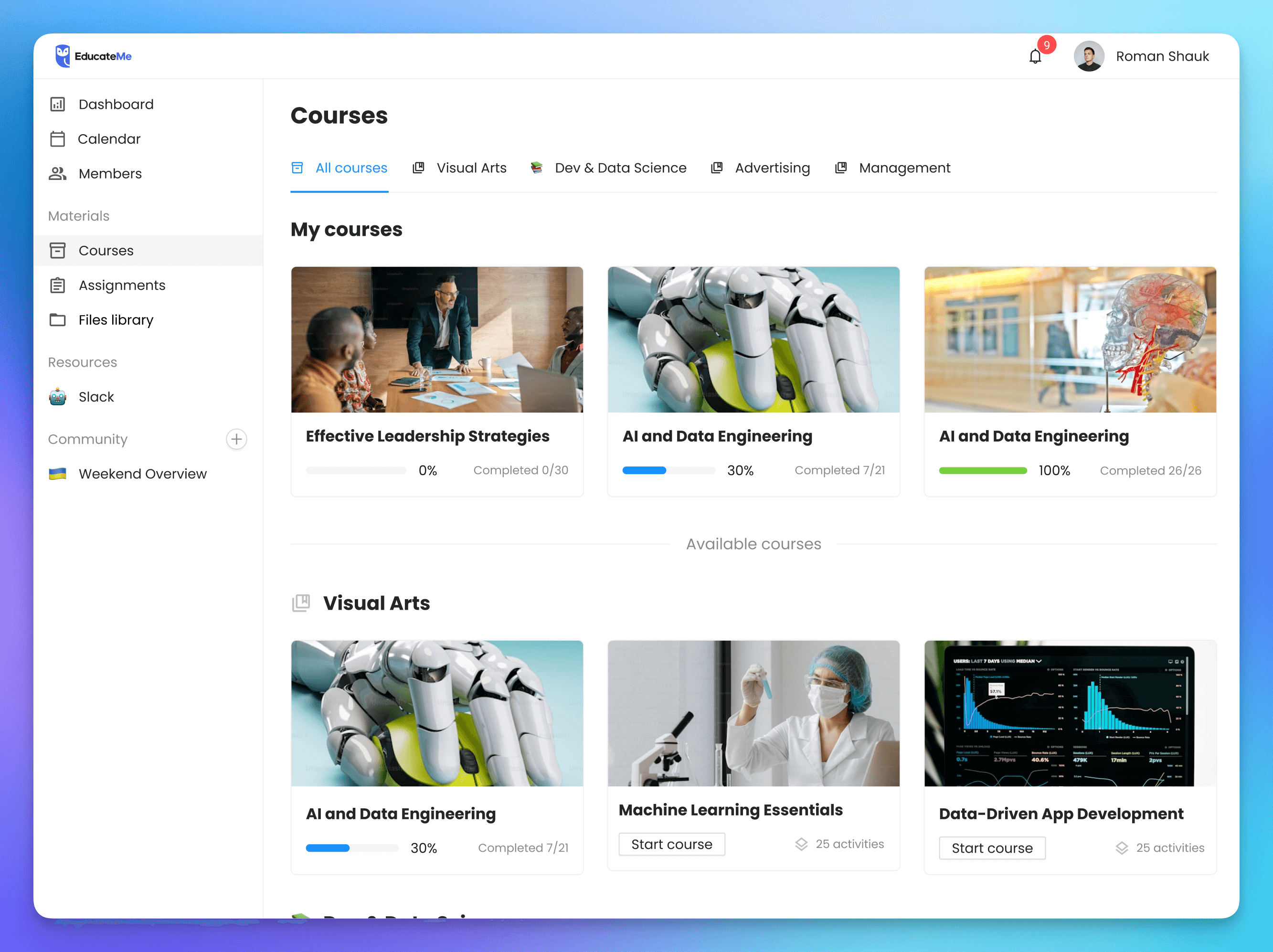
Learner view

Now you can check how your learners will see the course program to test their experience.

Updates

・Improved course card: added quick access buttons and AI cover generation

・Updated comments in the assignment on mobile.

・Updated program creation with AI.

Share ideas on how to improve EducateMe →