
AI Assessment: Duration Analytics, Typed Answers and Multiple Attempts
Improvement
AI Assessment: Duration Analytics, Typed Answers and Multiple Attempts
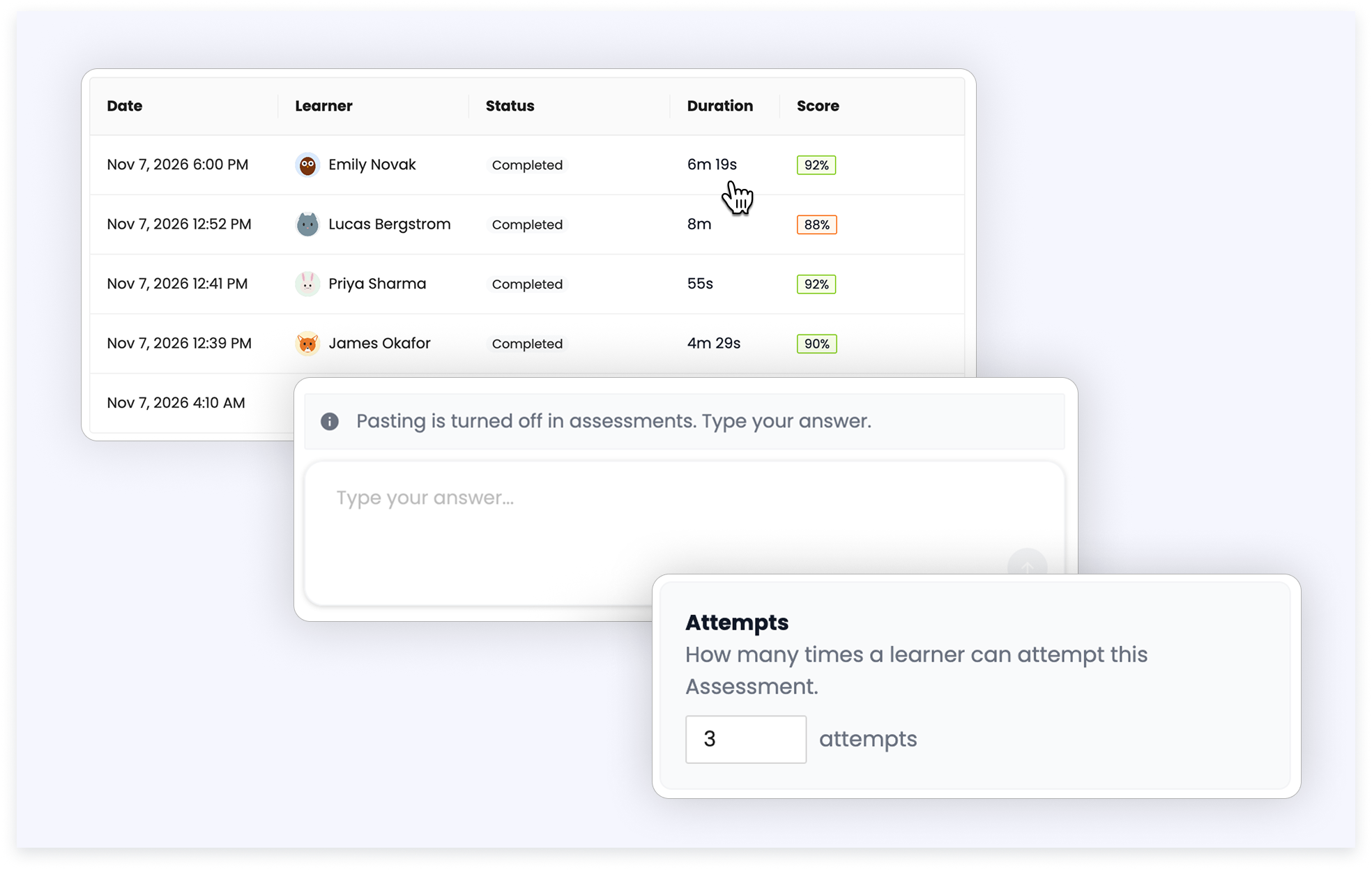
You can now see how long each attempt took. The Attempts tab now includes a Duration column, and the duration also appears when you open an attempt.
Learners can no longer paste into the AI Assessment answer box. They type every answer by hand. This applies to all AI Assessments.
You also choose how many attempts each Learner gets, from 1 to 90. New assessments start with 3. After an attempt, Learners see how many attempts are left and can click Try again.