
AI and more
Ask AI
Our new AI writing assistant helps you refine, summarize, or expand your text directly in the editor. With a few clicks, you’ll produce polished, engaging course content.
AI activities scheduling
Our AI scheduling tool simplifies complex event and lesson planning. Just provide a prompt — like scheduling December events excluding holiday dates — and it will organize your activities automatically.
Generate quiz with AI
Create quizzes in seconds — simply paste your questions, and the AI instantly builds your quiz on the platform. No more manual formatting required!
And more...
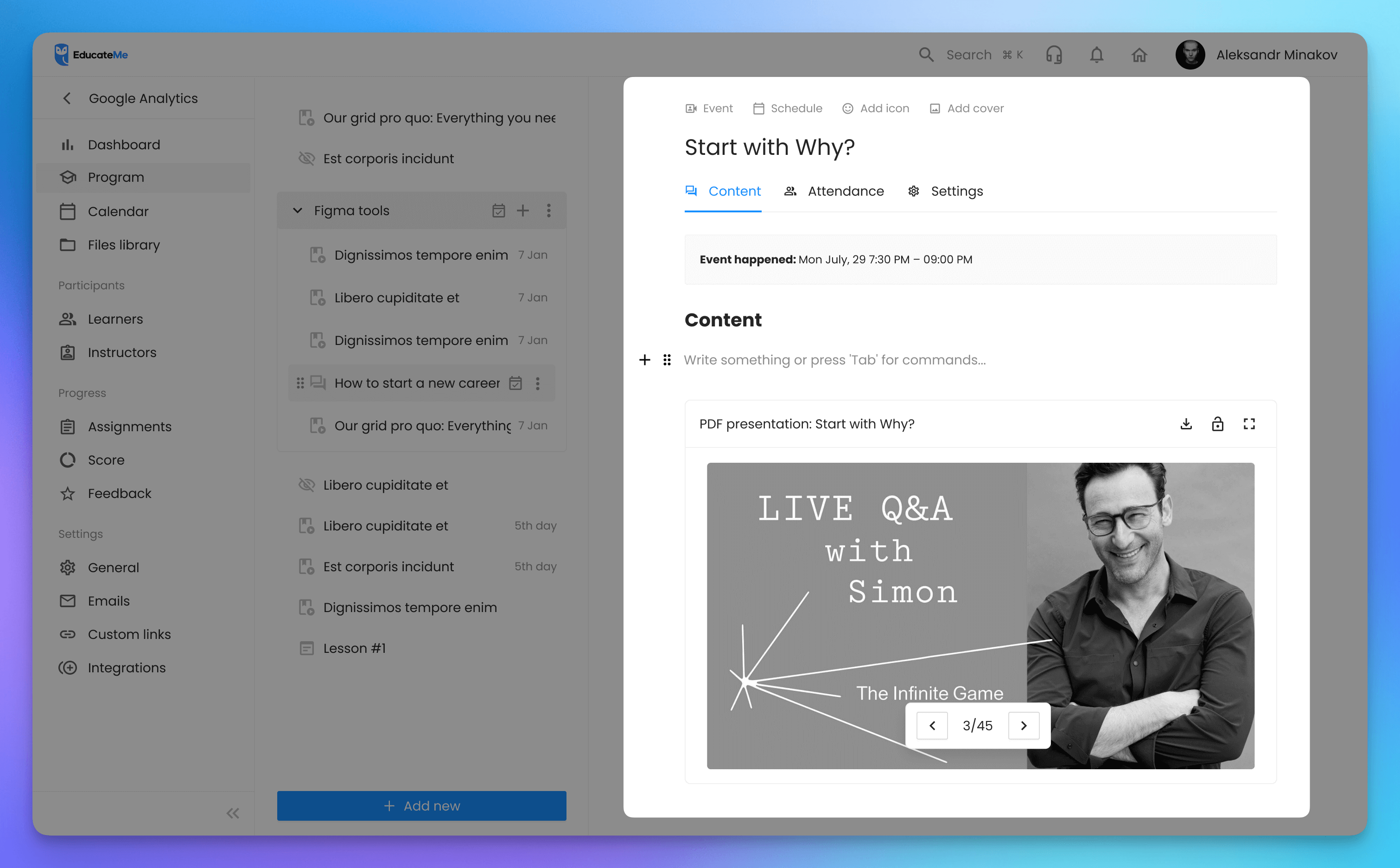
Embed PDF as presentations
Present PDF files like slide deck within your courses, keeping learners engaged without ever leaving the platform.
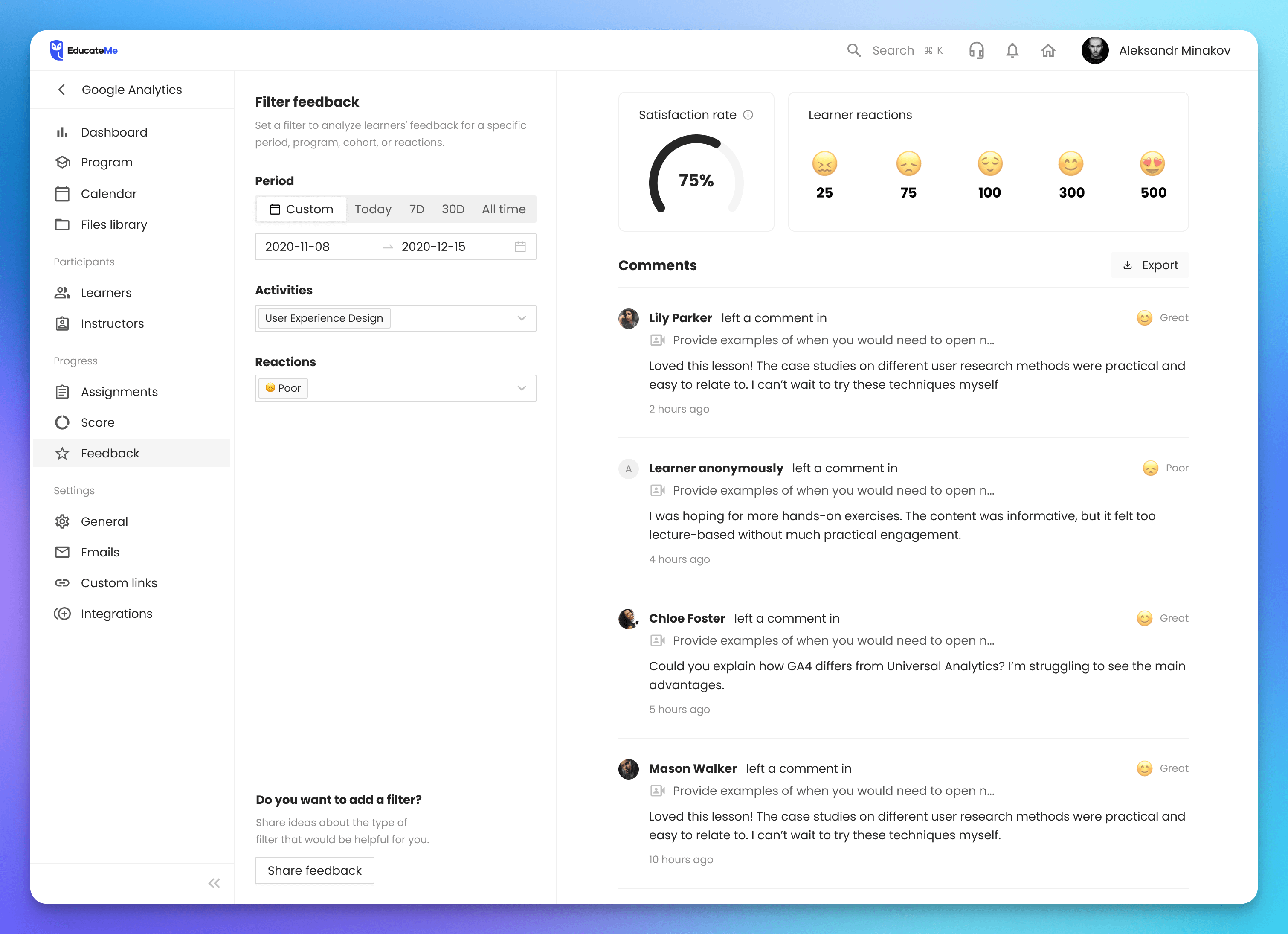
Updated course feedback page
A cleaner, more intuitive feedback page now includes the option to export filtered feedback, making it easier to analyze and share learner insights.
Copy courses between learning spaces
Try out our new “Linked learning spaces” to copy courses between connected learning environments in just a few clicks, streamlining content sharing across your organization.
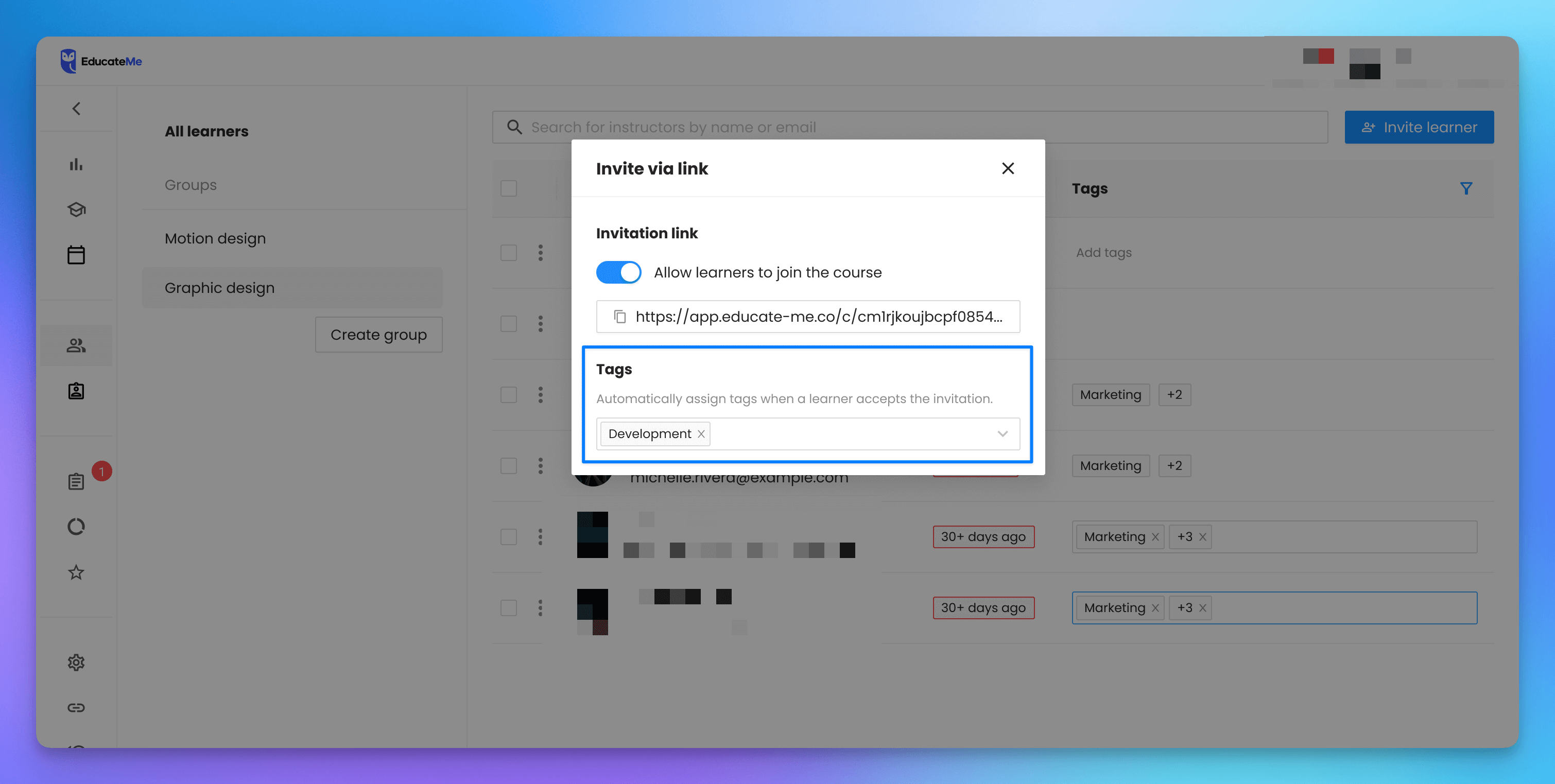
Tags in ‘invite learners via link’ modal
Assign tags to learners automatically when they join via your invitation link, seamlessly segmenting your learners as they enroll.
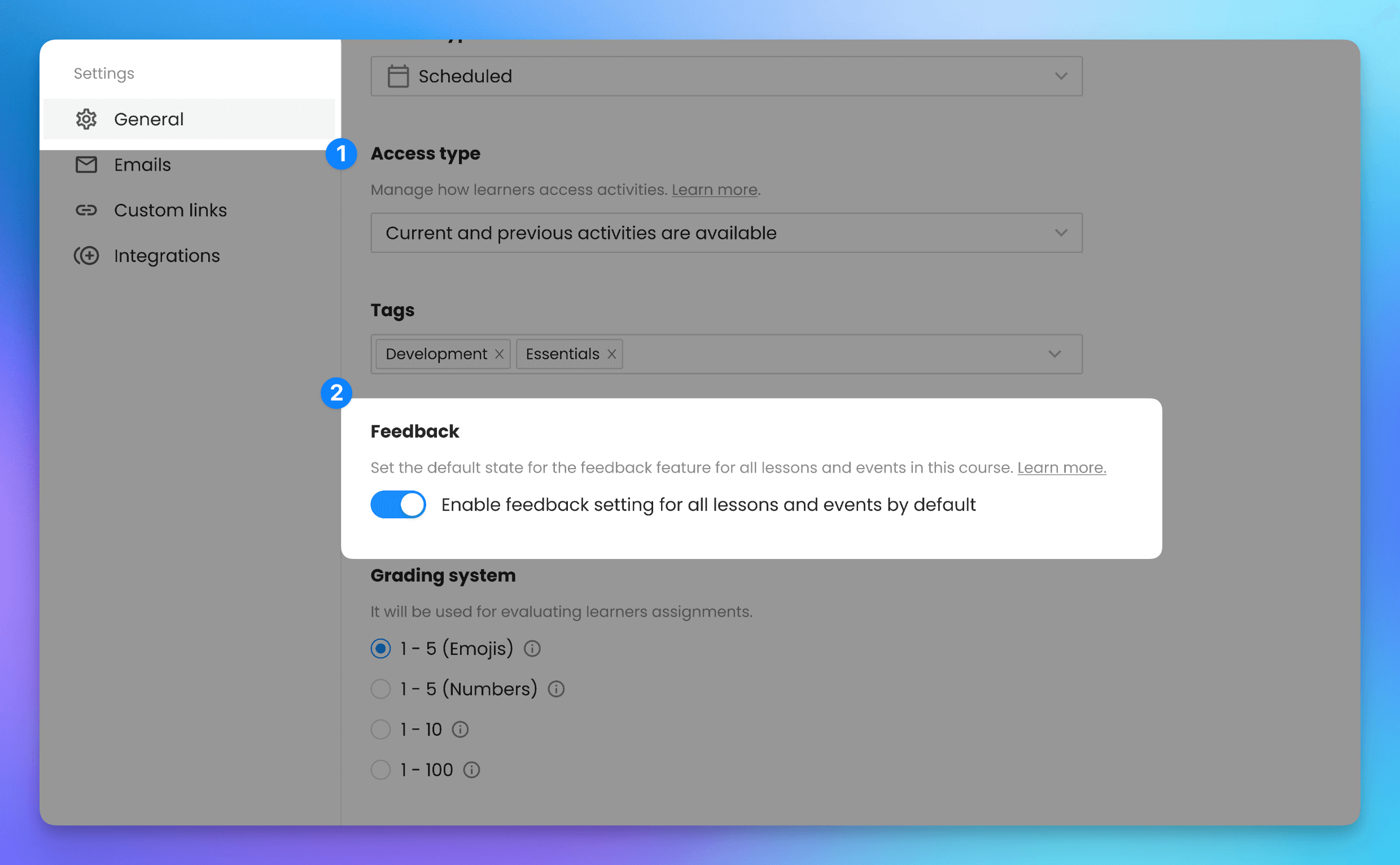
Course-wide feedback settings
Enable or disable feedback for all activities at once in the course settings.
Other updates
・7 bug fixes: enhanced stability and reliability.
・8 UI/UX improvements: smoother navigation, cleaner layouts, and a more user-friendly experience.
Share ideas on how to improve EducateMe →