
10 Best Training Management Software for 2026

By Roman GryshukRoman GryshukCorporate Training Expert & Content EditorHi, I’m Roman, a content specialist with over 5 years of experience in content writing and marketing. At…Read more
Corporate Training Expert & Content Editor
18 min read
If you run corporate training, you already know the category is crowded — and that "training management software" means two fairly different things depending on who's searching.
For some buyers, it means instructor-led training (ILT) logistics: scheduling sessions, booking rooms and equipment, assigning instructors, managing waitlists, and tracking attendance across a course catalog. For others, it means an LMS built around content delivery, self-paced courses, reporting, and learner management. The two overlap, but they're not the same purchase — and picking the wrong lens is how teams end up with a tool that's strong where they didn't need it and thin where they did.
This guide covers 10 platforms across both ends of that spectrum, with verified pricing and current ownership for each (several tools that read as "independent" have quietly been consolidated). Where a tool is a partial rather than a full fit for pure ILT-logistics buyers, we say so.
Training management software vs. LMS
- Training management software (TMS) leans toward operations: session scheduling, instructor and resource allocation, calendars, attendance, and connecting training to business processes. This is what ILT- and logistics-heavy buyers usually want.
- A learning management system (LMS) leans toward delivery: course authoring, content hosting, assessments, reporting, and learner administration.
A flexible LMS with strong management, automation, and reporting can absorb much of a TMS's job, and most tools below sit somewhere on this continuum rather than at one pole.
What Is the Best Training Management Software in 2026?
Considering that the training needs of companies differ depending on the size, stage, and specific industry, we have collected different training management software in our list. Some of them are LMS with powerful automation, others are solid skill development systems.
Note. If you are seeking a tool for a specific case, then check the “Good for” section, or pick the most flexible option.
| Software | Good for | Ownership | Pricing (July 2026) |
|---|---|---|---|
| EducateMe | AI-powered corporate training for SMB | Independent (privately held) | 14-day free trial; from $239/mo (Pro, 80 seats) |
| Trainual | Onboarding, SOP & policy documentation | Independent; VC-backed | Quote-based + ~$1,000 setup fee |
| Docebo | Enterprise upskilling & skills-gap closure | Public (NASDAQ/TSX: DCBO), ~57% Intercap-controlled | Custom quote |
| LearnUpon | Multi-department / multi-portal training | Independent (Dublin); Summit Partners minority | Custom quote |
| Litmos | Blended learning for global teams | PE-owned (Francisco Partners) — ex-SAP | Custom quote; 14-day trial |
| TalentLMS | Gamified, scalable upskilling | Owned by Epignosis (Insight Partners-backed) | Free tier; $149–$499/mo |
| 360Learning | Collaborative learning & knowledge sharing | Independent; VC/PE-backed | $8/user/mo (Team); custom above |
EducateMe
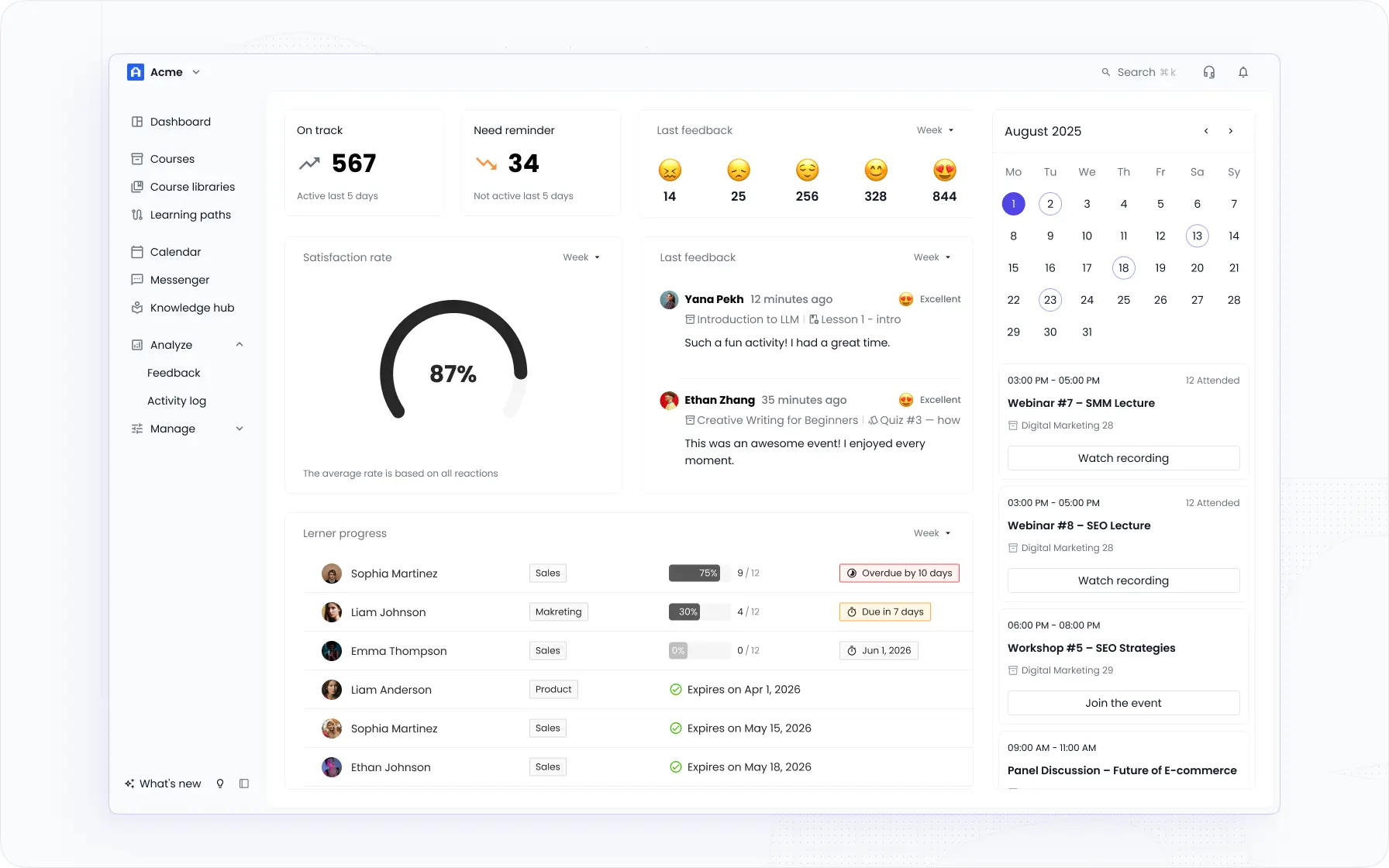
EducateMe is an AI-powered corporate training LMS. It pairs AI-assisted course creation and coaching with the delivery, management, reporting, and automation that L&D teams need to run employee training end to end (onboarding, upskilling, product, and compliance programs) all under your own brand.
Good for: corporate L&D and training teams that want an AI-powered LMS to build, deliver, and manage employee training at scale.n, assignment management, and reporting, it is a great LMS to host and deliver employee training, from onboarding and skill development to specific training courses.
Key features of EducateMe
- AI course creation — generate course drafts, lessons, quizzes, and assignments with built-in AI, then duplicate and adapt whole programs.
- AI roleplay coach — AI-driven practice scenarios for skills like sales, support, and communication, with automated feedback.
- Course delivery & editor — modular lessons, embedded content, assignments, quizzes, and live sessions.
- Reporting & analytics — dashboards, progress tracking, and structured feedback collection.
- Management & automation — event-triggered emails plus management of learner groups, deadlines, and assignments.
- Integrations, API & white-label — Zoom, Loom, Slack, Outlook, and Airtable; API access and custom Enterprise builds; fully brandable.
Pros: AI-assisted authoring and roleplay coaching; strong management, automation, and reporting; fully white-label; flexible integrations and API.
Cons: no dedicated mobile app (the platform is mobile-friendly, but native app is absent); limited gamification features.
Trainual
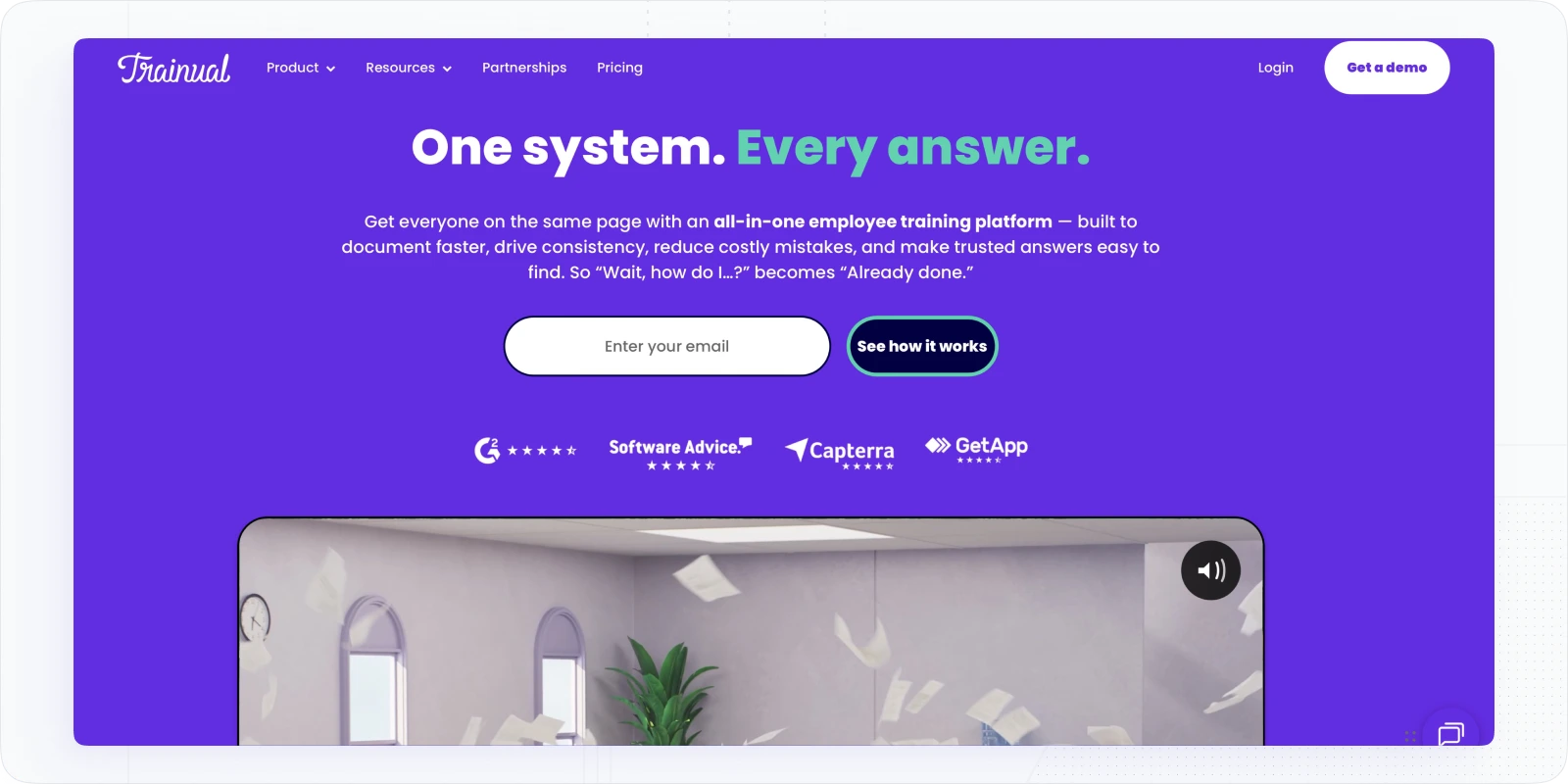
Trainual turns company how-to's, policies, and standard operating procedures into structured, trackable training. Its three-step content editor, large template library, and role-based sharing make it especially effective for documenting how the business runs and onboarding new hires into it.
In 2025, Trainual upgraded its AI Content Editor into a collaborative assistant that drafts, expands, and rewrites training content to a specified audience, tone, and depth.
Good for: onboarding, policy training, and SOP documentation in growing organizations.
Key features of Trainual
- Content editor — a guided builder for procedures and policies, with embeds, cross-linked pages, and an AI assistant.
- Template library — hundreds of templates, from onboarding checklists to brand and incident guidelines.
- Org & role management — team directory, org chart, and bulk assignment of materials by role or department.
- Integrations — Loom, BambooHR, and other tools to auto-provision employees.
Pros: very easy SOP documentation; deep template selection; solid mobile app and responsive support.
Cons: no SCORM support; limited deeper customization; import tooling can be finicky.
Pricing: Custom quotes
Read more: Best Online Training Software for Organizations
Docebo
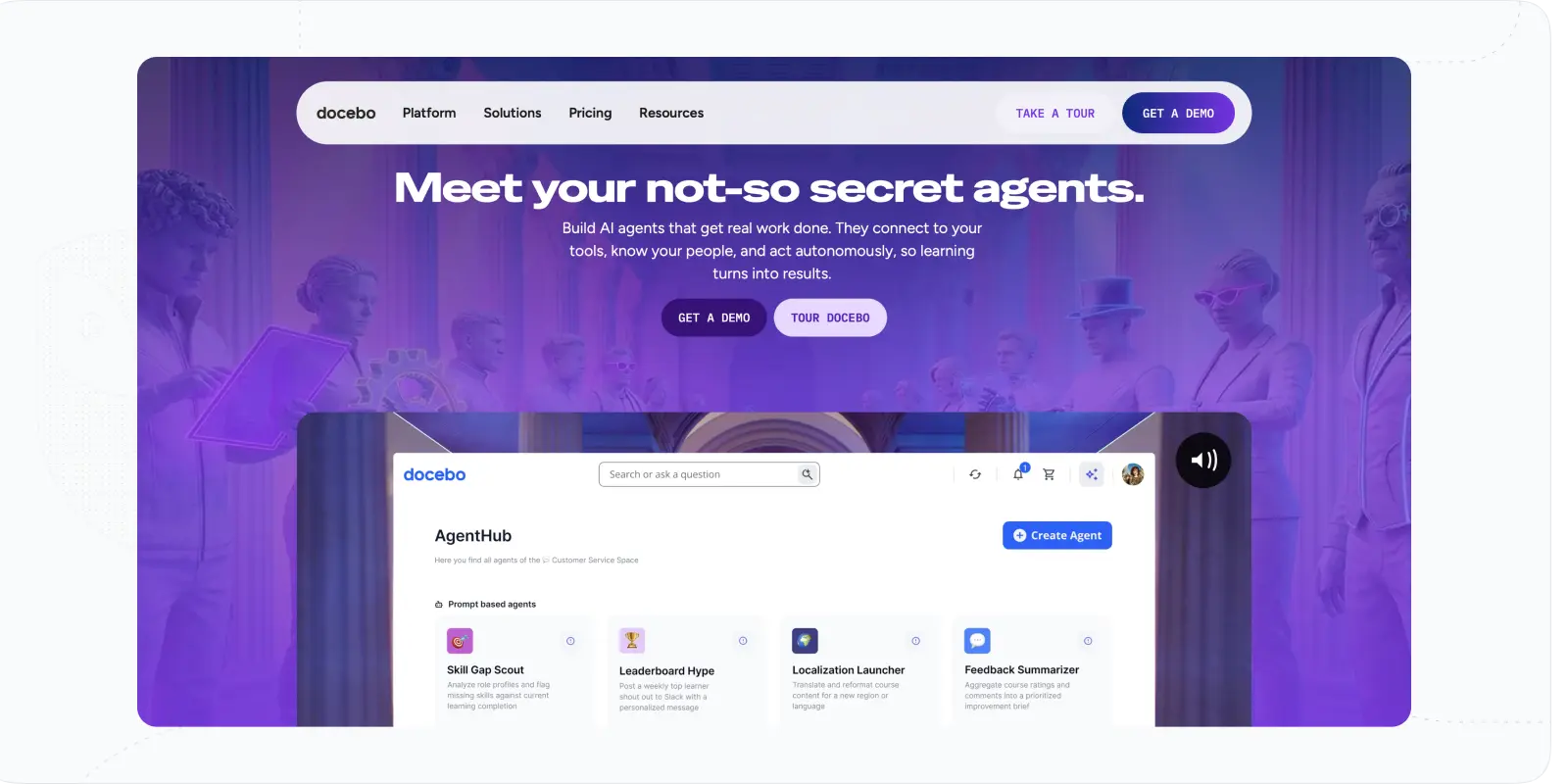
Docebo is a comprehensive training management solution backed by an AI engine, great reporting, and powerful automation tools.
In terms of training materials, Docebo offers content editing tools and a large content marketplace to assign courses. Besides, it offers gamification options and solid social learning tools to collaborate, communicate, and share expertise.
At Docebo Inspire 2026, Docebo launched AgentHub, using AI agents to turn enterprise knowledge from 20+ sources (Confluence, SharePoint, Google Drive) into learning content.
Good for: skill gap closure, upskilling, and continuous learning within enterprises and large organizations.
Key features of Docebo
- AI and automation tools. Docebo offers a powerful set of AI tools that help to manage training courses. In particular, Docebo Skills can offer hyper-personalized AI experiences to close skills gaps of employees; Docebo Shape allows turning external resources into training materials on the platform automatically.
- Content marketplace. L&D specialists won’t need to resort to course providers or agencies, as Docebo offers a wide range of courses, training materials, lessons, and summaries within its content marketplace.
- Analytics. This training management platform provides a customizable dashboard with different widgets. They can be used to track various data: completion rates, skill development, NPS scores, and sales effectiveness.
Pros: covers broad, complex learning needs; mobile app and SCORM support; strong analytics and engagement tooling.
Cons: authoring/editing could be smoother; custom reporting is limited; expensive for tighter budgets.
Pricing: available upon request.
Read more: Best L&D Tools
LearnUpon
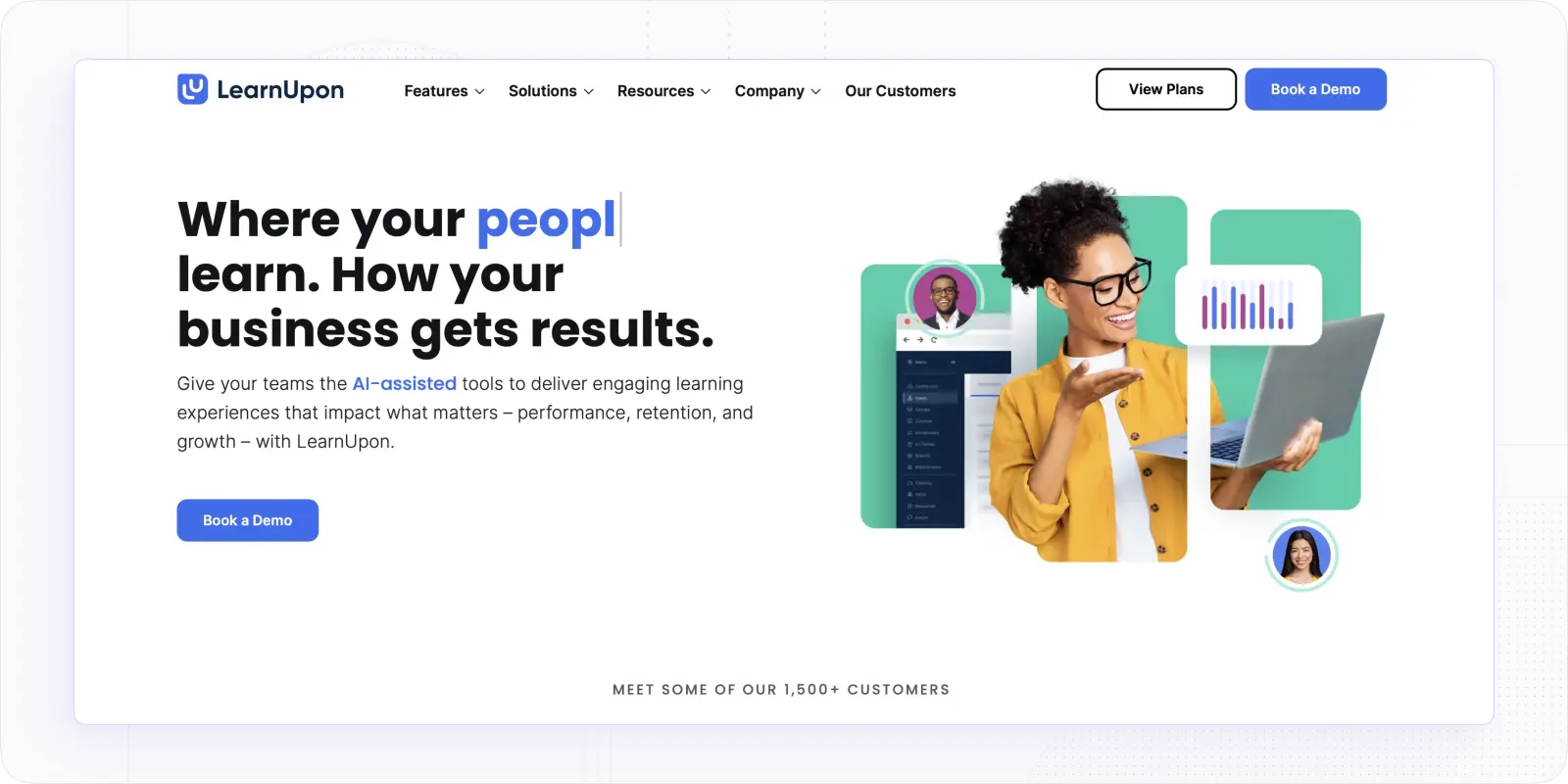
What about the tools for a more customizable training provision? LearnUpon is one of such training software. It is a responsive training management platform with which you can develop training courses via personalized learning portals.
The learning portals make it possible to develop the training spaces into sub-portals, apply branch learning, and customize learning paths for different users. It makes a good option for enterprises or companies with numerous departments and separate training needs.
In July 2026, LearnUpon unveiled its Agentic Learning Platform built around 'LearnUpon IQ,' with an open MCP server that connects external AI tools like ChatGPT, Claude, and Gemini.
Good for: corporate training, in-house training, and customized learning across different departments of large enterprises.
Key features of LearnUpon
- Customization options. With learning portals, you get advanced features to customize your training experience and space. At the same time, the LMS provides white-label options and customizable learning paths.
- Content creation: LearnUpon offers a pretty decent content variety (supporting video, xAPI, and SCORM formats), brings in instructor-led sessions, and allows linking courses or creating a resource center.
- Engagement tools. This employee training management software offers an app, comment sections, and decent gamification, like badges, level-ups, or leaderboards, for better engagement of the employees.
Pros: easy to use with strong navigation; good automation and HRIS integrations; solid reporting; eCommerce for training businesses.
Cons: authoring can be basic; learning paths are hard to edit post-publish; email notifications sometimes flagged as spam.
Pricing: after the contact with sales or request for a demo.
Litmos
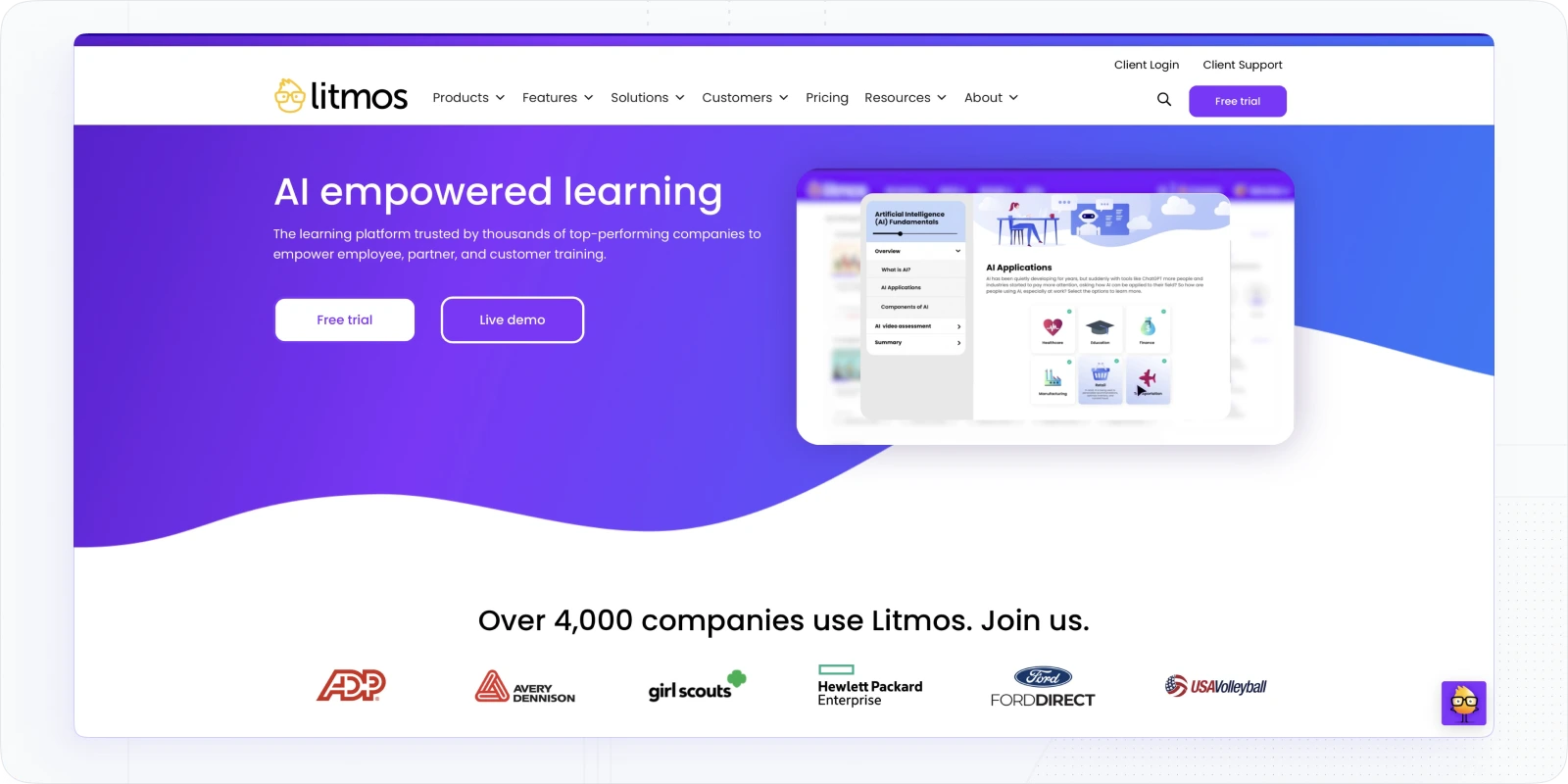
Is there another training management solution that offers similar customization and flexibility? Yeap. Litmos is an intuitive LMS for employee training sessions that brings in customizable learning paths, gamification, and good management.
Importantly, it offers intuitive instructor-led training modules, video assignments, and social learning options. The content creation tool is pretty versatile, backed by the vast library of pre-built programs. That way, it is a scalable solution for internal corporate training and the specific needs of various departments.
In April 2025, Litmos expanded its AI portfolio, adding generative AI to its Content Authoring Tool alongside its AI Assistant and AI Playlists.
Good for: blended learning programs or corporate training within global teams and businesses.
Key features of this Litmos
- Content creation tools. First, there is a library with over 2,000 training courses that can be used to support your training program creation. Also, Litmos provides a responsive editor that supports the creation of dynamic SCORM content.
- Gamification. You can award and encourage learning by awarding achievements and points and offering badges.
- Video assessments. Litmos appears as training and asessement managment software, as students can record and upload videos to complete assignments or communicate their responses.
- Automation. You can easily automate tasks related to enrollment, assignments, and learning path development.
Pros: easy to implement; flexible authoring and integrations; mobile app and deep content library.
Cons: reporting can be clunky; support response times and occasional errors are common complaints.
Pricing: there are three Plans, but pricing is available only upon request.
TalentLMS
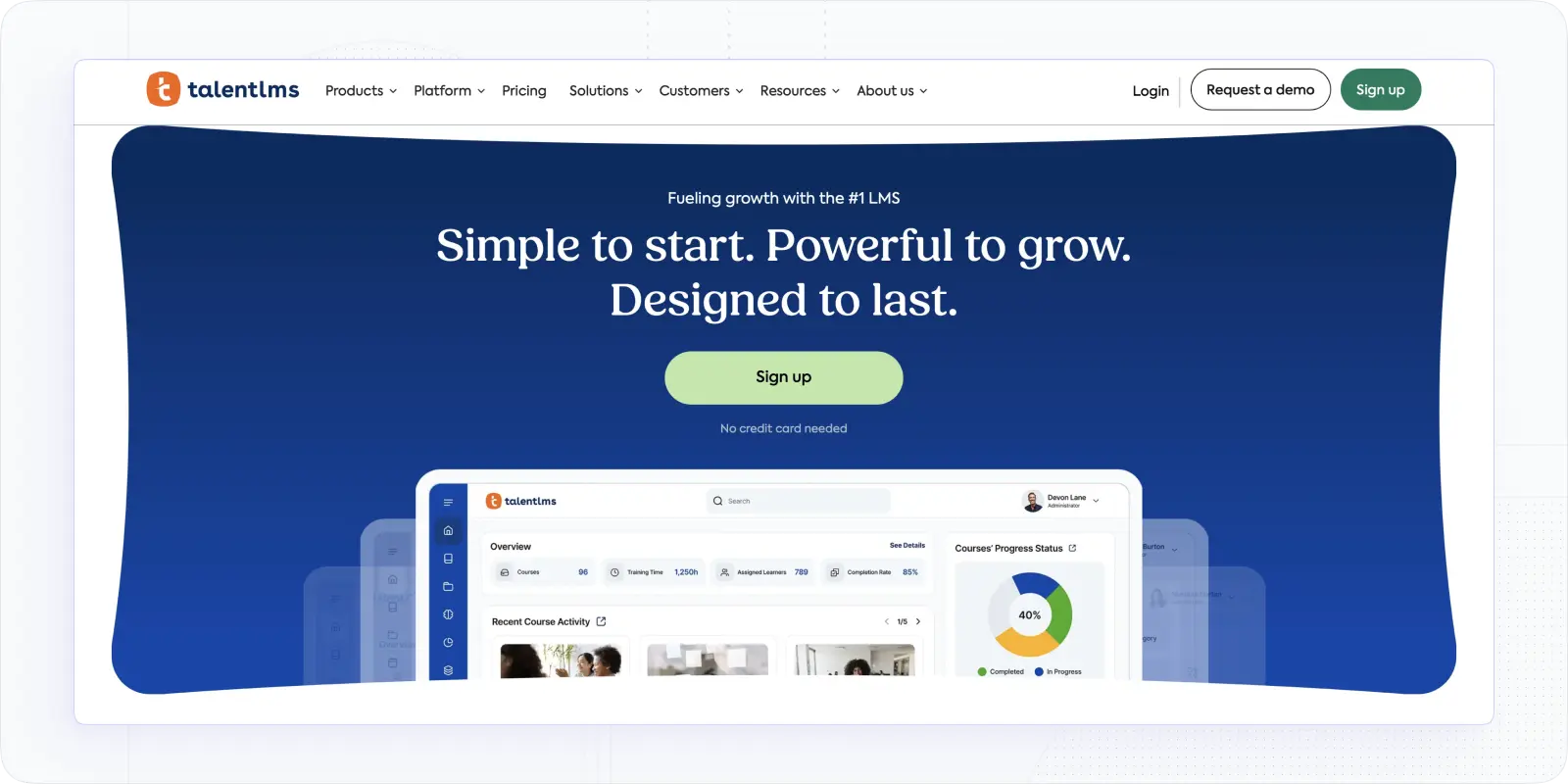
What if you want a content-rich solution for your creative L&D team? TalentLMS is an online training management system that offers versatile content creation tools, great gamification, discussion forums, and proper user administration.
The flexibility of the content editor allows for making diverse training content, while communication and gamification features will support effective engagement with employees. By creating sub-accounts and using branch features, it is easier to deliver training across different departments.
In March 2026, TalentLMS took its AI course creator TalentCraft out of beta and added interactive video that auto-embeds AI-generated quiz questions during playback.
Good for: gamified learning and scalable upskilling programs within mid-sized and large businesses.
Key features of Talents LMS
- User management. TalentLMS offers multiple user roles, provides a branch feature to create different accounts, and allows their customization.
- Flexible course editor. Corporate trainers can embed and integrate diverse multimedia, from importing SCORM and xAPI files to using presentations and videos.
- Gamification. It’s a distinct feature of TalentLMS, meaning you can include Points, Badges, Levels, Leaderboards, and Rewards to encourage training completion. Notably, there are numerous types of badges that can be used.
Pros: easy to use and administer; broad format support; powerful gamification; mobile app and good branding.
Cons: basic social-learning tools; limited API; no built-in SCORM editor.
Pricing: The Starter Plan costs $149/mo; the most advanced Premium Plan costs $579/mo; the Enterprise plan is available upon request.
Read more: TalentLMS Pricing Comparison
360Learning
What about collaborative learning platforms similar to what EducateMe offers?
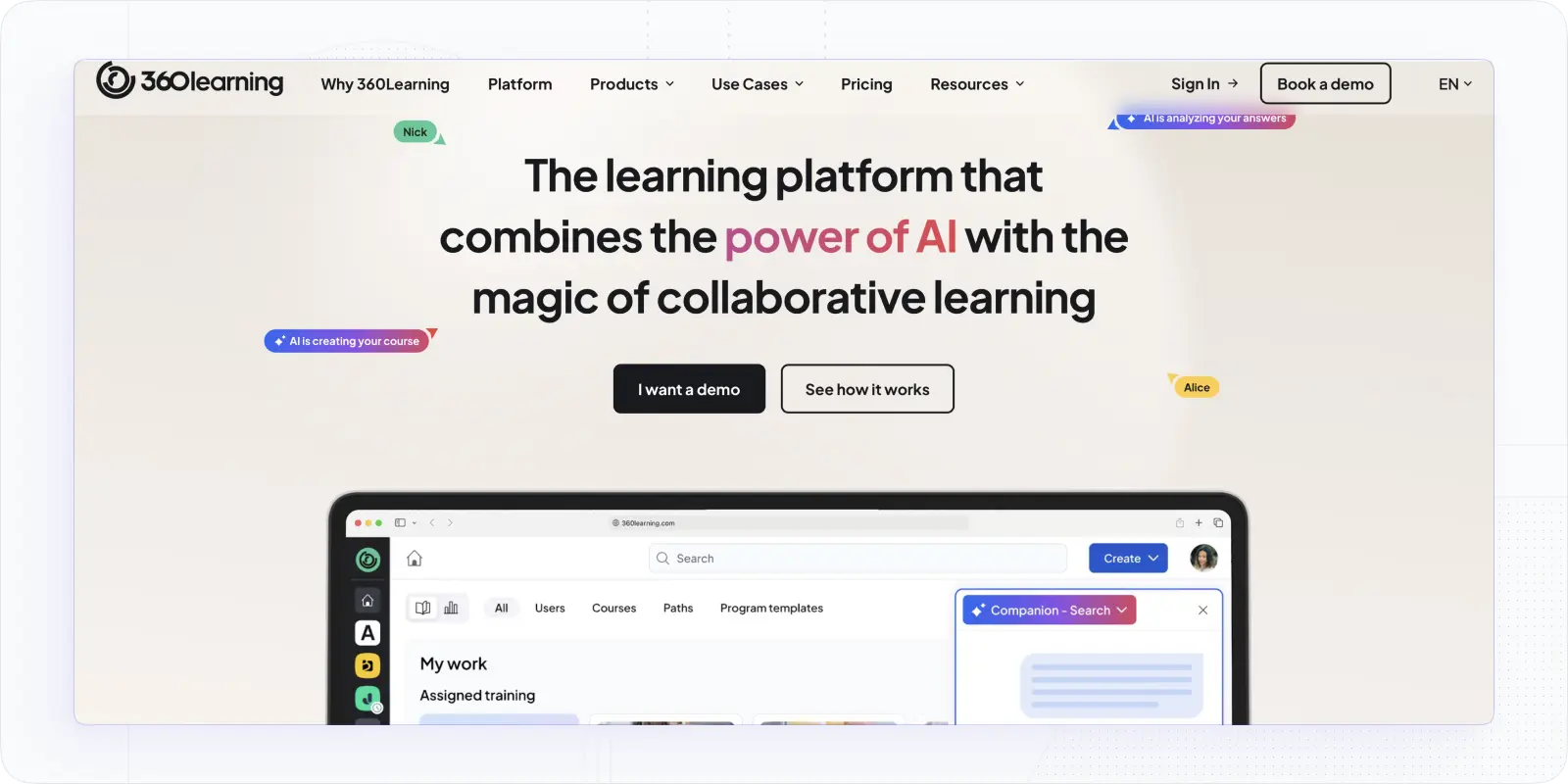
Here is 360Learning, a training management system that positions itself as a powerful collaborative platform, offers LXP features and customization, and brings powerful tools for knowledge sharing.
It provides user-friendly navigation and interactive content creation tools that simplify training development. Considering this, training managers would use it to provide onboarding and coaching sessions or upskill employees from within.
In October 2025, 360Learning launched its AI Companion (starting with Search Mode), letting employees ask questions in natural language and get sourced answers from their learning content.
Good for: onboarding, continuous learning, internal corporate training, and knowledge sharing in medium organizations.
Key features of 360 Learning
- Engagement set: 360Learning allows users to use a feed, forum, upvotes, and sharing options for discussion development. At the same time, it offers great gamification features, including badges and leaderboards.
- Content creation. The editor allows different tasks with interactive questions, where you can ask to pick an image or use video as an answer. Also, it offers customizable templates, allows duplicate and co-author courses, and embeds content.
- Learner management. Lastly, 360Learning has decent capabilities for user management, allowing custom user fields, different import options, and good customized reports.
Pros: easy to use and genuinely collaborative; strong peer engagement; Learning Needs tool for bottom-up gap-closing; mobile app.
Cons: thinner course-management tooling and basic reporting; limited modules; some collaboration isn't real-time; potential hidden costs.
Pricing: The Team Plan is $8/mo per user (up to 100 learners), such solutions as Coaching, Live, and Globalization are not included. For more than 100 learners, you will be asked for a year's commitment.
Read more: Best 360Learning Alternatives
Cornerstone
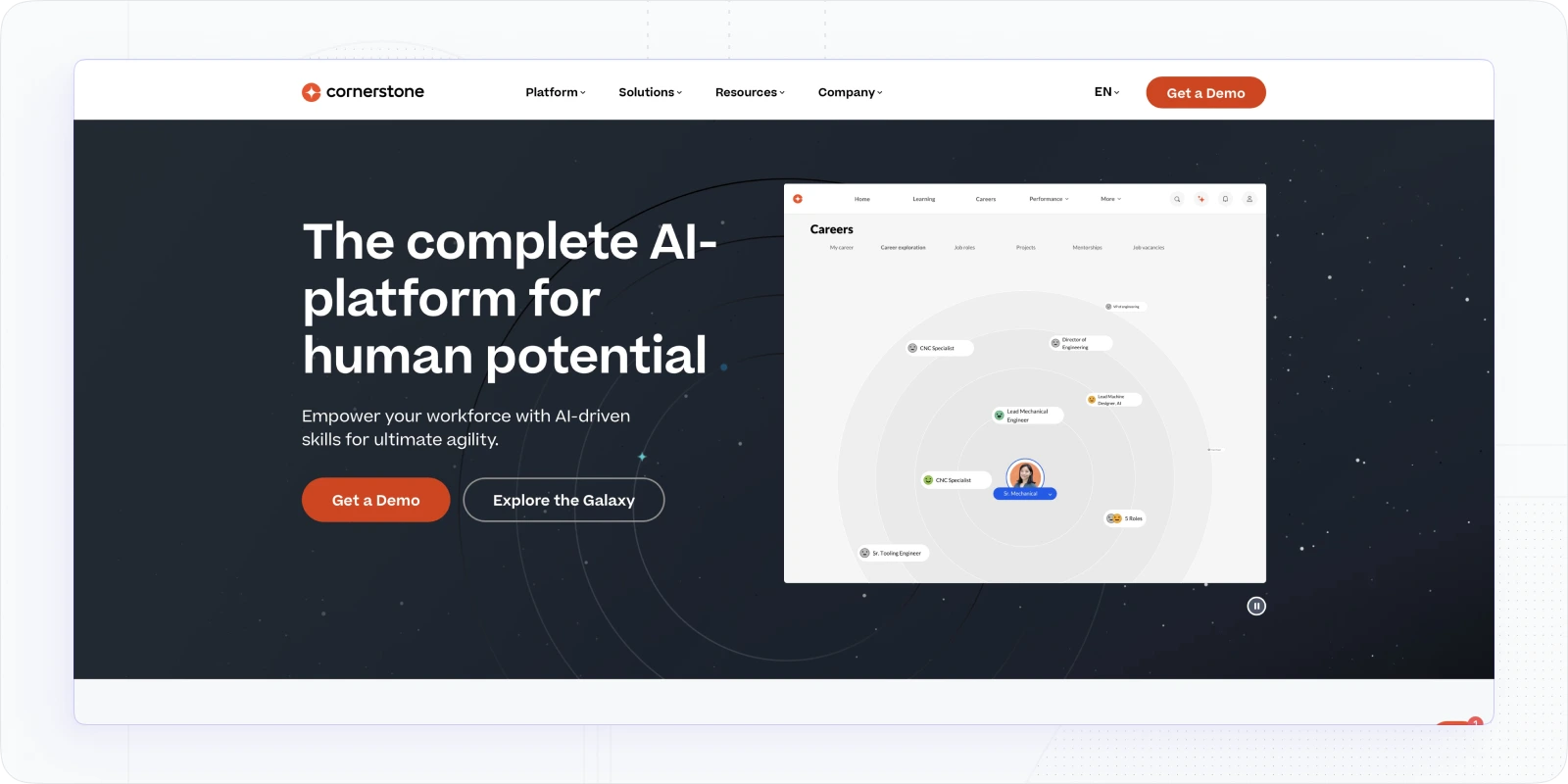
Let’s mention another powerful and universal skill development platform ― Cornerstone. In many ways, it is similar to Docebo.
Cornerstone is a training management system backed by skills intelligence tools, personalized paths, and social learning. This training management platform provides comprehensive tools for workforce and performance management, allowing trainers to identify gaps, roadmap skill development, and suggest training to employees.
In May 2026, Cornerstone launched Cornerstone Workforce AI, a workforce-readiness intelligence platform with AI agents powered by its People Graph and a 55,000-skill engine.
Good for: diverse employee development strategies that focus on upskilling, closing gaps, and reskilling within large organizations.
Key features of this Cornerstone
- Skills Intelligence backed by AI. Cornerstone connects competencies to gaps and needs, and based on that helps to assign courses and learning paths. The AI recommendations support the talent marketplace and help identify opportunities.
- Engagement tools. There is room for social learning and discussion thanks to discussion forums and collaborative learning spaces within content collections.
- Content Studio. Thanks to the Studio and Content Subscriptions, a trainer can determine collections and create personalized learning paths for employees.
- Advanced reporting and analytics. There are numerous ways to analyze employee training data, find skills gaps, and track training effectiveness. AI personalized skills recommendations seem to be a great deal for large companies.
Pros: powerful gap analysis and management; skills roadmapping and recommendations; excellent analytics; strong integrations.
Cons: complex to implement and learn; light native content production (relies on library/curation); costly for smaller organizations.
Pricing: available via contact with the vendor.
Looop
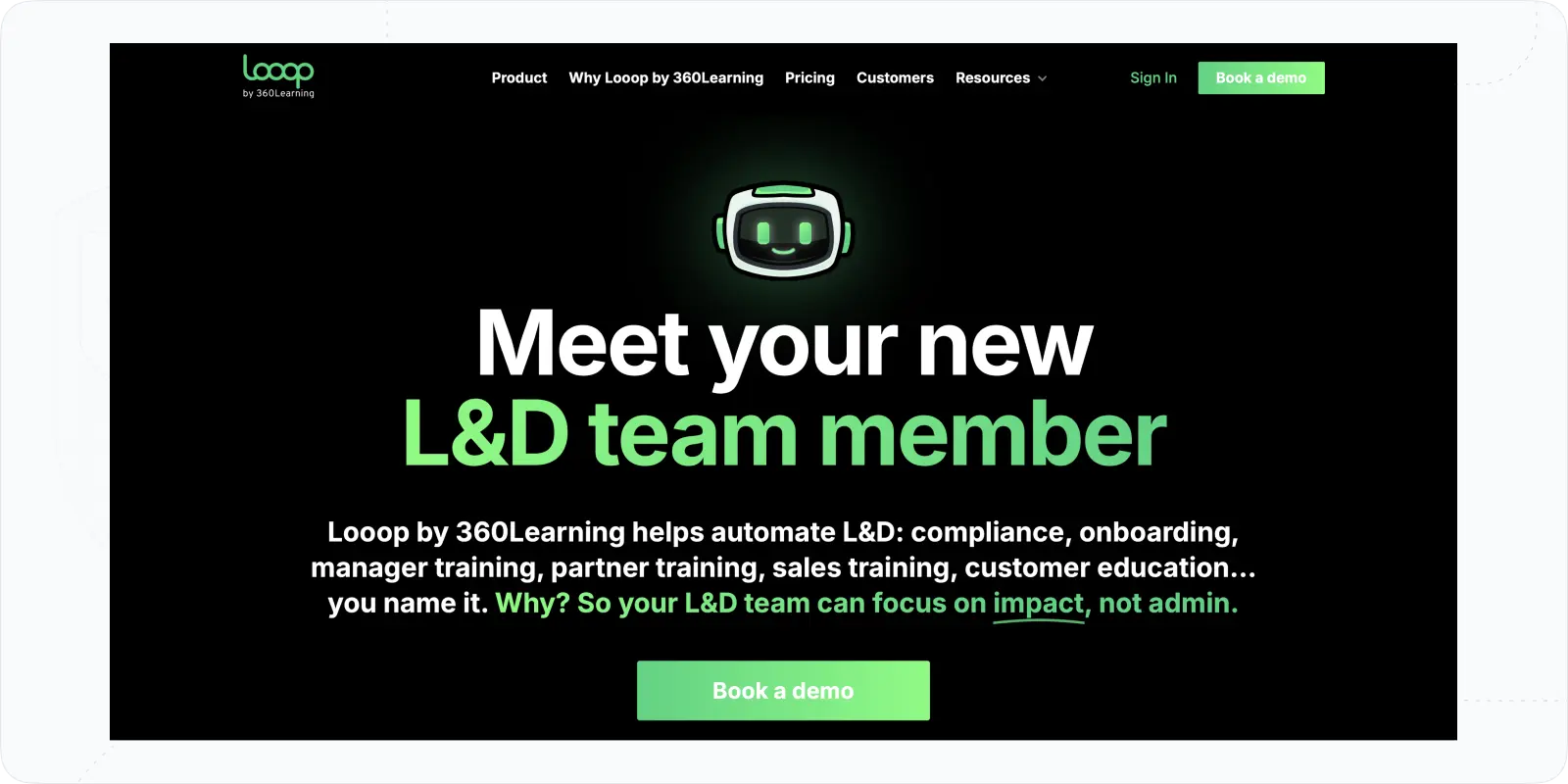
The next online training tool is all about the automation of processes and pathways for training provision.
Looop is a separate product by 360Learning that provides great scalability and automation due to smart triggers and conditions for resource delivery.
That way, trainers and learning specialists can create training paths and share training content or resources with employees. It should be a great addition to the available training tools set and offer centralized training management.
Post-acquisition, Looop's roadmap has folded into 360Learning, whose 2025 AI course builder generates and refines full course outlines conversationally, no standalone Looop-branded 2025–2026 launch exists.
Good for: building a centralized employee training system with different tools and diverse learning needs.
Key features of Looop
- Resource and training builder. To produce content you can use resource builder, import SCORM and xAPI files, and integrate LinkedIn Learning. Also, you can provide certificates and add quizzes.
- Communication tools. Looop offers various types of notifications (email, SMS, app) and can integrate communication apps, like Slack.
- Learning paths and loops. With customizable conditions, you can create specific learning paths and integrate different training tools. It also refers to feedback loops that you can set based on triggers.
Pros: attractive reporting dashboards; mobile app; campaign-style learning experiences; flexible content.
Cons: authoring and social learning aren't advanced; steep learning curve; occasional path/integration issues.
Pricing: upon request.
Adobe Learning Manager
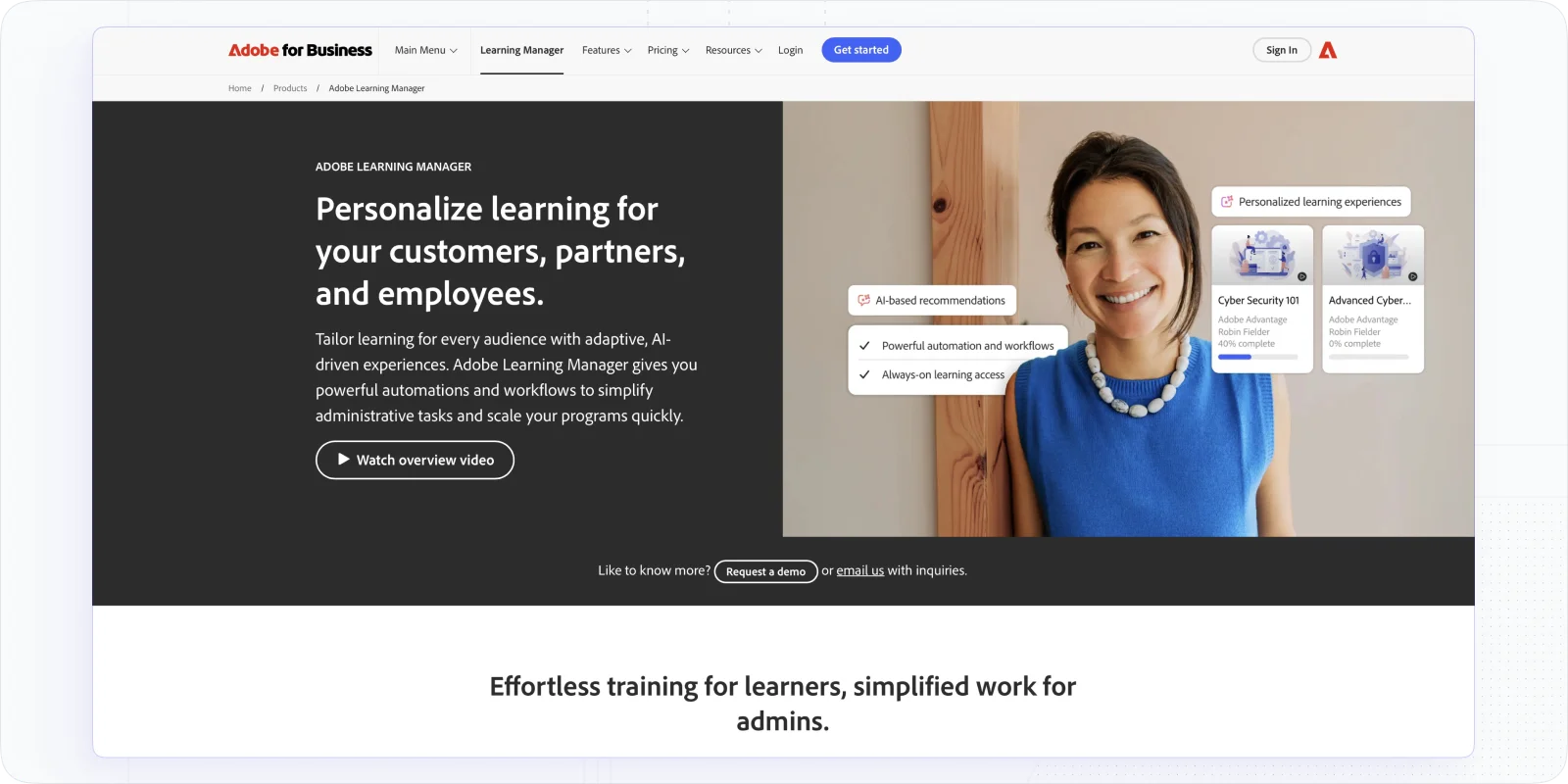
Adobe Learning Manager (formerly Adobe Captivate Prime) is an enterprise training management system providing flexible content options, great automation, and excellent opportunities for customization of learning. Besides, it offers a decent management and learning structure.
It means it will suit diverse training types, from instructor-led sessions and self-paced programs to hybrid training and sales training. Also, it offers a “headless LMS,” meaning you can integrate it into your website or other systems.
In May 2025, Adobe Learning Manager introduced a generative-AI Assistant (Beta) — a learner chat companion that answers plain-language questions from course content with citations, plus an Admin AI Assistant.
Good for: training programs within large organizations, extended enterprises, and training companies.
Key features of Adobe Learning Manager
- Distinct customized learning. You can create personalized learner home pages thanks to certain widgets. Also, you can provide recommendations on training content for each employee based on the behavior (via AI tool), organizational needs, or peer activity.
- Management training tools. You can create custom learning plans and paths, using a skill matrix, separate spaces for departments, multiple formats, and a content marketplace.
- Analytics. This online training tool offers comprehensive reports, including role-based, feedback, team performance, and instructor-led training types. Besides, there is a great compliance dashboard and learner transcripts to track performance.
Pros: immersive, gamified learning experience; intuitive authoring and marketplace; solid reporting and deep customization.
Cons: feature depth makes it hard to learn; AI suggestions can be basic; occasional bugs in web and mobile apps.
Pricing: A free trial is available; paid plans are available upon contact with sales.
How to Choose the Best Training Management Software?
- Step#1. Assess training strategy and goals. First, identify specific training objectives, such as onboarding, skill development, or compliance training. From there, you can determine the types of courses to implement.
- Step#2. Set training content and course development priorities. Next, depending on the training program type, evaluate what tools you need. Will you require videos, quizzes, engagement, or gamification tools? Here is a tip: prioritize tools that allow easy development of interactive programs.
- Step#3. Evaluate needs for scalability and mobile functionality. Also, consider the number of employees and the length of the programs. Based on this analysis, you may want to pick scalable software or a mobile learning app to improve knowledge perception.
- Step#4. Think of integration capabilities. Check if the training software integrates seamlessly with your existing systems, such as HR software, communication tools, and content libraries.
- Step#5. Fit in the budget. Many LMSs have hidden costs, thus, take into account prices per user or trainer and additional expenses for essential features and integrations.
Features of Great Training Management Software
Even if you want to have an LMS for employee training within a specific strategy, you would want to have features for quality training operations. In this regard, you need to consider the following features as a must.
- Course authoring. Quality training starts with robust tools for creating engaging, multimedia-rich employee courses. They may include videos, quizzes, interactive formats, and ready-to-use course templates.
- Collaboration. For proper teamwork and knowledge sharing, your LMS should offer discussion forums, peer reviews, or group projects.
- Management. Advanced user and course management capabilities define how trainers assign roles, track progress, and manage enrollments.
- Automation. Automated processes related to content, management, delivery, and notifications will help save time and reduce administrative workload.
- Reporting. Comprehensive analytics and reporting tools will allow for monitoring of learner progress, tracking course effectiveness, and generating insights for subsequent improvement.
- Branding options: If you want to connect training to company branding and support corporate culture, then white-label LMS is crucial.
- Certificates: Lastly, the ability to issue certificates will help validate employees' achievements upon course completion.
Conclusion
"Best" depends entirely on the job you're hiring the software to do, so match the tool to your primary need rather than a feature count:
- You want to build, deliver, and manage corporate training in one AI-powered LMS → EducateMe. AI course creation and the AI Roleplay Coach speed up authoring and skills practice, while white-label branding, automation, and reporting keep the whole program under your control. Best fit for L&D teams running onboarding, upskilling, product, and compliance training.
- Enterprise skills mapping and talent development at scale → Docebo or Cornerstone.
- Documenting SOPs and processes for onboarding → Trainual.
- Multi-department or multi-brand portals → LearnUpon; blended learning for global teams → Litmos; gamified, scalable upskilling → TalentLMS; peer-driven collaborative learning → 360Learning.
One thing this year's comparison makes clear: AI is now table stakes, not a differentiator. Every platform on this list shipped major AI features in 2025–2026 — AI authoring, AI tutors, agents, skills engines. So don't choose on "does it have AI." Choose on how that AI fits your workflow: does it cut your authoring time, does it actually help learners practice and retain, and does it report on outcomes you can tie to ROI?
If an AI-powered corporate training LMS that you can stand up quickly and brand as your own is what you're after, start a free EducateMe trial and test it against your own programs.
Frequently asked questions
Depends on your primary job. A training management system (TMS) handles instructor-led logistics (scheduling sessions, booking rooms and instructors, waitlists, and attendance across a catalog. An LMS handles delivery) course authoring, content hosting, assessments, and learner management. If your training is mostly live and logistics-heavy, lean TMS; if it's content and self-paced, lean LMS. Many flexible platforms cover both, so pin which side dominates before shortlisting.
Fewer than the "training software" label suggests. Pure ILT-logistics buyers need session scheduling, room and instructor allocation, waitlists, and catalog-wide attendance — features many LMS-first platforms handle only partially. If ILT is your core need, check each tool specifically for resource booking and instructor management, not just live-session hosting. Where a platform is delivery-focused, its scheduling and logistics may be thin, so confirm the exact ILT features before assuming coverage.
Because consolidation can change roadmaps and pricing. Several tools that read as independent have quietly been acquired or folded into larger suites, which can shift development priorities toward the parent company and alter terms at renewal. Before committing, check current ownership and whether the product still has an active, standalone roadmap. A tool absorbed into another platform may see its own features deprioritized — worth knowing before a multi-year commitment.
Stop treating AI as a differentiator — it's table stakes now, since every major platform shipped AI authoring, tutors, or agents recently. Judge instead on how the AI fits your workflow: does it genuinely cut authoring time, does it help learners practice and retain, and does it report outcomes you can tie to ROI? Then weigh the fundamentals — delivery, management, reporting, branding. EducateMe pairs AI authoring and roleplay coaching with white-label delivery and automation — book a demo.