
Custom LMS Software Development vs. Customizable LMS: What Buyers Actually Need to Know

By Sofia KondratSofia KondratCorporate Training Expert & Content EditorHey there! I’m Sofi Kondrat, your go-to corporate training advisor here at EducateMe. I’ve been navigating the highs…Read more
Corporate Training Expert & Content Editor
8 min read
Three words get used interchangeably in LMS sales conversations: customizable, configurable, and custom-built. They're not the same. Customizable usually means branding. Configurable means workflows. Custom-built means a development project. Pick the wrong one and you either pay for a logo upload you didn't need, or sign a contract with a dev agency when you needed a SaaS subscription.
3 Types of "Customizable LMS" (and Why the Distinction Matters)
The term gets used to describe three completely different things. Conflating them is how you end up over-buying or under-buying.
Type 1. Branding customization. Your logo, brand colours, custom domain, login page. Almost every LMS on the market supports this. If a platform lists "custom branding" as a feature, this is probably what they mean. It's the baseline, not a differentiator.
Type 2. Configuration customization. Custom user roles and permissions, automated enrolment rules, tailored learning paths, custom notification triggers, configurable dashboards, and reporting. A meaningful subset of platforms supports this properly. This is what most buyers actually need when they search for a "customizable LMS" — they want the system to fit their workflows, not just display their logo.
Type 3. Full custom LMS development. Building or extending an LMS from the ground up, or via deep API integration with proprietary systems. Think: bespoke compliance workflows tied to your internal HRIS, custom learner certification logic, or white-glove integrations with legacy enterprise tools. This is a software project, not a SaaS subscription. It involves agencies, development cycles, and ongoing engineering costs.
The single most useful question to ask before evaluating any platform: which type of customization do I actually need?
Build vs. Buy: The Cost Reality of Custom LMS Development
Buyers searching "custom LMS software development" are often wondering whether to build their own. The honest answer: for most companies, it's the wrong question.
Custom LMS development through an agency typically runs $50,000–$200,000+ for a basic, functional product. That's before the 6–12 month build timeline, before the ongoing maintenance costs (usually 15–20% of the initial build per year), and before the inevitable scope creep when your first use case spawns three more.
A configurable SaaS LMS, by contrast, runs roughly $3–15 per user per month, can be live in days or weeks, and ships product updates without you lifting a finger.
That's not an argument against custom development — it's an argument for being honest about when it's the right call.
Custom development makes sense when:
- You have >5,000 learners with genuinely unique workflow requirements that no SaaS platform can configure around
- Your compliance or certification logic is proprietary and deeply integrated with internal systems
- You're building a commercial training product that needs to be sold or licensed as standalone software
- Your IT team has the capacity to own and maintain a bespoke codebase long-term
Configurable SaaS makes sense when:
- You need role-based learning paths, branded portals, automated enrolment, and solid analytics
- You're running training for multiple audiences (employees, customers, partners) from one account
- You want to launch quickly and iterate, not wait eight months for a first build
The honest version of this decision tree isn't "which is better." It's "what problem am I actually solving, and what's the real cost of each approach?"
"Most learning leaders don't need a custom LMS — they need an LMS they can configure to feel custom. The two things look the same from the outside but have completely different cost and timeline profiles." — Oleksandra Berezina, L&D specialist
Customization Depth Comparison: 5 LMS Platforms
Before you evaluate any platform, run it against this framework. The three columns map directly to the three types of customization above.
| Platform | Branding customization | Configuration customization | API / custom development | Best for |
|---|---|---|---|---|
| EducateMe | Custom domain, login page, logo, colours, fonts per portal | Role-based paths, auto-enrolment rules, AI course builder, 10+ reporting metrics, per-manager dashboards | API available; suited for SaaS integrations; not designed for deep enterprise legacy systems | Mid-sized companies (50–1,000 employees) running multi-audience training without a dev team |
| Moodle | Theme customization, custom login page | Plugin-based — highly flexible but requires technical resource to configure | Fully open-source; complete codebase access; self-hosted deployment | Organisations with in-house developers who want full control and no licensing cost |
| TalentLMS | Logo, colours, custom domain, CSS/JS overrides | Multi-tenancy, custom learning paths, SSO, automated notifications | REST API; 1,000+ integrations via Zapier and native connectors | SMB and mid-market teams wanting flexible configuration without deep technical lift |
| Docebo | Corporate colours, logo, role-based portal views | Skills management, configurable dashboards, role-specific widget layouts | REST API; enterprise integration support; Salesforce and HCM connectors | Mid-to-large enterprises with structured skills frameworks and larger budgets |
| Absorb LMS | Login images, course thumbnails, dashboard backgrounds | Competency badges, personalised learning paths, gamification tools | API available; professional services for complex integrations | Teams prioritising engagement and collaborative learning with solid reporting needs |
EducateMe — Best Customisable AI-Powered LMS for Corporate Training
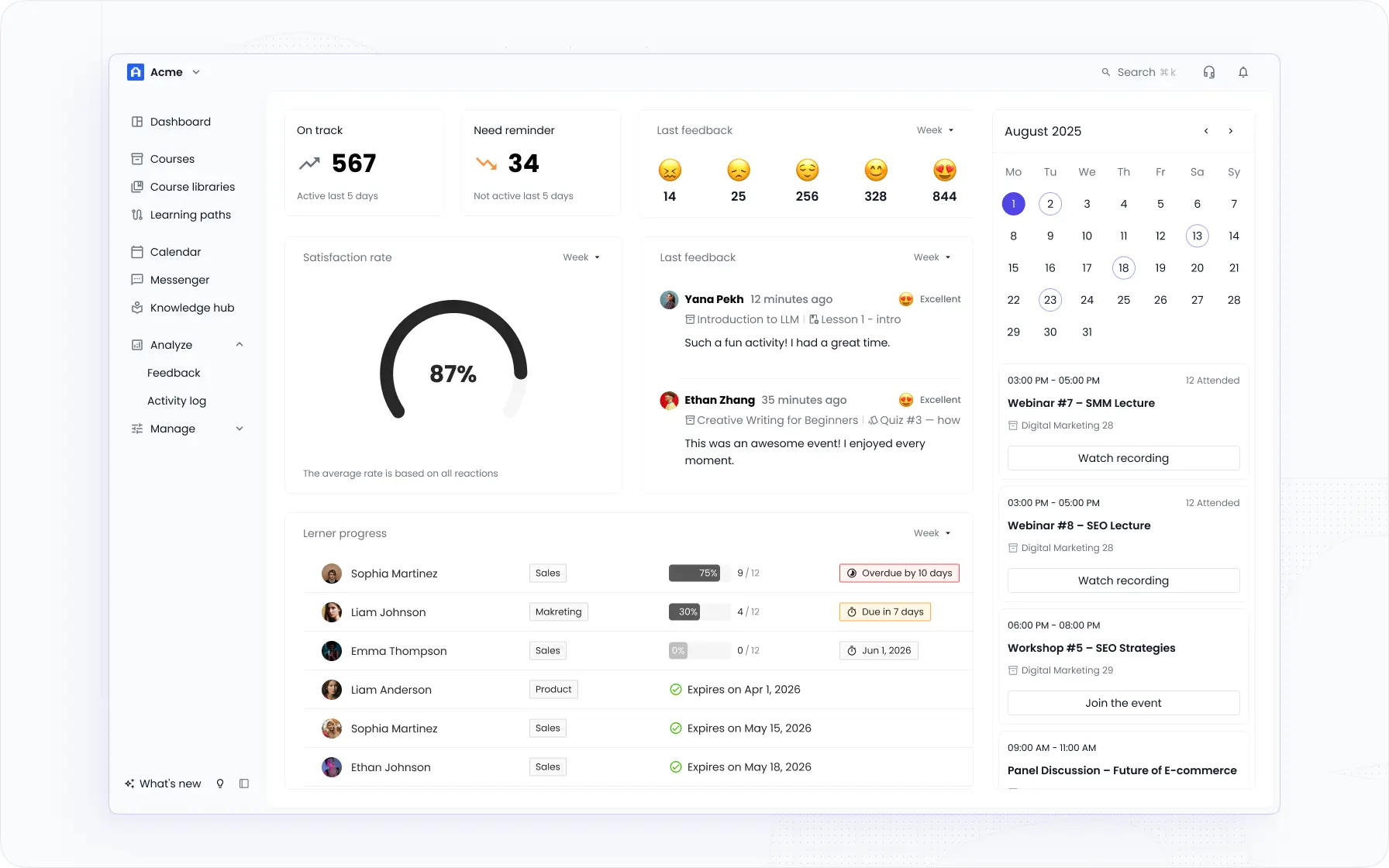
EducateMe is an AI-powered corporate LMS with deep customisation built for mid-sized companies running structured training across multiple employee groups. The customisation isn’t just visual — it’s architectural. Multi-tenant white-label portals mean each department, client, or partner gets a separately branded learning space with its own curriculum and access controls, all managed from one admin account. Custom domain, login page, logo, colours, and fonts per portal. SSO integration so employees can access training through your existing systems.
What separates EducateMe from other customisable LMSs is the AI layer that makes managing multiple customised environments practical: generate full courses from a text prompt, URL, or file; auto-enrol learners by role, department, or seniority; and track completion and skill gaps across every portal from a single analytics dashboard. Customer data shows 3x faster course creation and 1.8x faster onboarding than manual builds — which matters when you’re customising training for multiple teams or client groups simultaneously.
Key features to consider
- White-label customisation. Custom domain, login page, logo, welcome message, colours, and fonts per portal. Each learning environment looks like it was built in-house.
- Multi-tenancy. Separate portals per department, client, or partner — each with its own curriculum, branding, and access controls — managed from one account. The right structure for companies running training for multiple audiences simultaneously.
- AI course builder. Generate structured courses from a text prompt, URL, or uploaded document. AI builds module content and quizzes, not just outlines. Customise content for different roles or teams in a fraction of the time of manual builds.
- Role-based learning paths. Assign tailored training sequences by role, department, or seniority level. Auto-enrolment triggers when an employee joins or changes role. Each group sees a curriculum built for their context.
- Reporting customisation. Build custom reports, customise the analytics dashboard per manager, and track 10+ metrics — completion, engagement, skill gaps — per portal or team.
- Engagement tools. Peer reviews, group assignments, channels, and live session hosting are part of the customisable training programme — not a separate community add-on.
- AI Roleplay Coach. Practice-based skill development for sales, customer success, and onboarding scenarios, with rubric-scored feedback at scale.
Moodle – Best Customizable Open-Source LMS
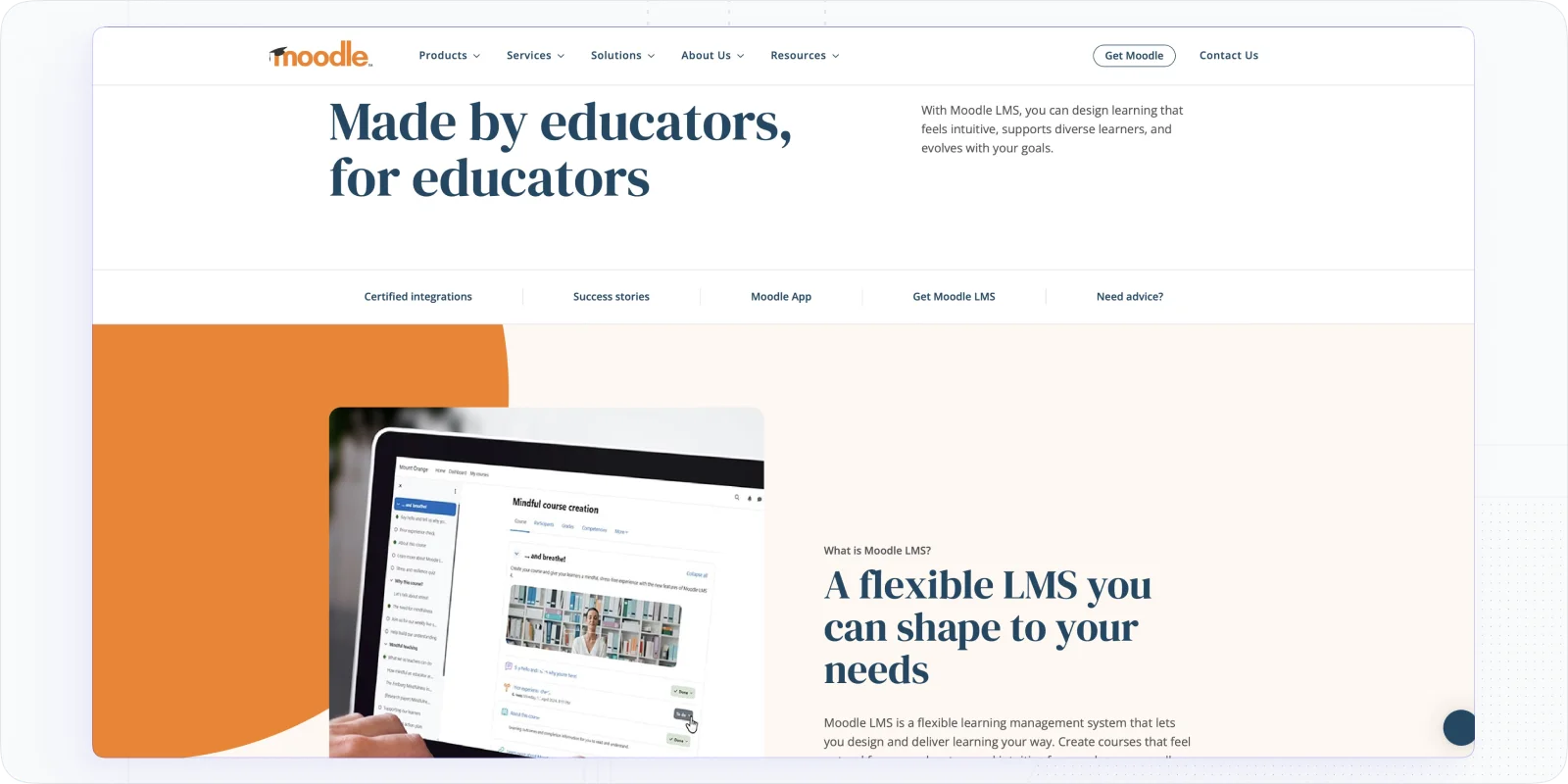
If you have been looking for LMS even once, for sure you saw Moodle somewhere in Google:) It's the best open-source LMS that offers extensive customization options and seamless integration with other systems.
Moodle offers extensive customization options, allowing users to create personalized homepages, custom dashboards, and flexible page layouts through an intuitive drag-and-drop interface. However, more advanced customization, such as intricate design modifications or additional integrations, may require significant investment in both time and cost.
Price: Starting from $130/year; Scaling up to $1,710/year; A Customizable Plan is available, providing extended capabilities to suit specific needs.
Key features to consider
- Powerful Branding & Customization. Users can create custom reports, customize themes and elements of the user interface, and build & update plugins.
- Community Support. Because of its open-source nature, Moodle offers a great community of developers and users, ensuring updates and improvements.
- Customizable Learning Paths. Design courses and learning paths that suit different learning styles and needs of various employee departments.
- Language customization. Translate your training content for over 120 languages.
TalentLMS – Best Cloud Based Customizable Learning Management System
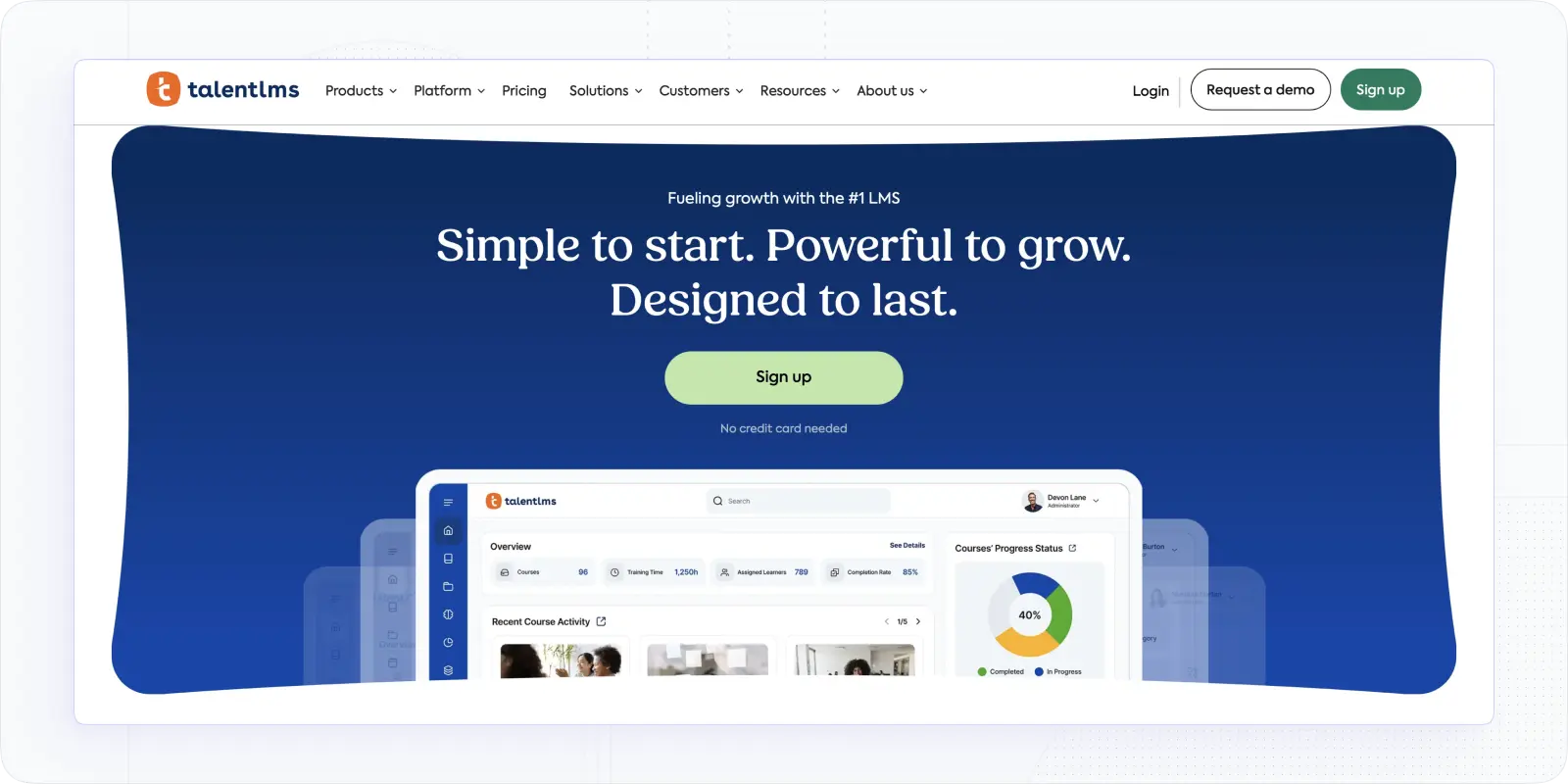
TalentLMS is a good example of cloud-based learning management system designed to provide a fully customizable training environment. From adding your logo, colors, and domain to creating personalized notifications and courses, TalentLMS gives you full control over the look and feel of your training portal.
The biggest highlight of this customizable LMS tool is multitenancy support, multilingual options, and advanced learning paths personalization. With support for CSS, JavaScript, and over 1,000 integrations, it provides both flexibility and scalability.
Price: Free trial; from Start Plan — $149/m; to Pro Plan — $579/m. Enterprise plans are available upon request.
Key features to consider
- White-Label Customization. Fully customize the LMS with your logo, colors, fonts, and domain.
- Domain Mapping & SSO. Set up a custom domain and enable Single Sign-On (SSO) for easy, secure access using existing credentials.
- Multitenancy. This solution allows users to create isolated training environments to manage different audiences within one account.
- Custom Learning Paths. You have the opportunity to tailor automated learning journeys to guide users based on their roles and progress.
- Advanced Security & Compliance. TalentLMS is ISO/IEC 27001:2013 and ISO 9001:2015 certified, ensuring GDPR-compliant data protection.
💡Further reading: 10 Best Cloud-Based Learning Management Systems [2026]
Docebo – Best AI-Powered Custom LMS
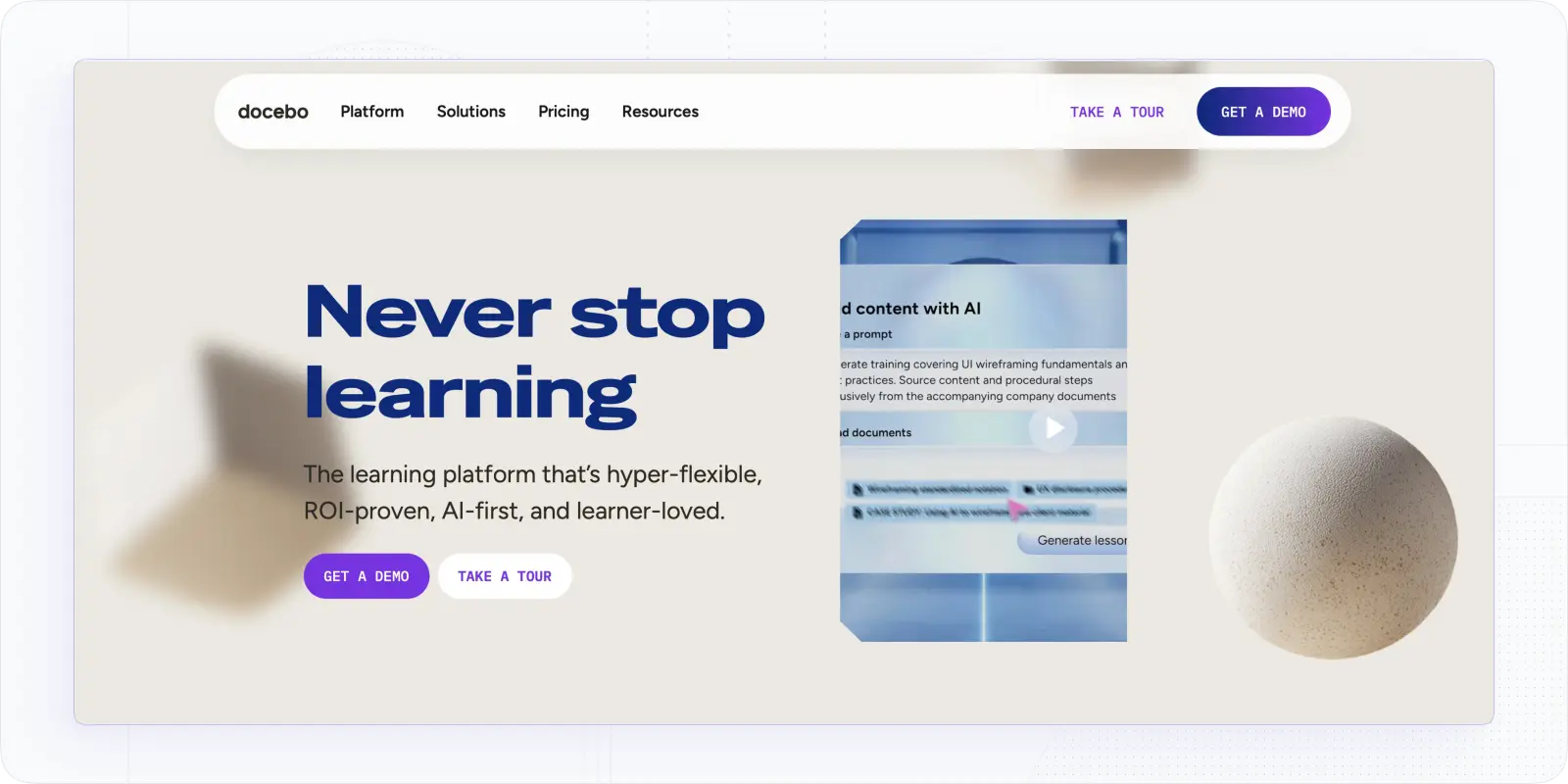
Docebo is a customizable AI LMS that combines formal, social, and experiential learning with skills management. The administrator can design the platform in corporate colors and add the company logo.
For an additional fee, you can modify the appearance of the portal for different roles. For example, employees will see only assigned courses and a class schedule, managers – an additional list of users and statistics on their activity, and administrators – all of the above plus tools for customizing the platform.
To customize the portal interface for a specific role, the administrator can select widgets and arrange them in the desired order or simply use ready-made templates.
Docebo pricing: They offers custom pricing based on the number of users and features required. Contact sales for a quote.
Key features to consider
- Customization. The system can be customized to meet the requirements of the corporate style – logo, fonts, corporate colors, and theme.
- Advanced interface modification. For an additional fee, the user can modify the portal appearance for different roles, select widgets, and arrange them in the desired order.
- Customized Measurement Tools. Admins can use pre-made reports or create their own by selecting specific user and course data.
- Gamification. The system allows you to reward employees with points and badges, add a competitive element using ratings, and assign users awards and gifts upon completion of courses and tests.
Absorb LMS – High Customizability for Collaborative Learning
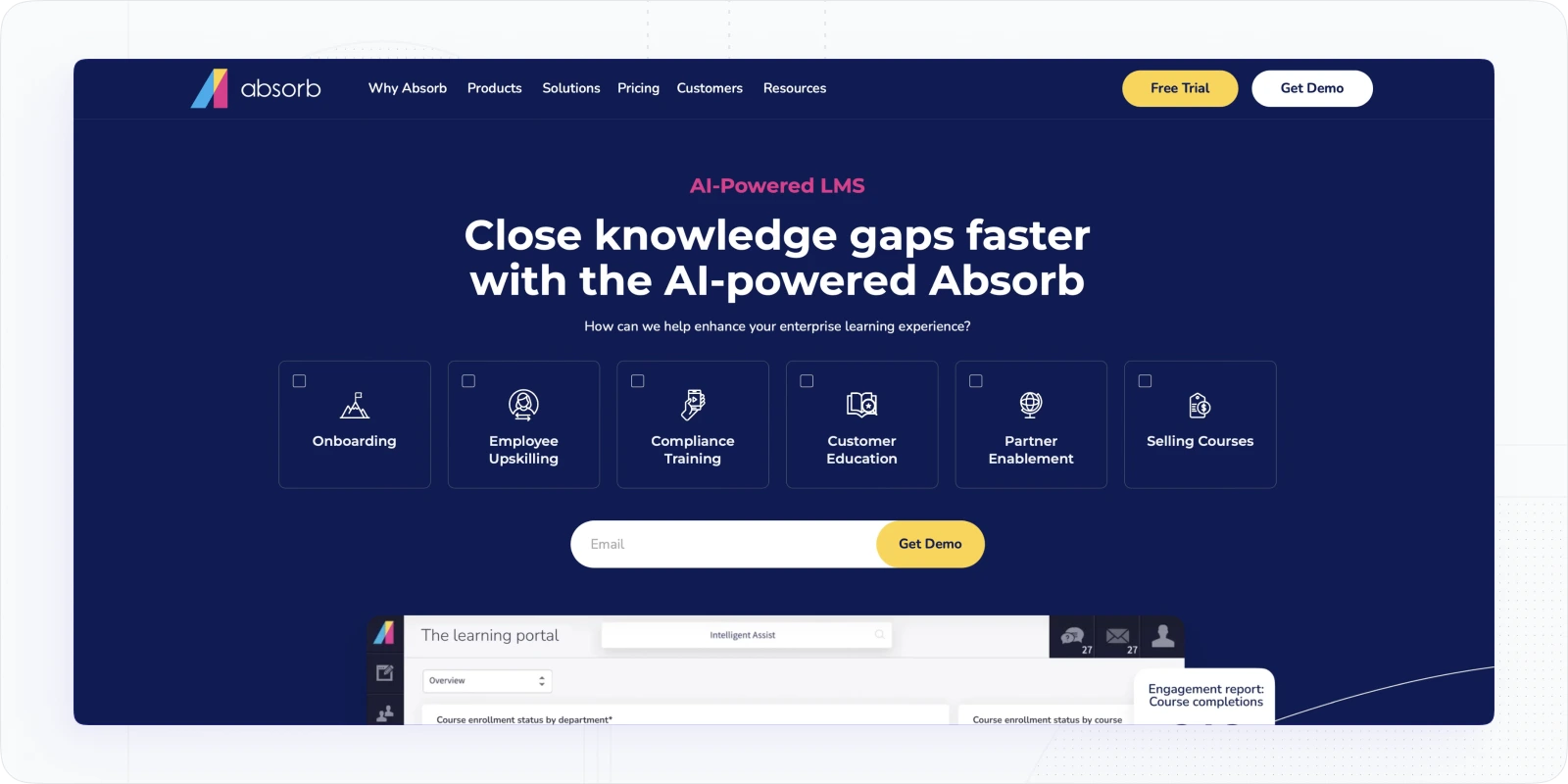
Absorb LMS, with its extensive customization capabilities, helps businesses train, retain, and manage employees and external stakeholders. In addition to logo and colors of your company branding, users can set up competency badges, course posters & thumbnails, dashboard backgrounds & layouts, login images, and welcome tile images.
Additionally, Absorb LMS stands out with its gamification features and personalized learning experiences, while its AI-powered tools provide significant support for administrators in managing and optimizing learning experiences.
Price: Available upon request.
Key features to consider
- Customizable Interface. Fully customize the interface of the platform, including login pages and dashboards.
- Custom Dashboard. You can adjust the learning process and flow by customizing the dashboard and highlighting the most important information.
- Personalized Learning Paths. Utilizing Absorb Create, Infuse, and Amplify you can create tailored training experiences seamlessly integrated into business processes and optimized through real-time data analysis.
- Gamification. Absorb LMS provider offers a set of gamification tools, including badges and leaderboards.
Which Type of Customization Do You Actually Need?
I'd run every evaluation through this decision tree before talking to a single vendor:
Choose full custom LMS development if you have >5,000 learners, genuinely proprietary compliance or certification logic, and an internal team to own the ongoing engineering. Expect $50,000–$200,000+ to build and 6–12 months before launch.
Choose a deeply configurable SaaS LMS (EducateMe, TalentLMS, Docebo) if you need multi-audience training with branded environments, automated workflows, and real analytics, without a development team. You'll be live in days, not months.
Choose an open-source platform (Moodle) if you have developers in-house, want full control over the codebase, and are prepared to own hosting, maintenance, and upgrades.
The distinction matters most at procurement. Buyers who go in looking for "custom LMS development companies" without understanding this framework often end up either overbuilding or under-configuring. The goal isn't the most customizable platform — it's the right level of customization for how your training actually runs.
For most teams running structured training across employees, customers, or partners: that's a configurable AI LMS, not a custom build. Take a look at the white-label LMS guide if you're specifically evaluating multi-portal setups.
Frequently asked questions
A custom LMS is software built from scratch or heavily modified through agency development — typically $50,000–$200,000+ and 6–12 months to ship. A customizable LMS is a SaaS platform that lets you configure branding, workflows, learning paths, and user roles without writing code. Most companies looking for a "custom LMS" actually need the second option: deep configuration, not full custom development.
Custom LMS development through an agency typically runs $50,000–$200,000+ for a basic product, depending on feature scope and integration requirements. That's before ongoing maintenance, which usually adds 15–20% of the build cost per year. For most mid-sized companies, a configurable SaaS LMS at $3–15 per user per month covers the same use cases for a fraction of the total cost. EducateMe, for example, handles white-label multi-portal setups starting at $239/month.
I'd focus on three things: whether it supports multi-tenant branded portals (so different teams or audiences get appropriate environments), how automated the enrolment and path logic is (manual admin work kills scalability), and what the analytics layer looks like at the manager level. Generic platform-wide completion rates aren't useful. Per-team, per-role visibility is what L&D managers actually need to act on.
Yes, if you choose a configurable SaaS platform rather than an open-source or custom-built solution. Platforms like EducateMe are designed for L&D and HR teams, not IT departments. White-label branding, role-based learning paths, automated enrolment rules, and custom reporting are all configured through the admin interface. The AI Course Builder generates structured course content from a prompt or uploaded document, which means content customisation doesn't require instructional design expertise either.