
Best LMS for Higher Education in 2026

By Roman GryshukRoman GryshukCorporate Training Expert & Content EditorHi, I’m Roman, a content specialist with over 5 years of experience in content writing and marketing. At…Read more
Corporate Training Expert & Content Editor
10 min read
MMost universities I've seen approach LMS selection backwards. They pick the most recognizable name — Canvas or Blackboard — and then spend months trying to bend it to fit their actual teaching and learning experiences. That's not a great way to make a significant institutional decision.
The better question isn't "which learning platform is most popular?" It's "which one actually fits how our institution manages courses, tracks student progress, and supports the kind of digital learning environment we're trying to build?"
This article covers the best LMS platforms for higher education in 2026 — what each one does well, where it falls short, and which type of college or university it suits best.
LMS in Higher Education: Benefits and Opportunities
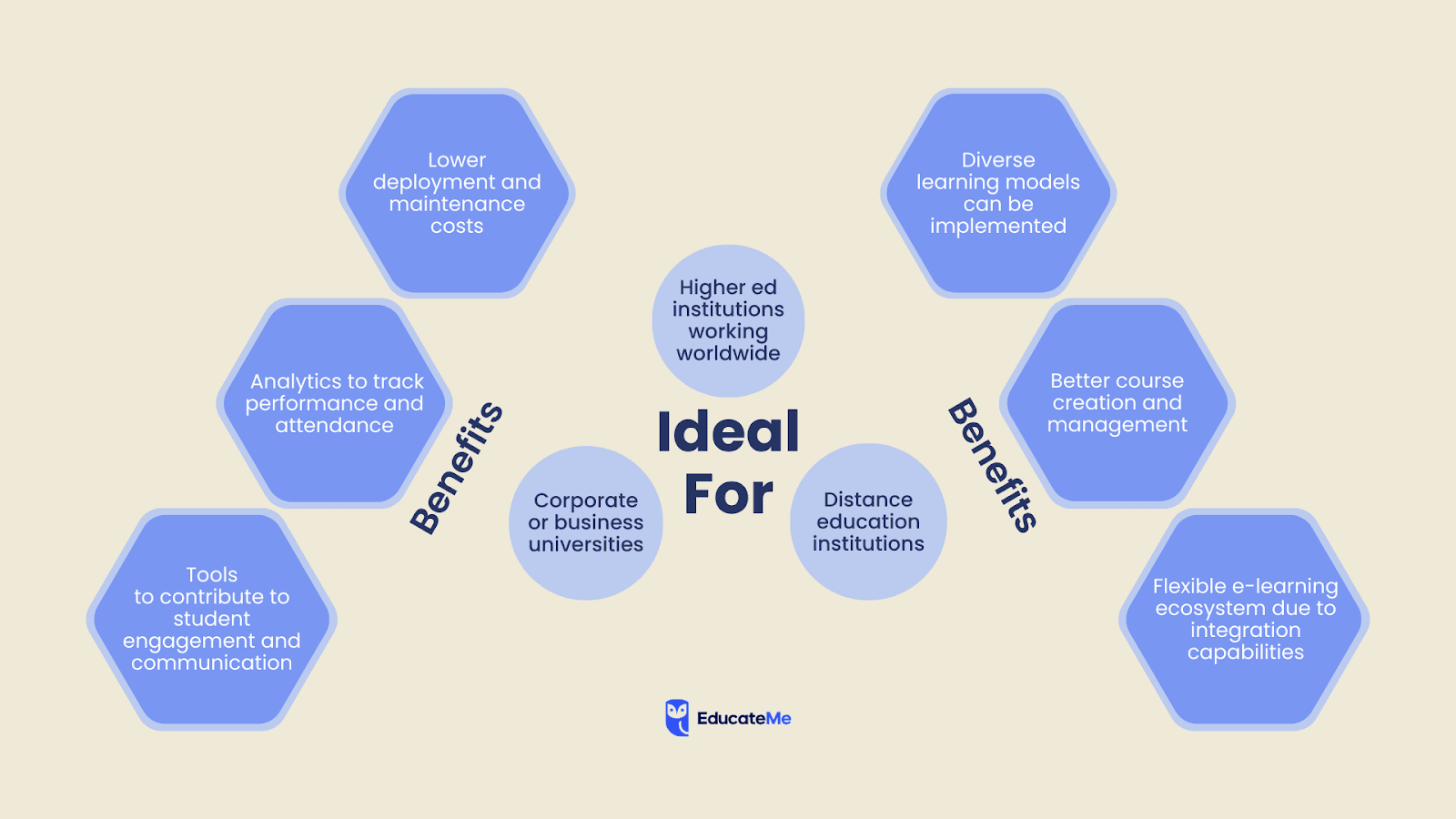
Colleges and universities aren't adopting online learning platforms because of post-pandemic momentum — that narrative is mostly over. They're doing it because student expectations have fundamentally shifted. Students expect flexible learning options, digital-first course materials, and the ability to monitor their own progress in real time. Institutions that can't offer that are losing prospective students to ones that can.
77% of learners said they decided on the online modality before any other factor, according to the Voice of the Online Learner report. That's not a preference — it's a prerequisite for staying competitive.
But the practical case for using an LMS goes well beyond meeting student expectations.
To remain competitive
A higher ed LMS gives institutions the infrastructure to offer hybrid learning, remote learning, and fully asynchronous online courses without overhauling their entire academic structure. That flexibility matters for traditional students and for continuing education programmes targeting working adults — two audiences with very different learning preferences and schedules.
This also applies beyond traditional higher ed. K-12 schools, professional training providers, and corporate universities are all operating in the same digital learning space, and institutions that don't invest in a modern LMS risk falling behind on every dimension: student engagement, learning outcomes, and administrative efficiency.
To build richer teaching and learning experiences
Modern online learning platforms do more than host course materials. The better ones support personalized learning paths, adaptive learning tools that adjust to student performance, and social learning features — discussion forums, peer review, group projects — that create a genuinely collaborative digital learning environment. I've seen institutions go from a single discussion board to a structured virtual learning environment with multiple engagement touchpoints. The difference in student engagement is measurable, not just anecdotal.
Competency-based learning experiences are increasingly what institutions want to design, and platforms that support that — with learning pathways mapped to defined outcomes — make that possible without custom development work.
To optimize work processes
Course management, scheduling, grading, and resource distribution are real administrative burdens. For a department managing 150+ students across seven cohorts, the manual overhead adds up fast. A well-implemented LMS handles the repetitive work — auto-enrollment, LMS reporting, content management, deadline notifications — so faculty can focus on student learning rather than logistics.
To lower maintenance costs
Cloud-based LMS solutions scale pricing with usage, which means smaller institutions don't pay for infrastructure they don't need. Centralizing digital learning also reduces spend on physical course materials, room bookings for administrative sessions, and duplicated content across departments. The savings are real, though they typically take 12–24 months to show clearly in budget reviews.
Best LMS for Higher Education
What separates the right LMS from the wrong one comes down to a handful of factors: interoperability with existing academic tools, accessibility standards, security, communication features, learning analytics depth, and the actual course management experience for faculty. I'd add one more: whether the platform can support diverse learning preferences across a student body that now includes remote, hybrid, and on-campus learners simultaneously.
#1. EducateMe: Best Higher Education LMS for AI-Powered Learning
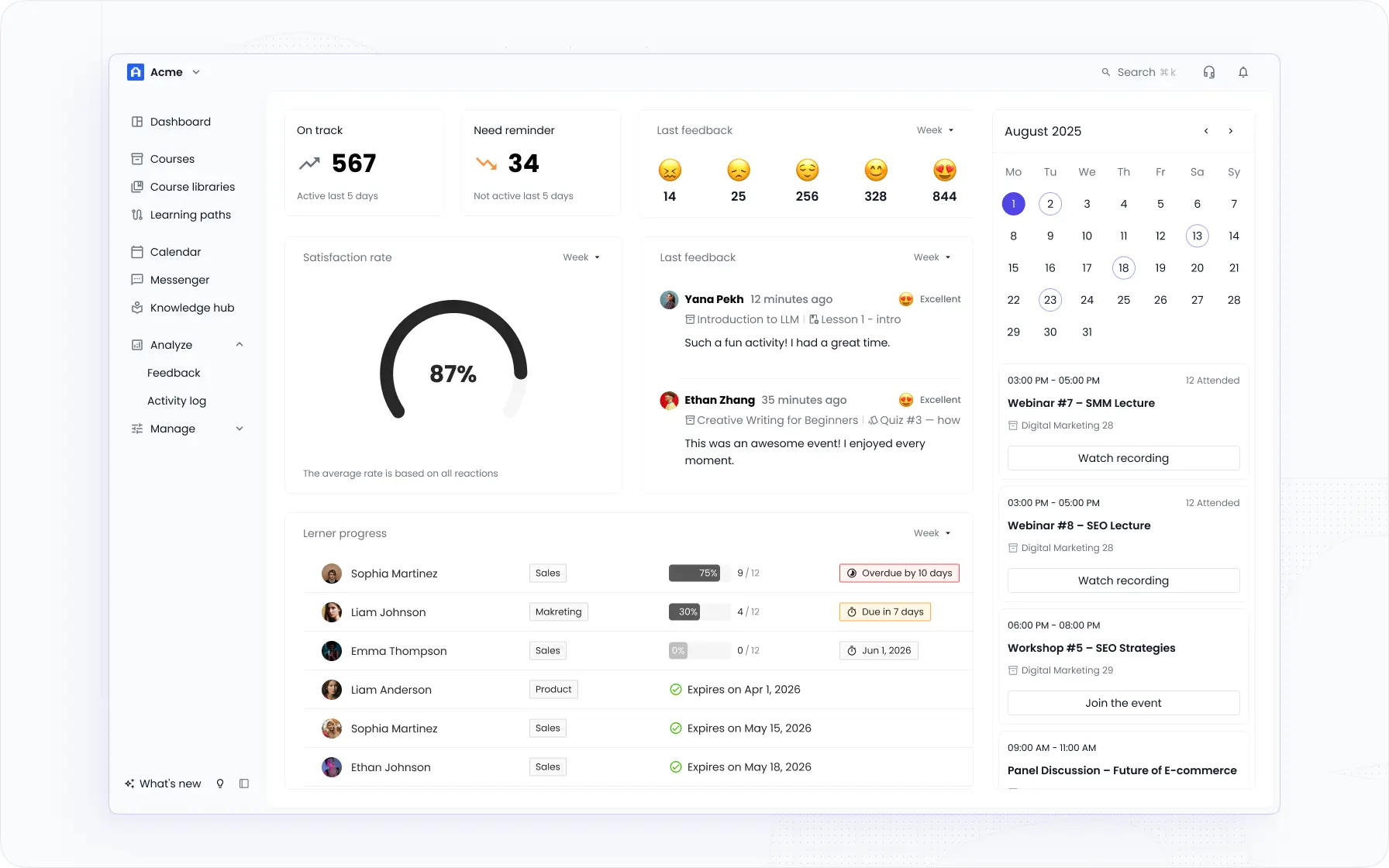
EducateMe is an AI-powered LMS built for structured, cohort-based learning — which makes it a strong fit for career colleges, corporate universities, and post-graduate programmes that run recurring cohorts with defined learning pathways.
What I'd lead with is the AI course creation tool. You can build a complete course from a prompt, a file, or a URL — cutting course development time by roughly 3x compared to building content manually (EducateMe platform data). For institutions constantly updating course materials across multiple programmes, that's a meaningful operational difference, not a marginal one.
The platform centers collaborative and social learning at its core — group management, automated scheduling, peer review, and blended learning support are all built in. Student engagement features include a built-in messenger, comment sections, notifications, and peer review workflows. These aren't decorative; they're the actual mechanics of keeping students active between synchronous sessions and supporting student success across a full programme.
Analytics go deeper than most alternatives at this price point. Completion rates, dropout indicators, attendance tracking, and per-learner progress data are all available natively — letting administrators and instructors monitor student progress without a separate reporting tool. LMS reporting here covers the metrics that actually drive decisions: who's falling behind, which learning modules have the highest dropout rate, and where engagement dips.
The integration list covers the tools most institutions already use — Zoom, Google Apps, Loom, Notion — and the platform supports flexible learning formats including live sessions, async modules, assignments, and SCORM (via support and integrations for institutions that require it). Personalized learning paths can be configured by cohort, role, or individual learner, giving institutions real control over how content is delivered and how student performance is tracked.
Who this is not right for: institutions where a native mobile app for offline mobile learning is non-negotiable, or where deep gamification (points, badges, leaderboards as a core strategy) is central to the student experience.
Key features:
- AI course builder — creates structured learning modules from source material; supports multiple formats including video, quizzes, and assignments
- Cohort management — auto-enrollment, scheduling, and group-based tools built for repeat programme delivery
- Personalized learning paths — cohort or role-based path assignment with individual student progress tracking
- Learner analytics — dropout indicators, completion data, attendance, and LMS reporting across all active courses
- Social learning and collaboration — peer review, messenger, comment threads, and live session support
- White-label and branding — custom logos, fonts, and UI elements per programme or partner
Best for: small and mid-sized higher education institutions, corporate universities, post-graduate colleges, career academies, and creative or non-technical learning providers that need a modern, AI-powered LMS solution without heavy IT overhead.
Try EducateMe free or book a demo to see the course builder in action.
#2. Blackboard Learn: Popular Higher Ed Solution
Blackboard Learn is a long-standing choice for large higher education institutions — primarily because of its assessment depth and established presence in academic IT procurement cycles.
Its accessibility options are solid. It handles online classroom management and programme scaling reasonably well, and the assessment builder supports a wide range of question types — calculated, true/false, essay, and multiple choice. Discussion boards, wikis, and personal journals give students collaborative spaces that support social learning and mirror typical academic workflows.
The activity stream helps both students and instructors track upcoming events and deadlines, which reduces the administrative noise that disrupts student progress in large cohorts. Mobile learning is supported via a dedicated app — something institutions with commuter or remote student populations will find useful.
Where it struggles: the interface feels dated and heavy compared to newer platforms. Upload limitations can frustrate faculty managing large digital learning environments, and course creation flexibility is limited relative to what institutions now expect from a modern LMS.
Key features:
- Assessment variety — wide range of question types for quizzes and exams
- Mobile app — iOS and Android access for students and instructors to view course materials and participate in activities
- Rubric-based grading — intuitive and configurable grading system
Pricing: 30-day free trial; pricing on request.
Best for: large higher education institutions with established IT infrastructure and a primary need for assessment depth and mobile learning access.
#3. Brightspace by D2L: Strongest for Adaptive Learning and Student Performance Analytics
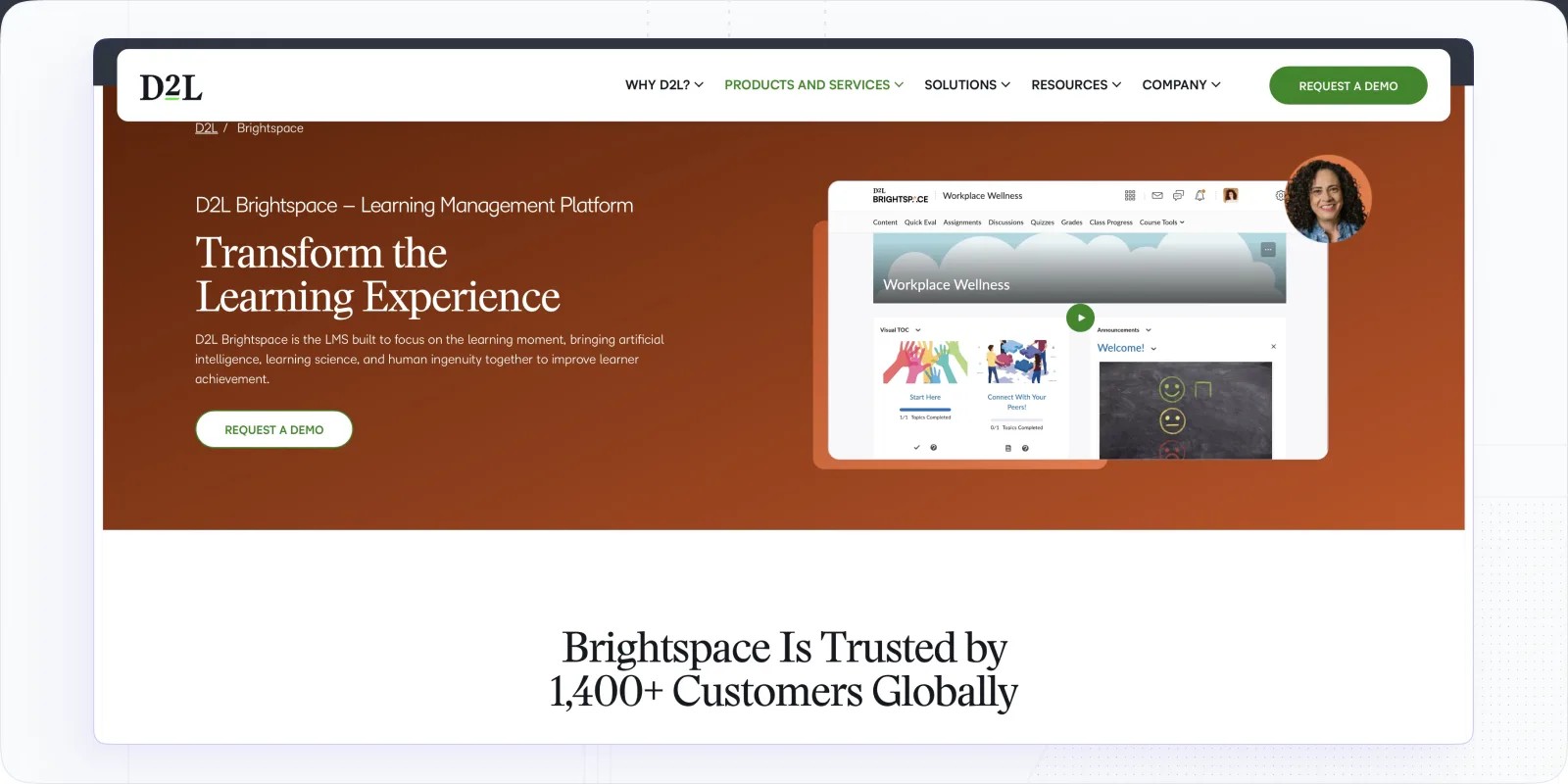
Brightspace (D2L) has built a reputation for adaptive learning and detailed student performance analytics — two things that genuinely matter for institutions trying to improve learning outcomes at scale, particularly across diverse student populations with different learning styles.
The content editor is clean, flexible, SCORM-compatible, and includes a built-in video recorder. That makes it a practical fit for blended learning programmes and online courses where instructors produce original content alongside imported learning modules. Personalized learning paths are a real feature here — the platform adjusts content delivery based on learner performance data, which is what adaptive learning actually means in practice.
Reporting is one of Brightspace's genuine strengths. Instructors can monitor student progress across a course with meaningful granularity, and the data is accessible enough to inform real intervention decisions — not just end-of-term reviews.
Where it falls short: engagement and management tools for advanced cohort-based programmes aren't as developed. Institutions running complex, multi-track training programs may find the administrative side limiting compared to platforms built specifically for group-based delivery.
Key features:
- Adaptive learning — content delivery adjusted based on student performance and learning pathway data
- Gamification — awards, leaderboards, and certificates to support student motivation
- Customizable dashboard — configurable navigation and links per user role
- Student performance analytics — granular progress data across all active learning modules
Pricing: free plan available; advanced plans negotiated via sales.
Best for: small and mid-sized higher education institutions focused on improving learning outcomes through adaptive learning and detailed student performance tracking.
#4. Canvas LMS: Most Widely Used Learning Management System in Higher Education
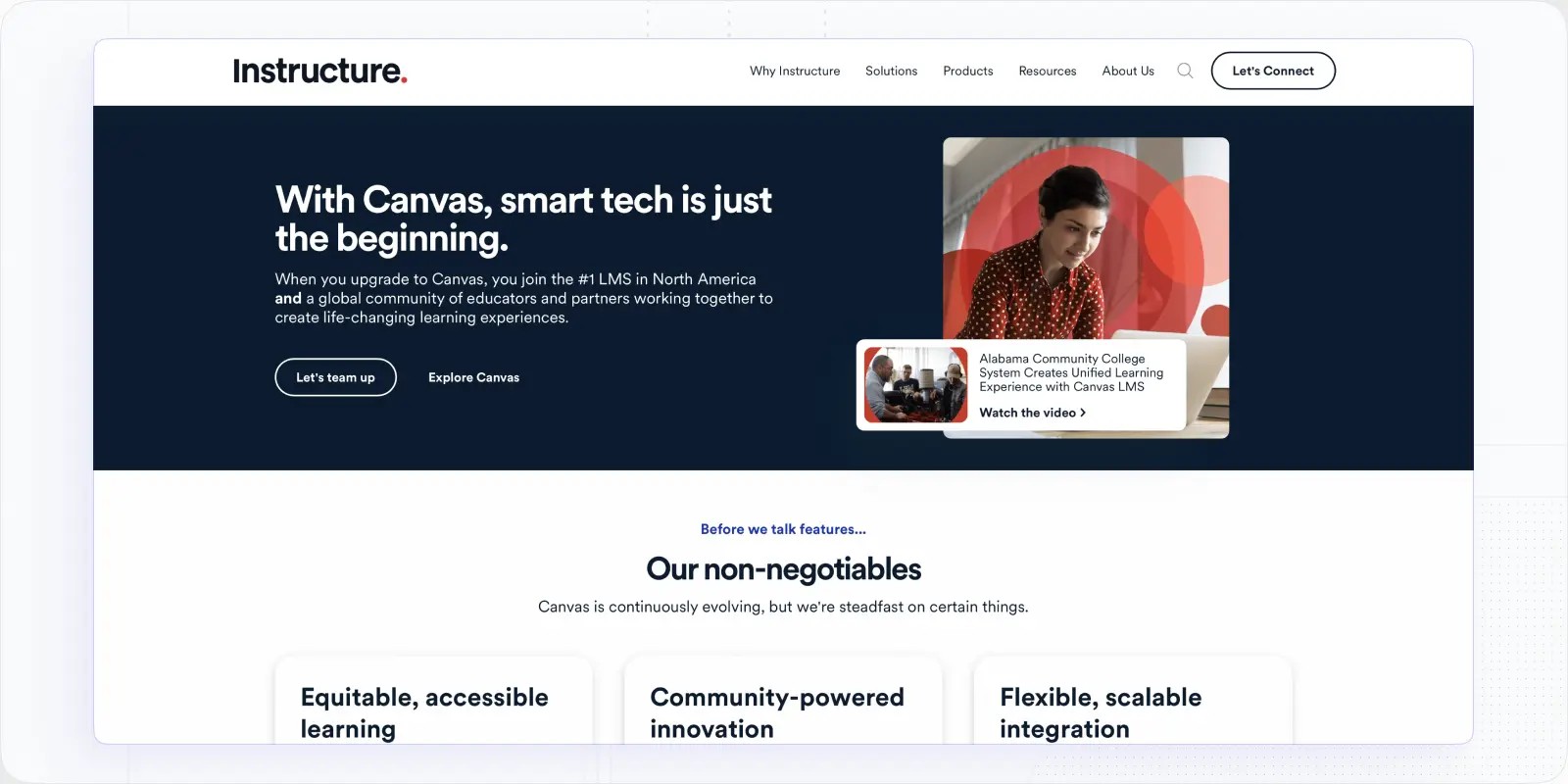
Canvas LMS holds roughly 40% of the higher education LMS market by student enrollment, according to Edutechnica. That number reflects institutional inertia as much as quality — but Canvas does earn its position, particularly for large universities that need a flexible open-source learning management system with broad integration support.
Its open-source architecture means institutions can tailor specific workflows, embed custom tools via learning tools interoperability (LTI), and integrate with academic platforms like library systems, SIS databases, and third-party assessment tools. The course structure supports diverse learning preferences, and the content variety covers most teaching formats across departments.
Student analytics include roll call for attendance tracking and course completion dashboards for monitoring student learning at scale. The Commons feature — a shared library of programme templates from the Canvas user community — is genuinely useful for institutions rebuilding outdated courses or launching new online learning programmes quickly.
Where it struggles: Canvas requires real technical capacity to configure and maintain well. Faculty without development experience often find it harder than marketed. Automation tools aren't where they need to be for institutions managing high-volume, complex course management workflows — and there's no community feature for social learning out of the box.
Key features:
- Open-source architecture — institution-level customization and LTI integration flexibility
- Engagement tools — announcement boards, BigBlueButton for virtual learning sessions, Podcast Feed
- Student analytics — attendance tracking, course completion monitoring, learning outcomes dashboards
- Commons library — shared programme templates from the Canvas user community
- Mobile learning — native app for student and instructor access to course materials on any device
Pricing: free for individual educators; quote-based for institutions.
Best for: medium and large academic institutions that need a flexible, open-source LMS with deep integration capability and diverse course format support for different learning styles.
Read more: Top Canvas Alternatives and Google Classroom vs Canvas LMS
#5. Moodle: Open-Source LMS for Higher Education with Maximum Content Flexibility
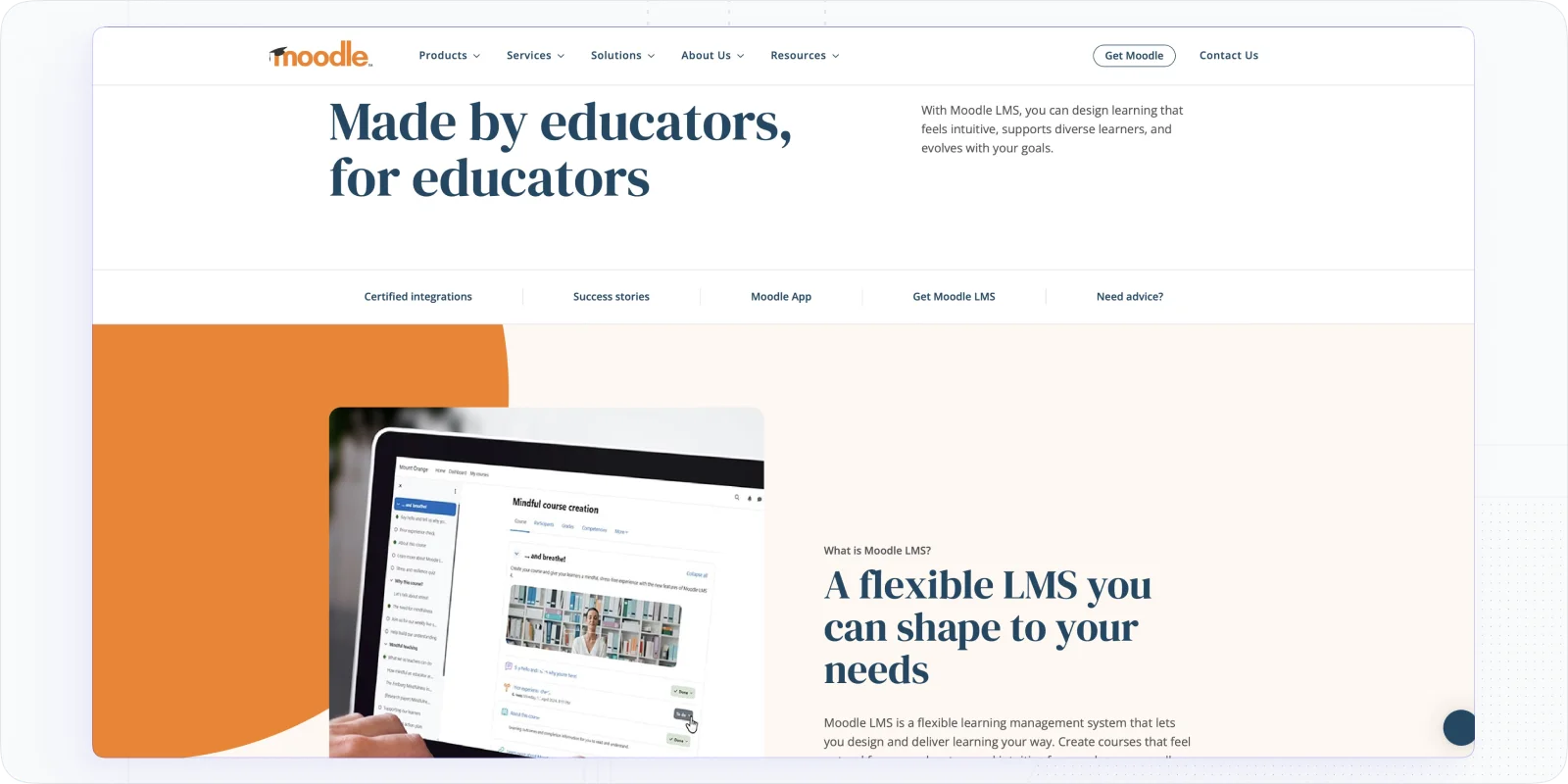
Moodle is the most widely used open-source LMS globally — and for higher education institutions with technical teams already in place, it's hard to beat on content format variety and plugin flexibility.
The activity format library covers 20+ types: chats, databases, assignments, book chapters, workshops, and quizzes. That breadth lets instructors build genuinely diverse teaching and learning experiences rather than forcing every course into the same template. Social learning is supported through forums, peer assessment, and group activities. The assignment editor offers enough question-type variety to cover most assessment needs across different academic disciplines and learning styles.
Moodle's plugin ecosystem extends its native capabilities substantially — gamification, LTI support, custom integrations, and learning tools interoperability are all accessible through community-developed plugins. It's a common choice for institutions that need a fully tailored digital learning environment and have the team to build it.
I'd also note: Moodle is one of the few platforms used across K-12 schools, higher education, and corporate learning and development. That breadth means the community and documentation are extensive — which matters when you're troubleshooting complex configurations.
Where it struggles: Moodle is not easy. The interface is dated, administrative settings are dense, and without a dedicated team managing it, institutions often end up with a poorly configured system. Mobile learning in its default state is also behind where students now expect it to be.
Key features:
- 20+ activity formats — chat, database, assignment, workshop, quiz, book, SCORM, LTI, and more
- Plugin ecosystem — hundreds of community-developed integrations for gamification, reporting, and custom workflows
- Bulk editing tools — support for course management and scaling across multiple learning modules
- LMS reporting — customizable reports for student progress, learning outcomes, and course activity
- Customizable dashboard — configurable home screen and navigation shortcuts for faculty
Pricing: Moodle core is free. MoodleCloud starts at $120/year (50 users, 250 MB storage); Standard plan is $1,670/year (1,000 users, 5 GB). Premium pricing on request.
Best for: medium and large institutions — including those running programmes across K-12 schools or corporate training contexts — with internal technical capacity that need maximum content flexibility and a fully customizable open-source LMS.
Further reading: Top Moodle Alternatives and Google Classroom vs Moodle
#6. Open edX: Higher Ed LMS for Advanced Custom Learning Solutions
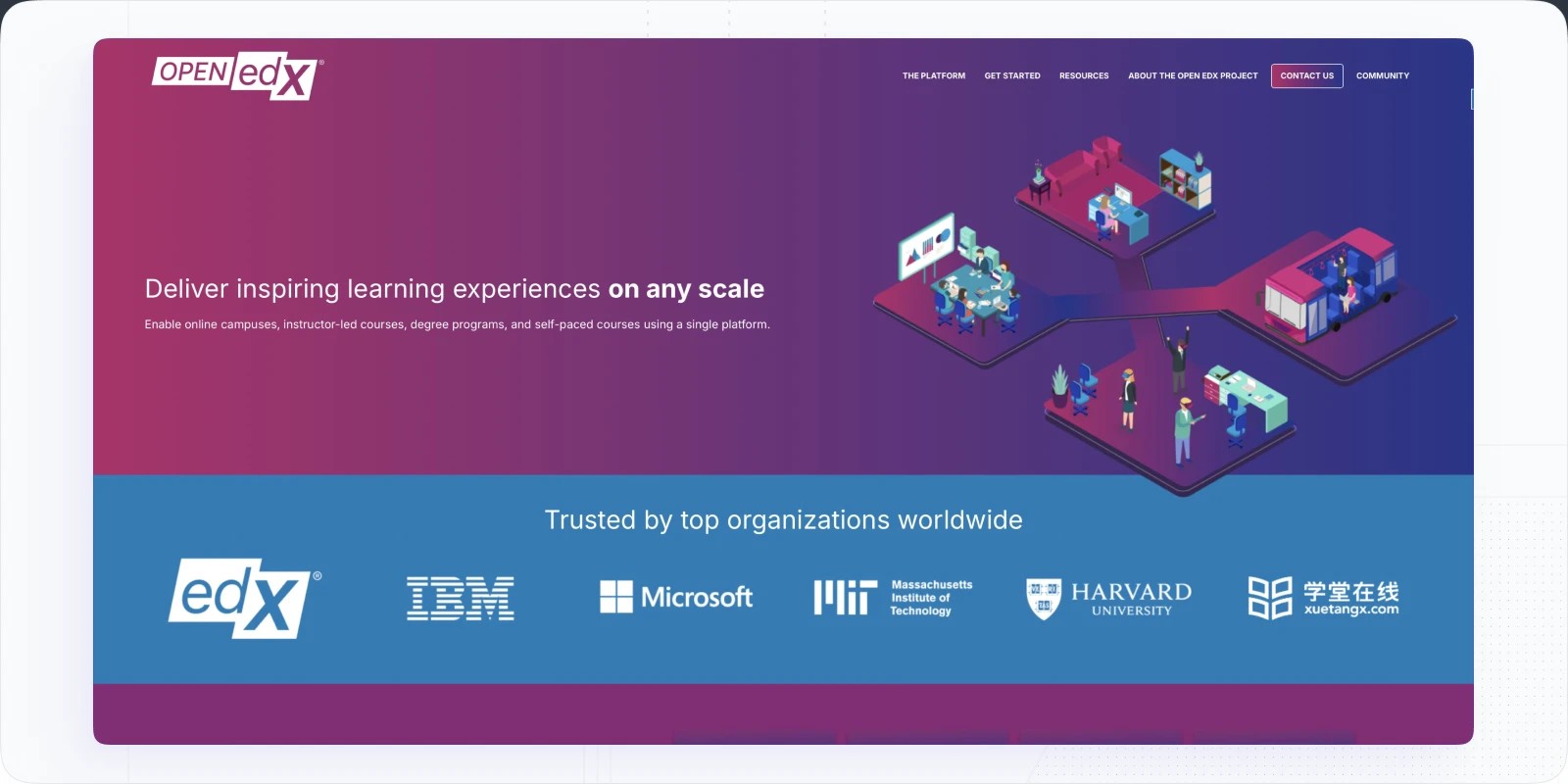
Open edX is the platform behind edX, and it shows — this is a serious open-source LMS built for institutions that want complete control over their digital learning environment. Custom code blocks, configurable learning pathways, and a 20+ content format library give developers and instructional designers enormous flexibility to build competency-based learning experiences that fit the institution's exact academic model.
Gamification, SCORM, LTI, and advanced integration options are all available. The multilevel course structure supports complex programme architecture — useful for institutions managing research programmes, multi-department curricula, or continuing education alongside undergraduate online courses. You can genuinely tailor the learning experience at a granular level here in ways that most hosted platforms don't allow.
Where it falls short: the learning curve is steep, and that's not an exaggeration. Without a specialist team or a service partner, Open edX is difficult to implement and harder to maintain at scale. I wouldn't recommend it to any institution expecting faculty to self-manage the setup or administrators to handle LMS reporting without technical support.
Key features:
- Custom code blocks — build unique learning modules and interactive experiences
- 20+ content formats — SCORM, LTI, video, and custom block types for diverse learning styles
- Multilevel programme structure — supports complex academic hierarchies across departments
- Community and partner network — active forums plus paid service partners for implementation support
Pricing: Open edX is free. Partner services for implementation are typically paid separately.
Best for: higher education institutions with internal developer capacity looking for fully custom learning solutions and maximum control over the student learning experience.
Which Higher Education LMS Is Right for You?
There's no universal answer — and any LMS provider that tells you otherwise is selling something. Here's how I'd frame the decision:
Choose EducateMe if you're running structured, cohort-based programmes and want AI-powered course creation, solid analytics to monitor student progress, and a platform that doesn't require a technical team to operate. It's the strongest learning solution for career colleges, corporate universities, and post-graduate programmes prioritising flexible learning and fast content turnaround.
Choose Canvas or Moodle if you're a medium-to-large university that needs an open-source LMS with maximum customization and is comfortable investing technical resources in implementation and ongoing maintenance. Both are valid choices for higher ed — the decision between them usually comes down to which one your IT team prefers to manage.
Choose Brightspace if adaptive learning and detailed student performance analytics are your primary criteria — especially for online courses with diverse student populations and different learning styles across a single cohort.
Choose Blackboard if you're a large institution already embedded in its ecosystem, and the primary needs are robust assessment tools and mobile learning access for remote or commuter students.
Choose Open edX if you have a development team and genuinely need a fully custom digital learning environment built around your institution's specific academic requirements.
Frequently Asked Questions
Frequently asked questions
There's no single best option — it depends on institutional size, technical capacity, and teaching and learning needs. For smaller institutions and career colleges running structured programmes, EducateMe offers a strong balance of AI-powered course creation, cohort management, and learner analytics without heavy IT overhead. For large universities needing open-source flexibility, Canvas and Moodle are the most established options. Brightspace is worth considering specifically for adaptive learning and student performance tracking.
The best platforms combine several mechanisms: personalized learning paths that adapt to student progress, social learning tools like peer review and discussion forums, and notification systems that keep learners active between sessions. Platforms like EducateMe approach student engagement through built-in collaboration features — messenger, peer review, comment threads — while Brightspace focuses more on adaptive content delivery based on learning outcomes data. The right approach depends on what's actually driving disengagement at your institution.
Open-source platforms like Moodle and Open edX give institutions full control over the codebase, integrations, and digital learning environment — but require internal technical teams to configure and maintain them. Proprietary platforms like Brightspace or EducateMe are hosted, updated, and supported by the vendor, which means lower setup overhead but less flexibility at the infrastructure level. Most institutions choose based on what their IT and learning and development teams can realistically manage long-term.
Yes — and the best ones handle both without requiring separate tools. Canvas, Brightspace, and EducateMe all support blended learning and hybrid learning formats natively, combining live virtual learning sessions, async learning modules, and on-campus components in a single platform. The key question is whether the platform can monitor student progress consistently across all delivery modes — which is where LMS reporting and analytics depth really matter. If your institution runs a mix of remote learning and in-person cohorts, make sure the platform tracks student performance across both without requiring manual reconciliation.