
19 Best LMS for Corporate Training of 2026: Top Picks Reviewed

By Sofia KondratSofia KondratCorporate Training Expert & Content EditorHey there! I’m Sofi Kondrat, your go-to corporate training advisor here at EducateMe. I’ve been navigating the highs…Read more
Corporate Training Expert & Content Editor
20 min read
That pretty much sums up how corporate training often works – especially in companies with a “#Company Name_Academy” chat or a shared drive folder labeled “Knowledge Base.” Even if someone’s keeping it up to date, let’s be real – most of it just sits there collecting digital dust.
To make sure helpful materials actually get used (not ignored), it’s all about how you deliver them. And that’s where the corporate training learning management system LMS – comes in handy.
To make your search a whole lot easier, I went through 50 of the best LMS for corporate training and narrowed it down to 16 options worth checking out.
The best LMS for corporate training depends on your team size and use cases. EducateMe leads for AI-native training with built-in roleplay coaching and automated onboarding. Docebo suits large enterprises needing AI-powered content management. TalentLMS offers the fastest, most affordable setup for small teams. This guide reviews 19 platforms with pricing, features, and honest limitations.
EducateMe – Best LMS for Corporate Training with Native AI
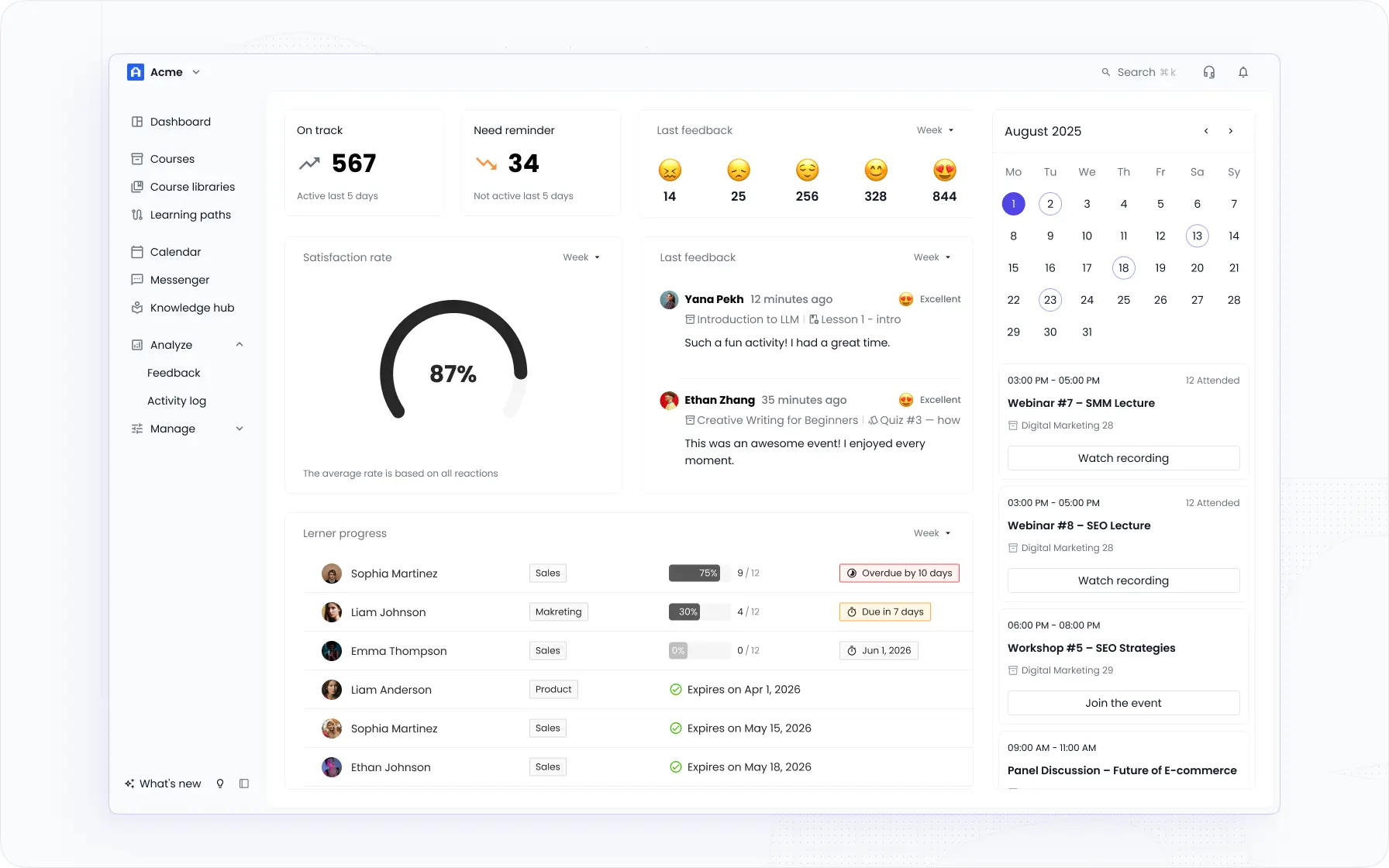
I ranked EducateMe first because no other platform on this list has AI built into as many parts of the training workflow. Course creation, learner support, roleplay practice, and knowledge search - the AI is native, not an add-on bolted onto a platform designed before it existed. I've seen a lot of LMS platforms claim "AI features" and mean a chatbot or an auto-translate toggle. EducateMe is different. The AI Assistant can build a full course from a prompt, a URL, or an uploaded file. The AI Roleplay Coach runs scored practice scenarios with rubric-based feedback - the kind of tool that genuinely changes how sales teams and support staff prepare for real conversations. That combination is rare at this price point.
For corporate training specifically, EducateMe covers the cases that matter most: employee onboarding with automated enrolment by role and seniority, upskilling with competency-mapped learning paths, compliance training with mandatory delivery, attestation capture, and audit-ready reporting, plus customer and partner training through branded external academies. You're not picking one use case and hoping the others fit — the platform was built for all of them.
According to EducateMe's own platform data, customers report 1.8x faster onboarding and 3x faster course creation after adopting the AI Assistant. Oboard.io saw an 83% average course completion rate and an 80% increase in customer knowledge - results that hold up because the learning paths are structured, not just self-serve content dumps.
Best For: Mid-sized companies (50–1,000 employees) running structured training across multiple audiences — HR and L&D teams who want AI-native tools without complex integrations, and training teams blending cohort-based and self-paced learning in the same programme.
EducateMe offers a free trial with full access to all features - including its powerful AI assistant - so you can experience the platform’s full potential before committing.
Why EducateMe Is The Corporate LMS You Need to Try?
- Their AI Roleplay Coach really impressive. Learners practise sales pitches, support calls, or onboarding conversations with scored feedback and consistent rubrics. No social risk, no scheduling a manager.
- Auto-enrolment by role, seniority, and region works exactly as advertised. I had a new hire path running in under an hour - and real-time metrics meant I could see where people stalled before anyone had to ask.
- I love the real-time progress tracking – with over 10 training metrics, you can quickly spot any bottlenecks and keep the learning journey smooth and efficient.
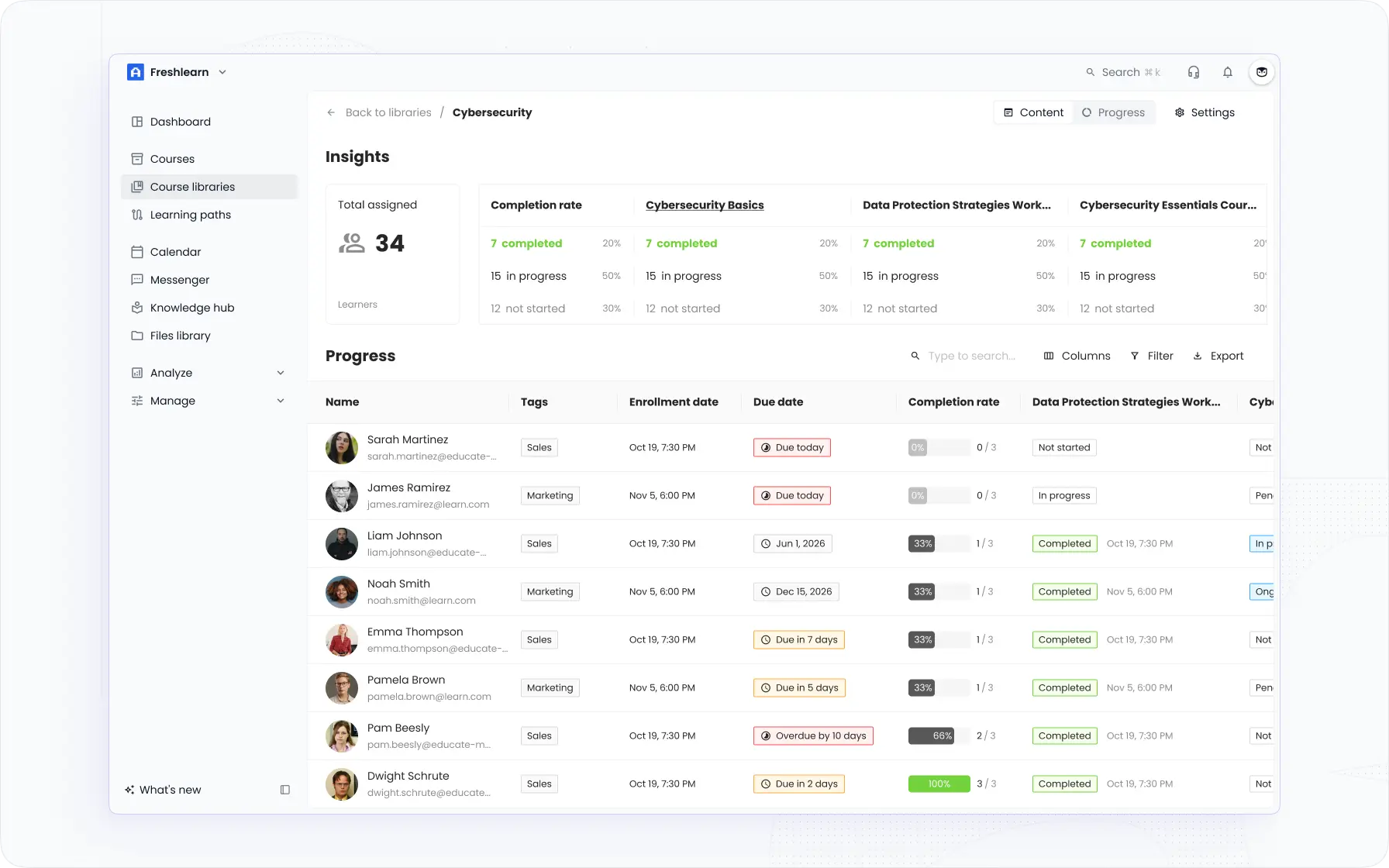
- It’s great that EducateMe adds corporate-specific features like multi-tenancy (you can create separate training portals for different departments or clients under one roof) and automation rules for things like enrollment and certifications.
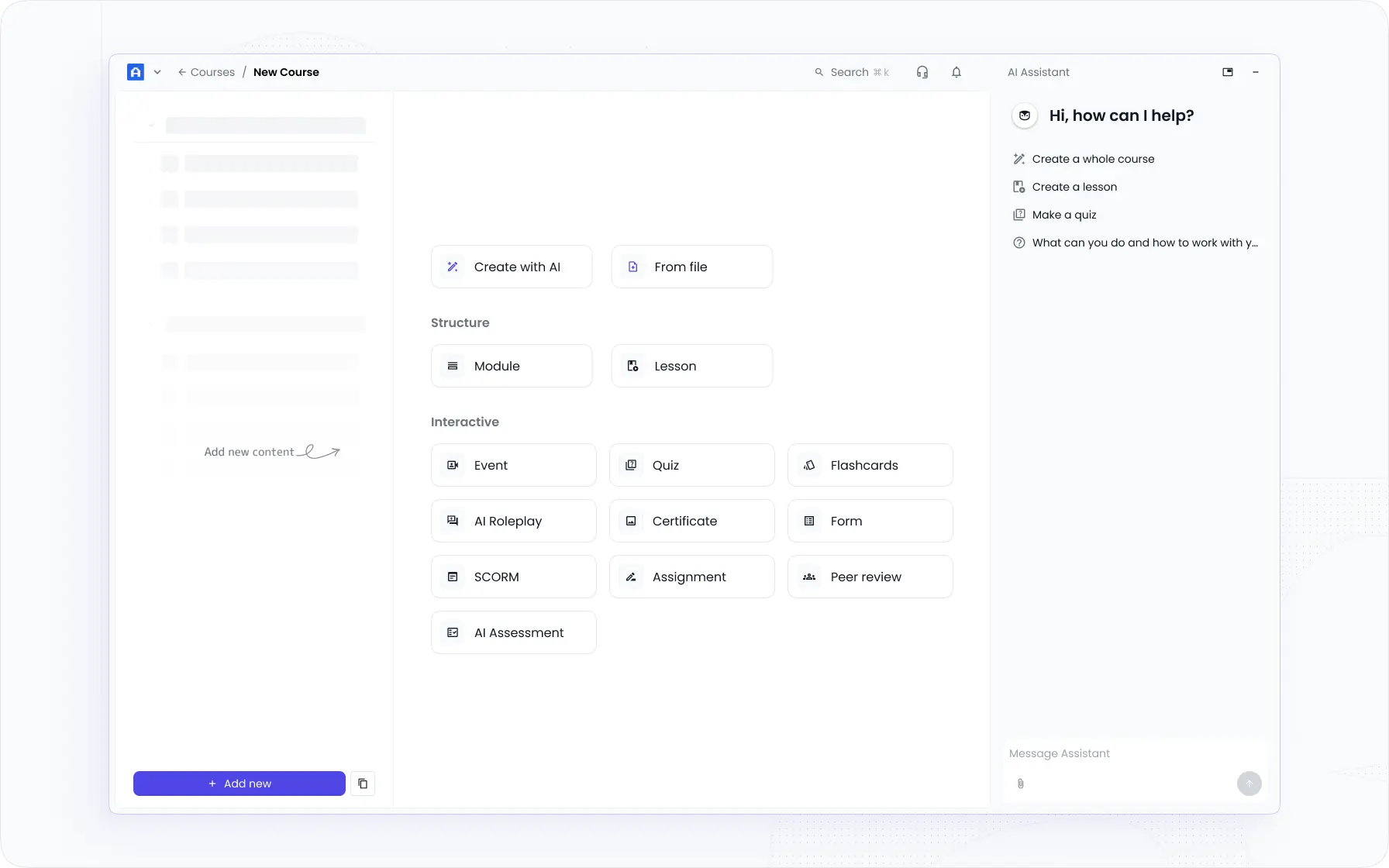
- Thanks to the AI-powered course creation and management tools, you can easily build the perfect employee training content – whether it’s for live sessions or self-paced learning.
- I really appreciate the adaptable pricing plans – they adjust to the changing needs, so you never feel boxed in or overcommitted.
- It’s easy to scale the training initiatives as the team grows – tagging, automation, AI support, and advanced reporting help to expand easily.
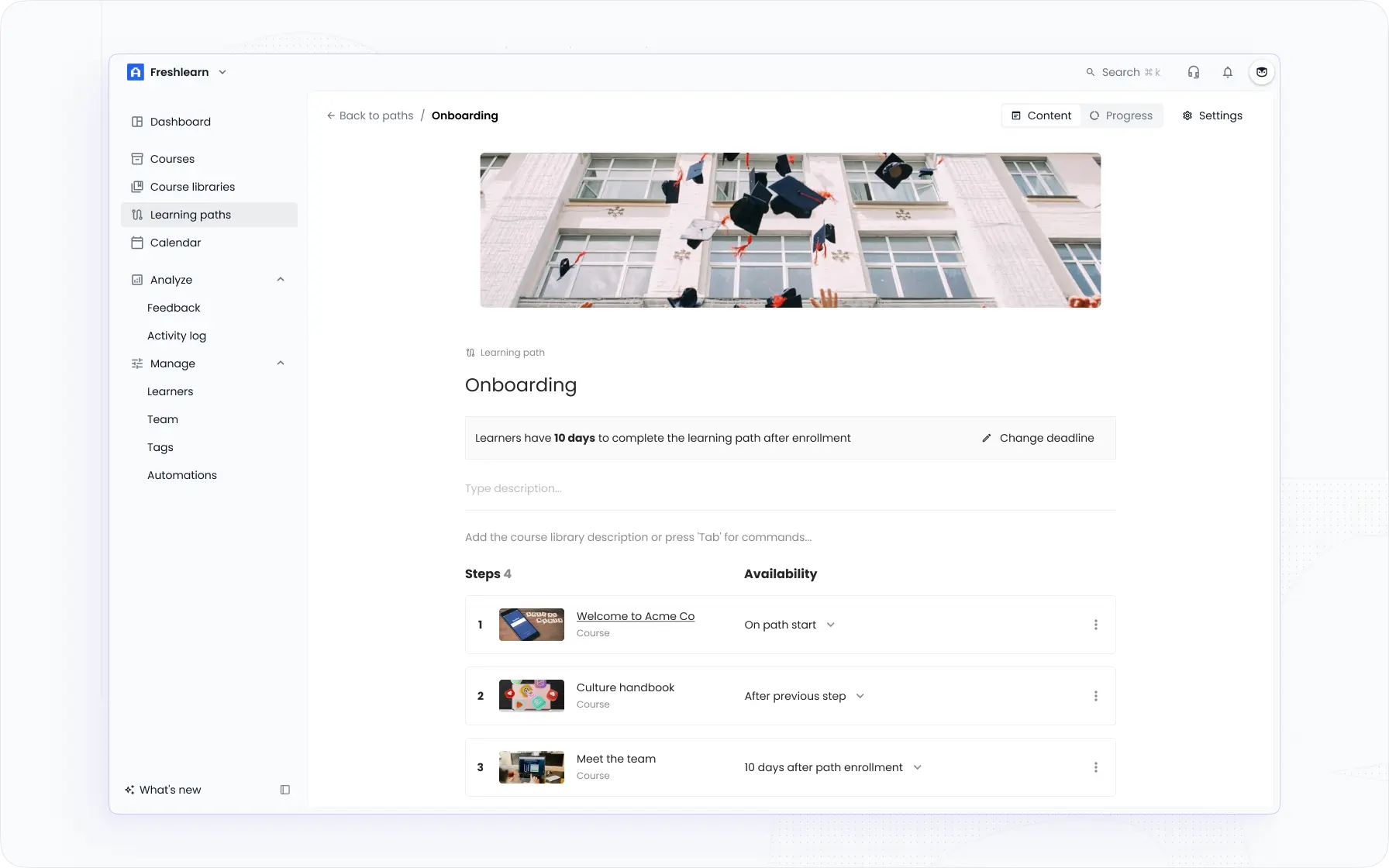
- You can craft personalized learning paths for every employee – tailoring them by department and seniority level to make sure each journey fits just right.
What Limitations You May Face Using EducateMe?
- I did notice there's no dedicated mobile app, which can be a drawback for learners who prefer on-the-go access.
- Gamification features are currently limited, so if you're looking for badges, points, or leaderboards, you might miss that element of engagement.
- Some advanced integrations require a bit of setup time, which might not be ideal if you're looking for instant plug-and-play functionality.
Sana Labs – Best AI-Native LMS for Personalised Corporate Learning
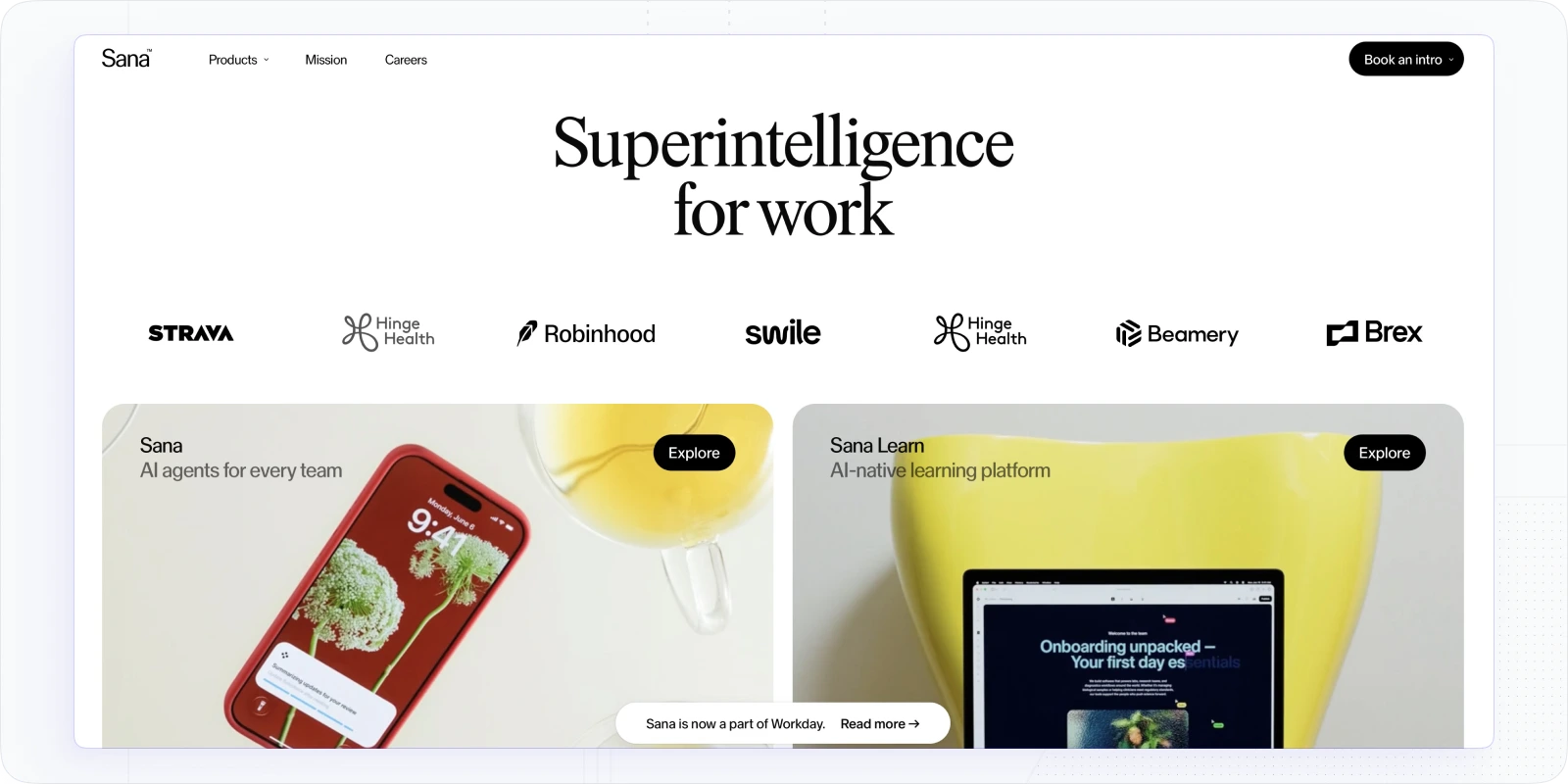
Sana Labs was one of the more interesting platforms I explored for this list - it's genuinely built around AI in a way that goes beyond the usual "smart recommendations" badge most LMS platforms pin on themselves. The core idea is that the platform adapts in real time to how each learner responds, adjusting content, pacing, and reinforcement based on individual performance data. For L&D teams dealing with large, diverse workforces where one-size-fits-all training consistently falls flat, that's a meaningful difference.
Best for: Mid-to-large companies that prioritise personalised learning at scale, especially organisations with varied roles, skill levels, or distributed teams where adaptive content delivery matters more than a fixed curriculum.
Why you may like Sana Labs for corporate training
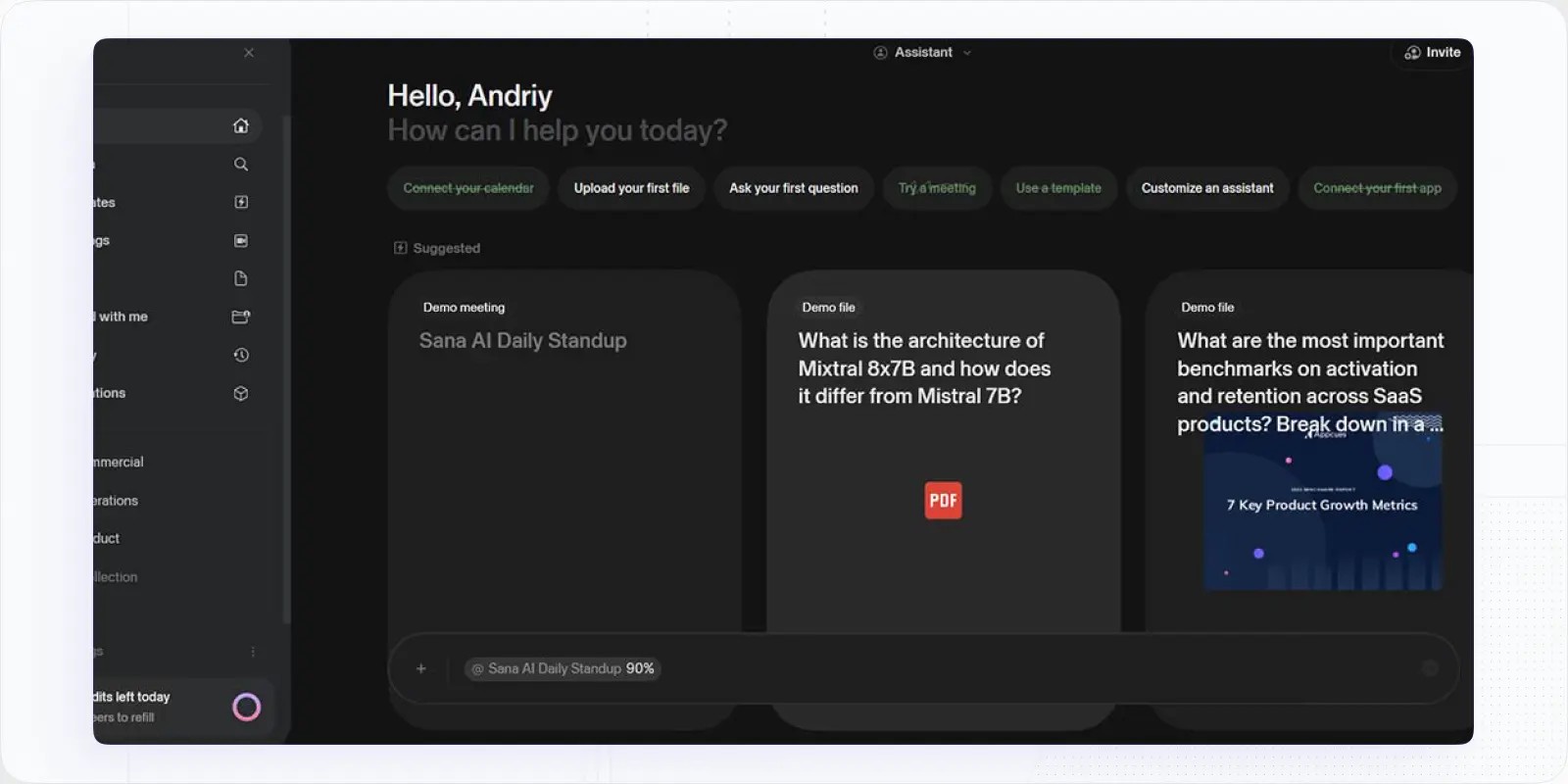
- The AI-driven personalisation is the real standout. Sana continuously analyses how learners interact with content and adjusts the experience accordingly - not just suggesting the next course, but changing how material is reinforced based on what each person actually retains.
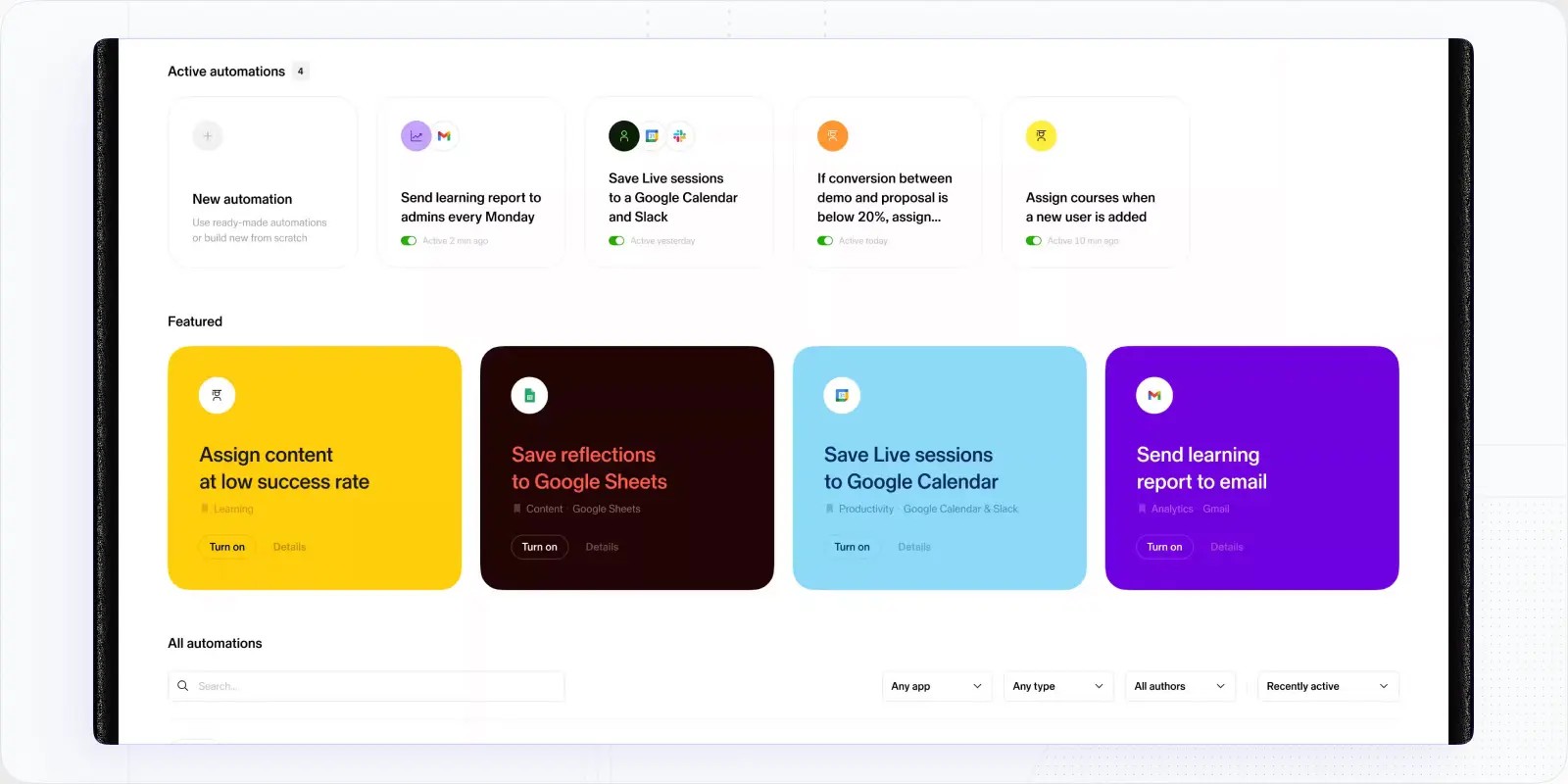
- The authoring tools are clean and fast. I found it easier to build content in Sana than in several platforms twice its price, and the AI can generate quiz questions and summaries directly from source material.
- It handles live and async learning in one place, which means you're not managing two separate systems for your scheduled sessions and your self-paced content.
- The search and knowledge-discovery layer is strong - learners can surface answers from the content library mid-workflow without leaving what they're doing.
What limitations you may face using Sana Labs
- For teams that need deep compliance management (mandatory re-enrolment, attestation capture, formal audit trails) Sana isn't where I'd look first. It's built for learning effectiveness, not regulatory reporting.
- The platform is relatively newer to the enterprise market, so the third-party integration ecosystem isn't as mature as Docebo or Cornerstone.
- Sana Labs pricing is positioned at the higher end, which can be a barrier for smaller teams who won't fully use the adaptive features at low user counts.
📖 You may also be interested in: 9 Best Sana Labs Alternatives (AI-Powered LMSs) for 2026
Docebo – Best AI-Powered Corporate LMS for Online Training Programs
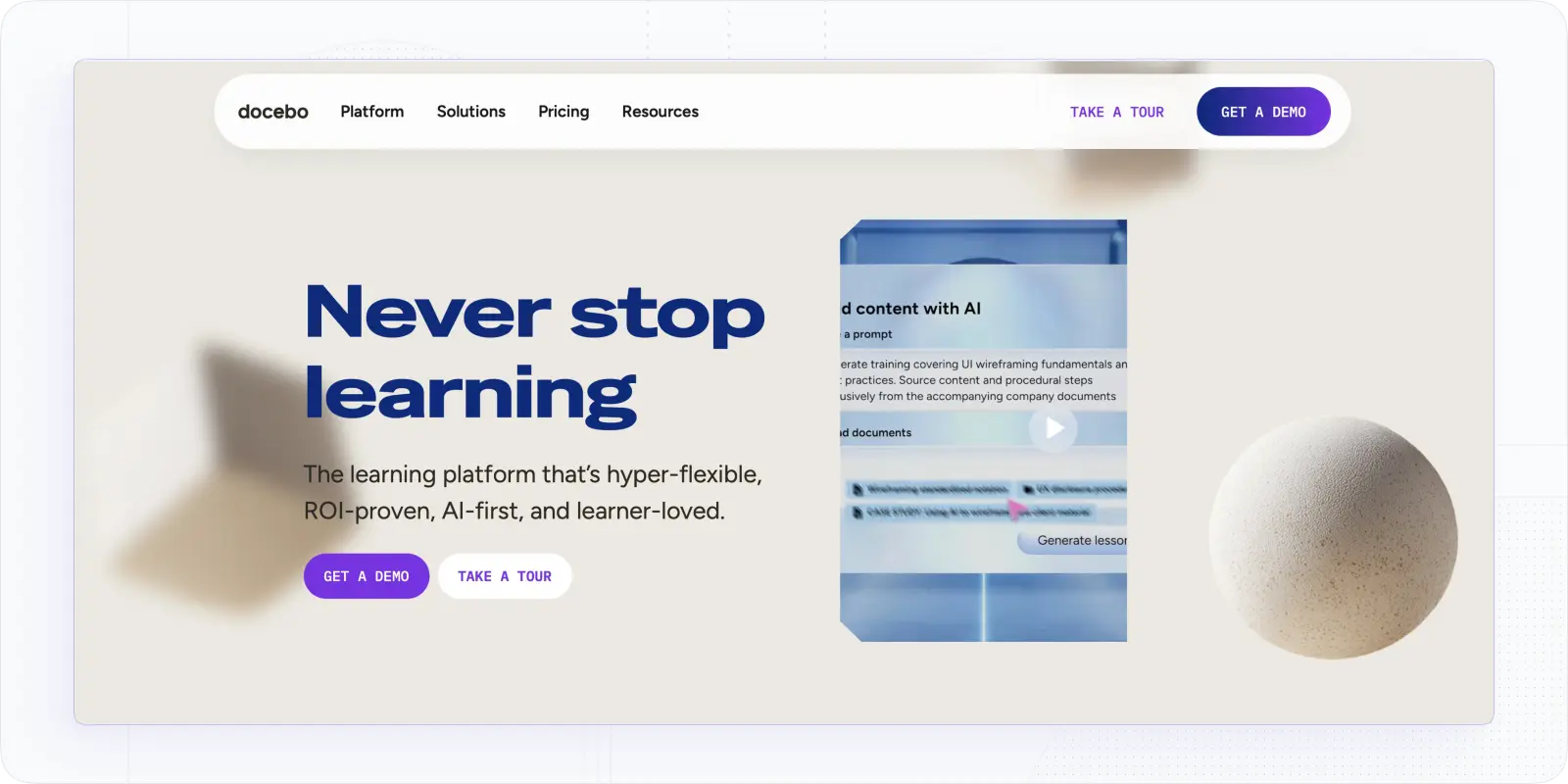
From the moment I started discovering Docebo, I could tell it’s a modern platform with AI at its heart. This LMS actually has a virtual coach inside – how cool is that? It felt like having a smart assistant helping me manage and deliver training.
What really stood out to me was how Docebo uses AI to make the entire learning experience smarter – automatically tagging content, assigning relevant skills, and making it easier to find what you're looking for. It even suggests courses, enrollment options, and next steps based on learner behavior.
Best For: Medium to large businesses that want cutting-edge AI features in their training program. If you’re looking to automate content curation, personalize learning at scale, or just impress learners with an intelligent platform, Docebo is a great choice.
What Features Make Docebo a Good Choice?
- It’s great that the platform automatically suggests relevant content. Docebo’s AI scans course library (and even external resources) to recommend training to each user based on their role, training history, or performance
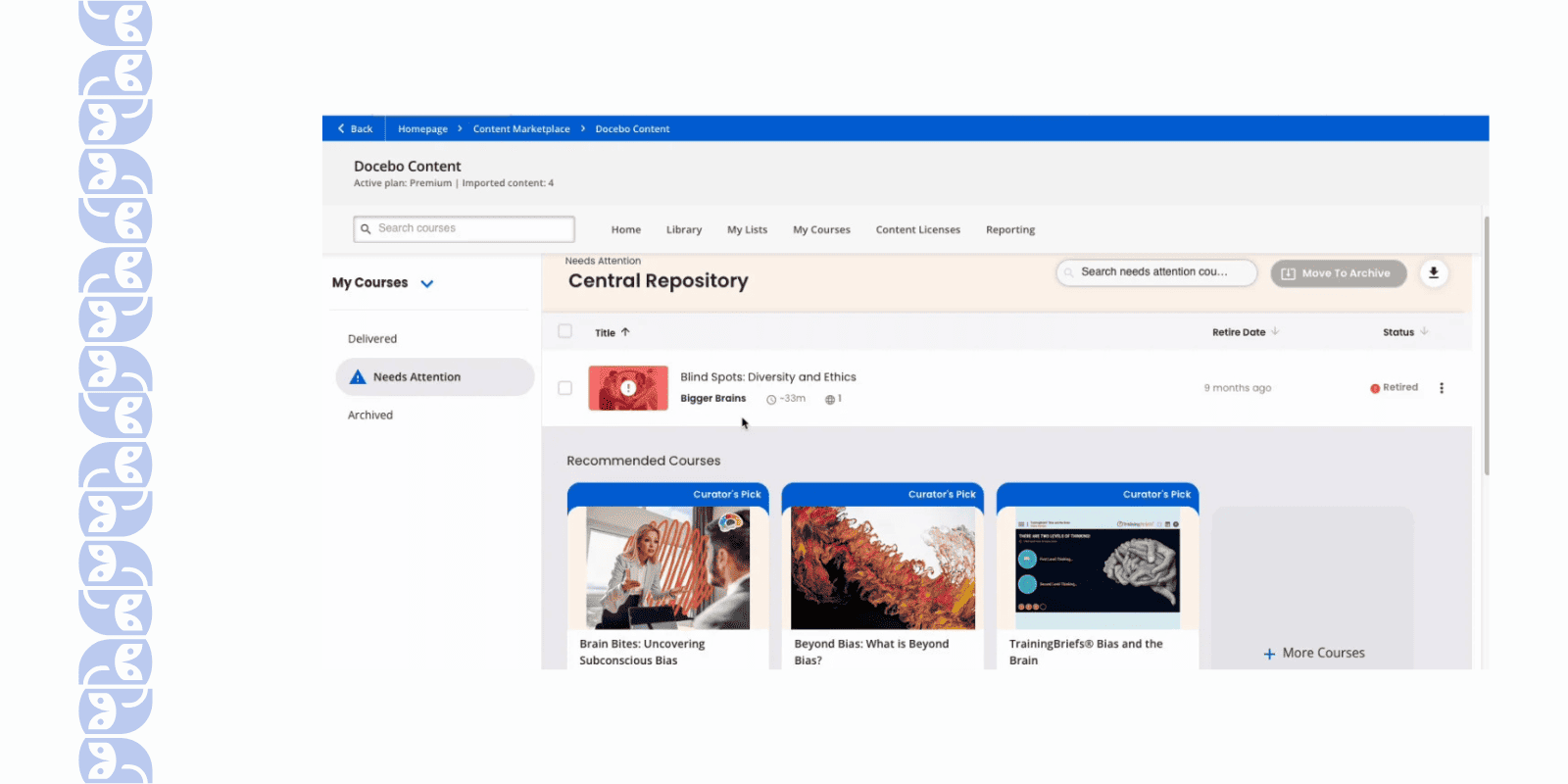
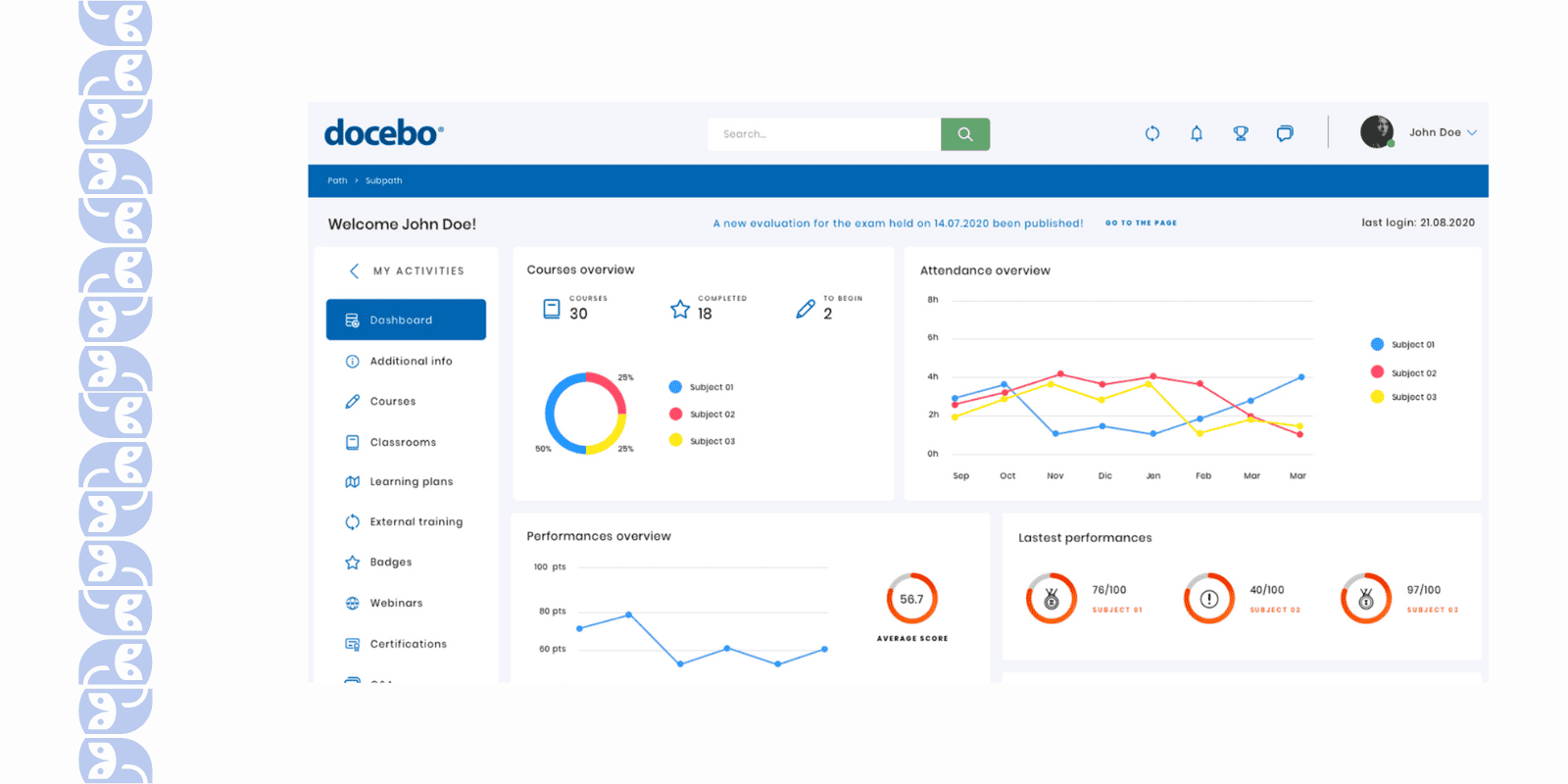
- Despite all the advanced tech under the hood, the interface is user-friendly. I never felt lost setting up courses or running reports. The admin dashboard uses AI to highlight important stats (like who might be overdue on training), which helped me prioritize my day.
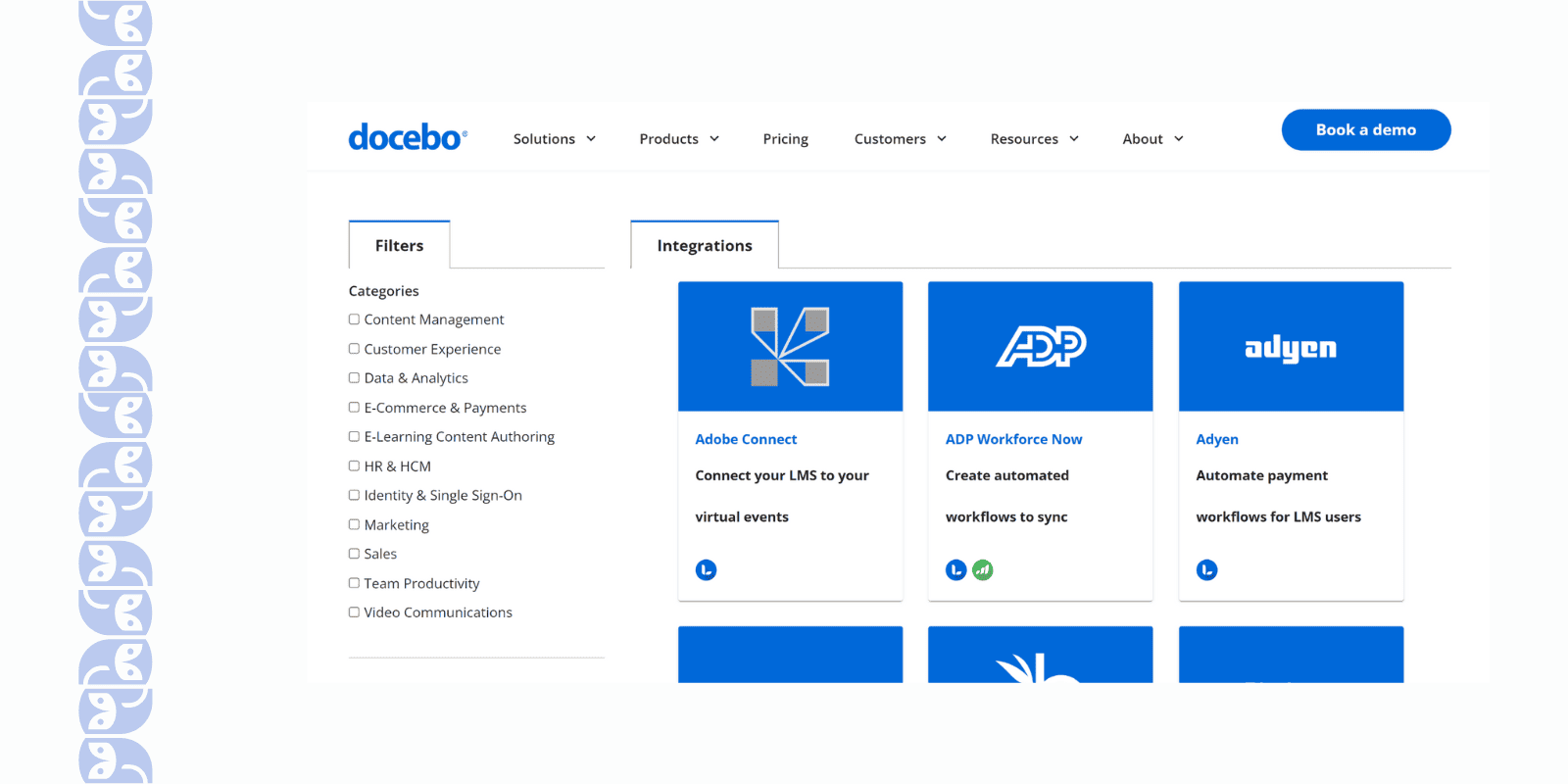
- Another thing I appreciate is the ecosystem around Docebo. It integrates with different HR systems smoothly (automatic user provisioning and tracking) and supports a bunch of extensions.
What Limitations You May Face Using Docebo?
- While Docebo is feature-rich, I found parts of the interface unintuitive. There are so many options that it’s easy to get lost tweaking settings.
- Docebo lets you brand your portal (logo, colors, etc.), but if you want to alter layouts or really customize the user experience, you’ll need to use CSS and possibly engage developers.
- Considering that it is an enterprise platform, Docebo pricing reflects that. Core features are there, but some useful modules (for example, advanced AI analytics, or their premium content libraries) come as add-ons at extra cost. It’s the classic “you get what you pay for” – powerful system, but you’ll pay more for the full arsenal of features.
- I’ve experienced occasional slow response times from Docebo’s support when we ran into issues. Small bugs or requests sometimes took a while to resolve.
📖 You may also be interested in: Top 10 Docebo Alternatives and Competitors for 2025
TalentLMS – Best Corporate LMS for Small Business
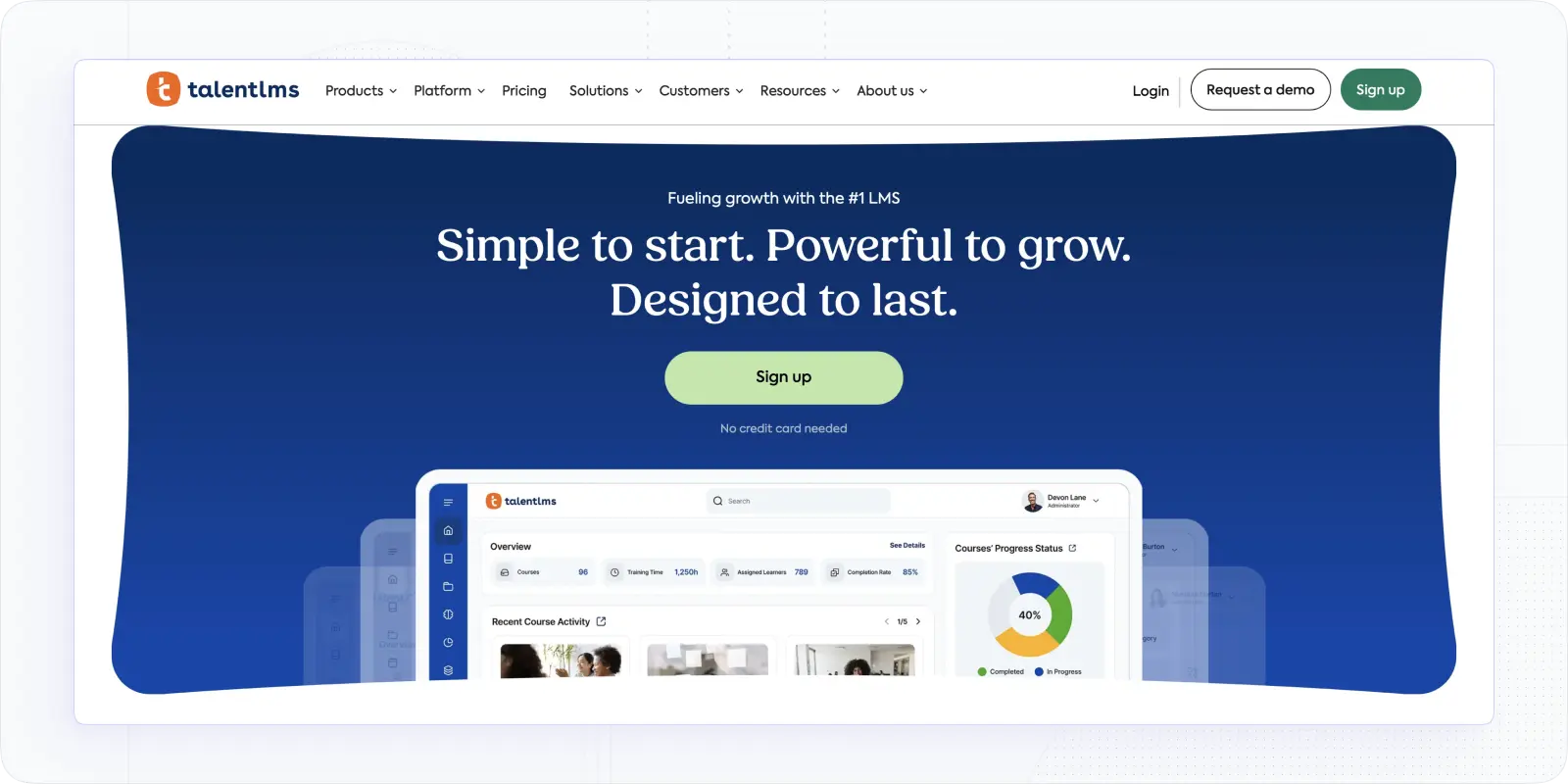
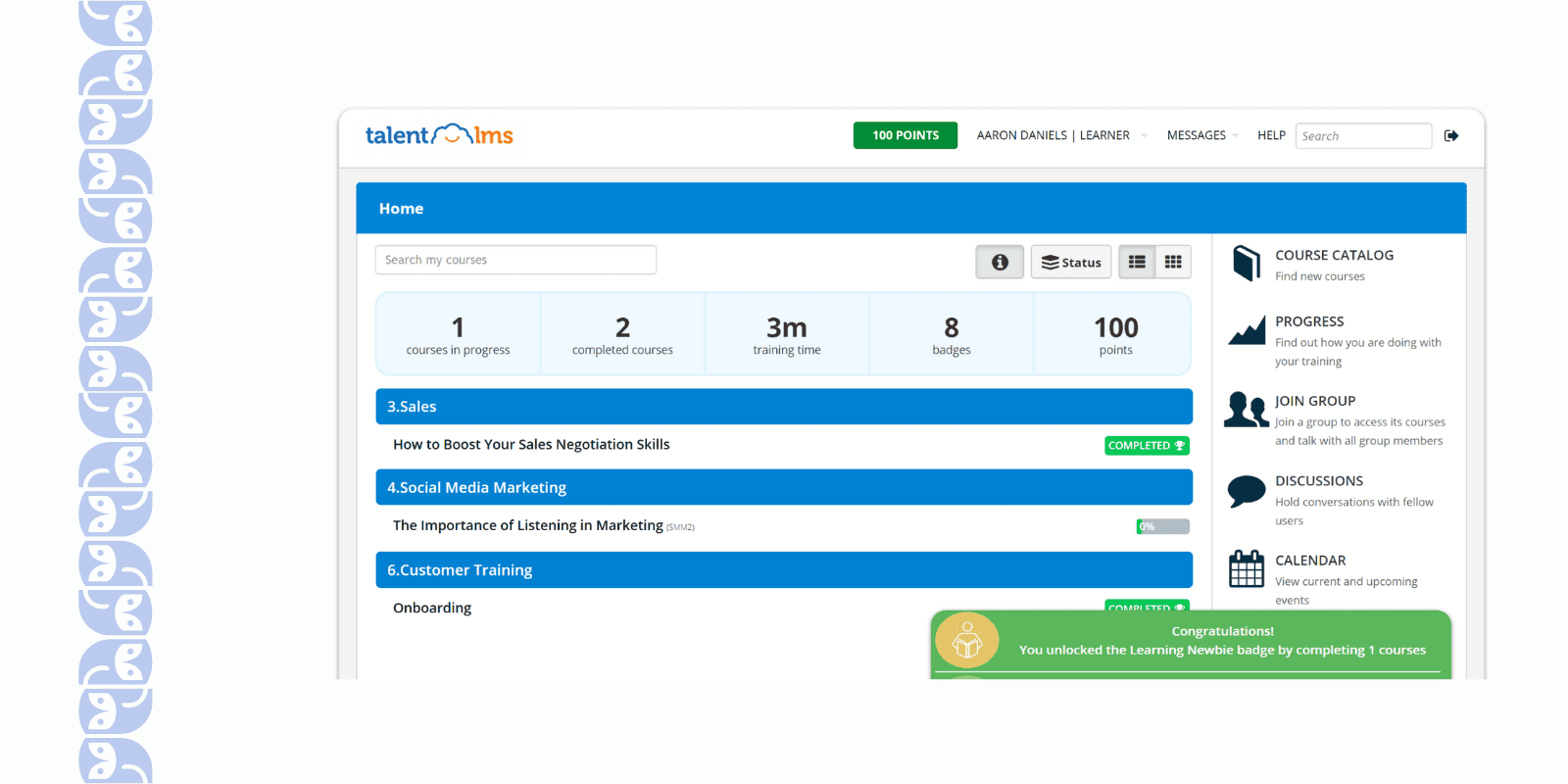
TalentLMS has been one of my go-to recommendations for small businesses, and after trying it out, I can see why. It’s easy to get started – in fact, I had a basic training program up and running in an afternoon. The interface is clean and simple, which meant I didn’t need an IT consultant or a week of training to figure things out.
My key impression was that TalentLMS is friendly – both on the wallet and in usability. It packs in enough features to cover a small company’s needs without overwhelming you with complexity.
Best For: Startups and small to mid-sized businesses that need an easy, plug-and-play LMS. If you’re new to learning management systems or have a small team (and budget) to train, TalentLMS is a perfect fit.
What Features Make TalentLMS a Good Choice?
- I love how plug-and-play it is – I literally signed up for the free plan and started creating courses right away. The system guided me through adding users and content step by step.
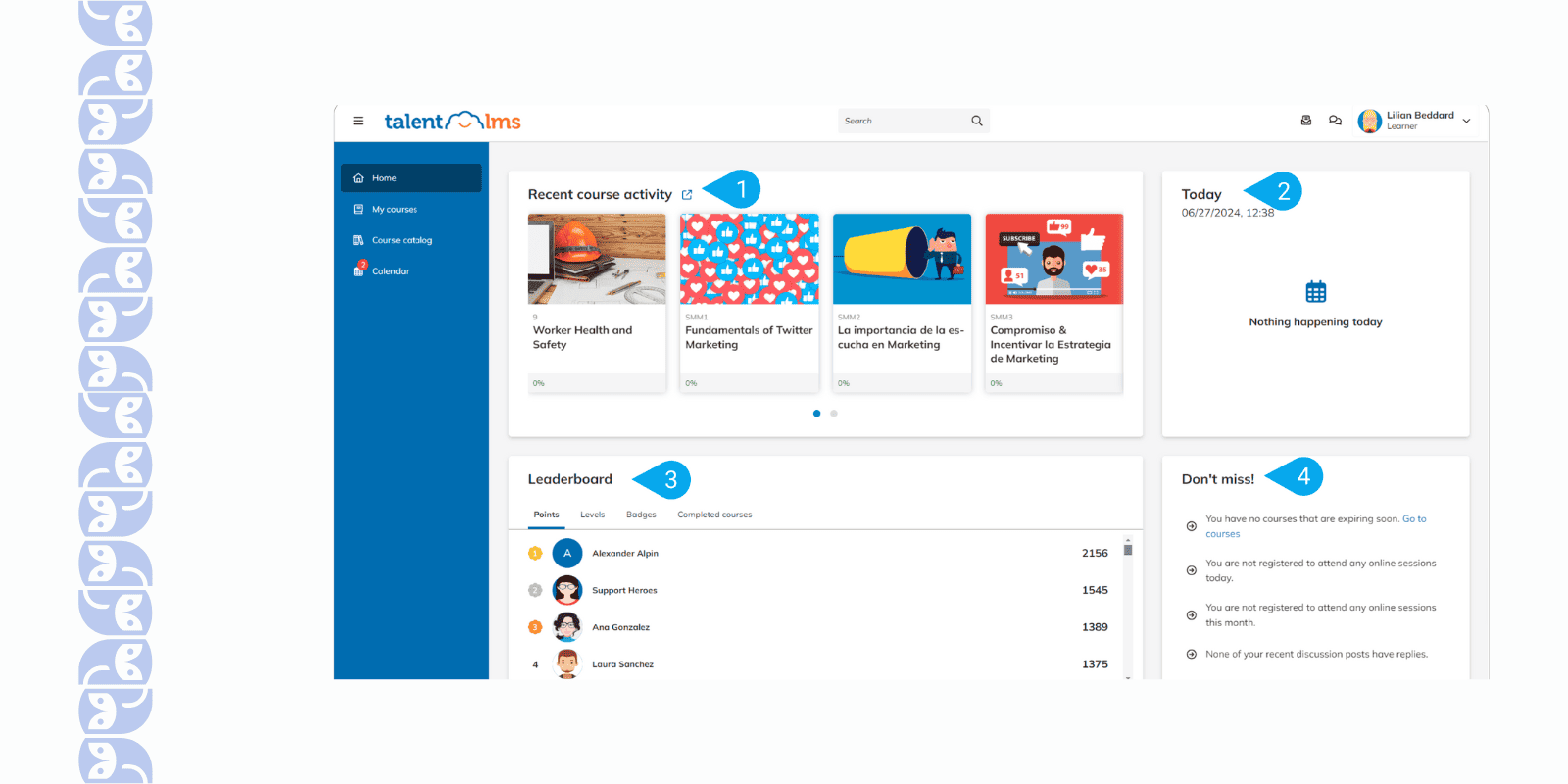
- It’s great that TalentLMS offers a free plan and affordable tiers. As for a small business, this is a huge advantage. You could train a few people for free and then upgrade as you grow.
- TalentLMS comes with fun gamification built-in. I turned on badges and points for course completions, and it instantly made training more engaging.
What Limitations You May Face Using This Platform?
- TalentLMS works great for medium-sized teams, but you could see it straining with a much larger user base. In fact, some users noticed things slowing down a bit when they uploaded a few thousand users and courses – occasional performance lags can happen if you really scale up.
- You get all the standard reports (course completions, quiz scores, etc.), but if you’re looking for highly granular data or complex analytics dashboards, TalentLMS might leave you wanting more.
- The platform offers a simple course builder, but it’s fairly bare-bones. When I tried to create more engaging or uniquely formatted content, I was a bit constrained by the templates and question types available.
- I added the logo and picked a theme color, but beyond that, TalentLMS doesn’t let you radically change the user interface For most companies this is perfectly fine, but if your marketing team is picky about a fully on-brand experience, you might feel a tad boxed in.
- TalentLMS has tiered plans, and some corporate-focused features (like SSO integration, extensive automations, or custom reports) are only in the higher-tier packages.
📖 You may also be interested in: 15 Best TalentLMS Alternatives and Competitors
360Learning – Best Corporate LMS For Blended Learning
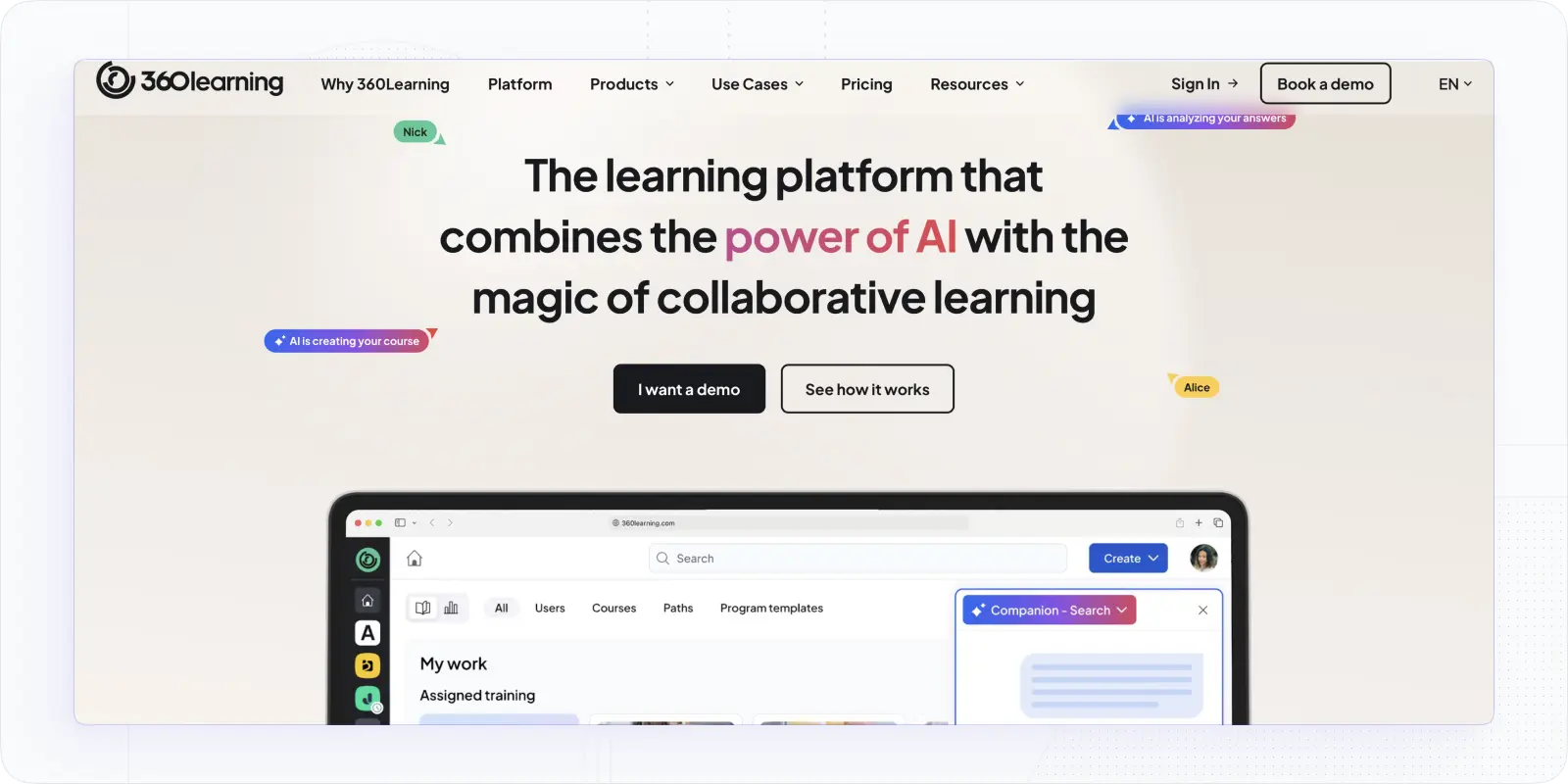
360Learning caught my attention with its unique collaborative approach. As I dived in, I realized this platform is fantastic for blended learning – meaning it combines self-paced online learning with interactive, hands-on sessions. My experience with 360Learning felt like running a social network for learning.
Learners can feel that they aren’t just taking courses; they are commenting, liking, and even creating content for each other. It is a refreshing change from the usual one-directional training. For anyone looking to mix e-learning with live training and peer-to-peer interaction, 360Learning truly shines.
Best For: Companies that want to blend online learning with live training and encourage collaboration. Ideal for organizations with a distributed workforce or those focusing on peer learning, coaching, and interactive workshops alongside standard e-courses.
Why Is 360Learning The Corporate LMS You Need to Try?
- I love that 360Learning lets you do both asynchronous courses and synchronous sessions in one place. I scheduled live Zoom workshops (like virtual classes) right from the platform, and also had on-demand modules.
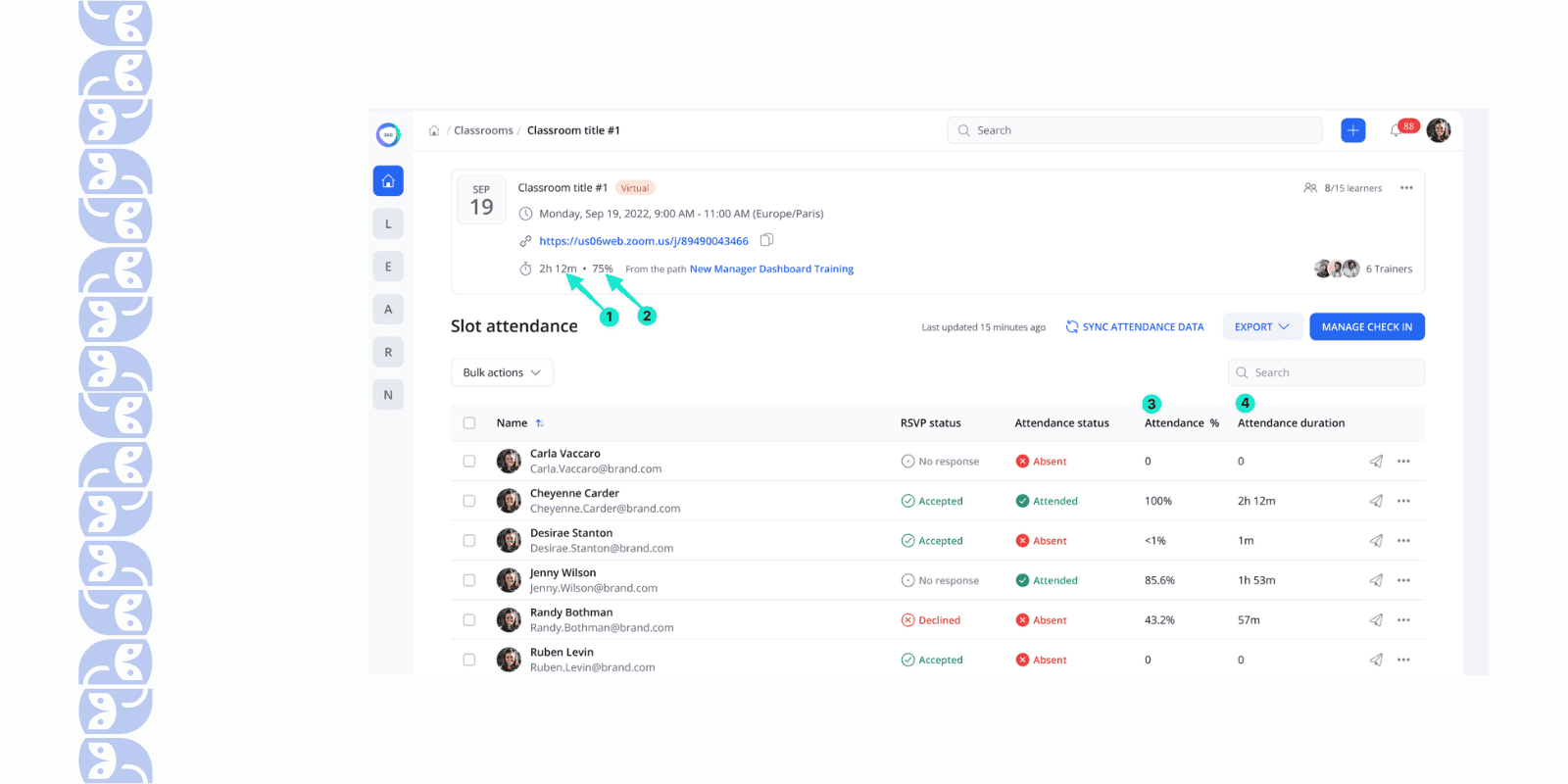
- It’s great that the platform actively encourages peer learning. Learners can comment on lessons, ask questions, and even upload their own helpful content or tips.
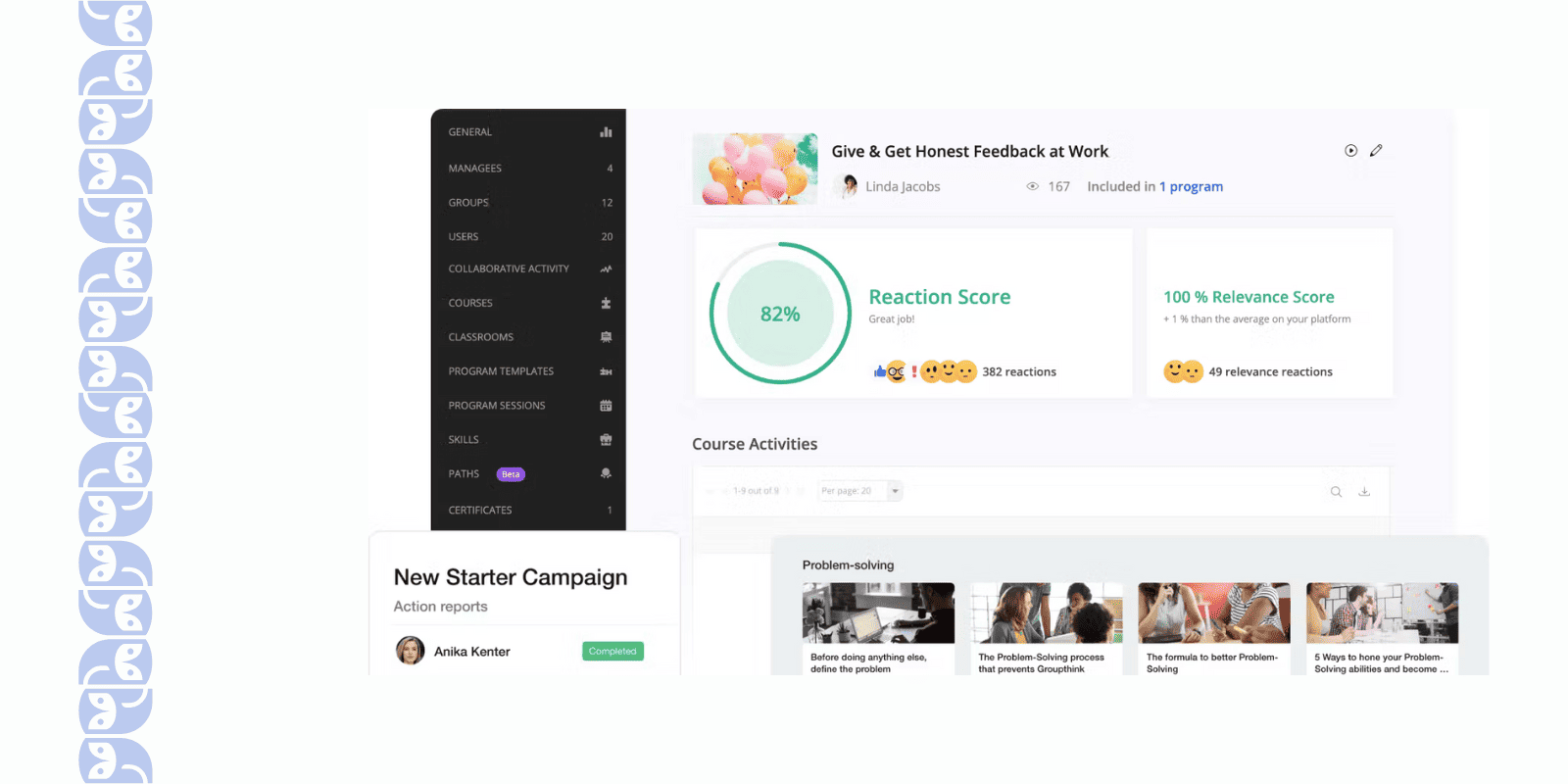
- The built-in authoring tool is a gem. I was able to quickly create courses with slides, videos, and quizzes without needing separate software.
- 360Learning has gamification elements too (points, likes, and a leaderboard for participation), which adds a fun incentive for employees to engage.
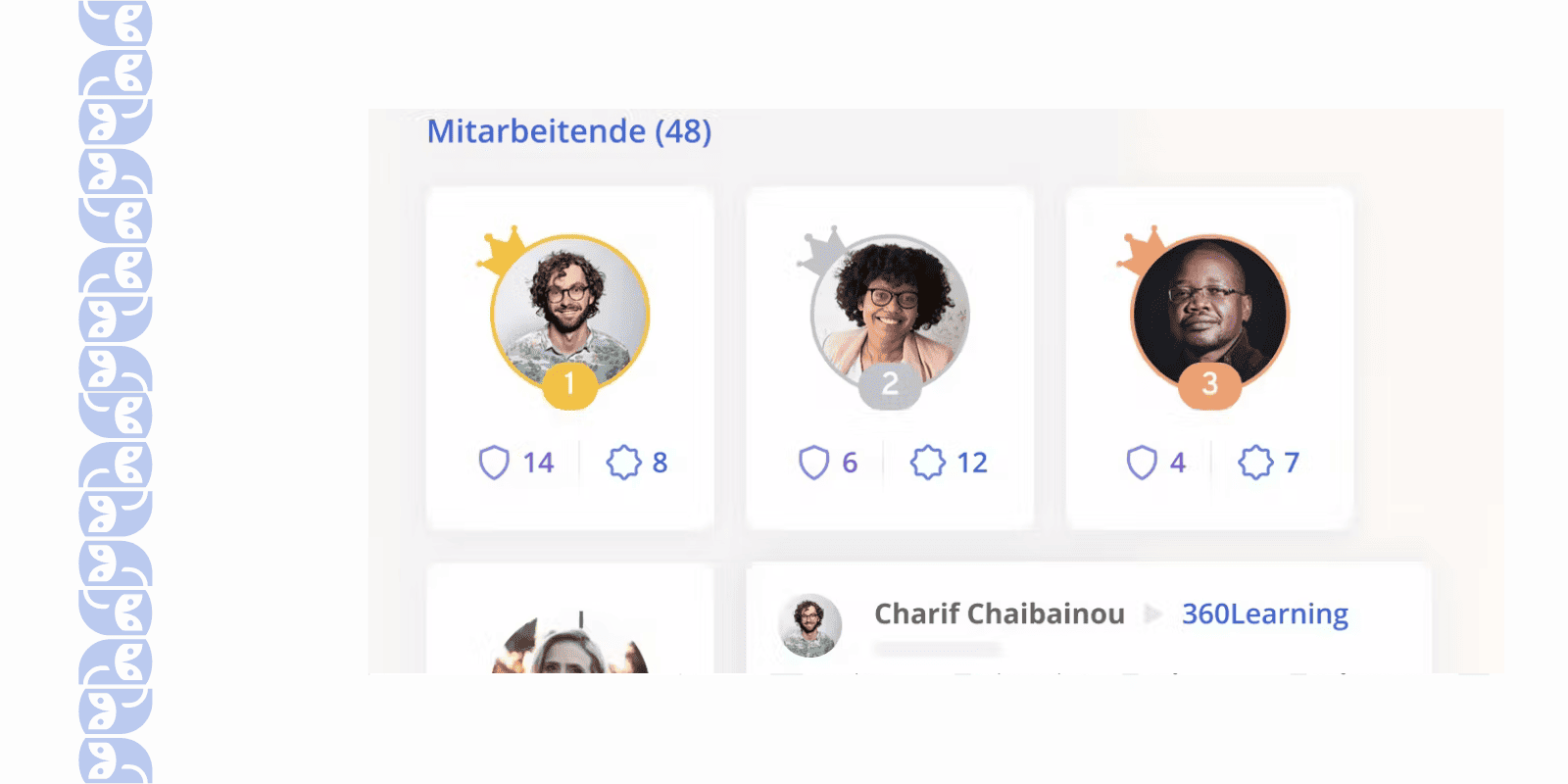
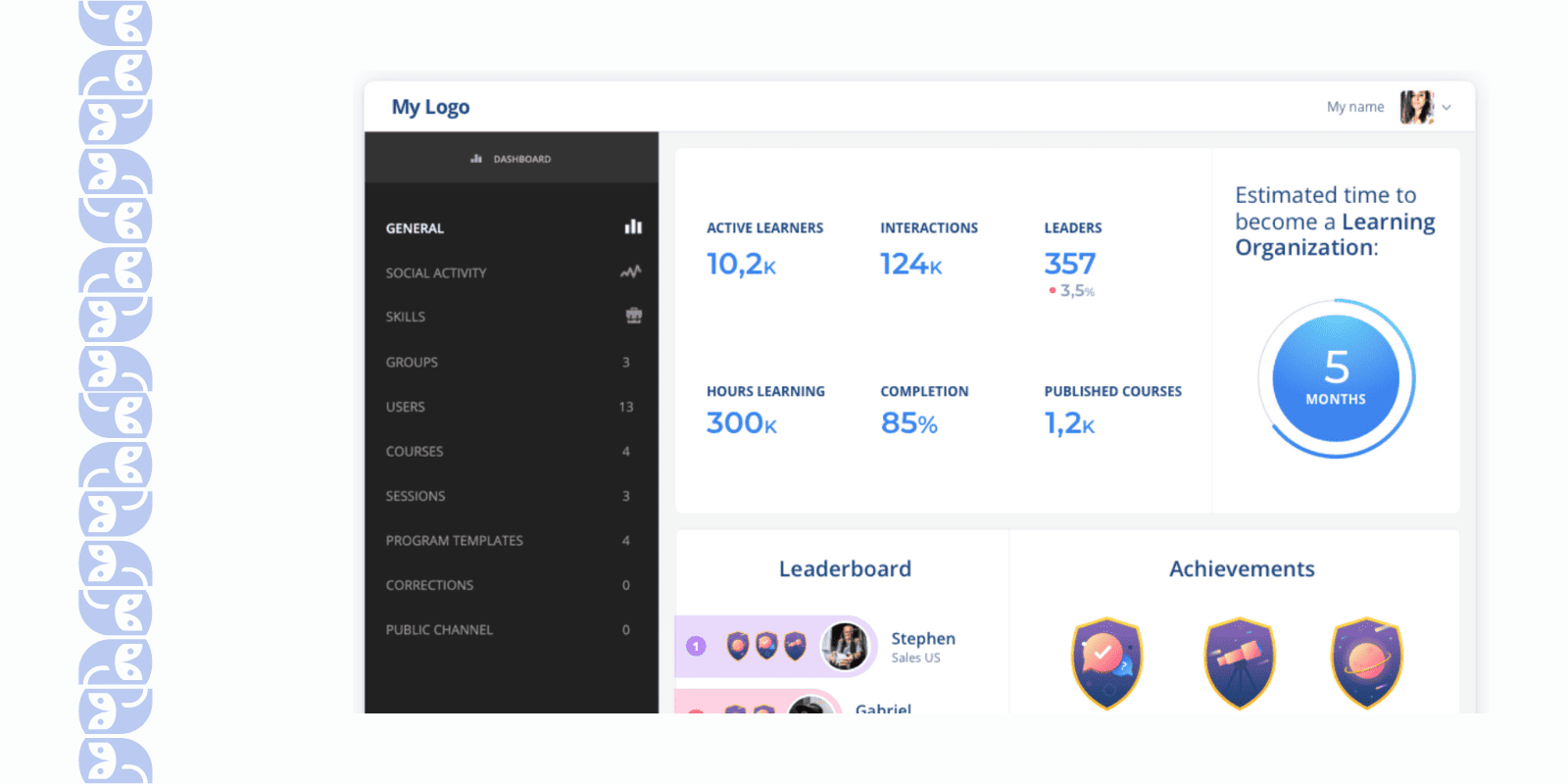
- The analytics dashboard was pretty insightful. I could see not just completion rates, but who the top contributors were, how effective the live sessions were (e.g., feedback scores), and which topics generated the most discussion.
What Limitations You May Face Using 360Learning?
- Given 360Learning’s modern approach, I was surprised that the analytics felt a bit weak. For example, it could be hard to generate a summary PDF of key training stats for your partners – you’ll need to pull data manually.
- Despite a generally friendly interface, there is still a steep learning curve for admins configuring the system.
- 360Learning is all about collaboration, but ironically it lacks a few features I expected for corporate training. One big example: there’s no easy way to have structured peer reviews or group assignments where learners can review each other’s work.
- We have a library of SCORM courses from our older LMS, and integrating those into 360Learning wasn’t seamless. You can import SCORM packages, but the platform’s own authoring doesn’t fully embrace them.
- Smaller companies or startups might find the cost prohibitive, especially since 360Learning pricing includes those advanced collaboration features that you may or may not fully use.
📖 You may also be interested in: 12 Best 360Learning Alternatives For 2025
Disco – Best Modern Enterprise LMS for Social, AI-Powered Learning
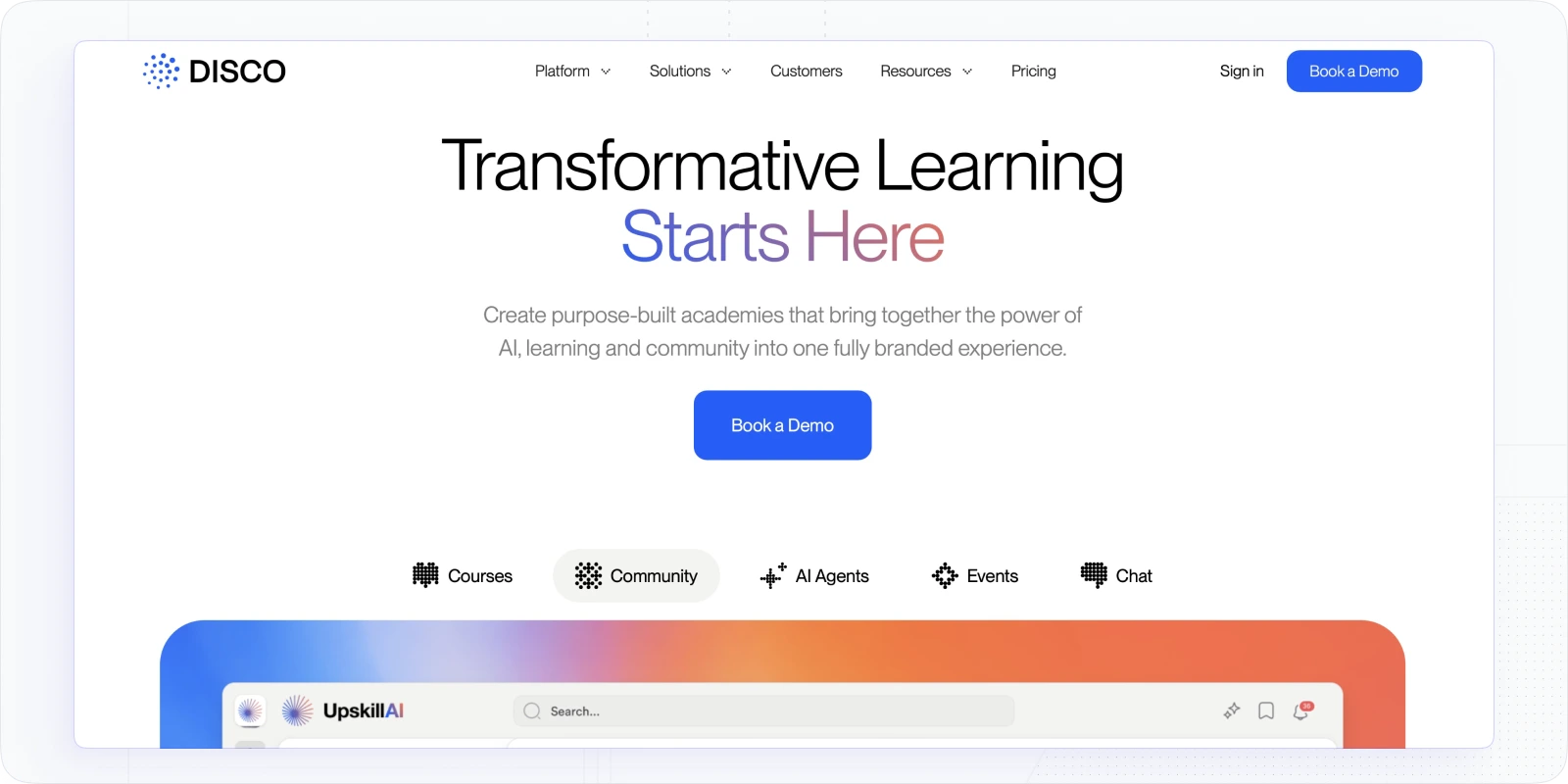
When I first explored Disco, what immediately stood out was how different it feels from every other platform on this list. Most platforms are built around content delivery. Disco is built around people. It's an AI-native learning platform designed for organizations that want to run a fully branded academy, complete with cohort-based programs, community, live sessions, and intelligent automation, without stitching together five separate tools to do it.
For enterprise teams serious about learner experience, not just completion checkboxes, Disco sits in a category of its own.
Best for: Mid-to-large enterprises and training organizations that want a beautifully designed, whitelabeled academy with strong social learning, AI-powered program creation, and the flexibility to train employees, customers, and partners under one roof.
Why you may like Disco for corporate training
- The AI program generator saves serious time. Feed it existing internal documentation, a URL, or a rough prompt and have a structured learning program ready to review in minutes. For enterprise L&D teams asked to do more with less, this changes the math entirely.
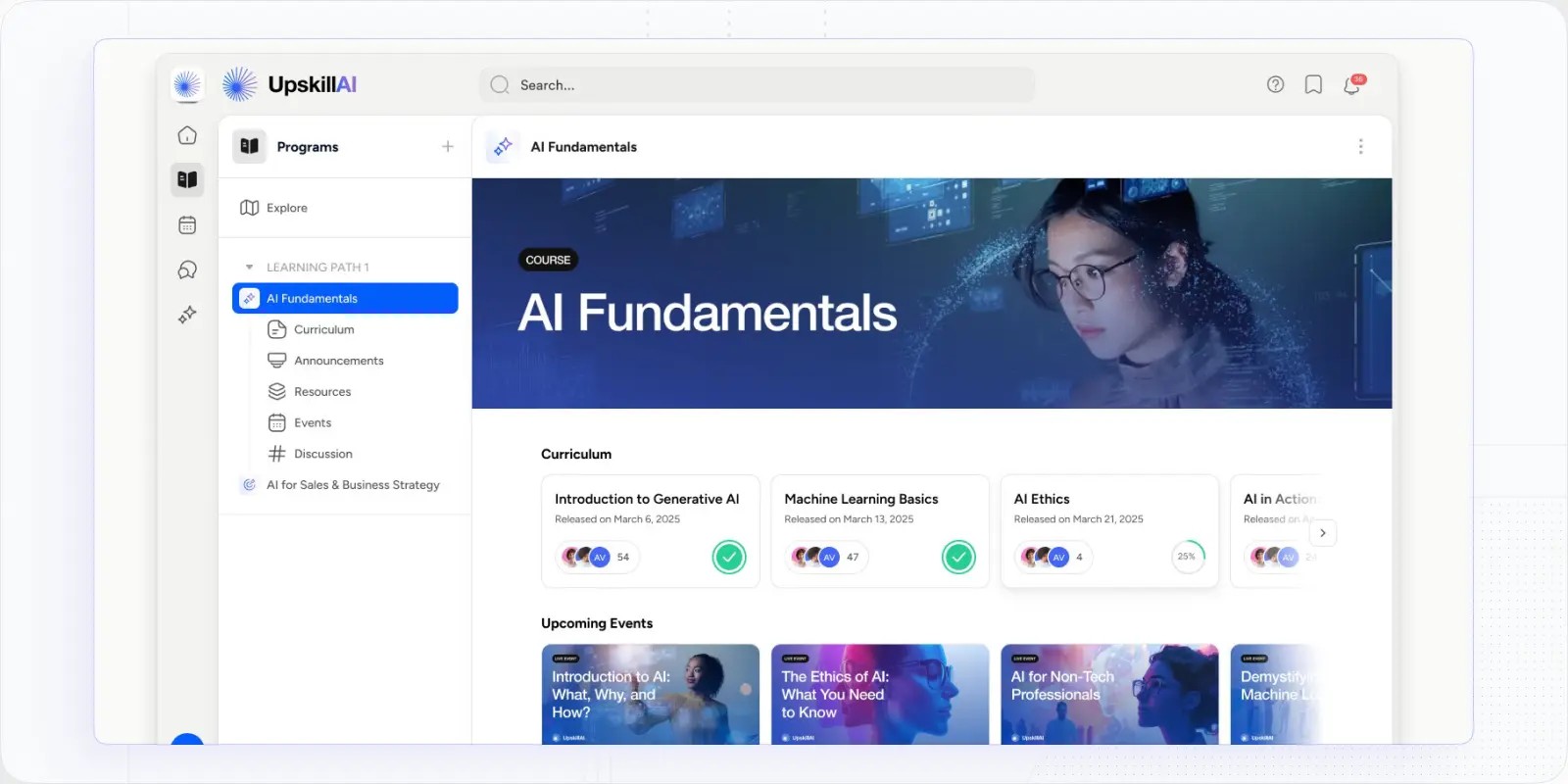
- Social learning is built in, not bolted on. Discussion threads, peer interaction, live session scheduling, and cohort-based delivery are native to the platform. Learners feel like they're part of something, which is why Disco drives completion rates well above the 15% industry average.
- Whitelabeling is a first-class feature. Running customer education, partner enablement, or multiple internal academies? Disco lets you build fully branded portals that look nothing like a generic LMS. Your members see your brand, not Disco's.
- Automation handles the operational busy-work. Auto-enrollment by role, automated nudges, certificate delivery, and progress tracking all run without manual oversight. Once a program is live, the platform does the heavy lifting.
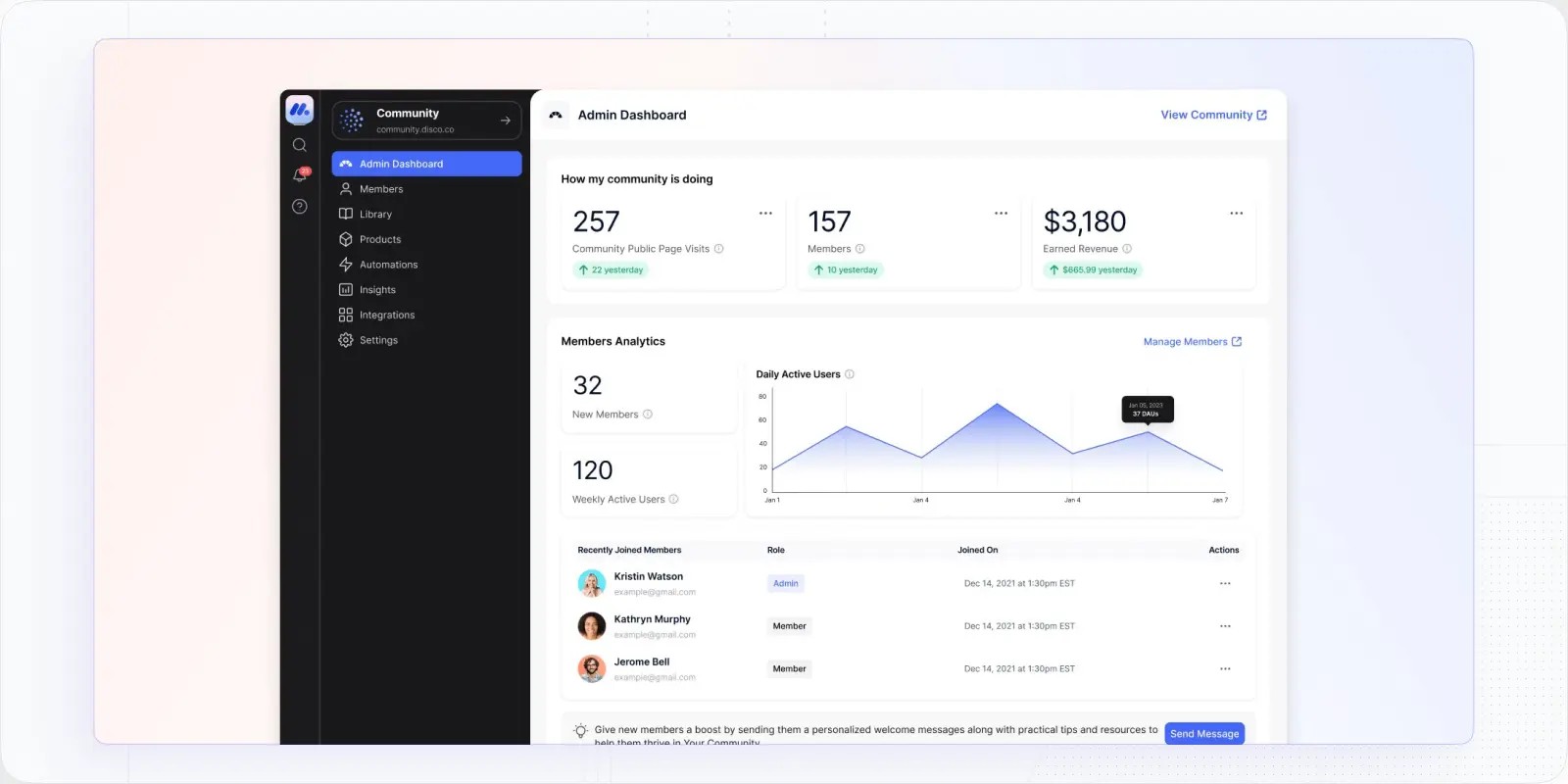
- It replaces a messy tool stack. Disco consolidates what most teams cobble together across an LMS, a community platform, a scheduling tool, and a video host into one coherent operating system. That simplicity has real dollar value.
What limitations may you face when using Disco
- It's priced at the higher end of the market. Disco is a premium platform and reflects that in its pricing. Smaller teams with simple training needs will find more budget-friendly options on this list. The ROI is clearest for organizations running structured programs at scale.
- There's no built-in content catalog. Disco is designed to be a home for your IP and programs. If you need a library of off-the-shelf compliance or skills courses on day one, you'll need to bring or build that content yourself.
- The depth of the platform takes time to configure. Because Disco is built for serious learning operations, getting your academy set up the right way requires more upfront planning than a plug-and-play tool. Teams that invest in that setup see strong returns; teams expecting instant deployment may need to adjust expectations.
- Not good for solopreneurs. At the higher price point and enterprise focused features, Disco is not designed for smaller, solopreneur setups.
SkyPrep – Best LMS Software for Employee Training
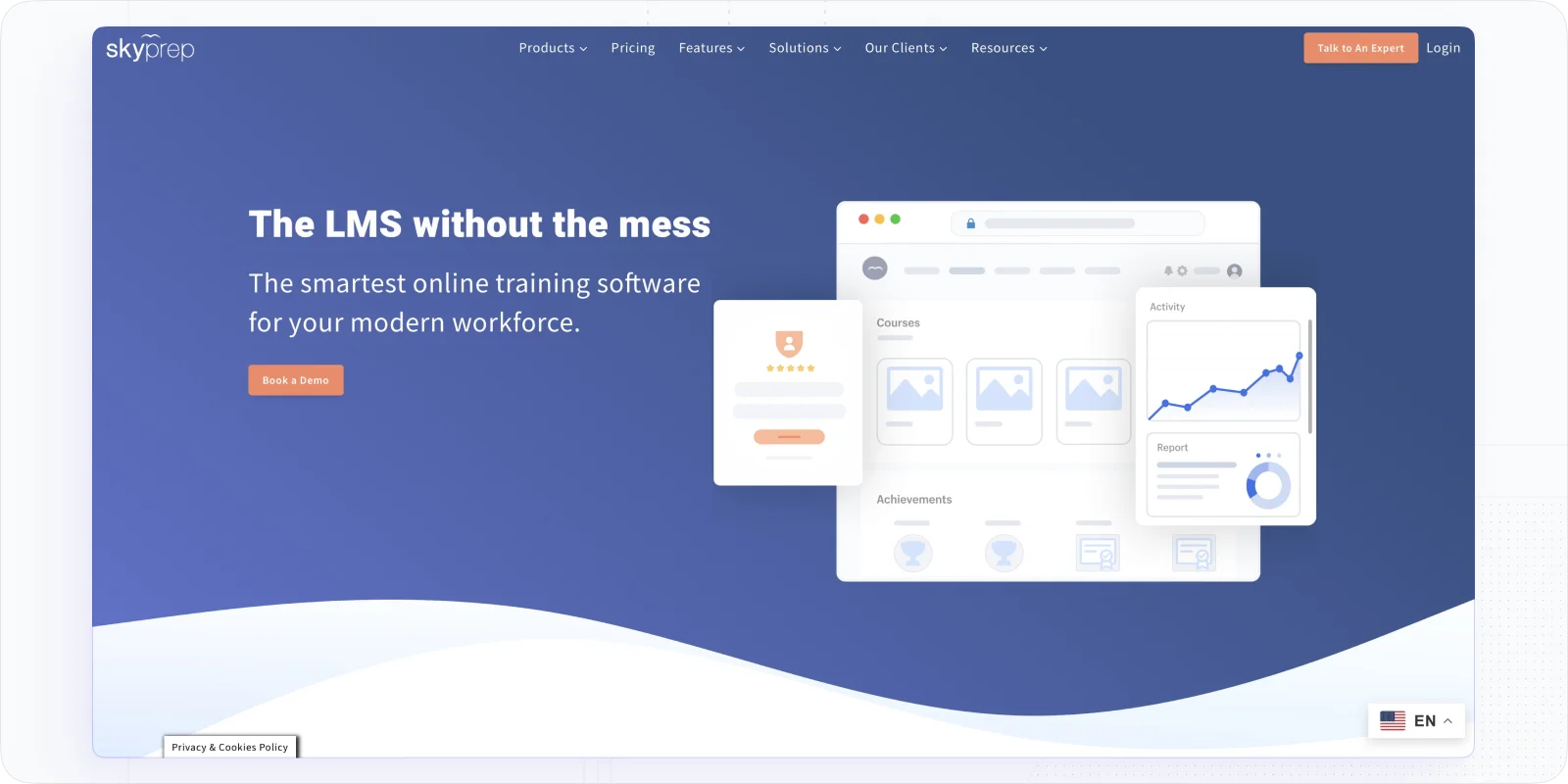
SkyPrep is a platform I found perfectly suited for straightforward employee training. When I used SkyPrep, it felt as if it was purpose-built for internal training needs like onboarding new hires, rolling out compliance training, and upskilling staff. The interface is modern and uncluttered – I didn’t get lost in menus, which is great because I could focus on the content, not the tool.
It strikes a nice balance: easy enough for non-technical folks to use, but powerful enough to cover an organization’s training bases. If your goal is to get your employees trained without fuss, SkyPrep delivers.
Best For: Small to mid-sized businesses focusing on employee and workforce training. It’s ideal for HR and L&D teams that need to onboard employees, ensure compliance (safety, HR policies, etc.), and continually develop staff skills in an approachable way.
What Features Make SkyPrep Unique?
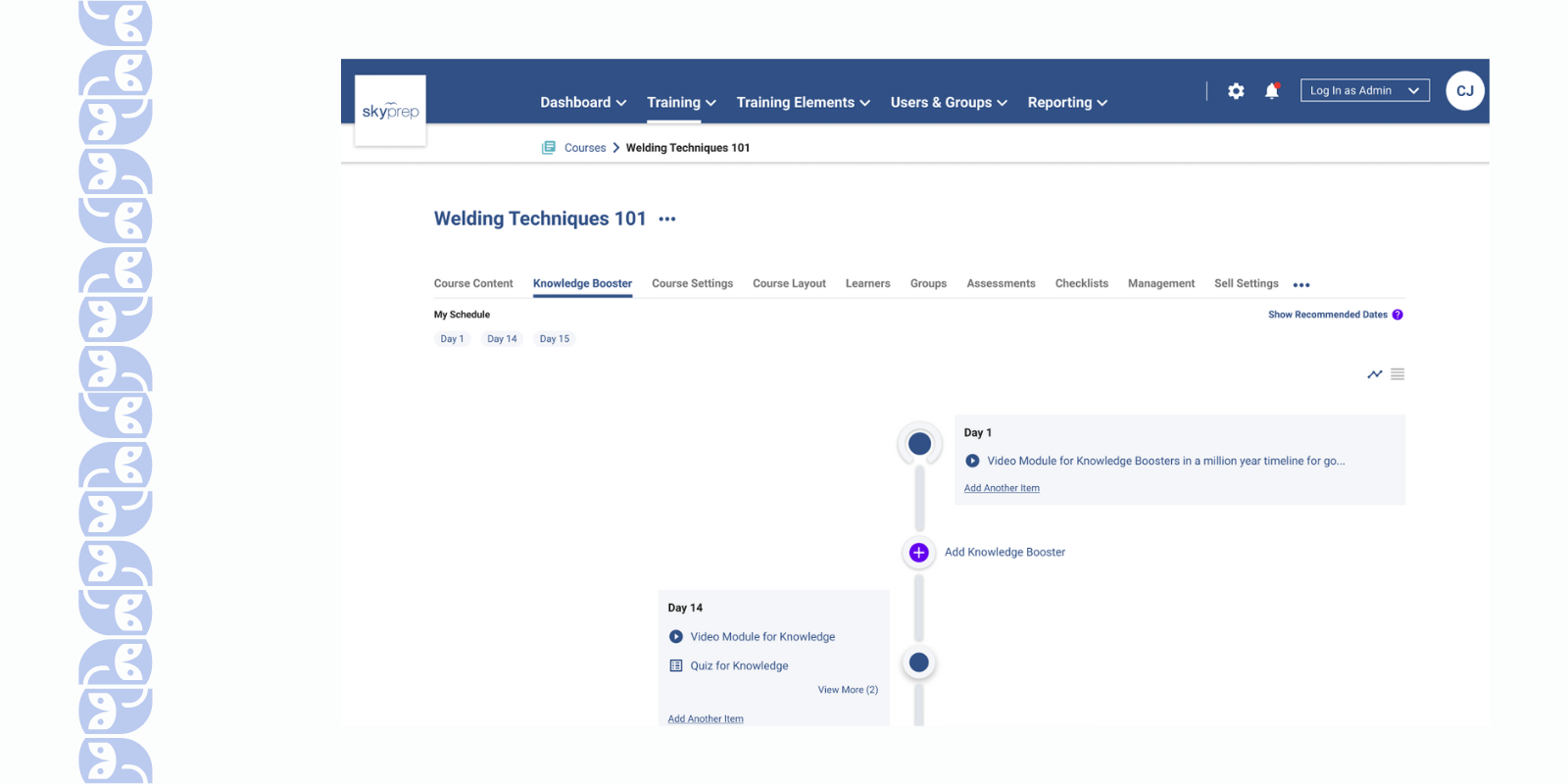
- I love how quick and easy it was to create courses in SkyPrep. I just dragged in my existing slides and PDFs, added a quiz at the end, and voila – the course was ready to go.
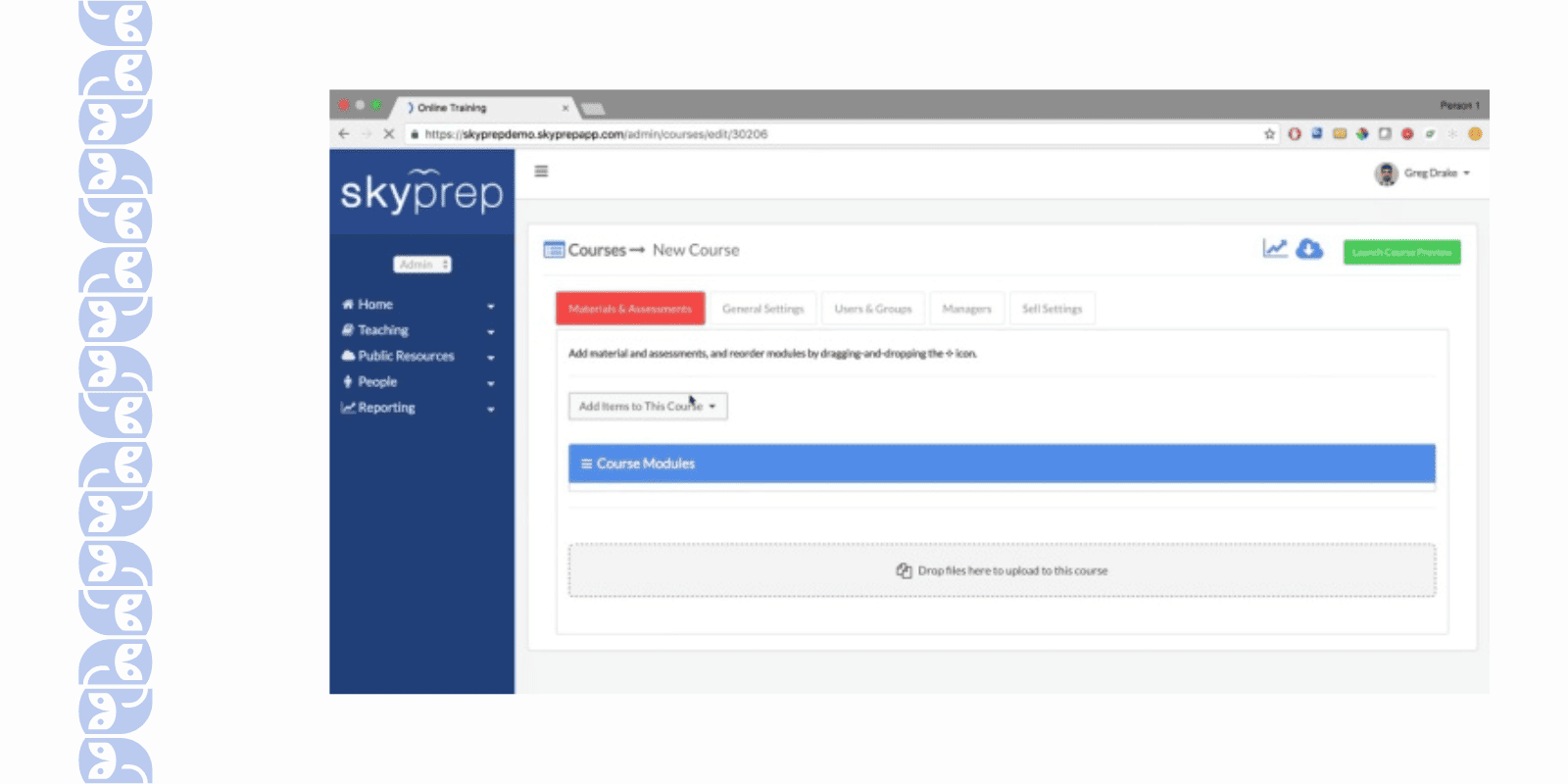
- It’s great that SkyPrep supports learning paths. I set up an onboarding path for new employees that automatically enrolled them in a series of courses (office orientation, IT security, role-specific training, etc.)
- One standout feature for me was the integration with OpenSesame (a library of pre-made courses). This was a lifesaver when I needed some ready-to-use content, like a sexual harassment prevention course – I could subscribe and import a professionally made course in minutes instead of creating one from scratch.
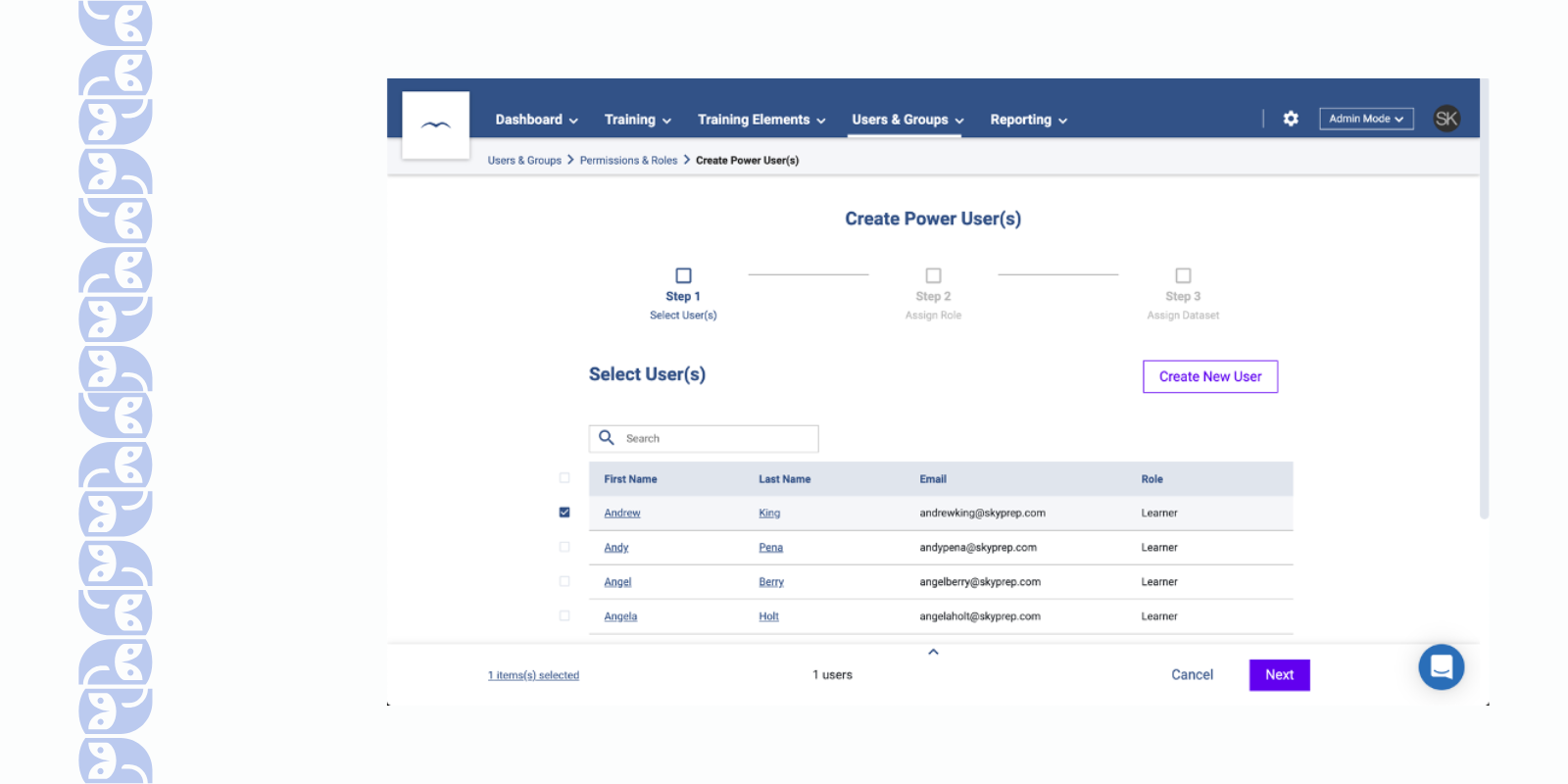
- As an admin, I appreciate the user management features. SkyPrep makes it easy to organize learners into groups (by department, location, etc.), and even set up multiple portals (for example, one for employees and a separate one for external partners) if needed.
What Limitations You May Face Using This Platform?
- SkyPrep covers the basics well, but I quickly noticed it’s missing some of the bells and whistles found in bigger LMS platforms. For example, there aren’t advanced content creation tools – I couldn’t build very interactive courses within SkyPrep itself and ended up creating content in external tools to import.
- If you’re hoping to deeply brand or tailor the platform, SkyPrep might disappoint. I was able to add the logo and adjust a few colors, but I couldn’t change much in terms of layout or user interface.
- The reporting works, but it’s not as smooth as I’d like. Whenever I needed a specific metric or a custom report, it felt like a bit of a struggle to extract it.
- Adding or updating a handful of users is easy, but doing things at scale (like importing a large batch of new employees or making bulk edits) was cumbersome. The bulk upload tool had some constraints – I ran into formatting issues and had to adjust my CSV multiple times.
- Also, I found that some users had field workers access training via the mobile app, and a few of them reported that certain content (like large slide presentations) didn’t display optimally on their phones.
Absorb LMS – Best Enterprise-Grade LMS For Business
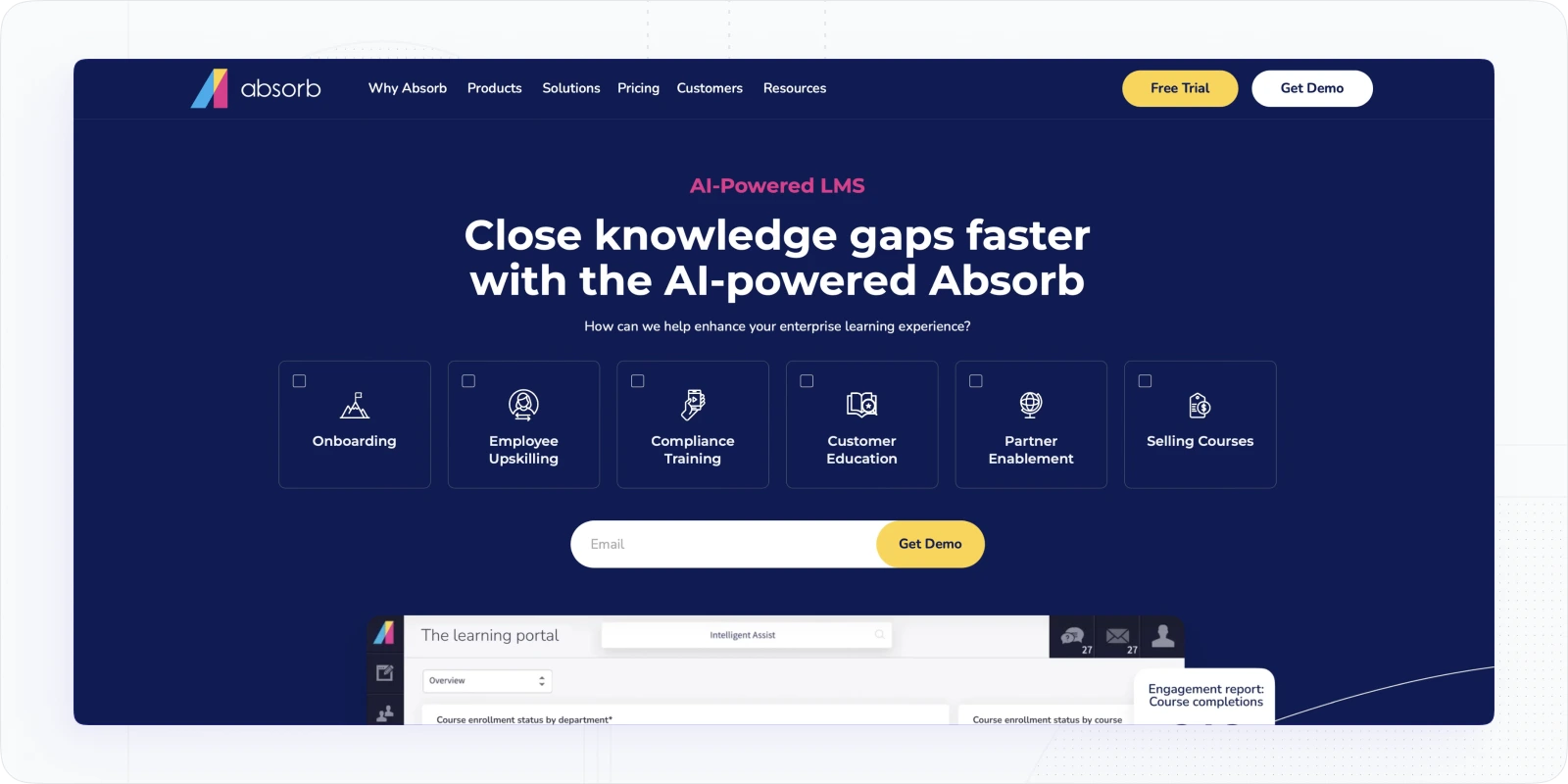
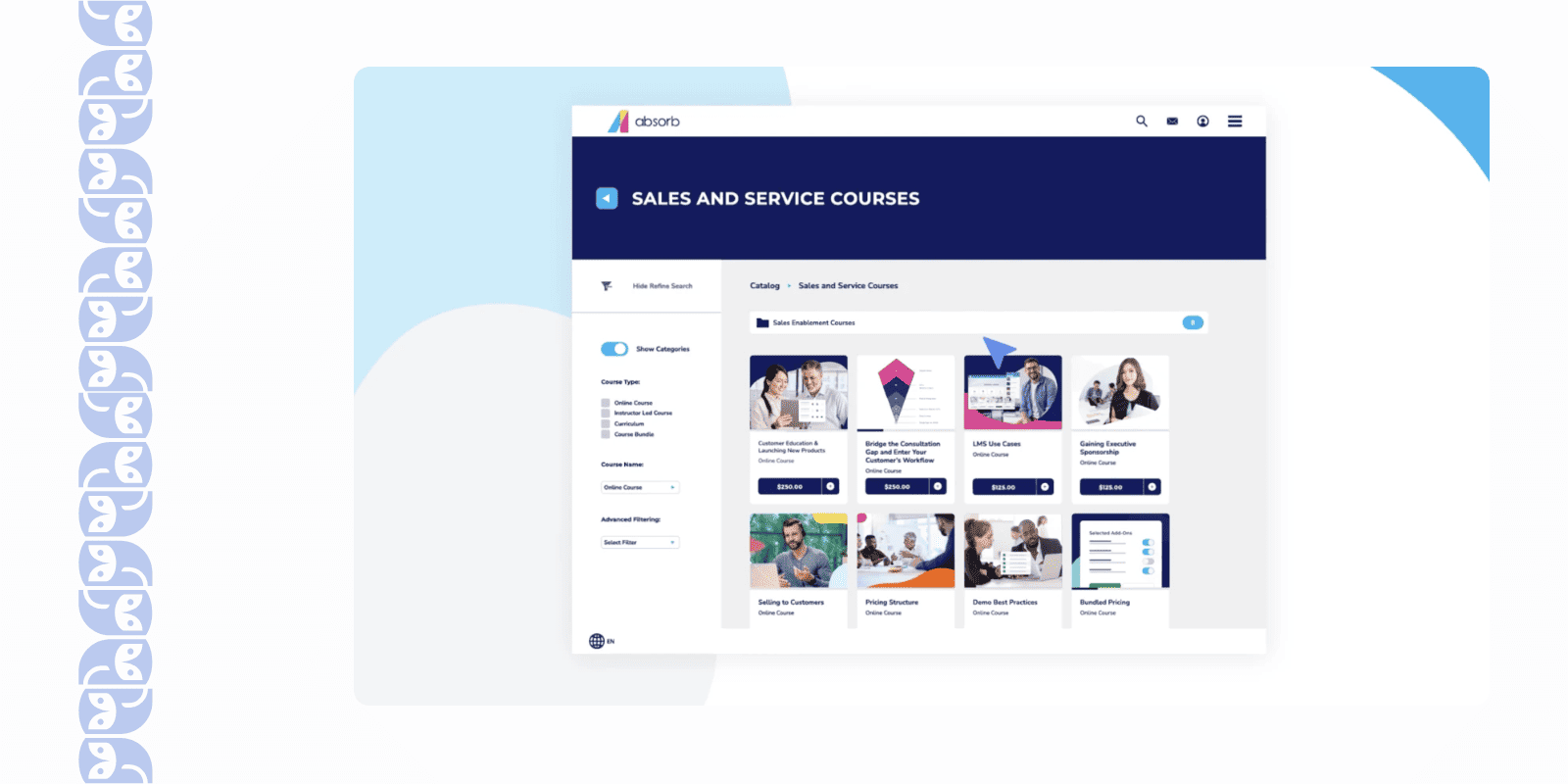
Using Absorb LMS for the first time made it clear why it’s considered an enterprise-grade solution. The polish on this platform is incredible – from the slick dashboard to the deep configuration options, Absorb feels like the “luxury sedan” of LMS platforms. I was especially taken by how customizable it is and how well it scales. If you have complex needs or a large learner base (or both), Absorb LMS can likely handle it with style.
Best For: Medium to large enterprises that need a scalable, feature-rich LMS. It’s perfect for organizations that train large numbers of employees, customers, or partners and require top-notch user experience, extensive integrations, and enterprise-level support.
What Features Make Absorb LMS a Good Choice?
- It’s great that Absorb handles internal and external training equally well. With the portal feature, you could create a separate branded login page and curriculum for clients.
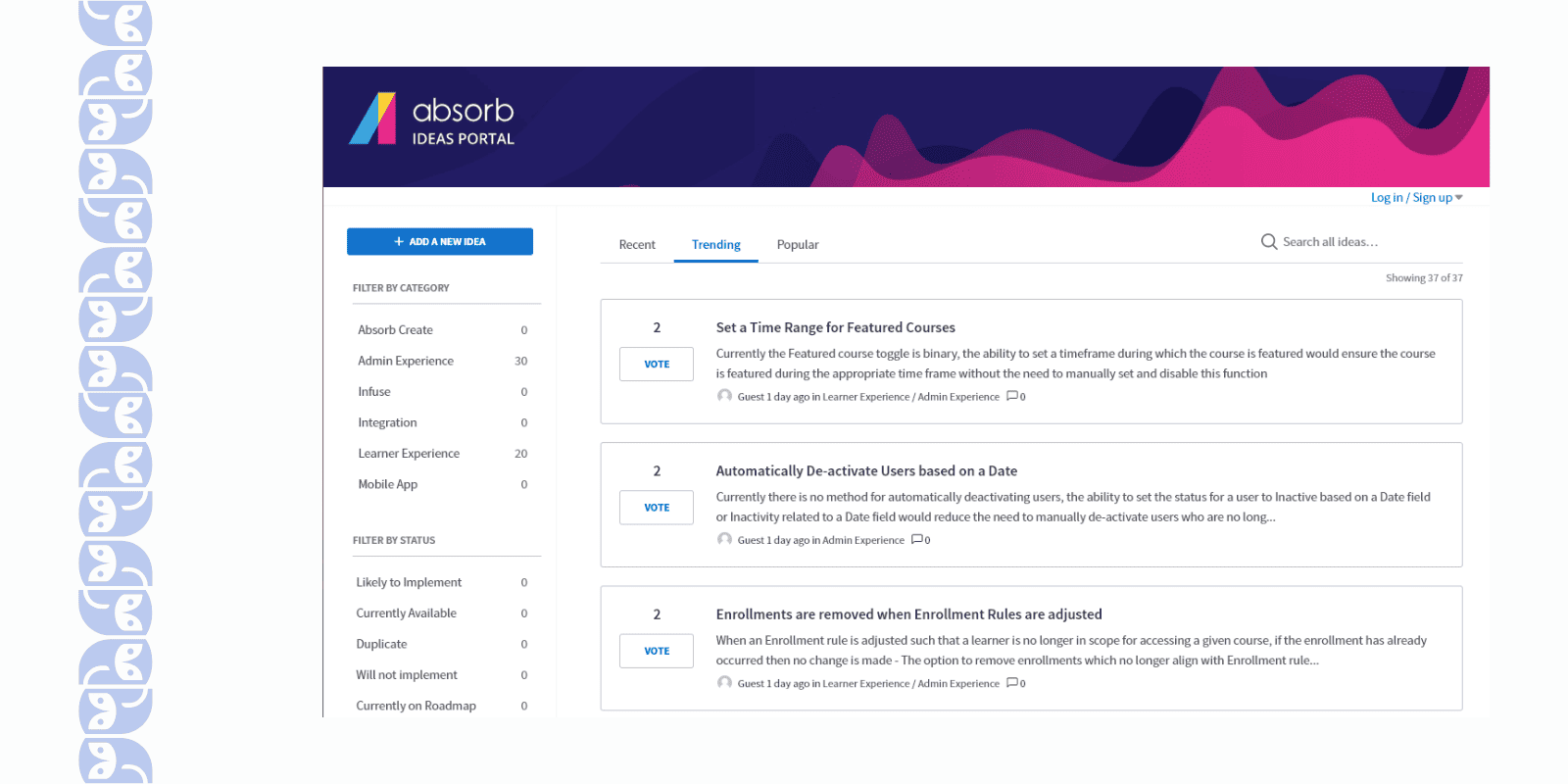
- The feature set is incredibly comprehensive. Out-of-the-box, you get gamification (badges, contests), great analytics, e-commerce capabilities (you can sell your courses to partners), and even an optional Mercury module that adds things like polls and surveys for learners. It felt like every feature under the sun was there if we needed it.
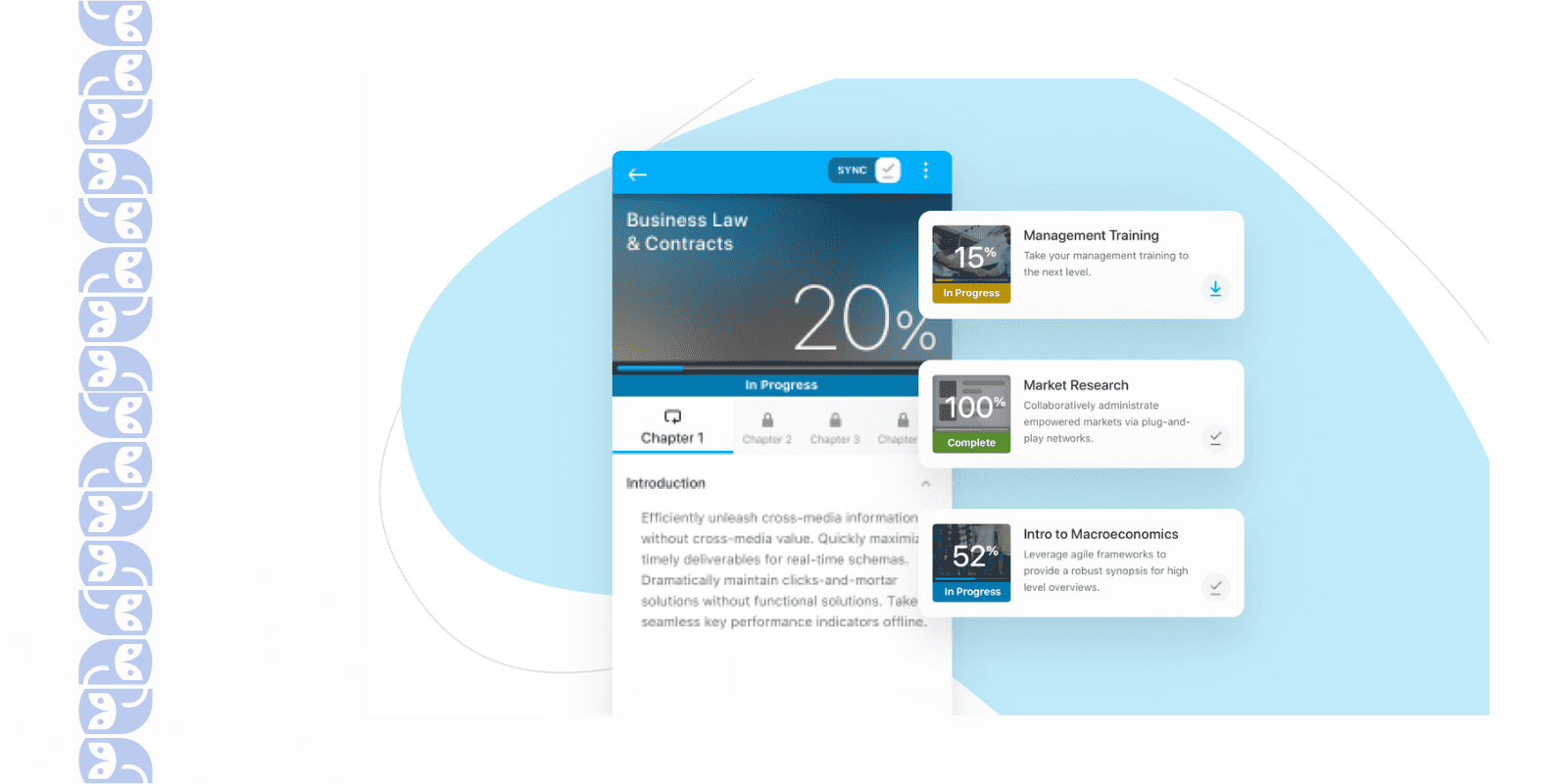
- Absorb has dedicated mobile apps for iOS and Android. I tested training on my phone and tablet – the experience was seamless and content synced perfectly. That was important for our on-the-go sales teams.
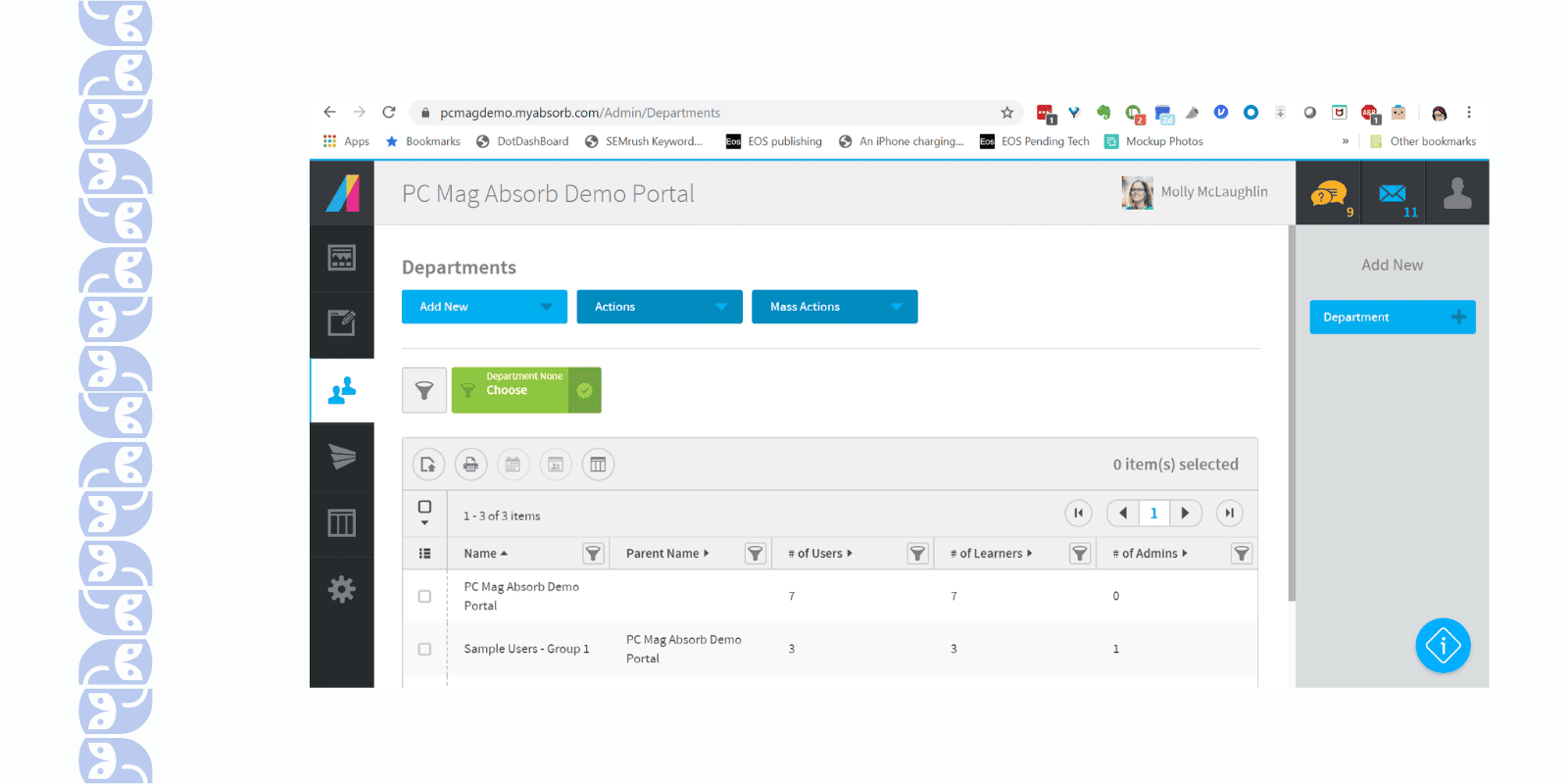
- What really impressed me was the administration and automation. There are smart filters and rules – for example, I could tag courses and users, then set up rules to auto-enroll new hires in relevant courses based on their department. The system can also send out custom notifications, and I even set up a leaderboard homepage using their widgets.
What Limitations You May Face Using Absorb LMS?
- Absorb is feature-packed, which is great, but it also means you need to learn how to use it. Think of it like an enterprise LMS software; powerful, but you’ll have to invest time (or bring in an expert) to unlock that power without getting lost.
- It’s highly customizable, which is a double-edged sword – fantastic once it’s set up, but it required a lot of work (and yes, a good chunk of our IT guy’s time) to get there. If you’re looking for plug-and-play simplicity, this isn’t it.
- Absorb standard reports cover the essentials, but users said that they were a bit underwhelmed by the depth. To get really advanced analytics or prettier dashboards, Absorb sells a separate analytics module (Absorb Analyze). Without it, some reports aren’t possible (for example, pulling combined data on multiple courses in one go).
- You can certainly brand the interface and organize content in Absorb, but when it came to really tailoring the user experience, I hit some walls. For instance, the learner dashboard widgets are fixed to what Absorb provides – I couldn’t create entirely new widgets or drastically alter their layout.
- Absorb is not a cheap solution, and many features that big corporations need (like e-commerce for selling courses, or multi-portal for different audiences) might increase the cost.
📖 You may also be interested in: 10 Best Absorb LMS Alternatives & Competitors
WorkRamp – Best Corporate LMS for Go-To-Market and Revenue Teams
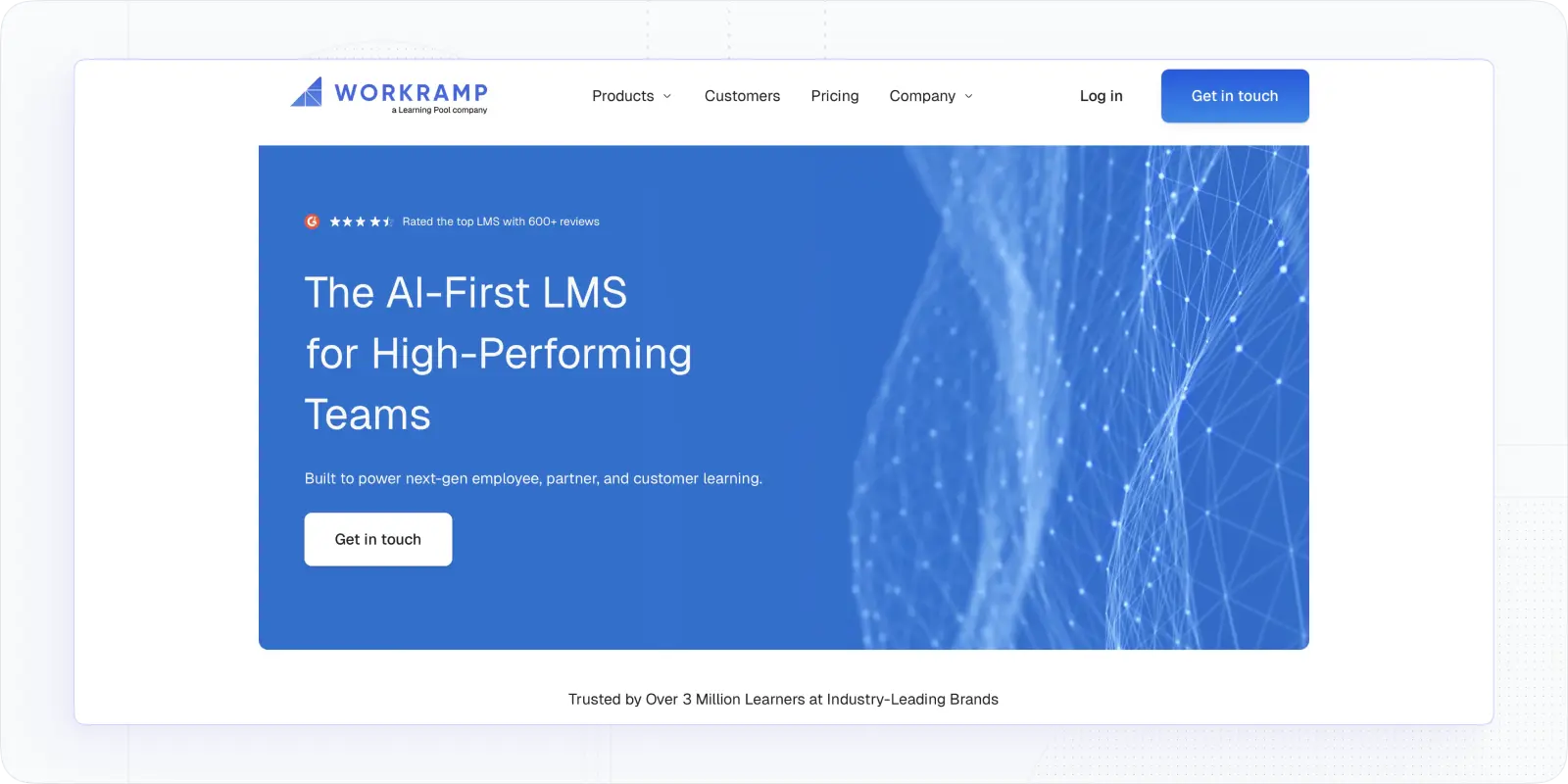
WorkRamp caught my attention because it's one of the few platforms that's explicitly designed around the needs of go-to-market teams (sales, customer success, and partner enablement) rather than trying to be a general-purpose LMS and hoping it fits. I tested it with a focus on sales onboarding and enablement, and the experience confirmed what the positioning promises: it's purpose-built for getting revenue-facing employees productive fast.
Best for: Companies with sizeable sales, customer success, or partner teams who need structured onboarding, product knowledge training, and ongoing enablement — all tied to performance outcomes rather than just completion rates.
Why you may like WorkRamp for corporate training
- The content structure maps well to how go-to-market teams actually work. You can build onboarding tracks by role and territory, layer in product certification paths, and push updates to the whole team when a product changes, without rebuilding everything from scratch.
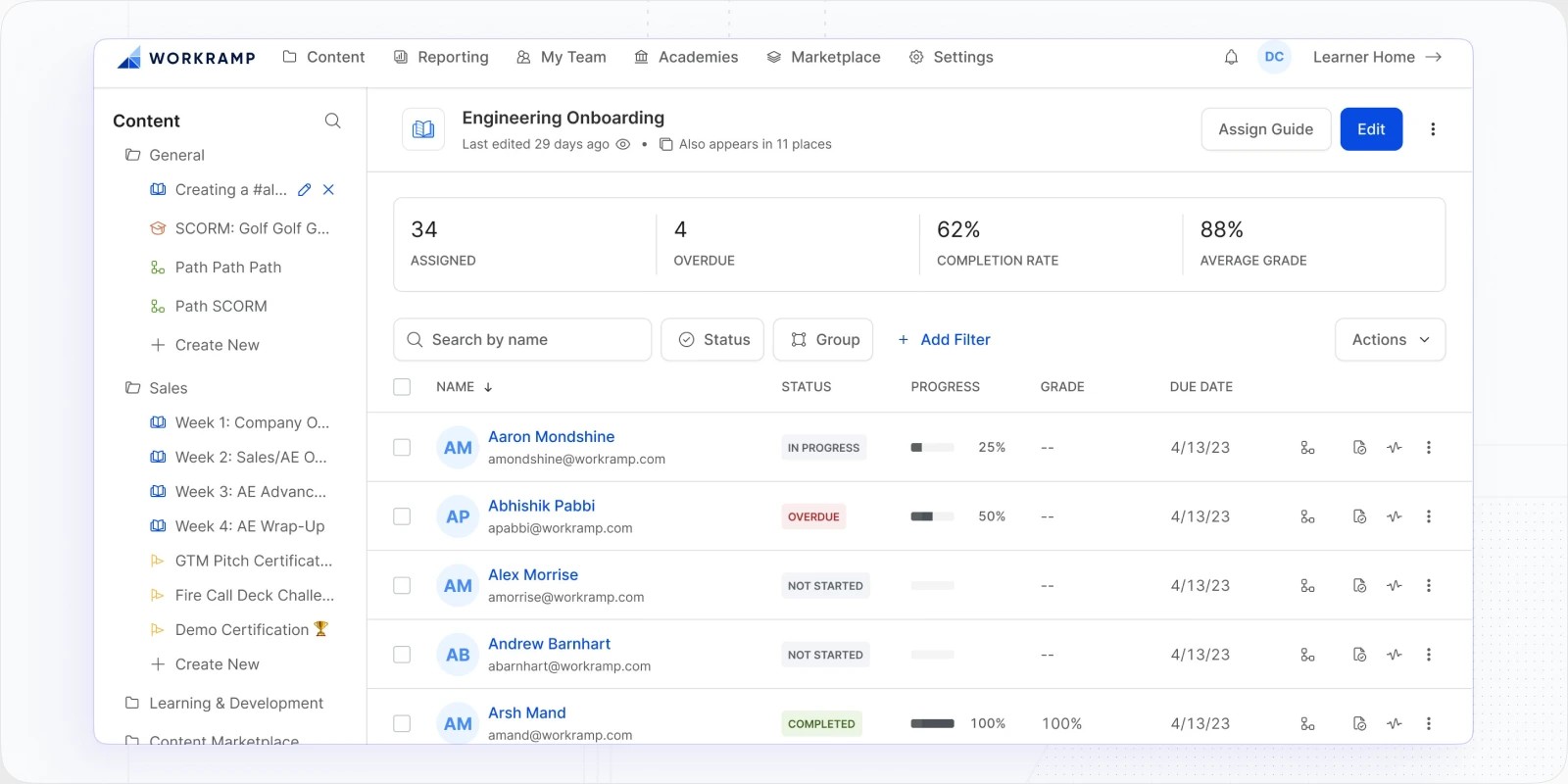
- Salesforce integration is genuinely useful here, not just a checkbox. Training assignments can be triggered by CRM data, which means a new opportunity stage or role change can automatically queue the right learning.
- The learner experience is clean and modern. I've seen sales reps actively resist LMS platforms in the past — WorkRamp is one of the few where they didn't complain about the interface.
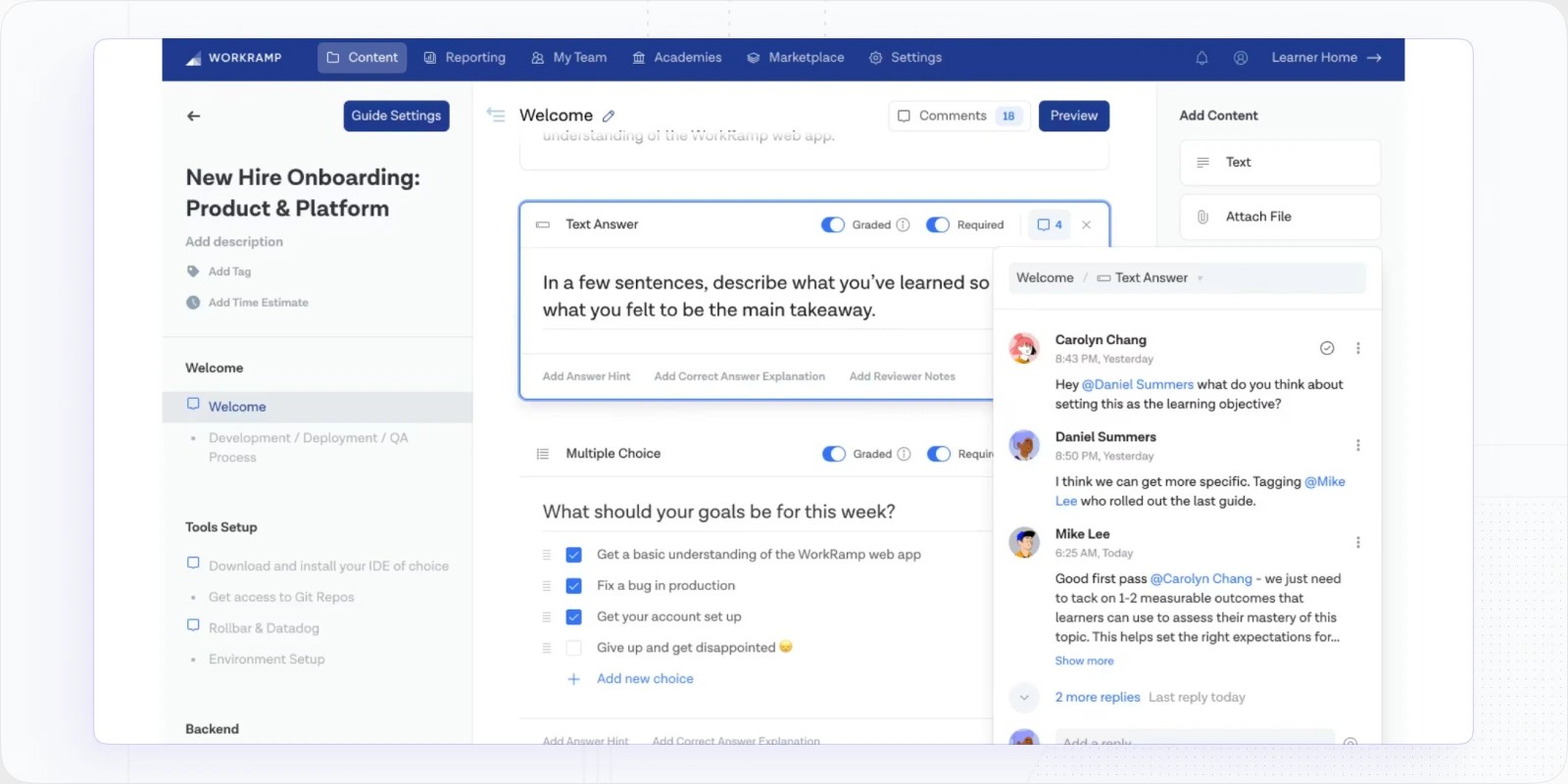
- Partner and customer training is well handled. You can run separate portals for external audiences without the experience feeling like an afterthought.
What limitations you may face using WorkRamp
- If your training needs go beyond go-to-market teams (think compliance, frontline workers, or technical upskilling across a broad employee base) WorkRamp starts to feel narrow. It's optimised for one audience, and it shows when you try to stretch it.
- The built-in content creation tools are functional but not the strongest on this list. For anything beyond slides, video, and basic quizzes, you'll likely need to author content externally and import it.
- WorkRamp pricing scales by user, and since WorkRamp targets sales teams (which tend to grow fast), costs can climb quickly if your go-to-market headcount is expanding.
📖 You may also be interested in: 5 Best WorkRamp Competitors & Alternatives [2026]
LearnUpon LMS – Best Engaging Corporate Learning Management System
LearnUpon is a platform that immediately gives off learner-first vibes. In my trial of LearnUpon, everything was streamlined for ease of use and engagement – there was no clunky complexity, which meant the learners dived right into the courses without needing hand-holding. What stood out to me were the engagement tools: things like gamification, certifications, and even social learning elements are baked in to motivate participants. As an admin, I also found it very straightforward to manage multiple training programs. If you want an LMS that learners actually enjoy using, LearnUpon is a fantastic choice.
Best For: Organizations that prioritize learner engagement and experience. LearnUpon is great for mid-to-large companies that want high adoption rates and a friendly, yet powerful, platform.
What Features Make LearnUpon a Good Choice?
- I love the gamification and rewards in LearnUpon. I set up point scores and badge awards for course completion and quiz performance. The result? It added a fun, competitive spirit to what could have been boring mandatory training.
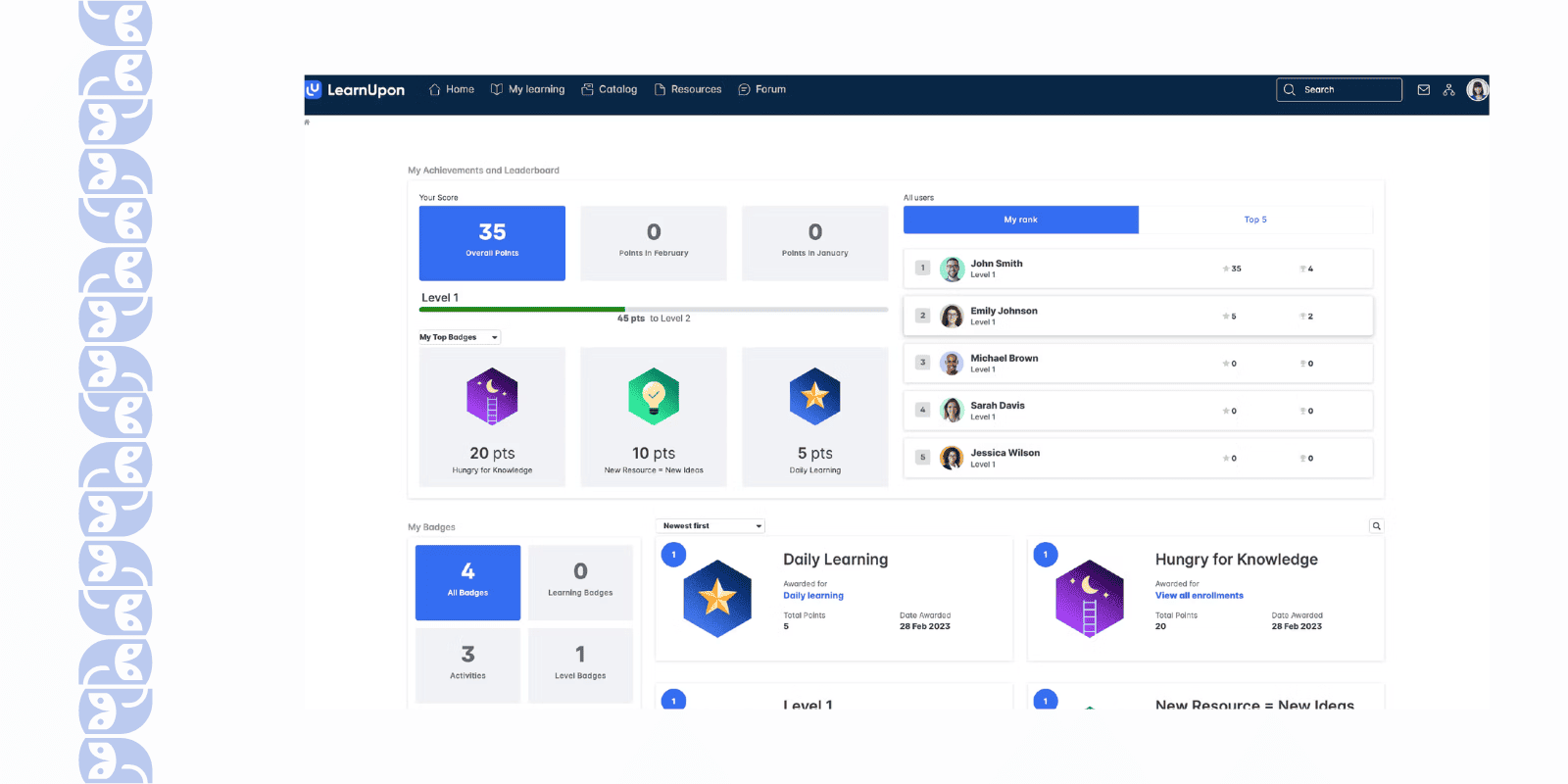
- It’s great that the user interface is intuitive. I’ve had zero complaints or confusion from our learners on how to navigate or find courses – which is rare.
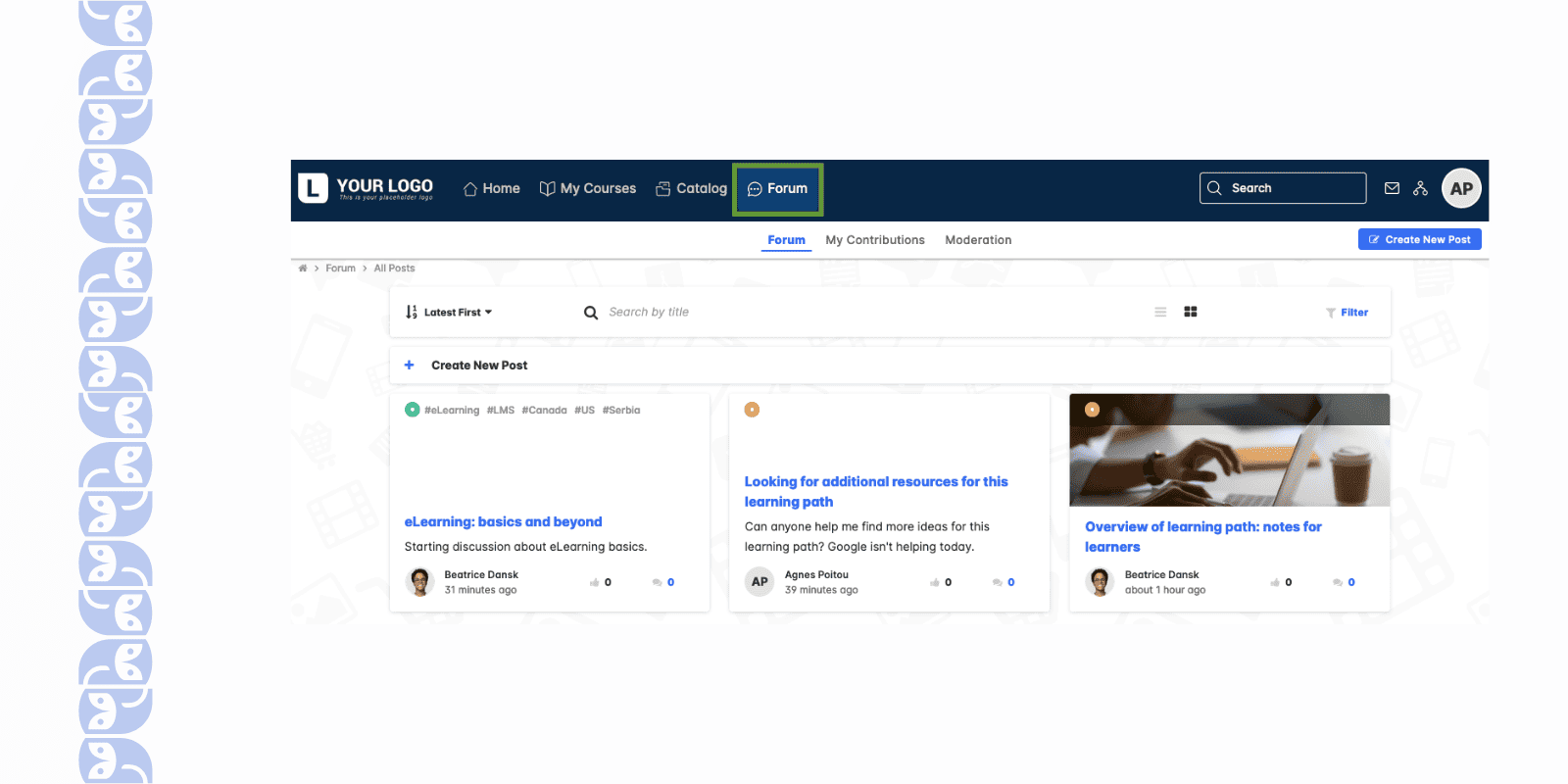
- LearnUpon supports multiple portals under one account. You can use this feature creating one portal for internal employee training and another for external partners.
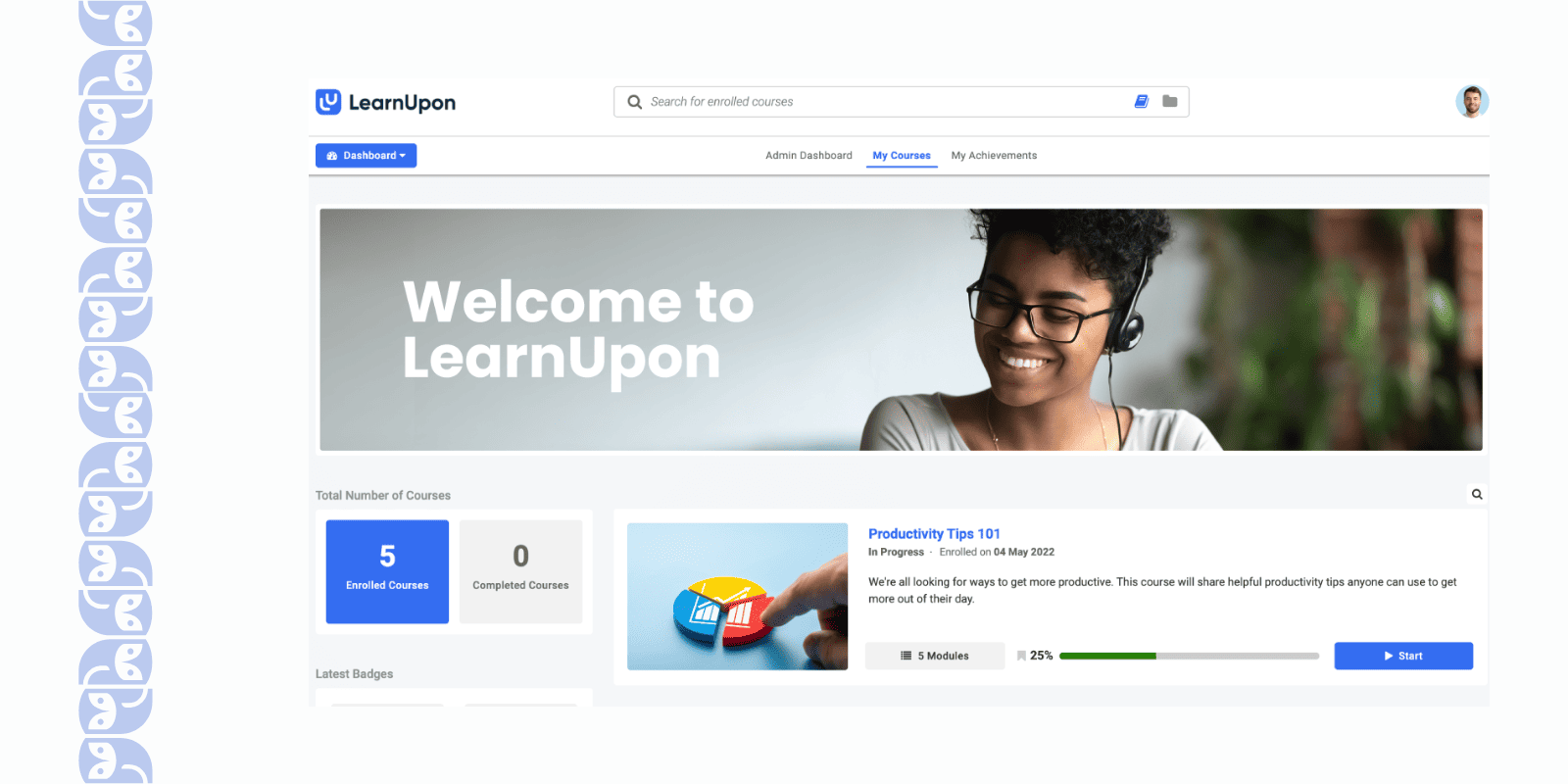
- You can easily hook LearnUpon into the HRIS so new employees are added automatically, or into the Salesforce CRM to train partners. The single sign-on (SSO) means your users log in with your company credentials, which they appreciate (one less password to remember).
- The platform has a strong focus on learner engagement features beyond gamification: things like discussion boards on courses, the ability for learners to rate content, and automated reminder emails to nudge folks who are falling behind.
What Limitations You May Face Using LearnUpon?
- One thing that bugged me is the lack of categorization tools. As our course library grew, it became challenging to keep everything neatly organized. LearnUpon doesn’t have a very intuitive way to archive or categorize content with tags/folders.
- LearnUpon gives you standard stats (completions, time spent, etc.), but I was hoping for more granular analytics. The reporting felt basic, and there’s not a lot of built-in support for slicing and dicing the data in advanced ways.
- In LearnUpon, once a course or learning path is published and learners are enrolled, making changes is cumbersome. I learned this the hard way when I needed to update a module – instead of just editing it, I had to copy the course, make changes in the draft, and republish as a new version.
- LearnUpon pricing tends to be on the higher side (often by number of active users or portals). While they deliver great support and features, smaller companies or those with tight L&D budgets might find it expensive as they scale up.
📖 You may also be interested in: 10 Best LearnUpon Alternatives & Competitors
Seismic Learning – Best Corporate Training LMS for Sales Training
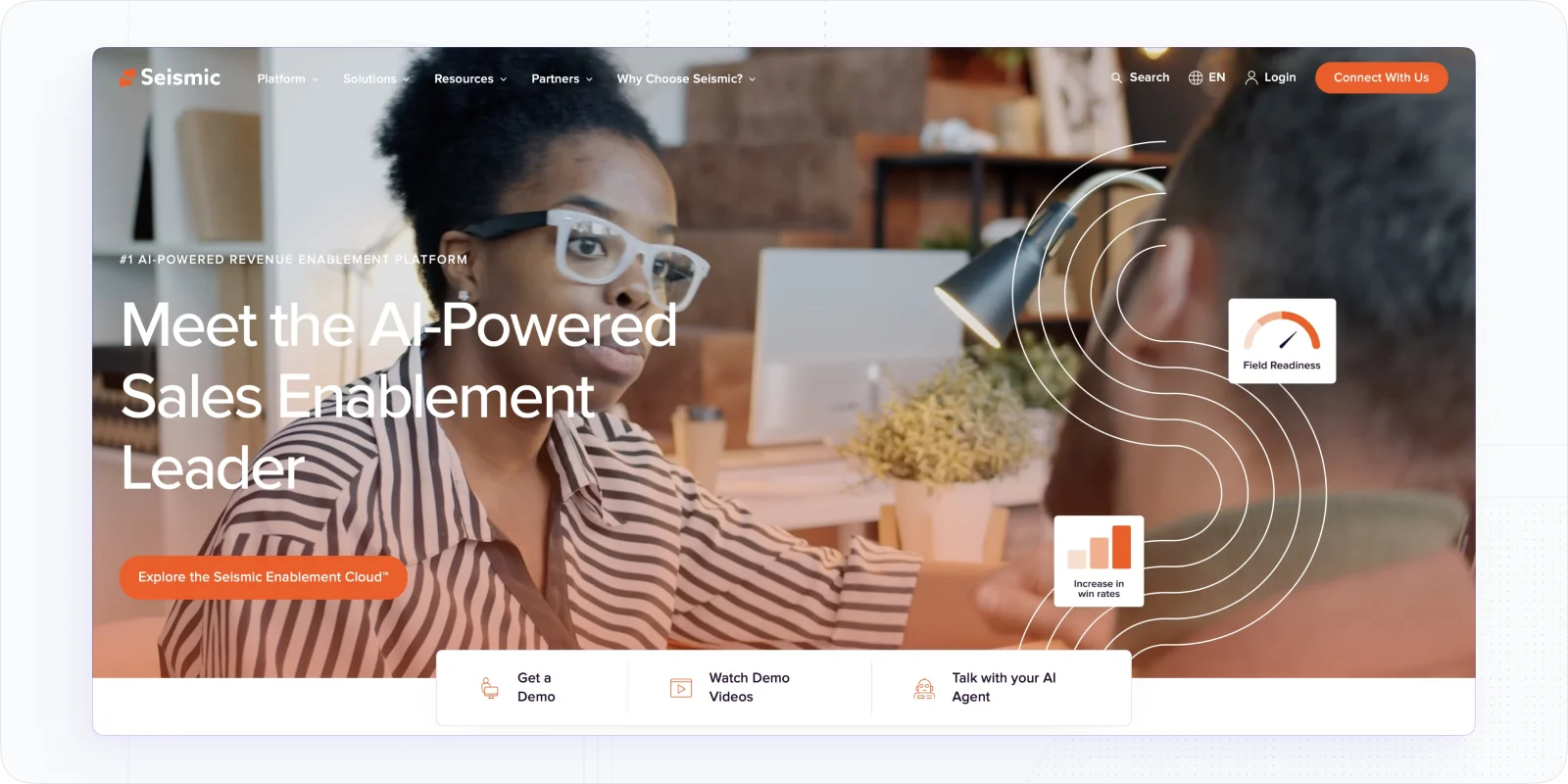
When I deployed Seismic Learning (formerly known as Lessonly), I was struck by how quickly I could get up to speed – the emphasis is really on practice and feedback, which is a dream for any L&D (Learning & Development) professional. The platform is incredibly straightforward for creating content, and even more so for learners to consume it. You can use it to role-play scenarios (like sales pitches and customer support calls) and give feedback, all within the tool. It’s a fantastic platform if you want to build skills, not just push information.
Best For: Learning & Development teams aiming to train and upskill employees rapidly, especially in roles like sales, customer service, or any area where practice and coaching are key.
Why Seismic Learning Is The Corporate LMS You Need to Try?
- I love how simple and fast content creation is on Seismic Learning. Writing a “lesson” felt like writing an email or a doc – super intuitive.. This means you can create online training on the fly (like if you need to address a new product feature for the sales team, you can whip up a lesson in an hour).
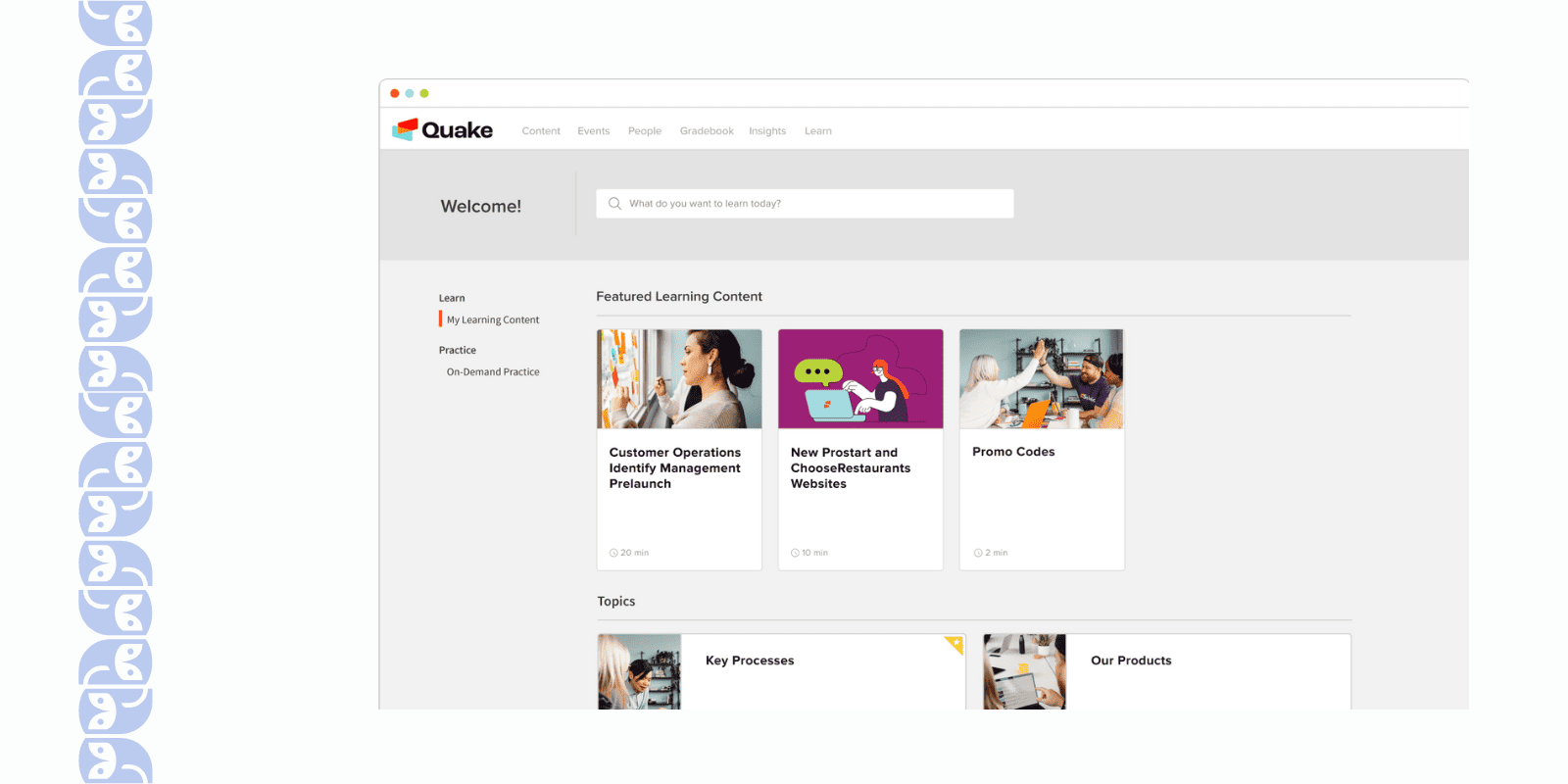
- It’s great that the platform is designed for practice and coaching. A standout feature I used heavily was the ability for team members to practice a skill (for example, record a quick video of their sales pitch or type out an email response to a mock customer scenario) and then have their manager or peers provide feedback right there in the system.
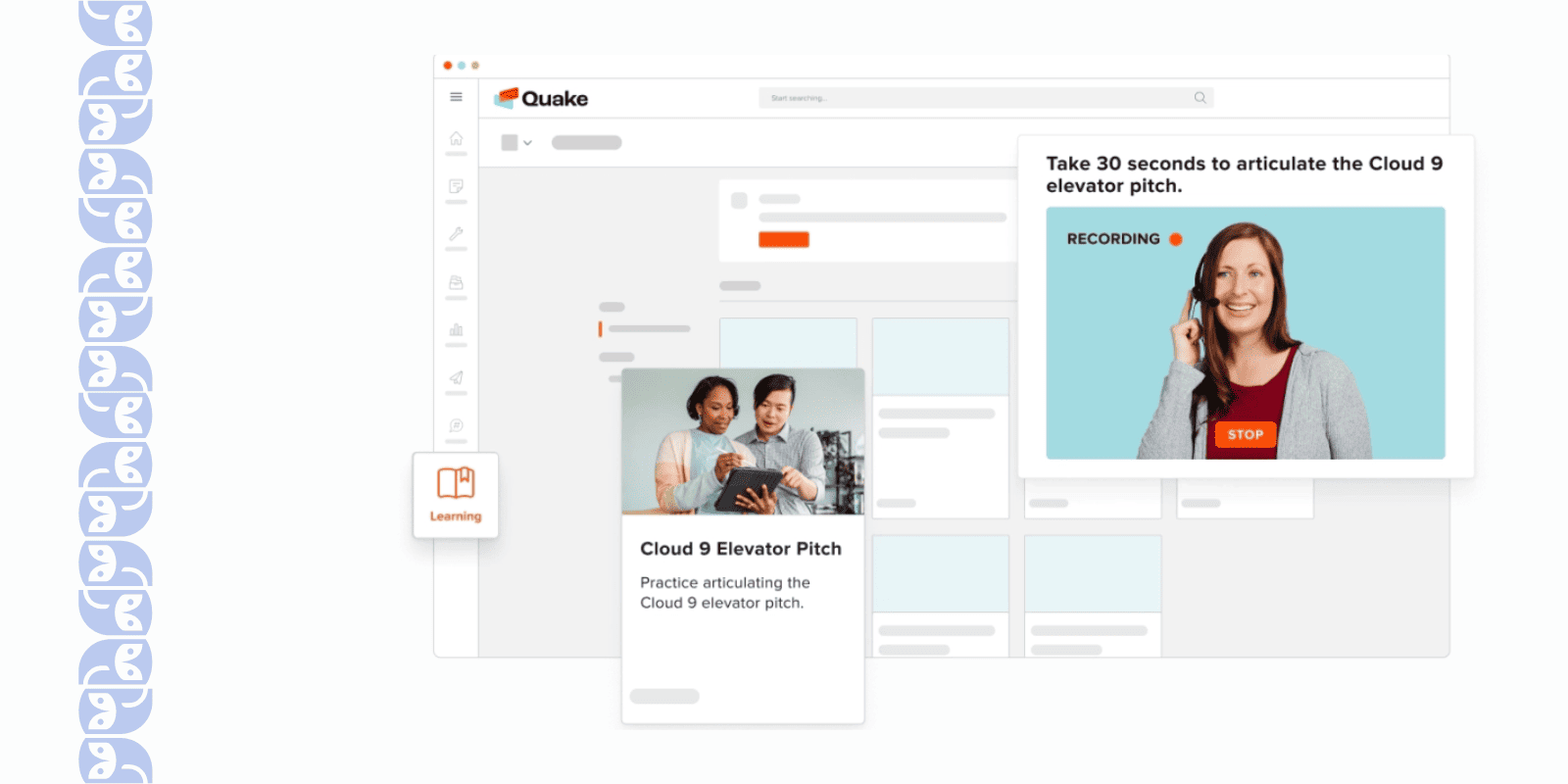
- The user experience is “powerfully simple” – a phrase I believe Lessonly used and it holds true. Learners never needed instructions on how to navigate. They log in and see their assignments clearly.
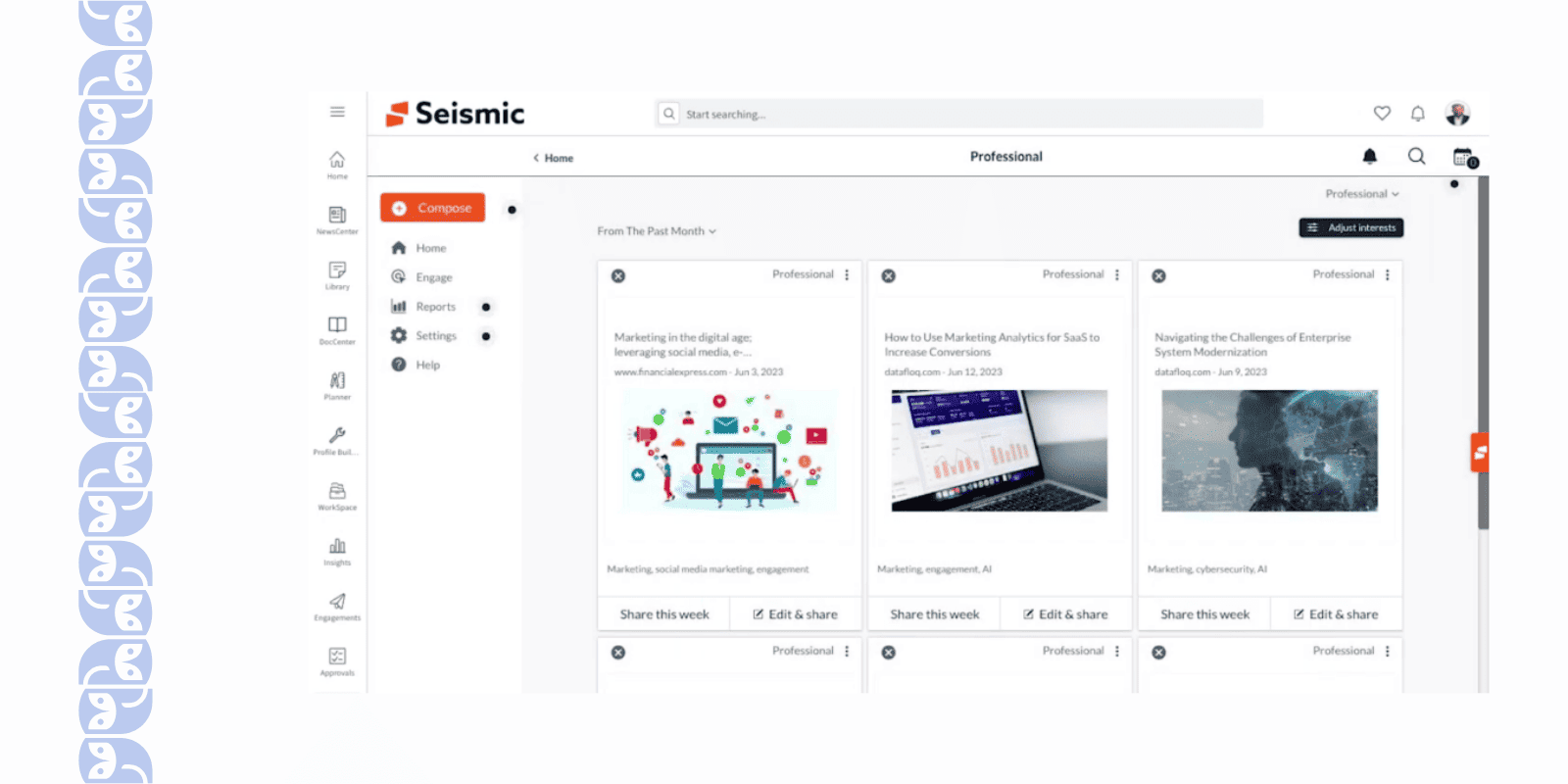
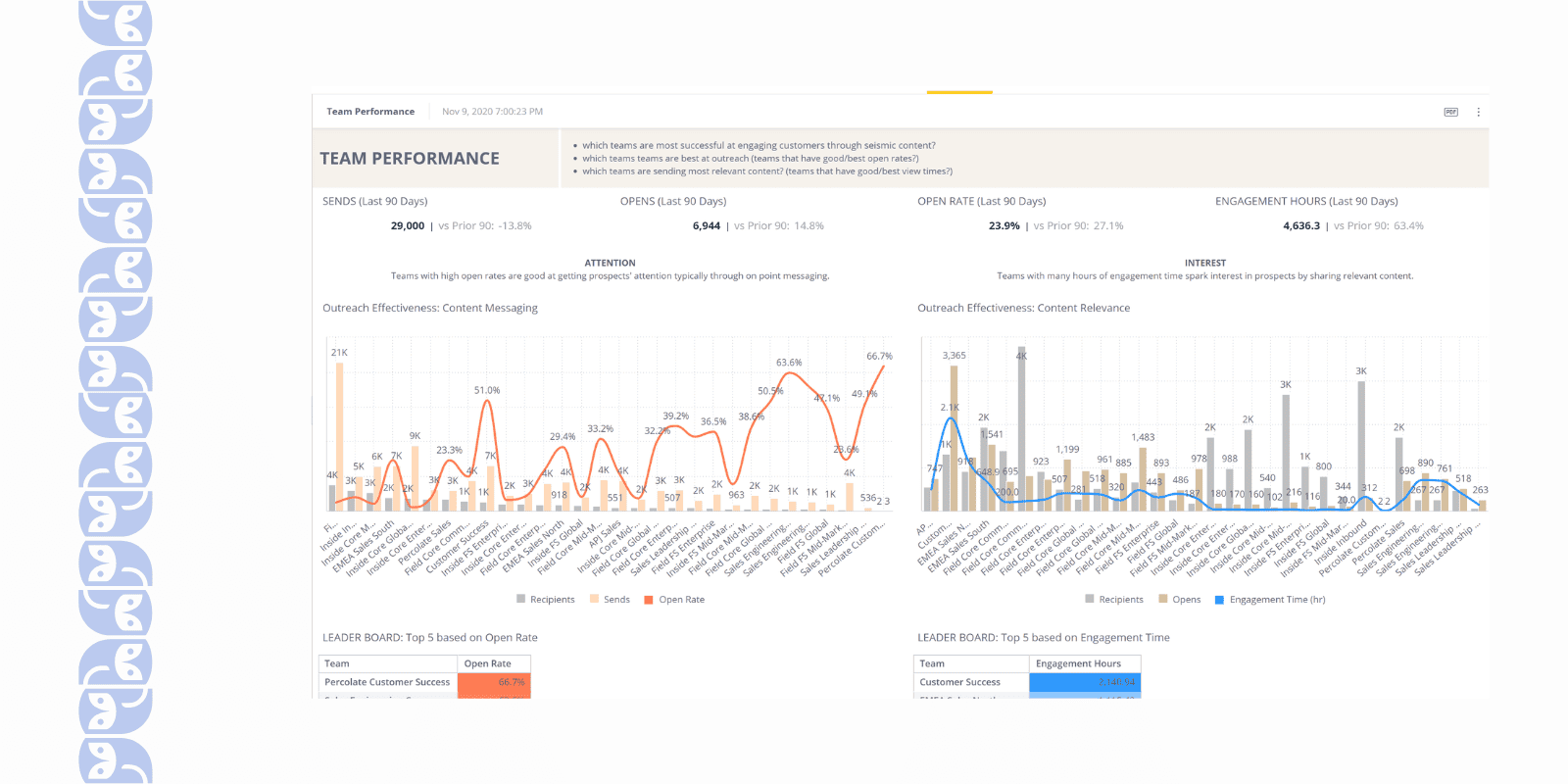
- I was impressed by the focus on analytics that tie to performance. Beyond the usual completion rates, you could see metrics like practice scores, coach feedback stats, and improvements over time.
What Limitations You May Face Using Seismic Learning?
- It doesn’t cover some classic LMS features – for instance, there’s no built-in support for managing ILT/classroom sessions or extensive certification tracking. It’s very focused on self-paced lessons and practice exercises. So if you need things like compliance training management or varied training formats, you might feel like you’re fitting a square peg into a round hole with this tool.
- I was a bit constrained in making the platform look and feel like our own. You can upload a logo and maybe change an accent color, but there’s not much beyond that. We couldn’t drastically alter layouts or navigation.
- As I created more lessons, finding specific content became tougher than expected. The search function is not very robust – sometimes it wouldn’t surface the lesson I was looking for even with exact keywords.
- Seismic pricing model counts active users (or lesson completions) per month, and I learned that if you go over your limit, it’s an issue. What caught me off guard was the platform didn’t give very clear warnings as we approached our usage cap – I basically got a heads-up only when we were about to exceed it.
- Because Seismic Learning is designed to be easy, a few aspects are actually too basic for complex needs. Quizzes and assessments, for example, are straightforward but lack advanced question types and settings (no elaborate question banks or exam configurations like in bigger LMSs).
SC Training – Best Microlearning Corporate Training Platform
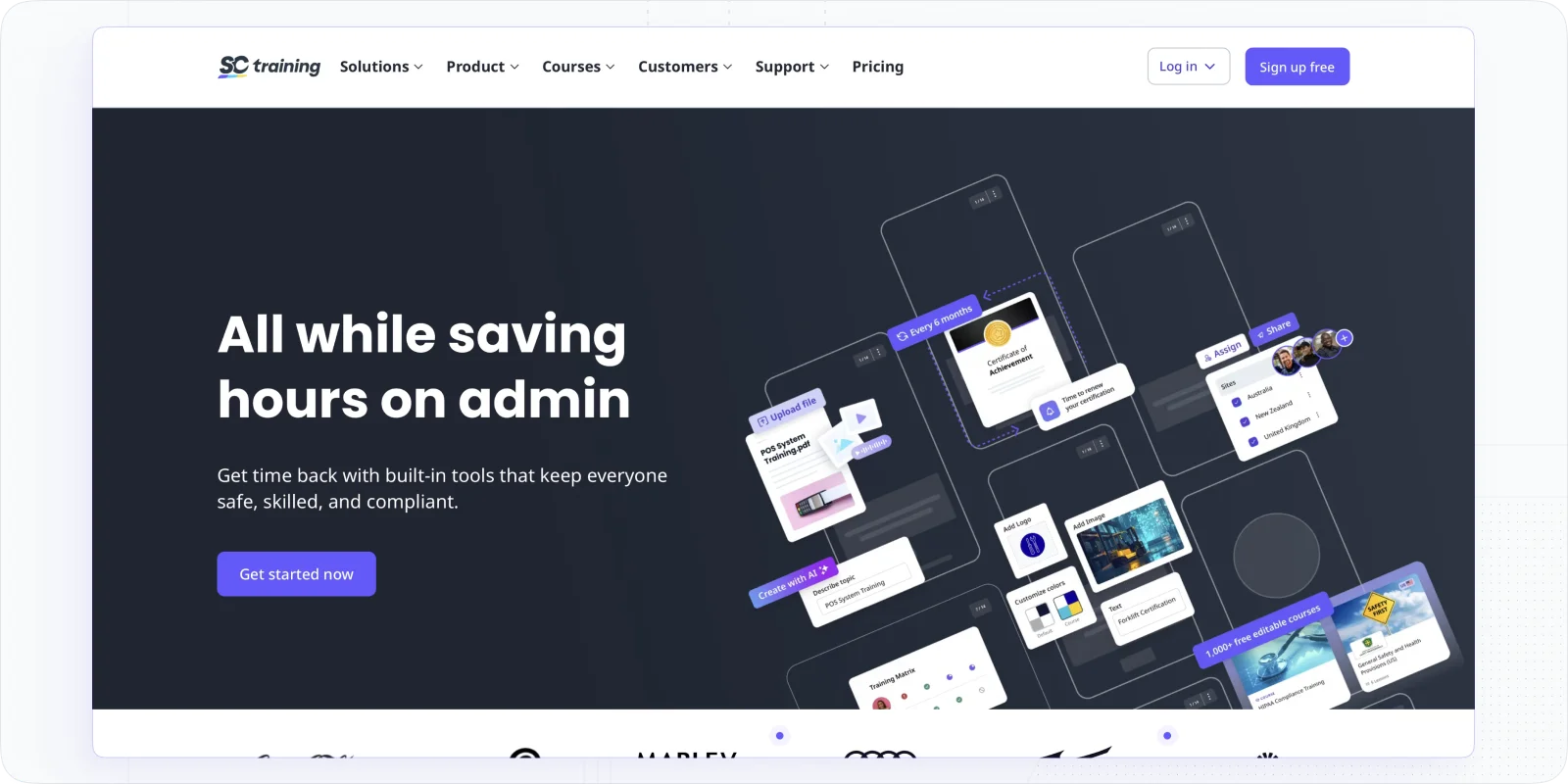
EdApp, now known as SC Training by SafetyCulture, is a breath of fresh air between the corporate training platforms. It focuses on microlearning – delivering training in small, digestible chunks – and nails it. The vibe is fun and mobile-friendly, almost like a learning app you’d download for yourself. Despite its playful approach, EdApp is quite powerful, especially for frontline workforce training or any scenario where you want to weave learning into the flow of everyday work.
Best For: Teams that need bite-sized, mobile learning – think retail staff, hospitality, field teams, or anyone who benefits from on-the-go training.
What Features Make SC Training Unique?
- I love that EdApp is mobile-first. Your employees can access training on their smartphones through a native app that’s really sleek. Lessons are short (often 5-10 minutes), so folks would complete a module while waiting for a meeting to start or during a break. It’s learning that fits into real life.
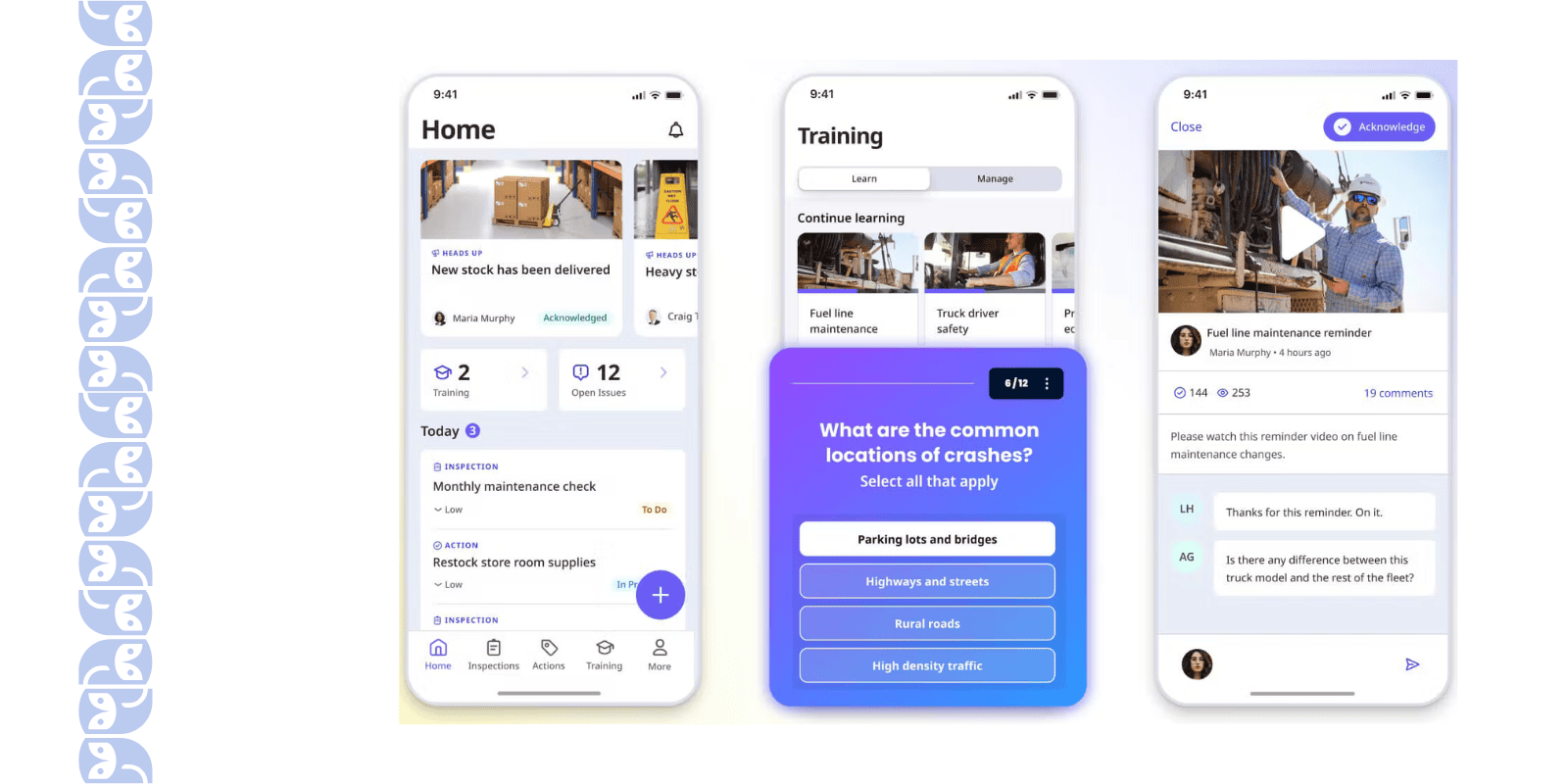
- It’s great that the platform is free for small teams, and even for larger teams, there’s a generous free tier with core features.
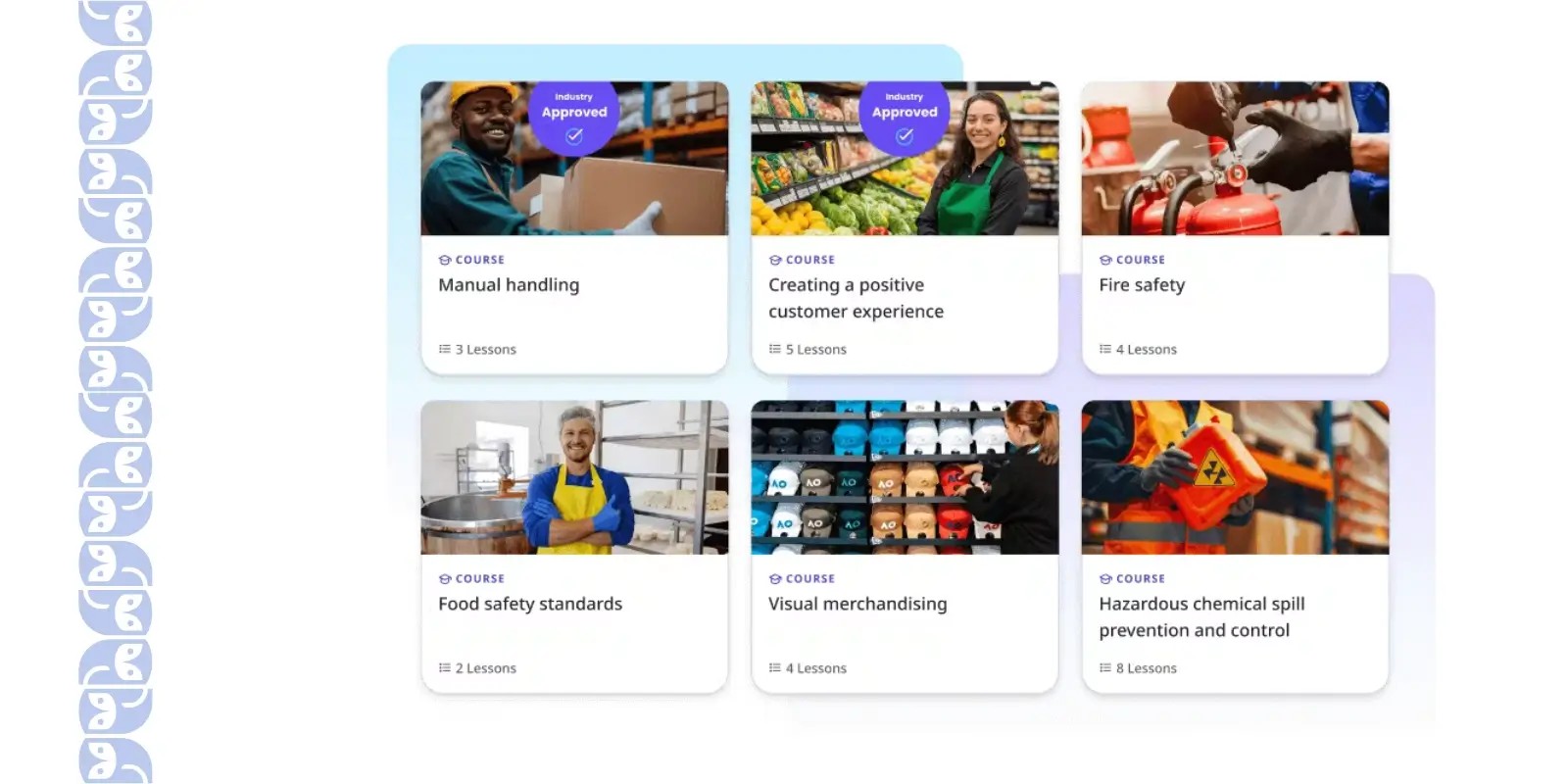
- EdApp has an incredible library of ready-made courses. Need a quick course on Food Safety or GDPR Compliance? Chances are it’s in their library of 1,000+ courses.
- The gamification in SC Training is probably the most energetic I’ve seen. There are daily quiz competitions (you can use the Rapid Refresh quiz feature to run a weekly knowledge game), and learners earn stars for completing lessons.
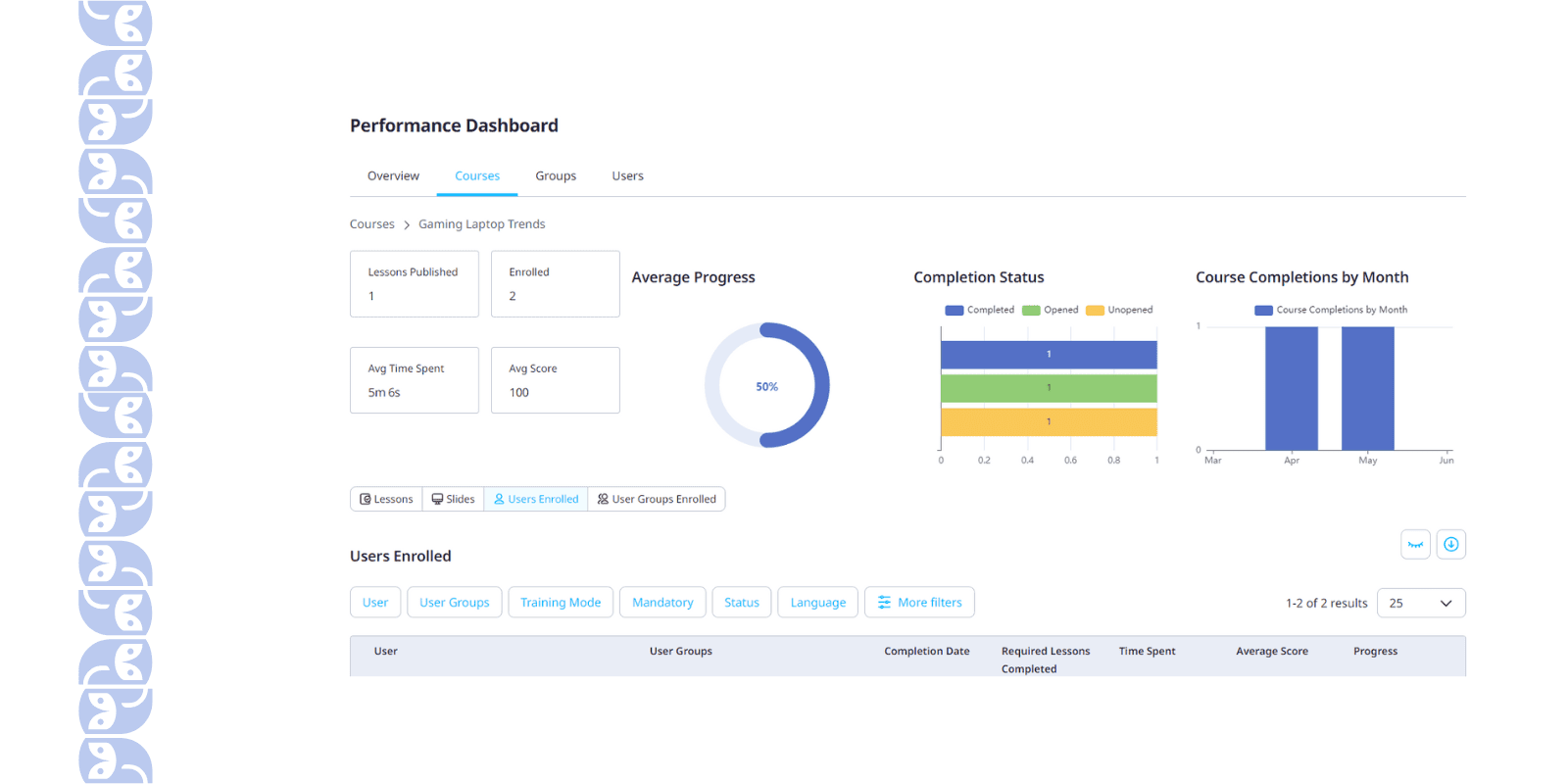
- Even though SC Training focuses on microlearning, it doesn’t lack substance in reporting. The analytics dashboard let me track completion rates, quiz scores, and even usage frequency.
What Limitations You May Face Using SC Ttraining?
- EdApp shines for quick, bite-sized lessons, but if your training program includes long-form courses or complex, technical material, EdApp can feel limiting. It’s not built for lengthy content or deep hierarchical course structures, so for certain training types (like in-depth certifications), you might need a different approach or platform.
- This sounds ironic because EdApp markets itself as easy-to-use, but in my experience, designing and updating lessons took some getting used to. There are formatting limitations and quirks in the course creator. Many users report that it’s actually a bit difficult to modify content freely.
- If you need to load a lot of courses, the app’s interface becomes overwhelming. EdApp’s UI is very visual (with tiles for courses), and without robust categories or sub-folders, a library with dozens of courses becomes hard to browse.
- Integration with our HR system for user sync – paid plan. Even some advanced reporting and analytics capabilities are only in the pricier tiers. The platform is still a good value, but if you have a big team and need those enterprise features (SSO, integrations, unlimited teams, etc.), you’ll have to budget for the upgrade.
SAP Litmos – Built for Rapid Deployment & External Audiences
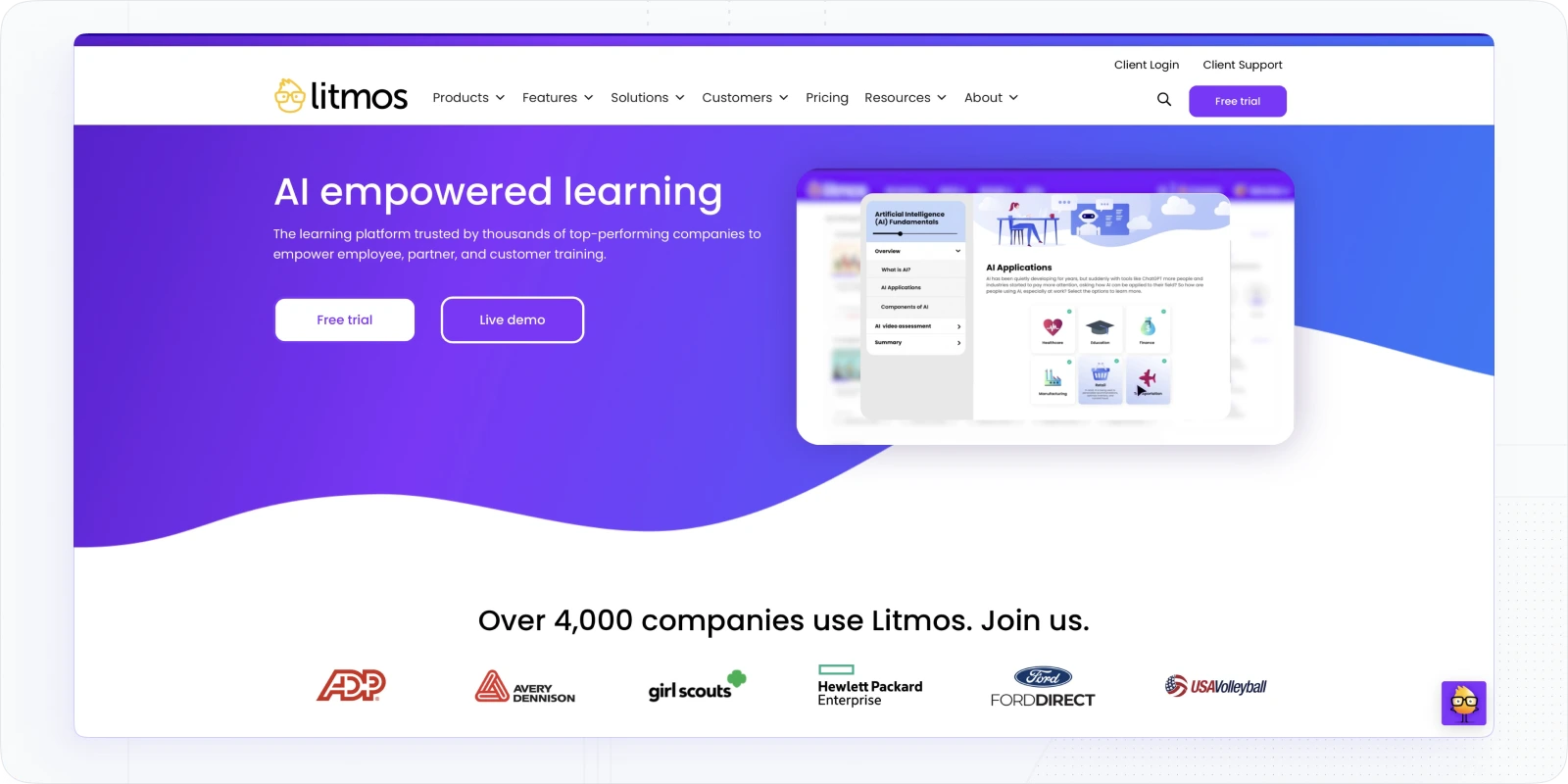
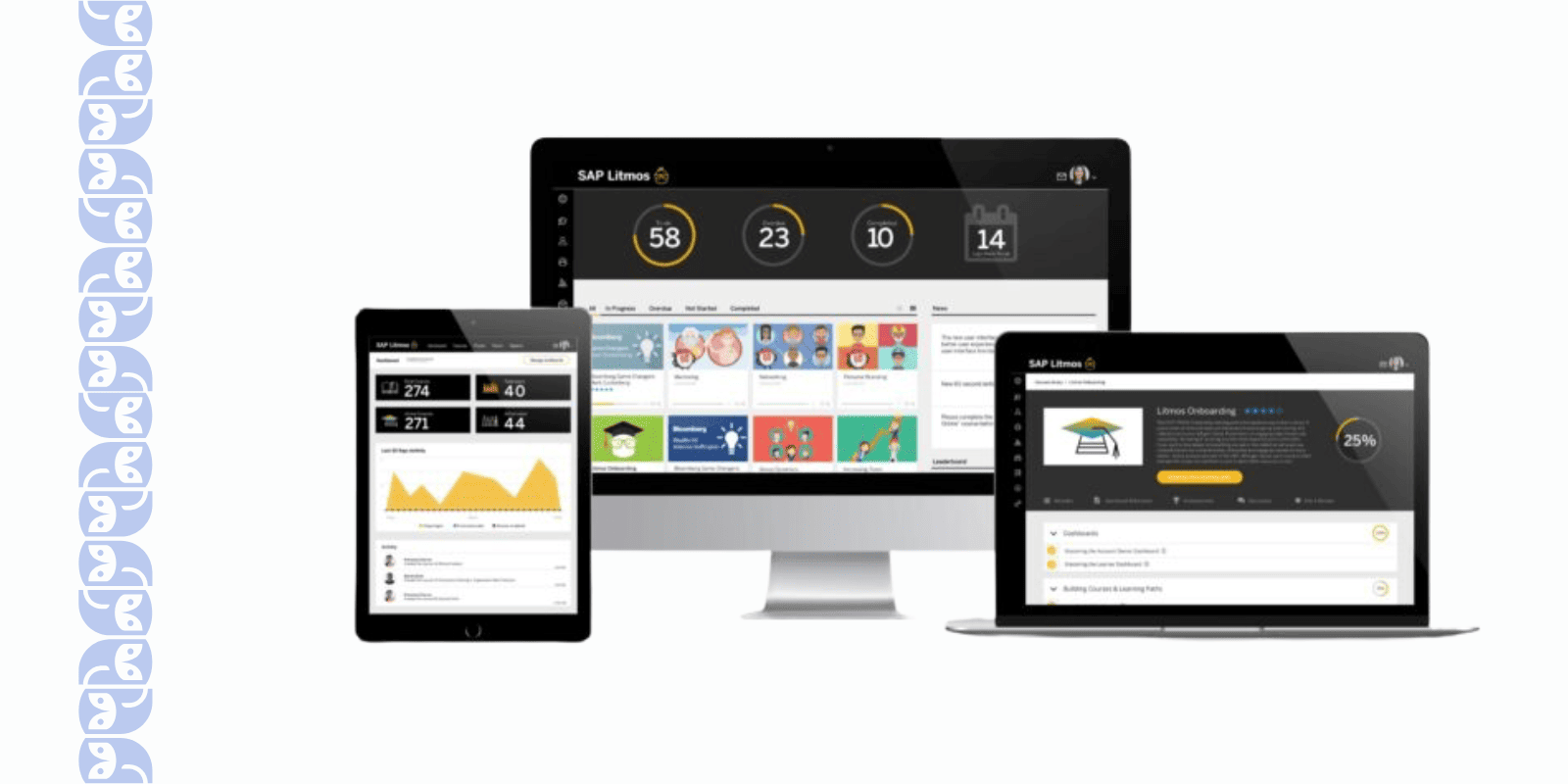
SAP Litmos stood out for how quickly you can get started and how well it supports both internal employees and external learners (such as clients or channel partners). The interface is clean, cloud-native, mobile-friendly, and the product puts a lot of emphasis on ease of use and time-to-value.
Best For: Organizations that need to get training launched fast, or that also train external audiences (partners/customers) as well as internal staff.
Why You May Like SAP Litmos?
- It supports blended delivery (e-learning, virtual instructor-led, mobile) with minimal setup.
- There’s a broad content library and the ability to monetize training or sell courses externally.
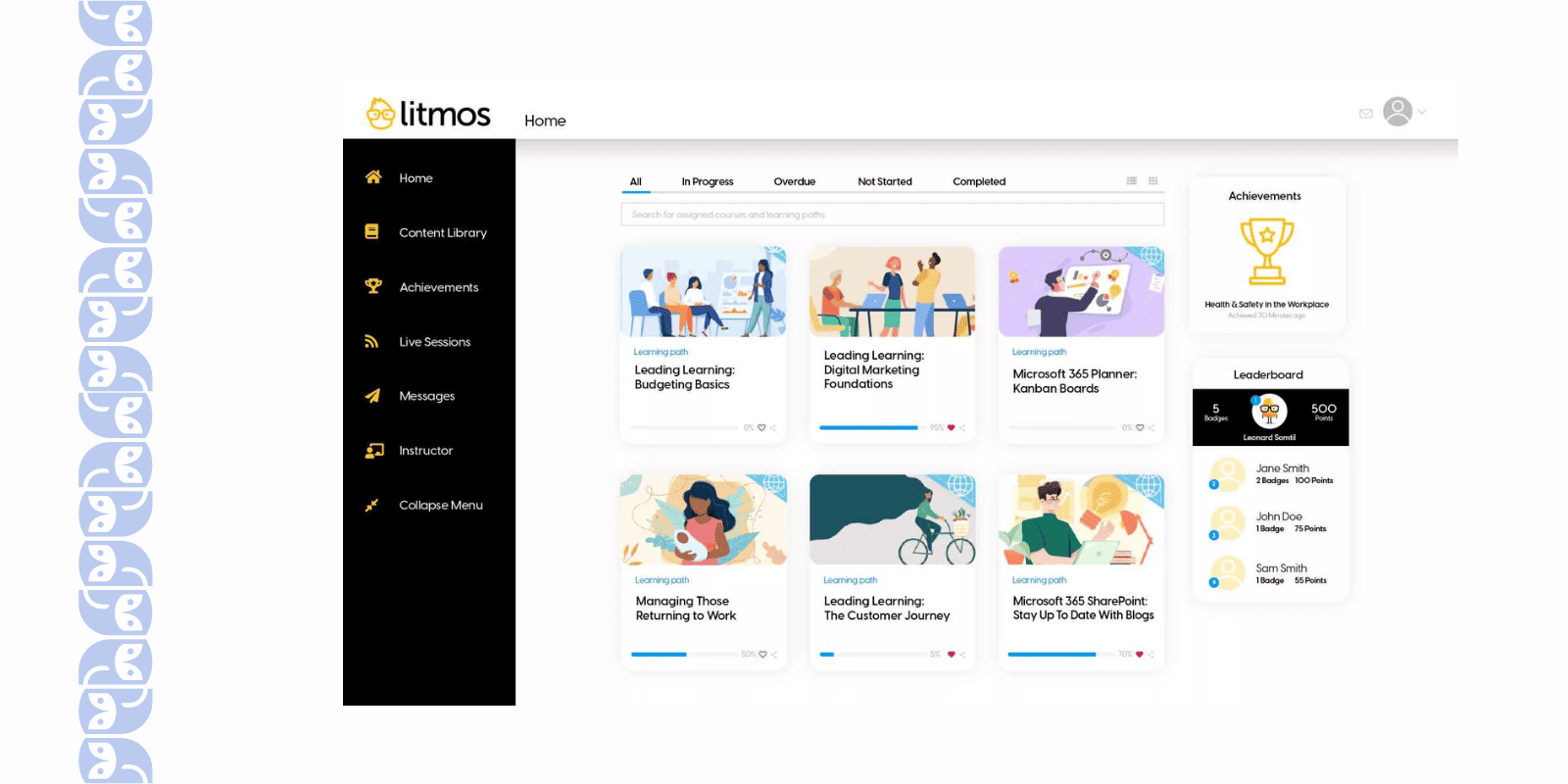
- Good mobile responsiveness for learners on the go.
What Limitations You May Face with SAP Litmos?
- While it is easy to deploy, some organizations found that deep customization or extremely large, complex customer-training ecosystems require extra work.
- The UI is strong for standard use cases, but power users may feel constrained compared to full-enterprise setups.
- Some advanced features (e.g., full custom portals, extended external selling) may drive up cost or complexity.
📖 You may also be interested in: SAP Litmos Pricing 2026: Costs, Plans, Add-Ons, Hidden Fees
Cornerstone LMS – Talent-Development Integrated
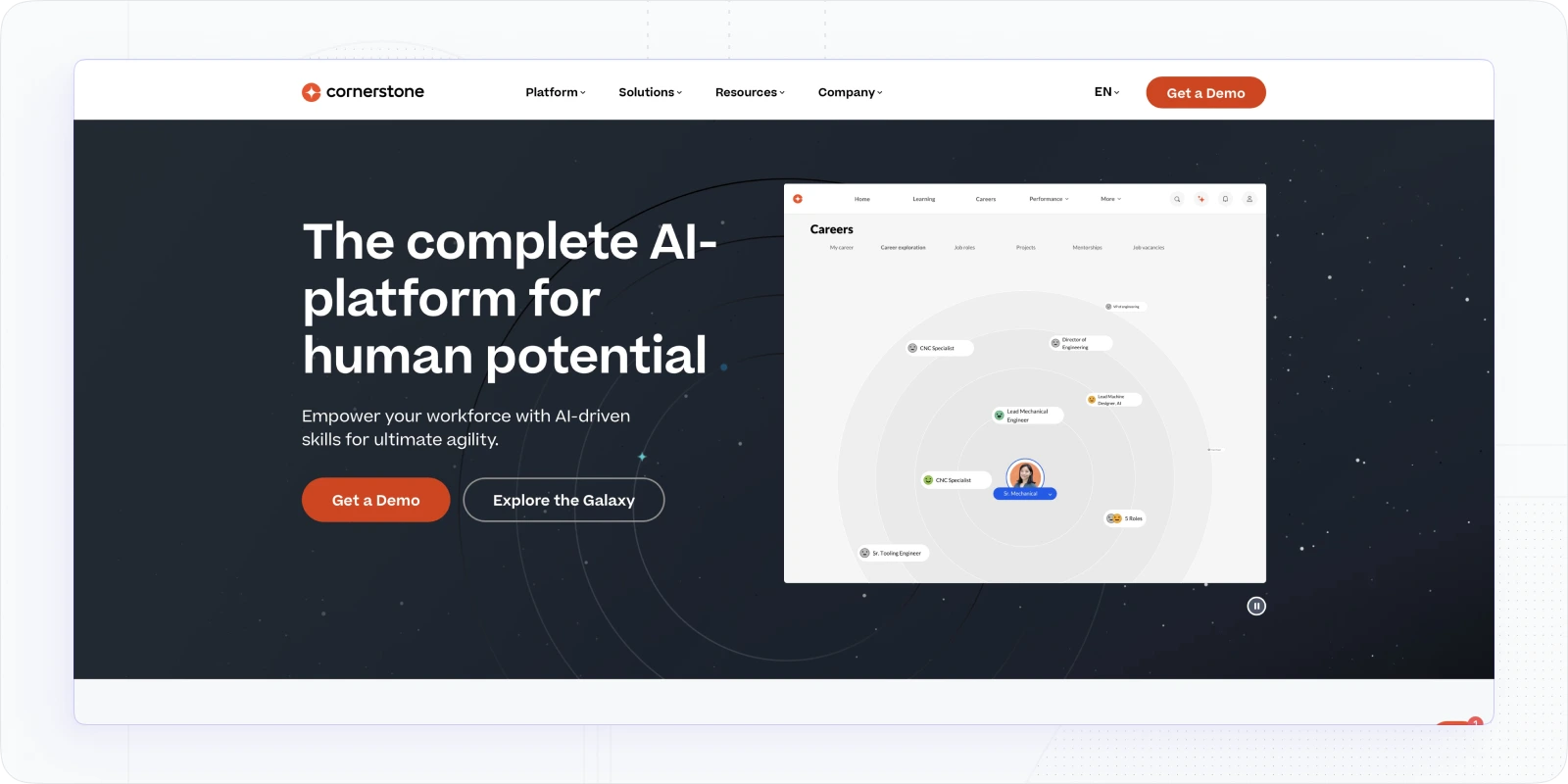
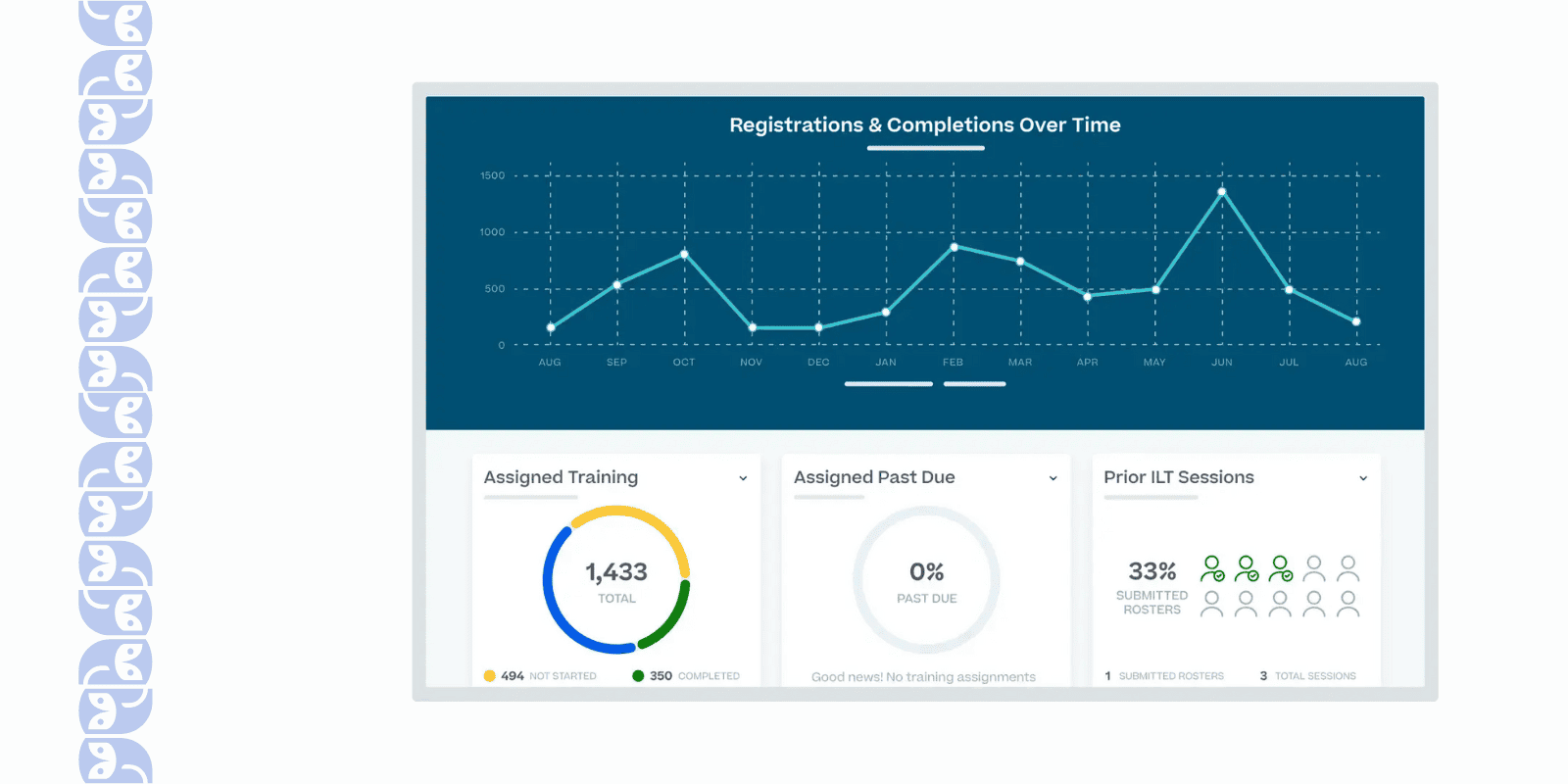
Cornerstone LMS is part of a broader talent ecosystem, and it really shines when learning is integrated with performance, career development, skill-tracking and organizational talent strategy.
Best For: Medium-to-large enterprises that want learning to be tightly woven into their talent and performance systems (not just standalone training).
Why You May Like Cornerstone?
- You can build personalized learning paths, adapt by role/department, and integrate with HR/HRIS systems.
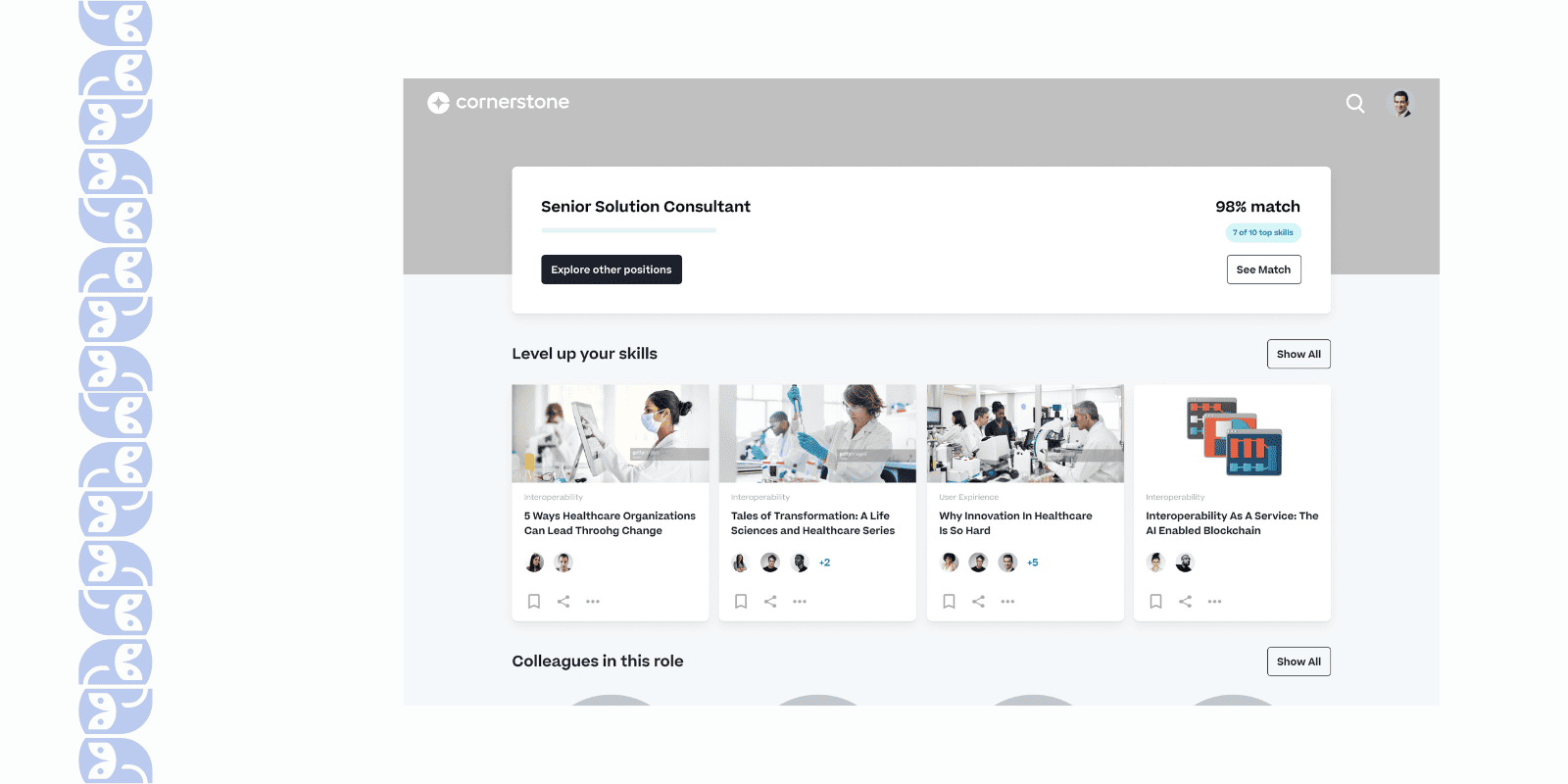
- Compliance tracking, dashboards, and reporting are very strong - great for regulated industries.
- Multi-audience support: you can extend training to external communities, partners, and customers.
What Limitations You May Face Using Cornerstone?
- Because it’s built for depth and enterprise scale, implementation may take more time and resources.
- Up-front Cornerstone OnDemand pricing and overall complexity may be higher compared to simpler LMS focused purely on internal training.
- For companies just needing “set-up quickly for 50 users”, it may feel over-engineered.
Schoox LMS – Mobile-First & Frontline Workforce Friendly
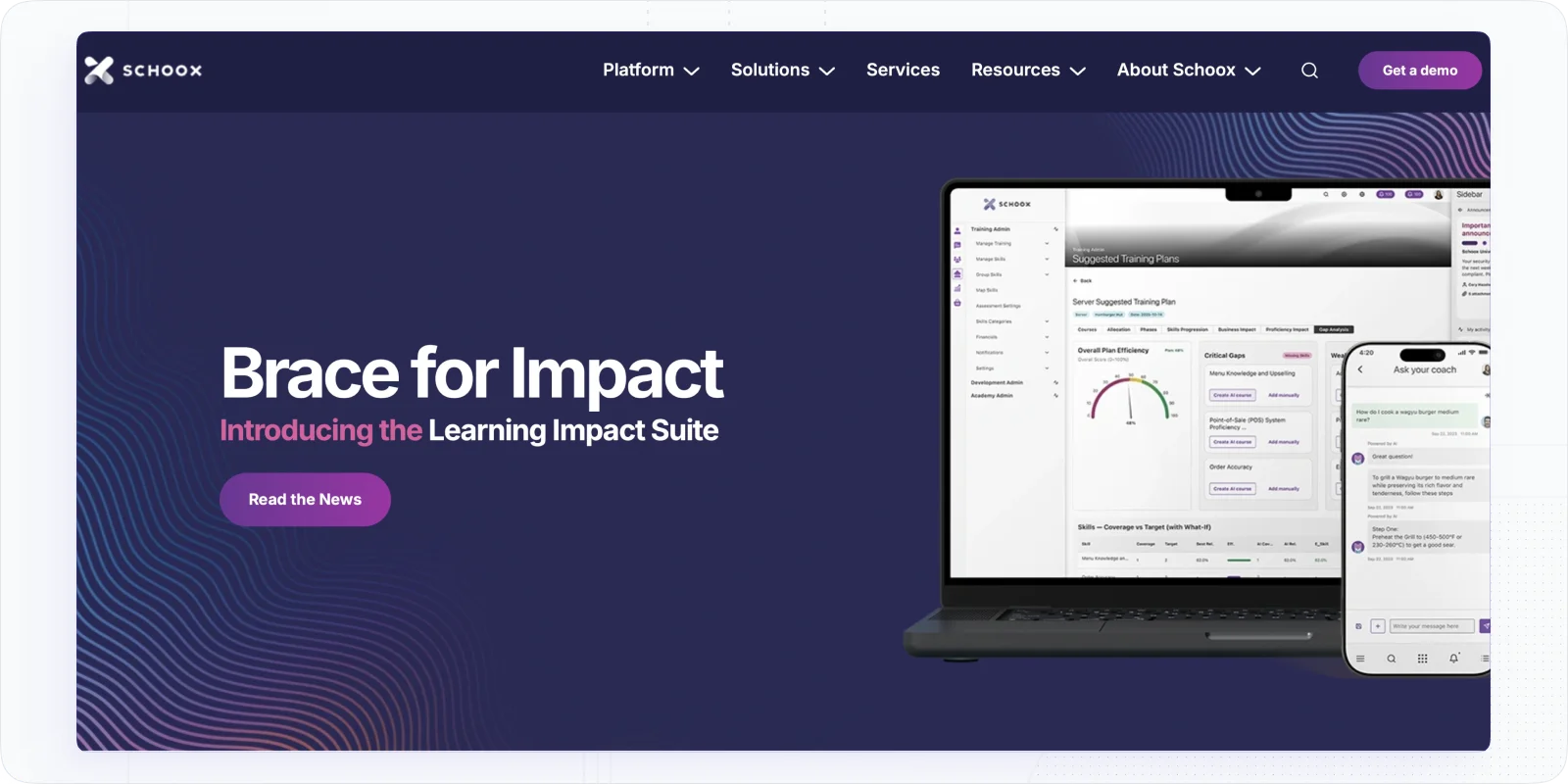
Schoox takes a slightly different focus: it emphasizes mobile-friendly learning, skills mapping, frontline teams (retail, hospitality, field) and making training part of the flow of work.
Best For: Companies with distributed/field/frontline teams who need training on the go, or role-based skill development tied to day-to-day operations.
Why You May Like Schoox?
- The UI and mobile experience are designed with accessibility in mind; learners can access training anywhere.
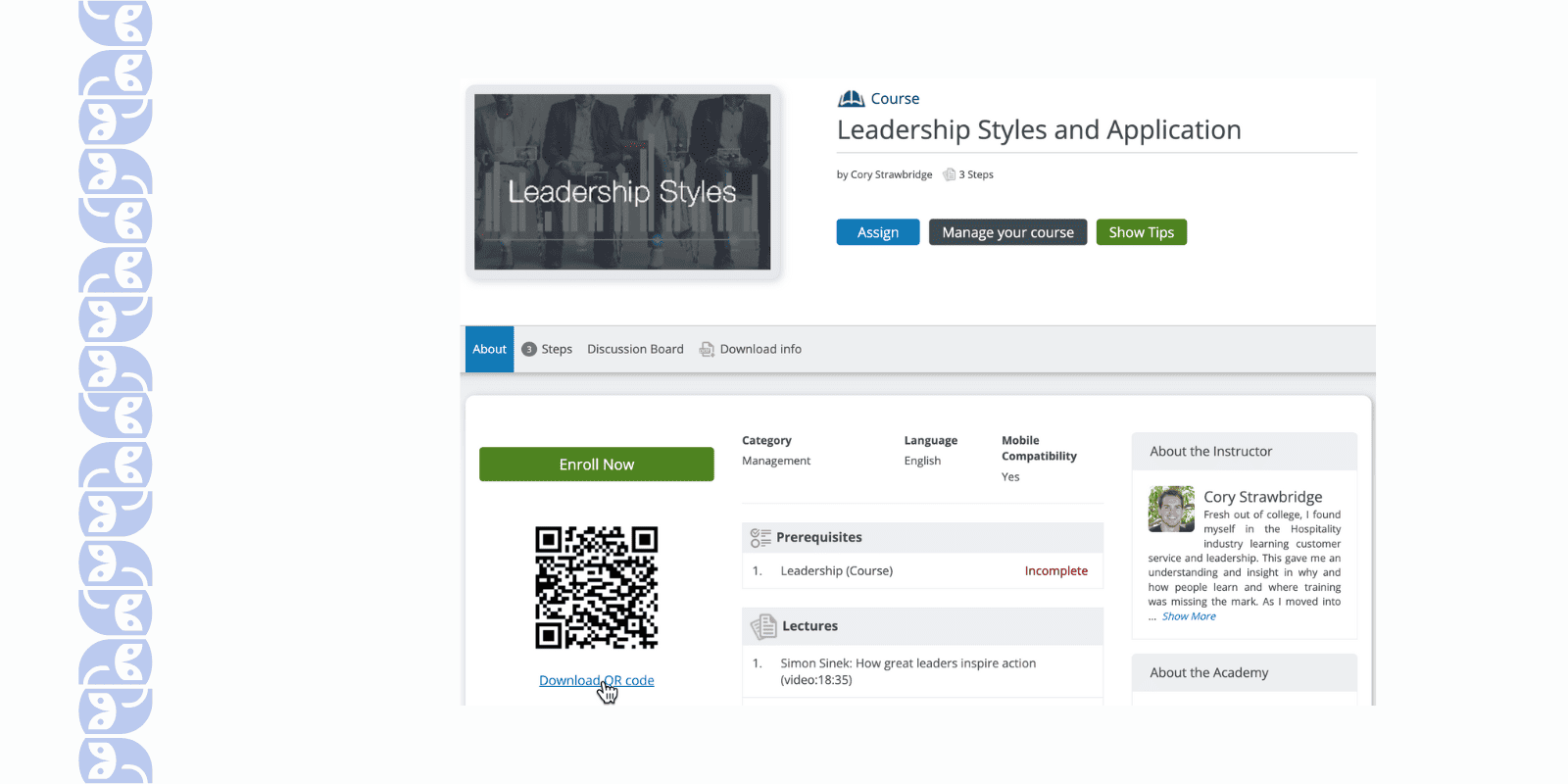
- AI-driven skills mapping: you can connect skills, jobs, and content to personalize what each learner sees.
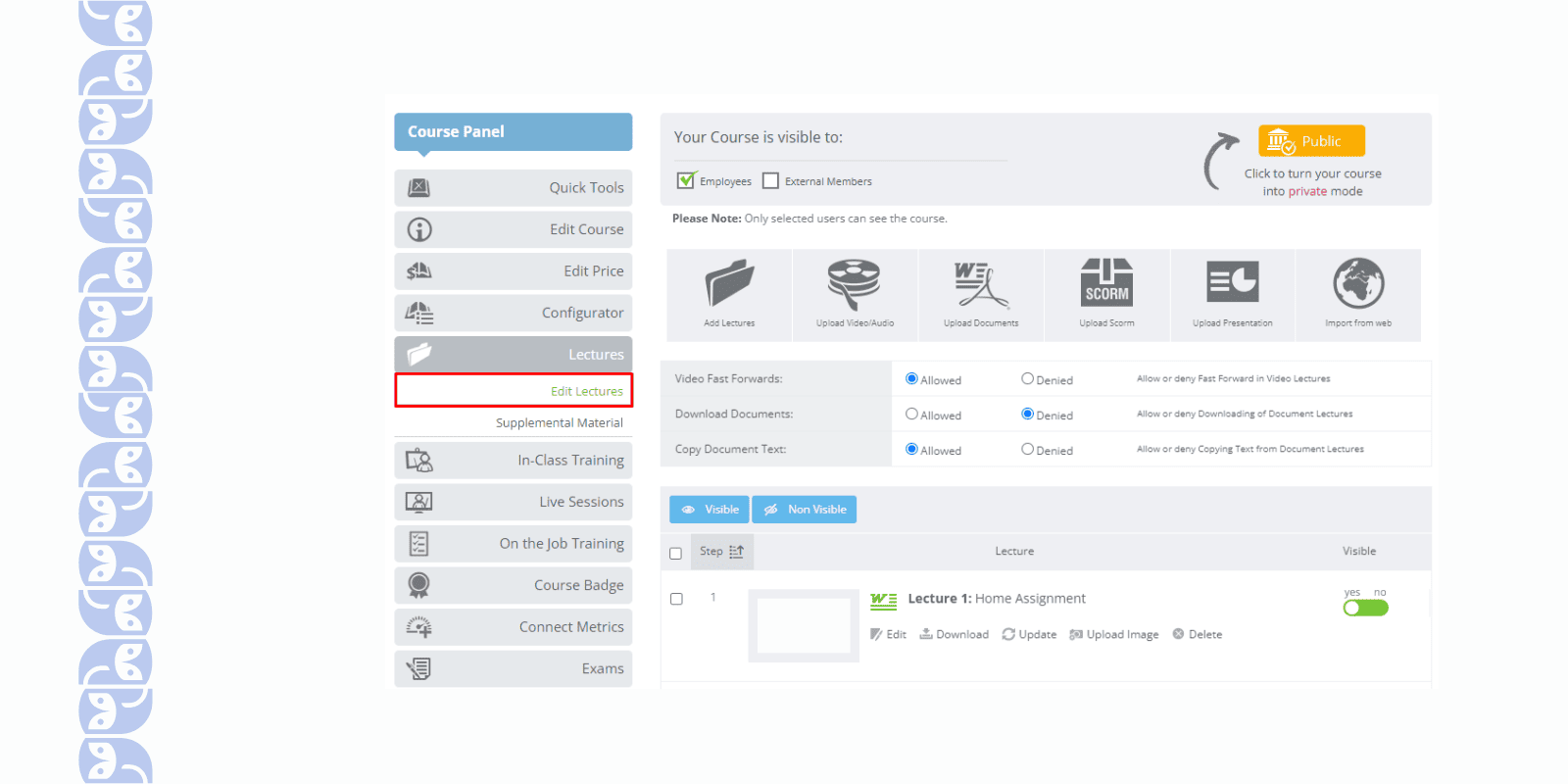
- Strong analytics and reporting emphasized for operations and business impact.
What Limitations You May Face with Schoox?
- If your needs are more formal, certification-heavy, or require very large enterprise customization, you might bump into limits compared to a top-tier LMS.
- The emphasis on mobile/frontline means the UI and workflow might feel different than classic “desktop LMS” setups - some admins may need to adjust.
- As with many platforms, “getting the design/integration right” still takes some planning.
CYPHER Learning – Flexible Hybrid LMS/LXP
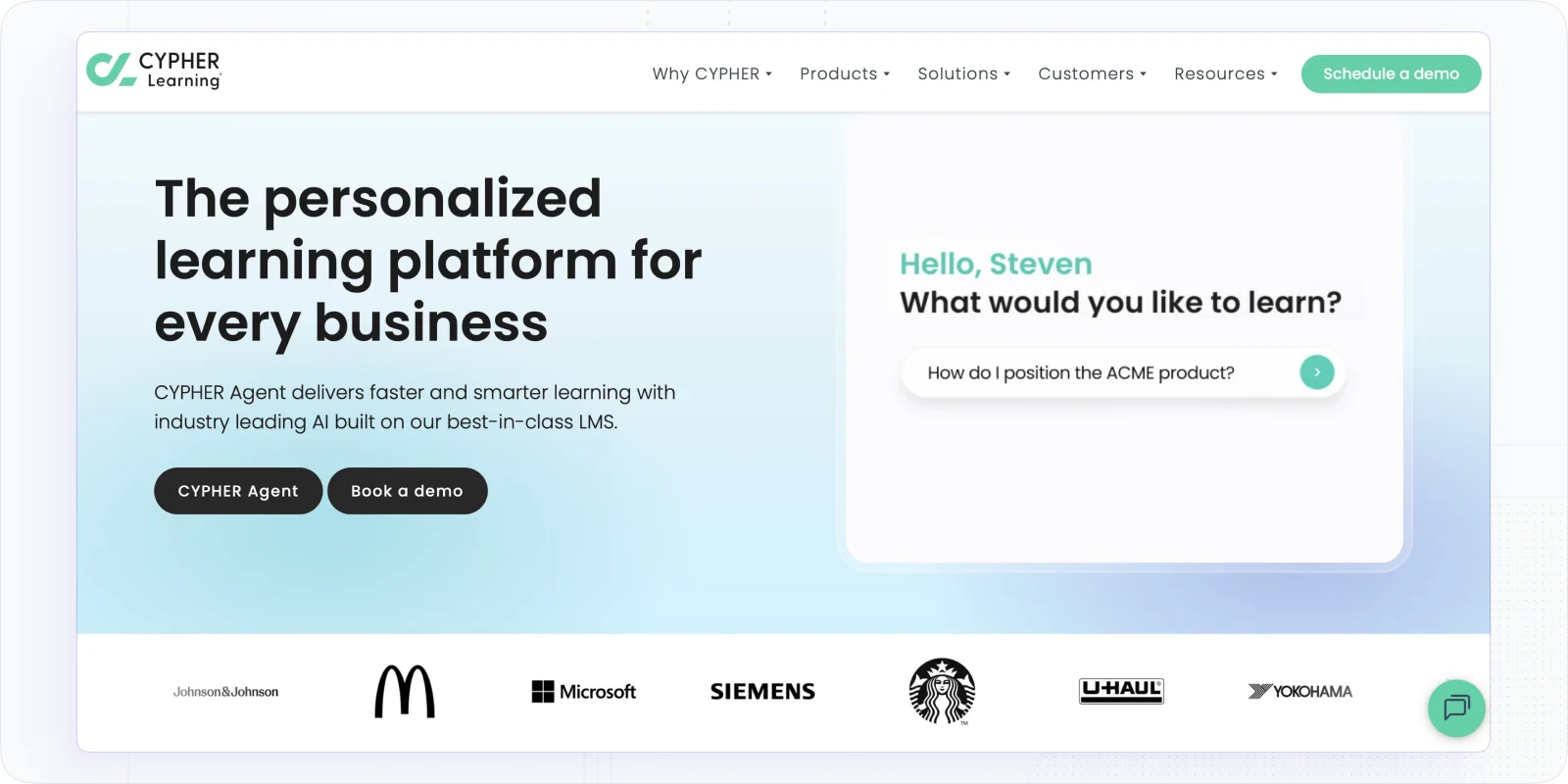
CYPHER Learning positions itself as a modern, flexible system able to handle corporate training, upskilling, and agile learning programmes.
Best For: Businesses that want flexibility, hybrid deployment (internal + external + partner training), and a system that can evolve into a “learning experience platform” (LXP) style.
Why You May Like CYPHER Learning?
- Offers robust features: integrations, customization, security, and analytics geared for corporate use.
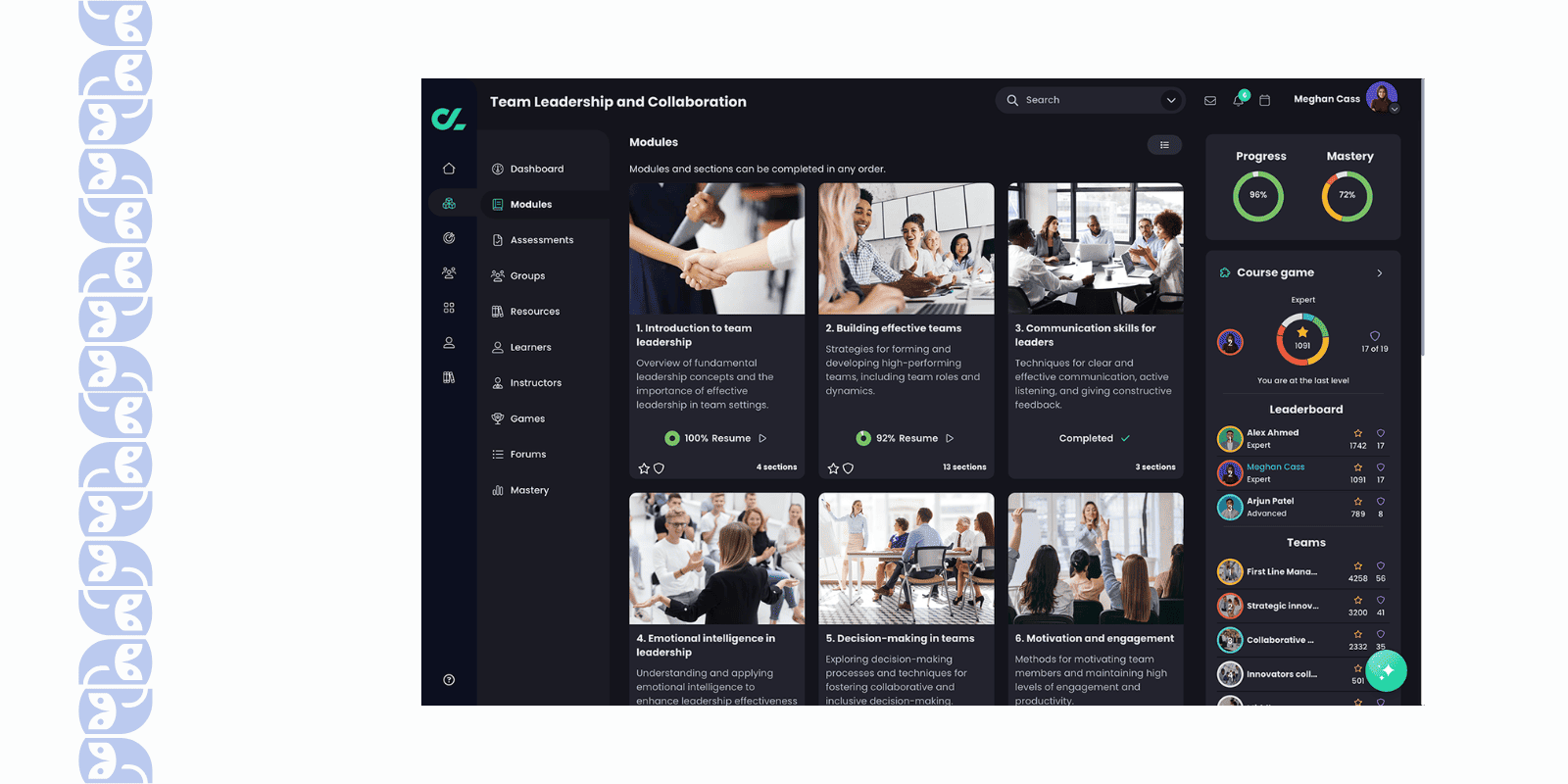
- It is geared toward “boosting efficiency and engagement” in L&D, not just basic compliance.
- Good option if you may extend your training into new directions (e.g., social/collaborative learning, skill journey mapping).
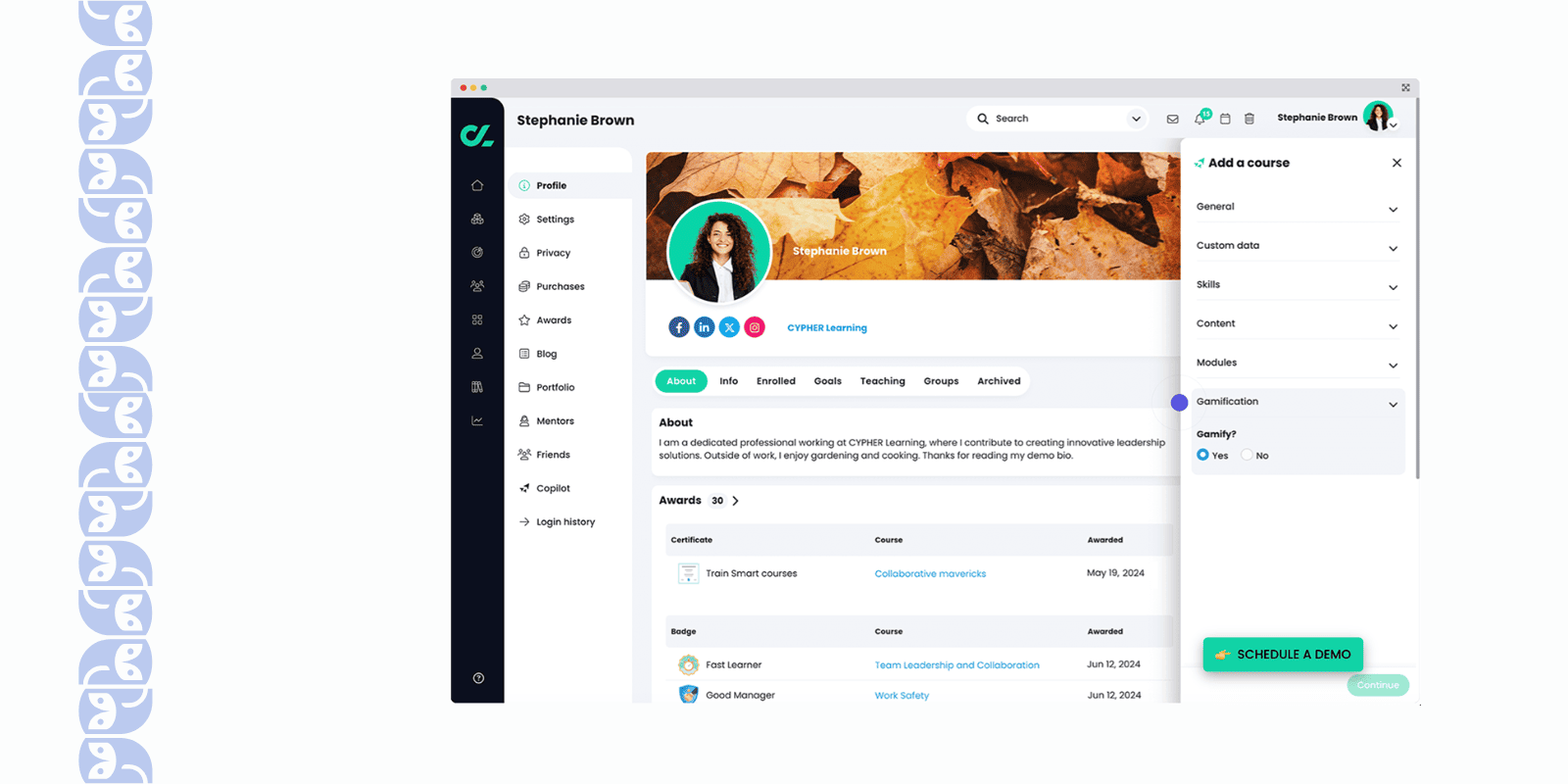
What Limitations You May Face Using CYPHER Learning?
- Because of flexibility, you may need to invest more in designing your workflows or engaging learners - “out‐of‐the-box” may require configuration.
- If you are purely focused on a small internal training team with minimal complexity, you might find the capabilities more than you need.
- As always, pricing and support will vary depending on modules and scale.
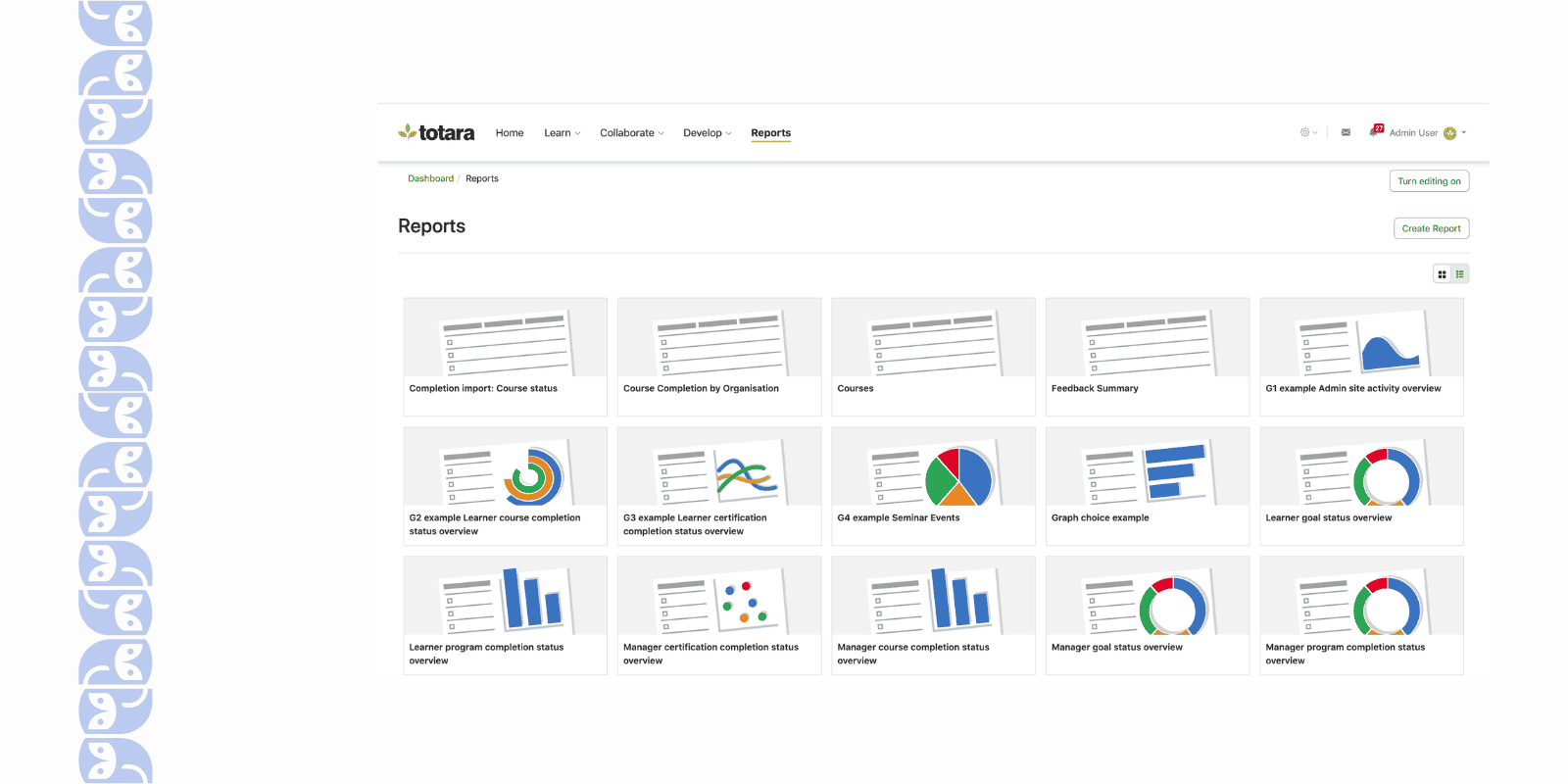
Totara Learn – Open-Source Tooted, Corporate-Focused LMS
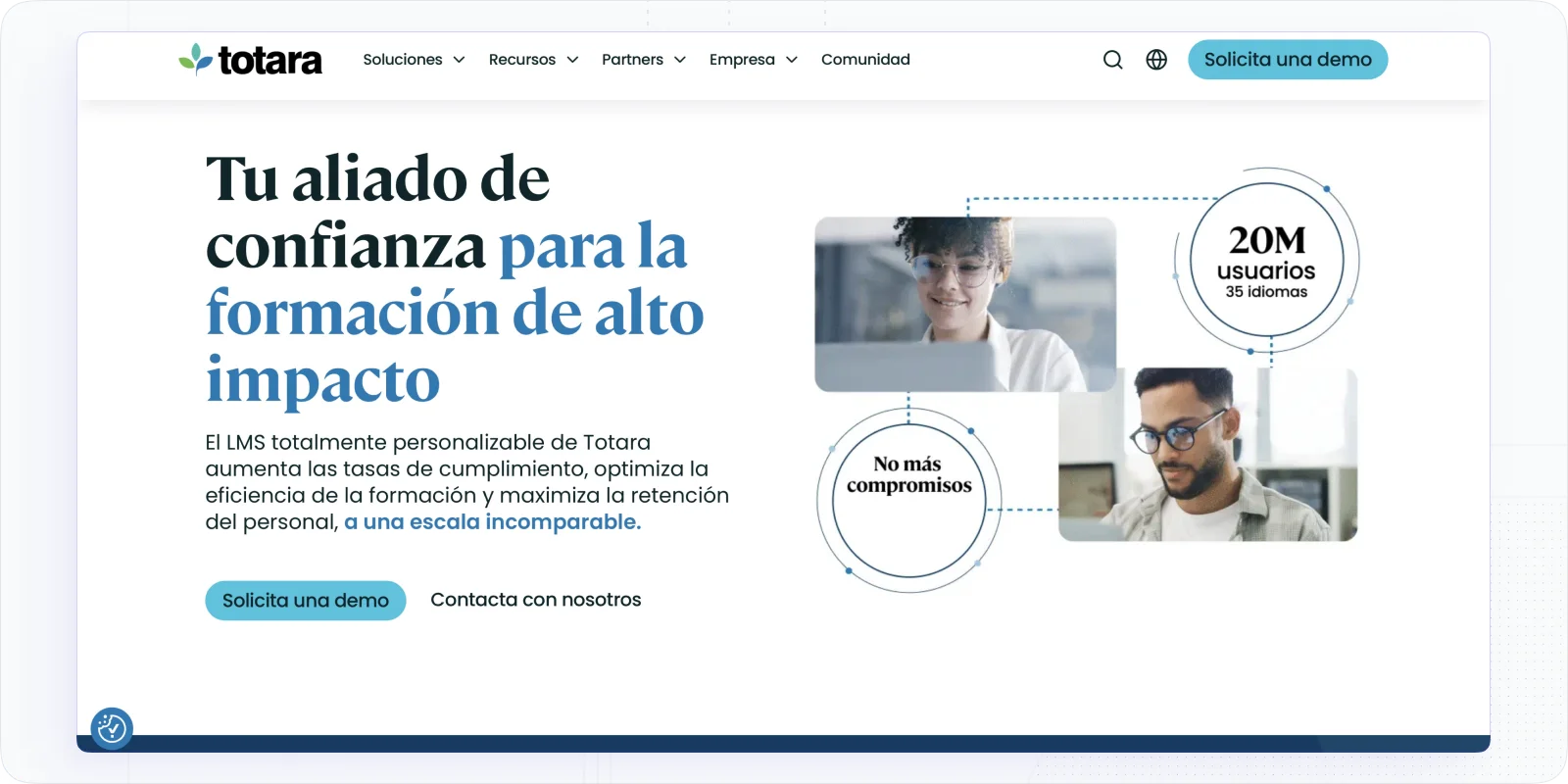
Totara Learn, although less frequently highlighted in your list, is worth considering, especially if you value open-source flexibility but still need corporate-grade features.
Best For: Companies that want a mix of cost-control, flexibility/customization (via open source), and corporate training features (rather than an academic-focused LMS).
Why Totara Learn Is The Corporate LMS You Need to Try?
- Supports custom workflows, extension modules, and more control over the system than many SaaS alternatives.
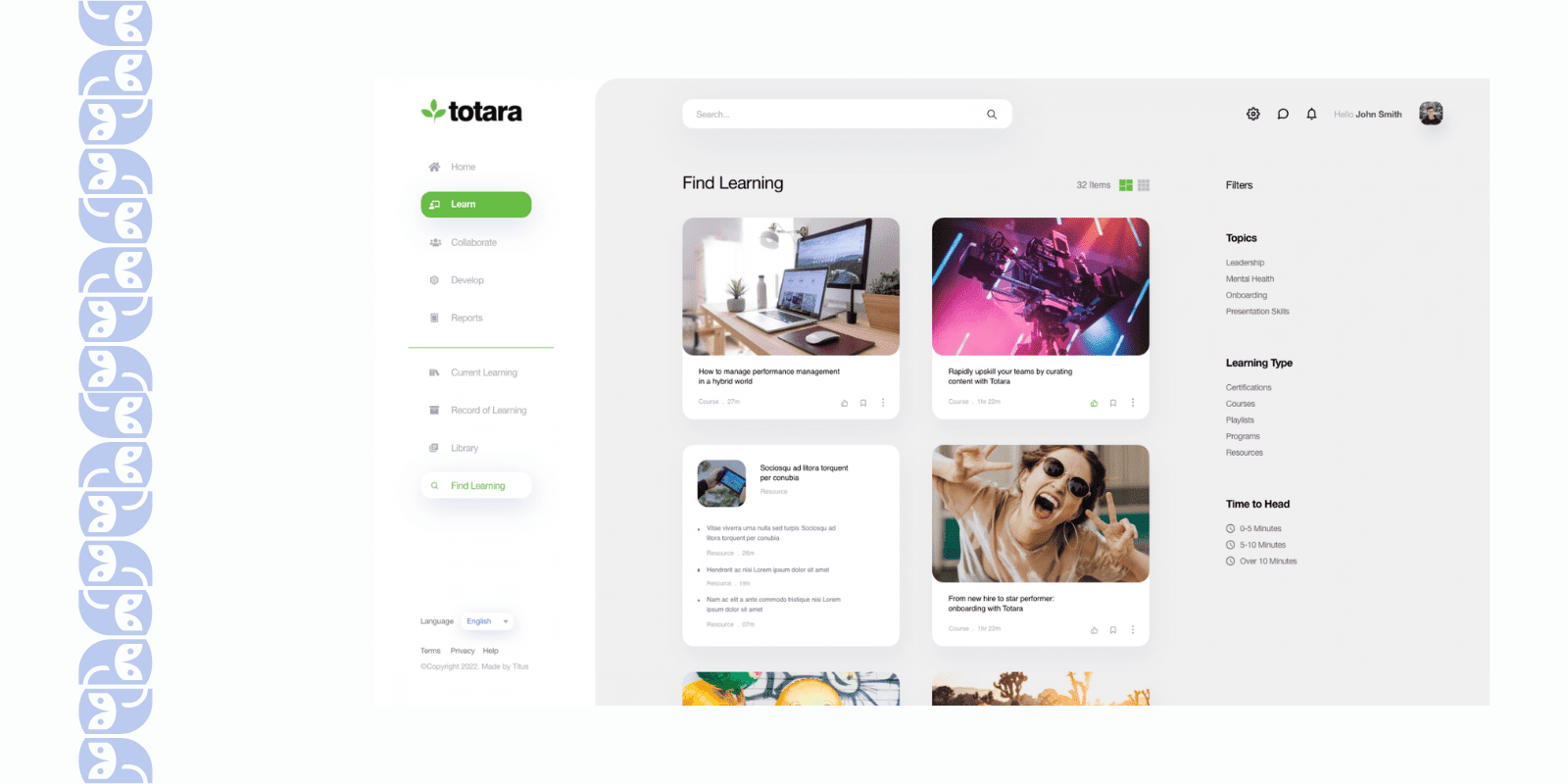
- Good for companies with some IT/developer support who can leverage the flexibility.
- Can support up-skilling, internal learning, and extended enterprise scenarios.
What Limitations You May Face with Totara Learn?
- Requires more setup, more internal IT or partner support to customize and maintain.
- UI, polish, and ready-to-use integrations may lag behind some newer SaaS platforms.
- If budget or time to implement is tight, a simpler plug-and-play SaaS LMS might be quicker.
LevelUp LMS – Corporate Training LMS with AI-Powered Simplicity
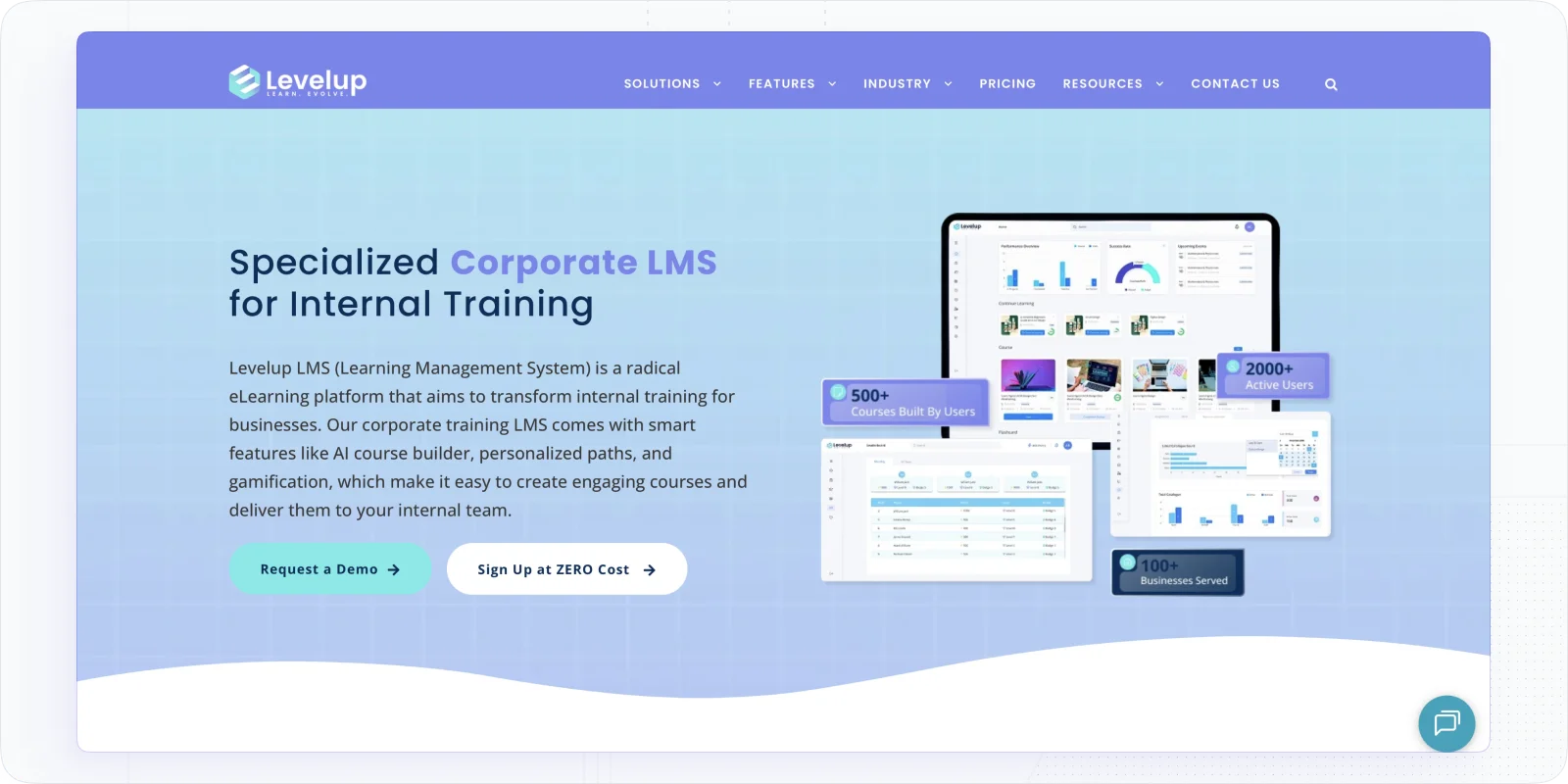
LevelUp LMS positions itself as “the simplest LMS” for corporate use: AI-powered course creation, gamification, personalized paths, and a free tier for small teams.
Best For: Organizations that want a fast, easy-to-deploy LMS for internal training, and ideally want to use AI to ease course creation.
Why You May Like LevelUp LMS?
- With a single prompt, you can create a course via their AI builder, nice if you don’t have a large L&D team.
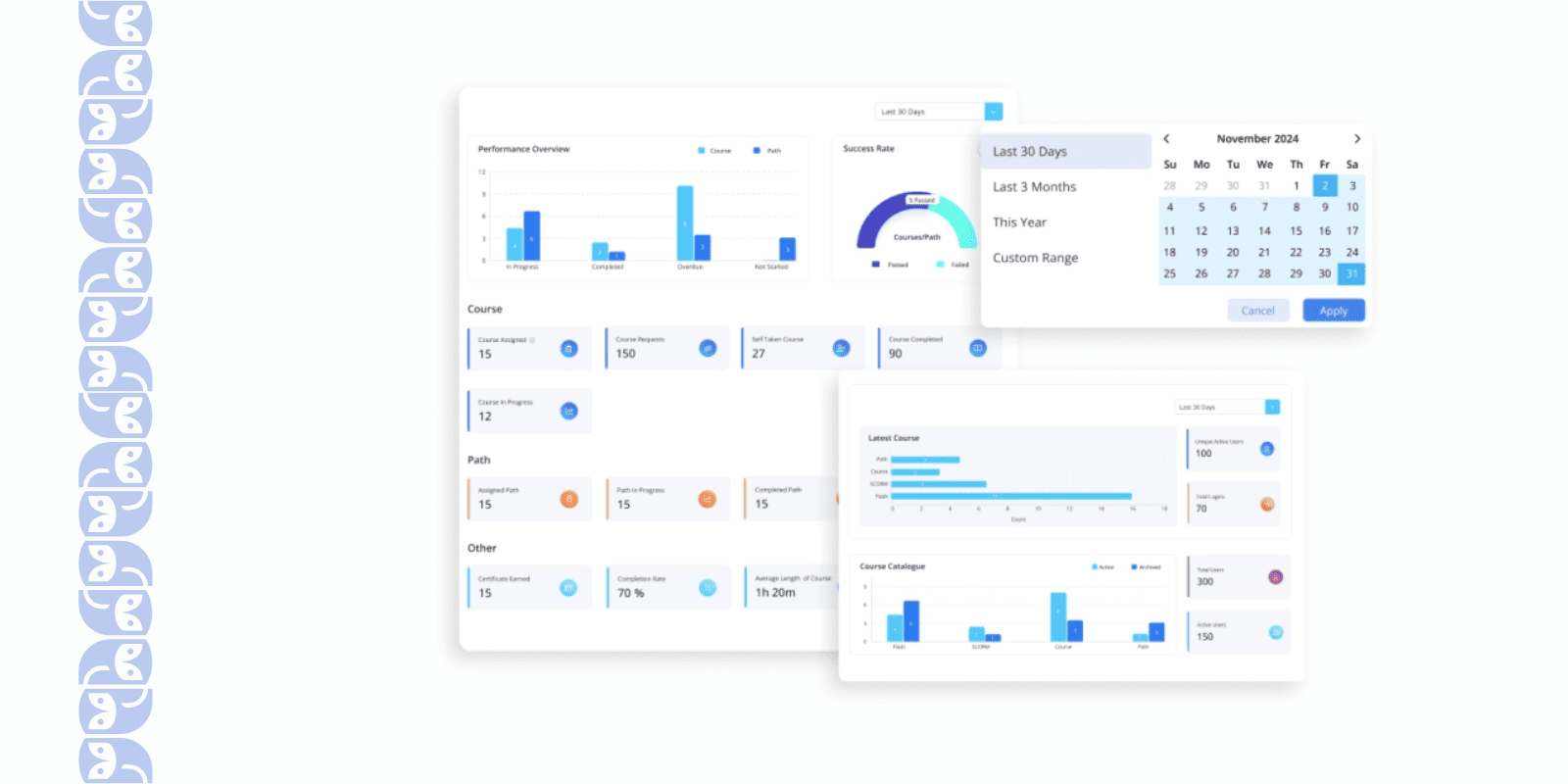
- Gamification, personalization, and internal training flows - all included even in the lower cost tiers.
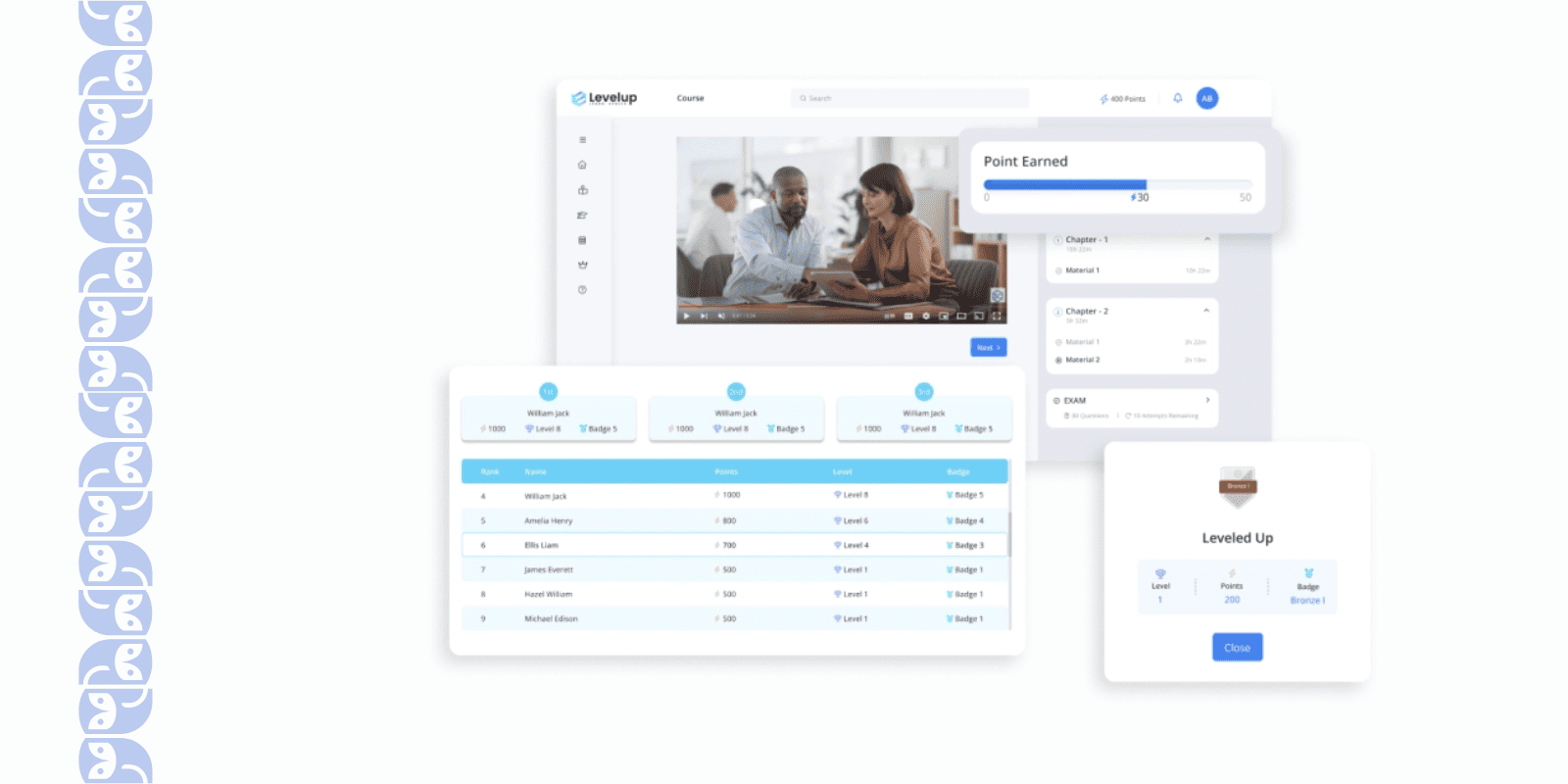
- Free plan for 5 users means you can trial with a small team before committing.
What Limitations You May Face Using LevelUp LMS?
- Because it emphasizes simplicity, if you have very complex enterprise requirements (multiple portals, external audiences, deep integrations), you might find it too basic — see our guide to the best enterprise LMS platforms for tools built for that scale.
- As with many newer platforms, the ecosystem (third-party plugins, mature enterprise-feature set) may be less developed than legacy enterprise LMS platforms.
- “Simple” design may mean fewer customization options for branding or very advanced workflows.
Moodle Workplace – One of the Best Budget-Friendly LMS Systems
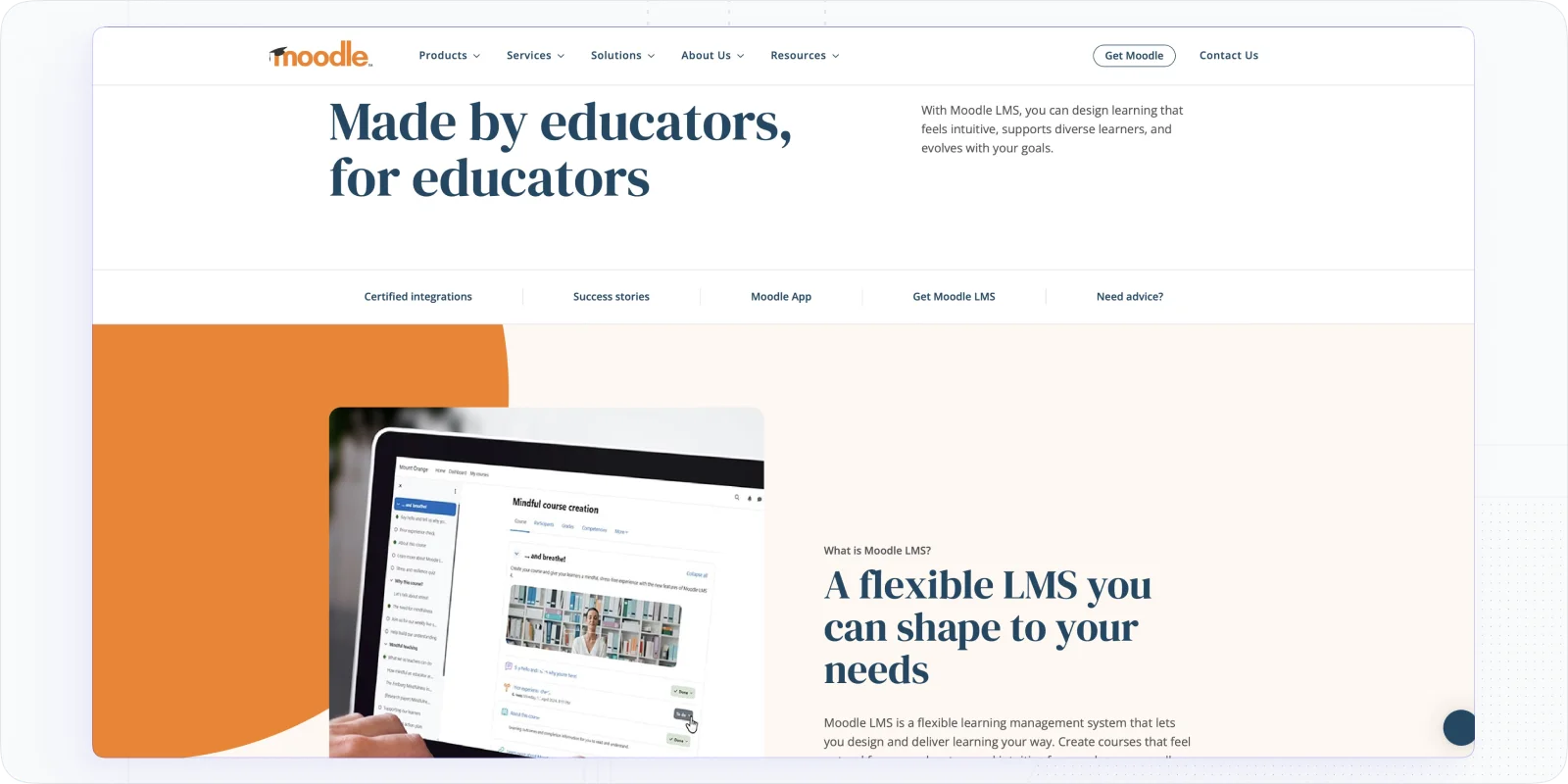
When I first explored Moodle Workplace, I was impressed by how it brings Moodle’s open-source power into a business-friendly package. It feels familiar if you know Moodle, but with added features that make corporate training easier. The best part is that it’s incredibly cost-effective – you’re getting pretty much all the basic features you need to run employee learning programs without the hefty price tag.
Best For: Organizations on a tight budget that still need a full-featured LMS. Great for companies that want open-source flexibility and control while training their employees or clients.
Why You May Like Moodle Workplace for Corporate Programs?
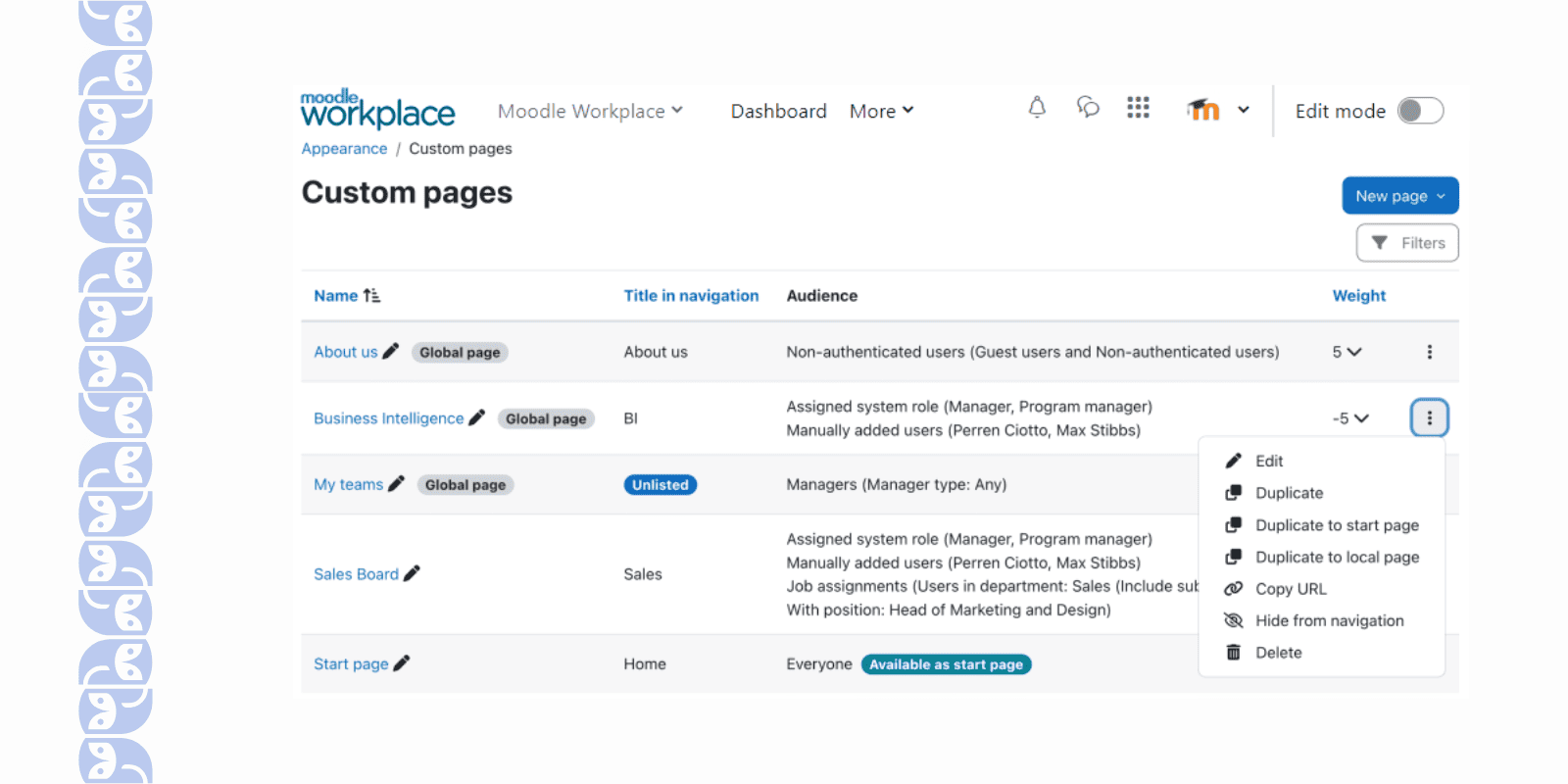
- The branding opportunities are pretty good (for a budget LMS). I was able to tailor the look and feel to our brand and even add some custom pages like About Us, My teams, etc.
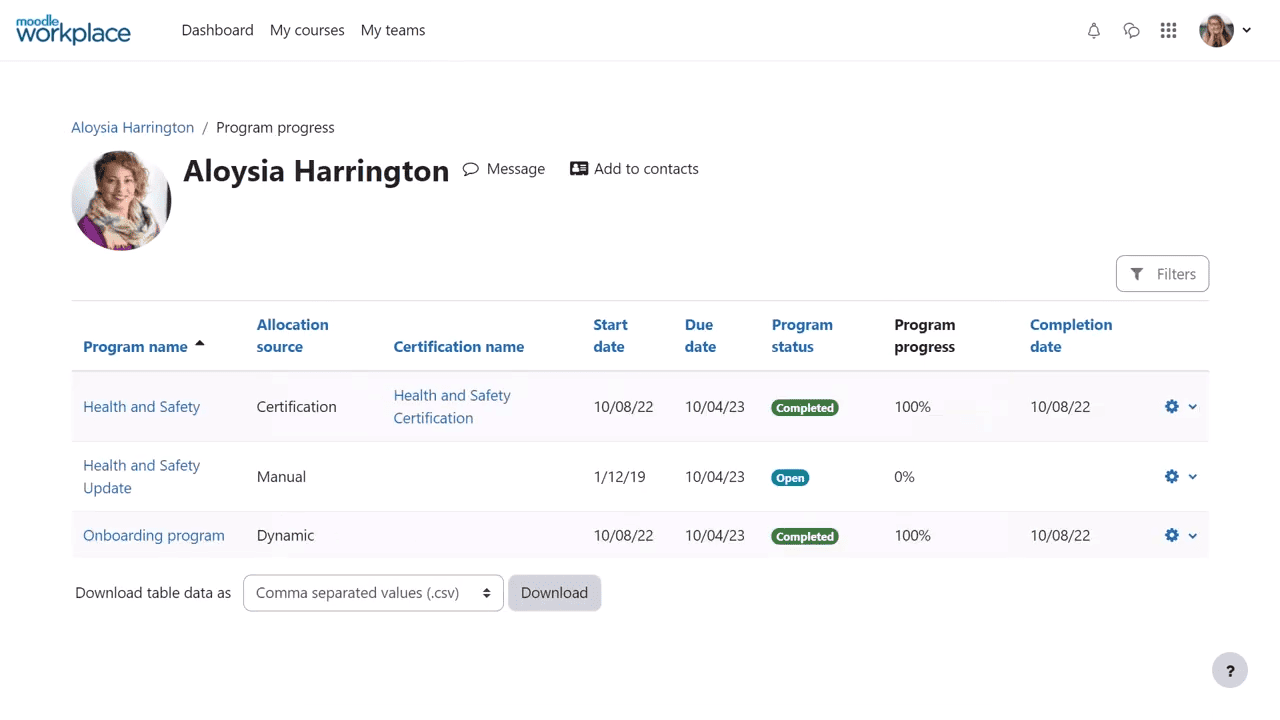
- Even with its low cost, it doesn’t skimp on analytics. I could track compliance, course completions, and performance easily, which is critical for the L&D reporting.
- It’s backed by a global community (being Moodle at its core), so there are plenty of resources and support forums when you need help.
What Limitations You May Face Using This Platform?
- I’m not a developer, and I quickly found that to do anything beyond the basics (like custom reports or fancy configurations) I needed someone with IT skills.
- Navigating Moodle’s interface isn’t as intuitive as some modern LMS platforms. I spent quite a bit of time learning where things are and how to do what I wanted.
- Let’s be honest, Moodle’s roots in academia show – UI felt a bit “school-like.” For corporate training, where you want employees engaged, this lack of polish can make the experience less inviting.
- I tried to tailor the platform to the necessary workflows, but many advanced features required adding plugins or custom coding. If you have very specific needs, expect to spend time (and possibly money with a Moodle partner) to get Workplace configured just right.
- Unlike the open-source Moodle, the Workplace edition comes through certified partners and isn’t free. That makes sense, but it also means things like official support, multi-tenant setups, or certain premium features come at a cost.
📖 You may also be interested in: 11 Great Moodle Alternatives & Competitors: Overview [2025]
| # | Corporate Training LMS | Short Description | Pricing (monthly) |
|---|---|---|---|
| 1 | EducateMe | AI-native LMS with built-in course builder, AI Roleplay Coach, and automated onboarding paths — built for serious corporate training across onboarding, upskilling, compliance, and customer education. | 14-day free trial; Starter - $239/mo; Pro - $399/mo; Scale - $999/mo; Enterprise - Custom |
| 2 | Sana Labs | AI-native LMS that adapts content and pacing to each learner in real time — best for mid-to-large teams where personalised learning at scale is the priority. | Contact Sales for Pricing Details |
| 3 | Docebo | AI-powered enterprise LMS with smart content tagging, automated enrolment, and a broad integration ecosystem for large-scale training programmes. | Contact Sales for Pricing Details |
| 4 | TalentLMS | Lightweight, easy-to-deploy LMS for small businesses — quick to set up, affordable, and covers the essentials without overwhelming an L&D team of one. | Core - $149/mo; Grow - $299/mo; Pro - $579/mo; Enterprise - Custom |
| 5 | 360Learning | Collaborative LMS built for blended learning — combines async courses with live sessions and peer-to-peer interaction in one place. | Team - $8/user/mo (up to 100 users); Business - Custom |
| 6 | Disco | AI-native enterprise LMS built around social learning — fully branded academies, cohort-based programmes, community, and intelligent automation in one platform. | Starts at $399/mo |
| 7 | SkyPrep | Straightforward employee training LMS — clean interface, solid learning paths, and OpenSesame integration for ready-made compliance content. | Custom Pricing |
Final Thought
Each of these corporate LMS platforms brings something different to the table – whether it’s AI-powered automation, budget flexibility, or engaging microlearning experiences.
But if you’re looking for a well-rounded, modern system that’s easy to use, blends live and self-paced learning, and adapts as your team grows, I genuinely think EducateMe is worth trying first (you can discover it 14 days for free). It hits the sweet spot between functionality and flexibility, especially for companies serious about running effective training programs without the overwhelm.
Whatever you choose, I hope this breakdown helps you land on the platform that fits your team, your goals, and your workflow best.
Frequently asked questions
The best LMS for corporate training depends on your company size and use case. EducateMe is the top pick for AI-native training across onboarding, upskilling, and compliance. Docebo and Absorb LMS suit larger enterprises. TalentLMS is ideal for small businesses on tighter budgets. 360Learning leads for collaborative and blended learning.
Corporate LMS pricing ranges from $2–$15 per active user per month for per-user models, to flat-rate plans starting around $79/month. Enterprise platforms like Docebo and Cornerstone use custom pricing based on user count and modules required.
Corporate training types include onboarding, compliance, product, sales, leadership, soft skills, and technical training. Each type targets specific employee development needs to boost performance, engagement, and business outcomes.
Modern corporate LMS platforms can be configured and launched within days to a few weeks. Enterprise platforms typically take 4–12 weeks, especially when HRIS integration and SSO are involved. Content migration is usually the biggest variable in implementation time.