
17 Best AI Learning and Development Tools for 2026

By Roman GryshukRoman GryshukCorporate Training Expert & Content EditorHi, I’m Roman, a content specialist with over 5 years of experience in content writing and marketing. At…Read more
Corporate Training Expert & Content Editor
19 min read
Ask most L&D teams how they run training today and the honest answer is "manually." As one HR specialist at a ~50-person company told us, their process had "been pretty manual… we've started using just SharePoint playlists and sharing those with new staff — it's kind of a time-consuming process, not very convenient."
That's the gap the right learning and development (L&D) tools close: they bring order, speed up course creation, and keep people engaged. And in 2026, the best of them lean on AI to do the heavy lifting.
This guide maps the modern, AI-era L&D stack — one core platform to anchor it, plus the authoring, knowledge-sharing, course-library, and assessment tools that fill the gaps around it. For each of the 17 tools below, you'll see what it's actually for, where it fits, and what it costs.
One caveat on AI: the point isn't AI for its own sake. As one buyer asked us, "you could go without using AI, right?" — and yes, you can. The tools worth your budget use AI to cut busywork in building, practising, and measuring learning, not to bolt on gimmicks.
Basics: Training vs. Learning Development
First of all, let’s draw a clear line between “training” and “learning and development”, as many professionals confuse or use these terms interchangeably.
Sure, training is integral to any organization, but the L&D concept usually is much more comprehensive, affecting the choice of the software for upskilling and reskilling.
- Learning and Development is a broad term, describing a set of activities or strategies aimed at continuously improving competencies and fostering a culture of change.
- Training is an activity within the adopted learning strategy, targeting and provisioning specific skills to employees to complete specific tasks (onboarding, sales, compliance training, etc)
💡That way, professional development tools often include training software but are not limited to them, including other platforms that answer broader learning needs.
Types of Learning and Development Tools
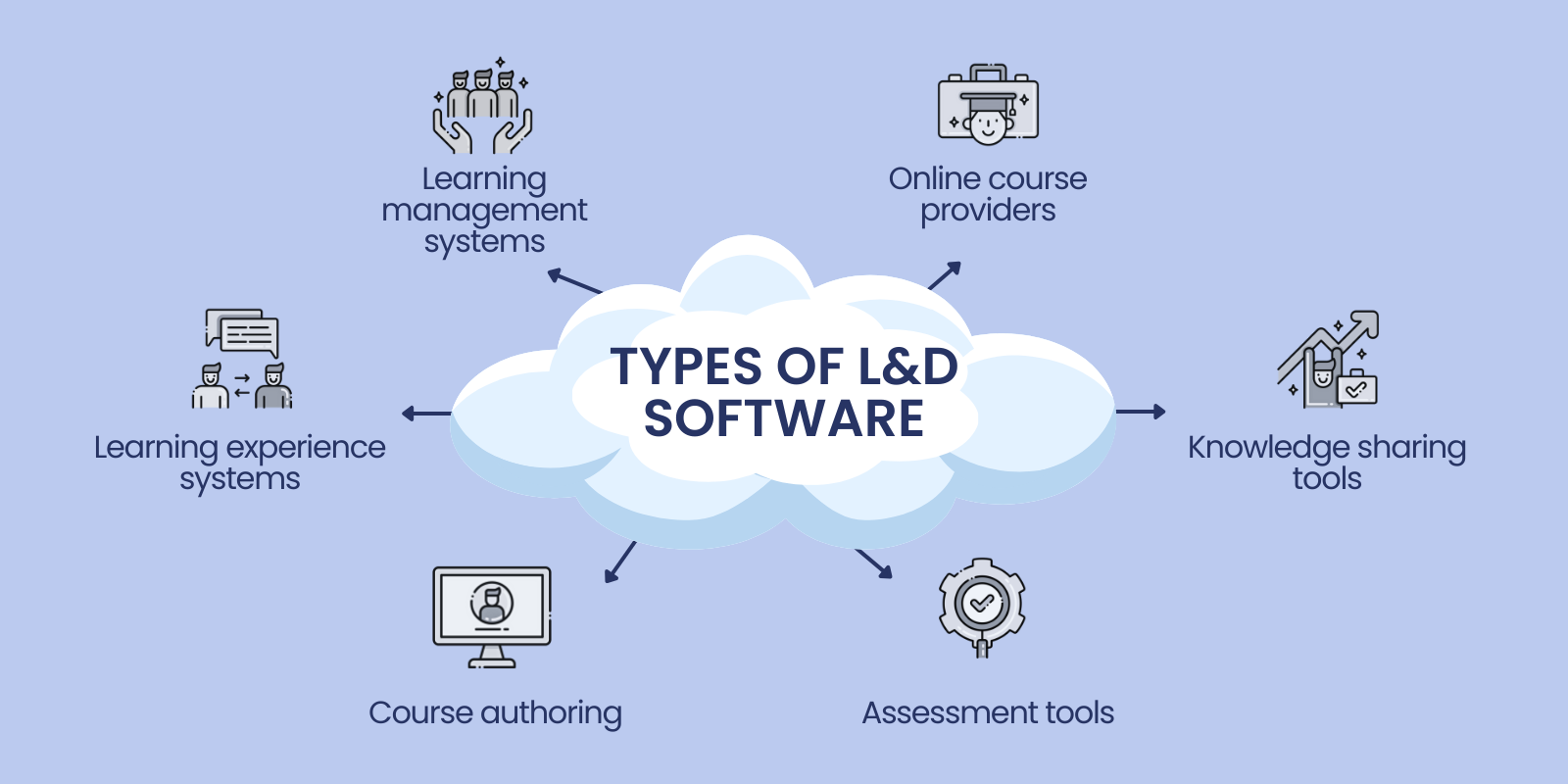
So what are the right tools to consider, and what are the important learning and development software types? In 2026, AI runs through every category below — generating courses, personalizing paths, and surfacing skill data — so we’ve flagged where it actually matters for each.
Learning management systems (LMSs)
LMS offers diverse features to facilitate learning content creation, delivery, and analysis of the students' or employees’ performance.
With them, L&D professionals get a system to handle training programs, engage employees, and streamline the training process. In particular, LMS is great for onboarding, pieces of compliance training, leadership sessions, and diverse courses.
Learning experience systems (LXPs)
In contrast, LXPs put a learner in the center and focus on delivering personalized learning experiences to users. Such an approach allows better accessibility and offers content curation, social learning features, and advanced analytics.
That way, with this type of learning and development software, there is more collaboration and less direct participation from the instructor.
Online Course Providers
Another group of effective learning tools refers to online course providers. They act as eLearning content libraries with diverse courses for upskilling, reskilling, or leadership development.
Thus, it is useful for organizations seeking to provide flexible and diverse learning options for employees, partners, and customers.
Course Authoring Tools
This part of L&D tools focuses on the creation of professional training content, in particular, visuals, guides, videos, presentations, activities, and assignments. Such capacities allow for streamlining the production of engaging programs and courses.
These tools are a must for the L&D department or instructional designer preparing content for training and onboarding, or adopting new practices within a large organization.
Knowledge Sharing and Communication Tools
In addition to content creation and learning platforms, L&D professionals need platforms that help with communication and information sharing. They are to improve collaboration, better access to information, and offer a centralized system. Examples of such tools refer to conferencing software, third-party or in-built messengers, and knowledge bases.
Assessment Tools
Lastly, assessment tools are crucial for setting the right culture and understanding that learning answers the goals. They allow you to measure and track the learning progress and provide insights into learner performance.
With the acquired data-driven insights, you can find areas of improvement and strengths, and facilitate targeted training interventions. Strong learner analytics are what turn raw completion data into decisions about what to teach next.
Puzzled by the strategy for the adoption of L&D software? the popular options are to: a) use a set of diverse tools (for instance, a knowledge base for onboarding, course authoring for presentations, or course provider platform for on-demand learning); b) have an LMS supported by crucial learning and development tools (LMS backed by knowledge base and communication tools).
Learning and Development Platforms for Centralized Approach to Learning
- EducateMe: Best learning management system with advanced AI capabilities
- 360Learning: Collaborative L&D tool for turning in-house experts into courses
- Docebo: Great data-driven L&D option backed by AI
- Sana Labs: AI-first learning and development platform
Now, we’d like to mention solid LMS and LXP options that can be a ground for your L&D strategy due to decent flexibility and integration capabilities.
Whether you are just starting an L&D journey, or want to improve your learning provision set, we’ve prepared a list of L&D platforms to streamline your operation and enhance training:
EducateMe: AI LMS for Corporate Training
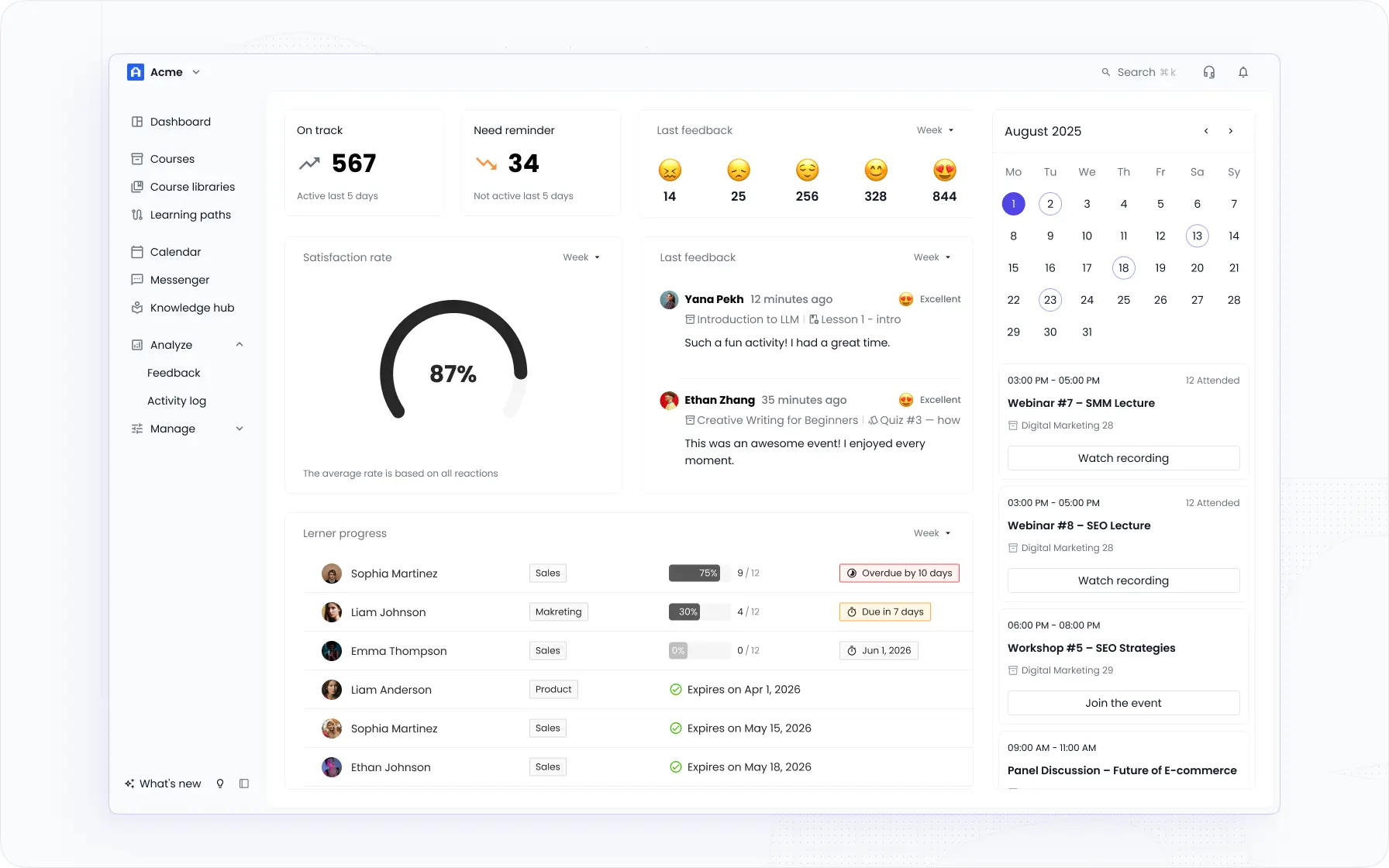
EducateMe is the platform I'd point most L&D teams toward first. It's AI-native in a way that actually means something, not a chatbot stapled to a 2019 course builder, but AI that runs through course creation, practice scenarios, and skill gap analysis as core functionality.
The AI Course Builder generates complete courses from a prompt, a URL, or a file you upload. Lesson structure, quizzes, key takeaways — done. The AI Roleplay Coach is the other standout: scored practice scenarios with rubric feedback for sales calls, support conversations, objection handling. No live trainer needed, no scheduling gymnastics.
Auto-enrollment by role, region, and seniority handles the admin side. You set the rules once, new hires get the right paths automatically. Multi-tenant white-label portals mean you can run separate environments for different departments or clients without duplicating your content library.
One honest caveat: there's no dedicated iOS/Android app. Mobile-responsive, yes — native app, no. If your learners are mostly offline on mobile, factor that in.
Why EducateMe anchors an AI-era stack
- AI Course Builder. Generates full courses from a prompt, URL, or uploaded file. Cuts build time by 3x and keeps content from going stale.
- AI Roleplay Coach. Scored practice scenarios for real conversations: sales pitches, support calls, leadership discussions. Consistent rubric feedback every time, no trainer required.
- Rule-based enrollment. Auto-enroll by role, seniority, or region. Set it once, stop chasing people to complete onboarding.
- Multi-tenancy and white-label portals. Separate branded environments for different teams, clients, or partners — all under one account.
- Reporting and analytics. Completion, engagement, scores, and skill gaps across 10+ metrics, with per-manager dashboards so the right people see the right data — see EducateMe’s learner analytics for the full breakdown.
- Integrations. Zoom, Slack, Salesforce, Zapier, Figma, Notion, and more via API and native connectors
💡Highlight: EducateMe is ideal for organizations with diverse training and learning needs, offering a centralized approach to event and program hosting and great integration capabilities for third-party tools.
360Learning: Turn In-House Experts Into Courses
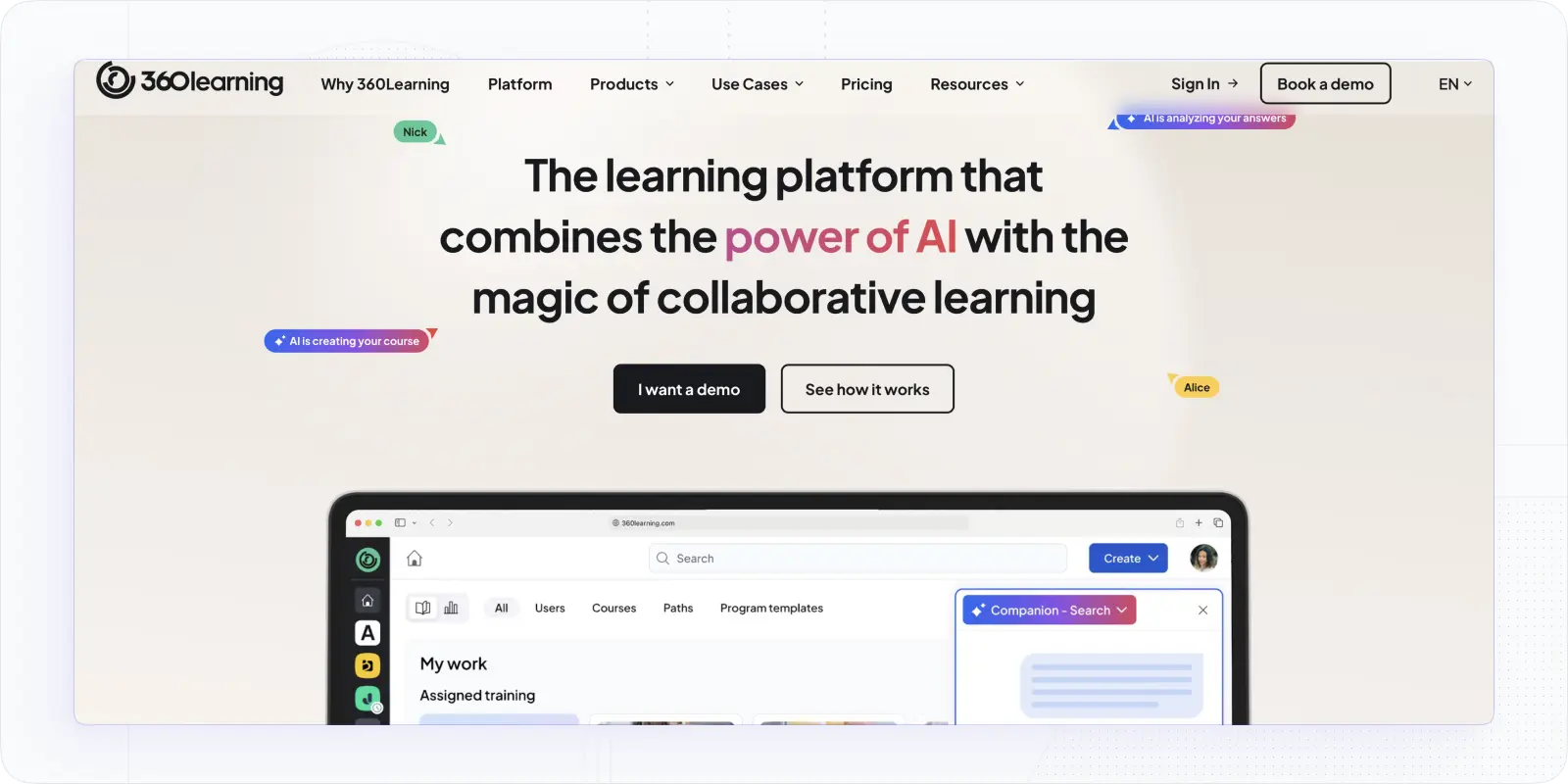
360 Learning is another learning platform that appears to be a great L&D LMS for continuous learning and internal corporate training sessions. Also, it can act as LMS or LXP, being flexible enough. Just like EducateMe, it is pretty intuitive and allows easy course and learning path creation for L&D specialists.
The standout characteristic of this software is the Learning Needs future, which allows requesting specific knowledge from other employees. It can significantly add to active participation and expertise exchange within the organization.
Besides, it offers unique engagement features, like forums or image-based questions, that support interactive and collaborative activities. Nonetheless, it may lack management and SCORM capabilities, while its pricing is high, compared to other learning and development platforms.
Where 360Learning stands out: peer-built courses
- Learning Needs feature. Employees can ask for an expert opinion and the person can peer-teach others by creating a lecture.
- Course Creation Suite. It allows adding multiple formats, using course templates, and creating interactive content that supports employee training efforts.
- Collaboration Tools. 360 Learning offers great collaboration tools, including comment threads, forums, and interactive tasks.
Pricing: Team Plan starts at $8/mo for a registered user (up to 100); Business Plan pricing can be given upon the demo request.
💡Highlight: 360 Learning is a good choice for middle-sized and large organizations due to straightforward course creation for onboarding, and decent collaboration and knowledge-sharing features for upskilling.
Docebo: Data-Driven L&D Automation at Enterprise Scale
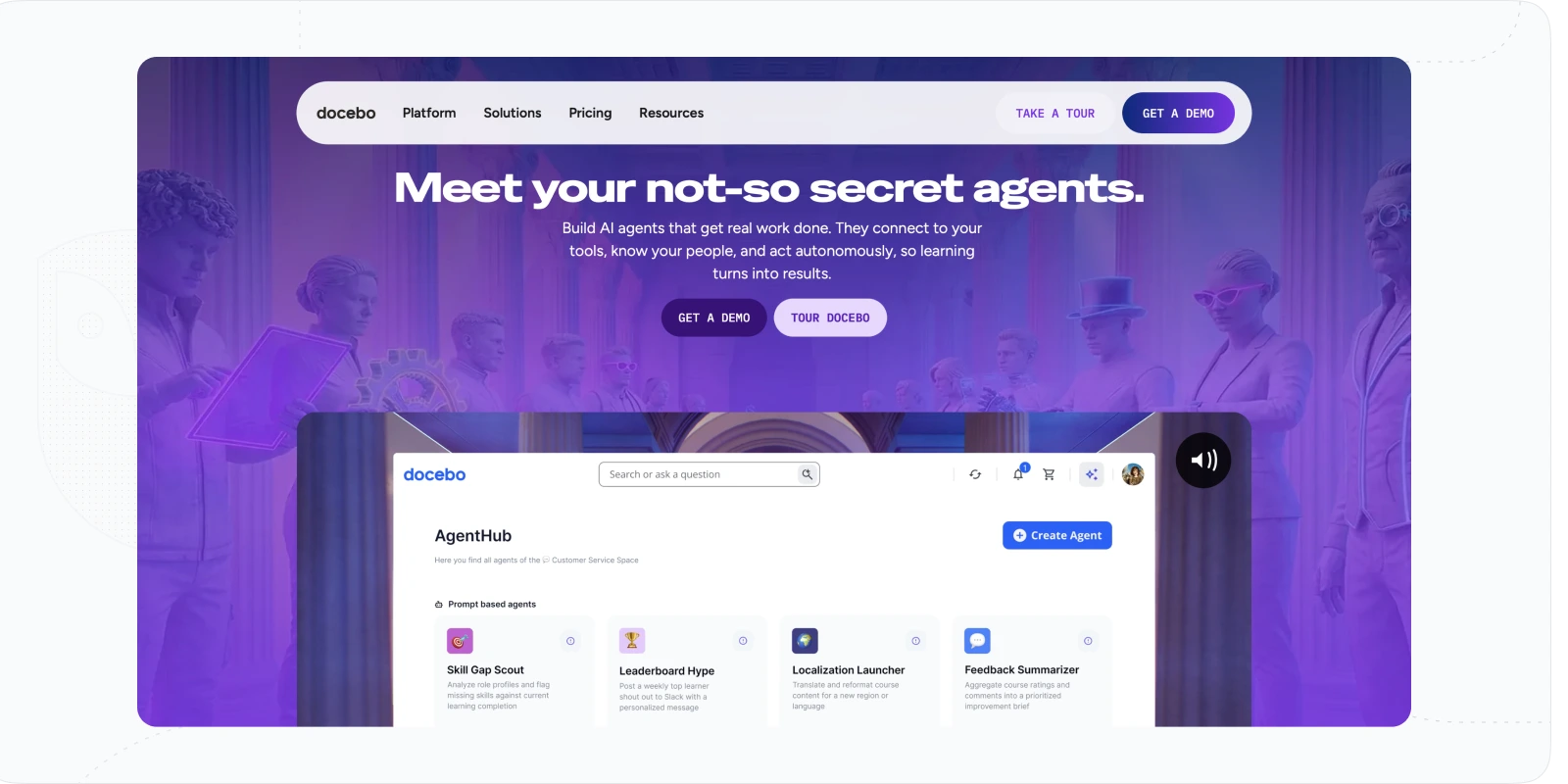
Docebo is one more LMS that can significantly contribute to your L&D efforts. How? With its focus on data, automation, and AI support in course management and skill development.
This learning and development platform can advance the learning experience with AI-powered recommendations, decent reporting, and useful integrations. There, the impressive features are the Skills Dashboard, offering automated personalized suggestions based on the position, and Content Marketplace, being an alternative to course provider platforms.
It helps the L&D department to scale course creation and provide effective suggestions for the employee's skill improvement. However, its significant downturn is the lack of engagement features. Also, it would be expensive for small or medium businesses.
Docebo’s automation and skills data
- Automation. There are options for automation of the processes and training sessions, including enrollment, administration, and course creation.
- Reporting. There are strong reporting and analytics capabilities, allowing for measuring learning efficiency and helping to define the ROI of learning.
- Gamification. With Docebo, L&D professionals can add badges, certifications, leaderboards, points, and rewards for employee motivation.
Pricing: only available upon a quote or demo.
💡Highlight: With powerful automation, reporting, and diverse integrations, Docebo fits large organizations that want to set a culture of growth, implement a change, or advance L&D processes.
Sana Labs: AI Agents That Run Learning Workflows
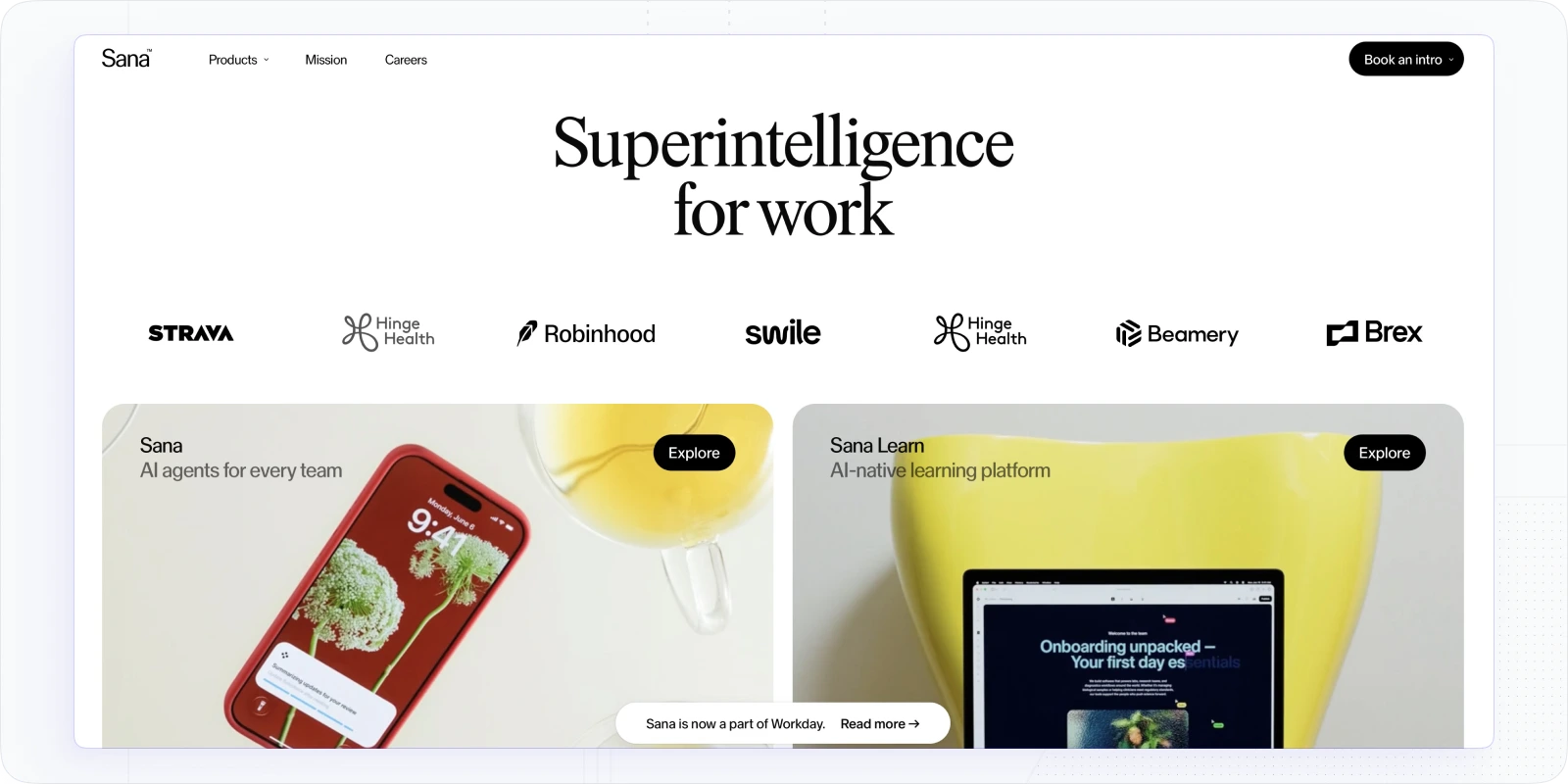
Sana Labs (now WorkDay) is an AI-powered L&D platform built for organizations that look for ways to automate workflows and scale training.
As you may’ve guessed, AI is at the core of its operation, bringing two products, AI agents and LMS. The first part provides a powerful tool to create an advanced workflow for data management and reporting.
In its turn, Sana Labs LMS offers more in terms of content creation, enrollment, and learning paths creation.
Sana Labs’ built-in authoring tool lets you turn PDFs into interactive courses with voice narration and quick translations, while AI tools support learner management and create personalized learning paths. Plus, Sana offers real-time analytics and custom dashboards to track learning impact.
When we tested Sana, it really impressed us how easy it is to create content and automate learner journeys, making learning more efficient with top L&D tools.
Sana’s AI agents and smart enrollment
- AI course builder. Its AI agents are very advanced and allow turning static content, like docs or notes, into engaging courses fast.
- Smart enrollment. It offers great auto-rules and triggers for customization of enrollment.
Pricing: Sana’s AI agents start around $30/user/month; the Sana Learn LMS is quote-only with a 300-license minimum, so it’s priced for enterprise-scale rollouts.
💡 Highlight: Sana is perfect for large organizations seeking a fully automated, personalized, and data-driven learning experience.
Trustworthy Learning and Development Platforms for Program Authoring
- iSpring Suite: Comprehensive content authoring software
- Articulate 360: Powerful tool with easy-to-use features
- Adobe Captivate: Great L&D platform for advanced training materials
- Synthesia: AI Video platform for engaging courses
Certainly, with an evolving learning and technological landscape, you should have diverse tools at your disposal. Besides, LMS is not always an end-to-end solution.
That’s why content authoring software can be crucial to the creation quality of materials, student engagement, and participation. For you, a content authoring L&D tool can be a key instrument in the array of tools or can act as an addition to your LMS, bringing quality or affecting productivity.
💡Importantly, a crucial feature of such software is the ability to use SCORM files and develop SCORM-compliant courses. All three platforms mentioned above support this format.
Here are some options that will either ease your efforts, offer content opportunities, or allow more complex solutions:
iSpring Suite: PowerPoint-Native Authoring for Scenario Training
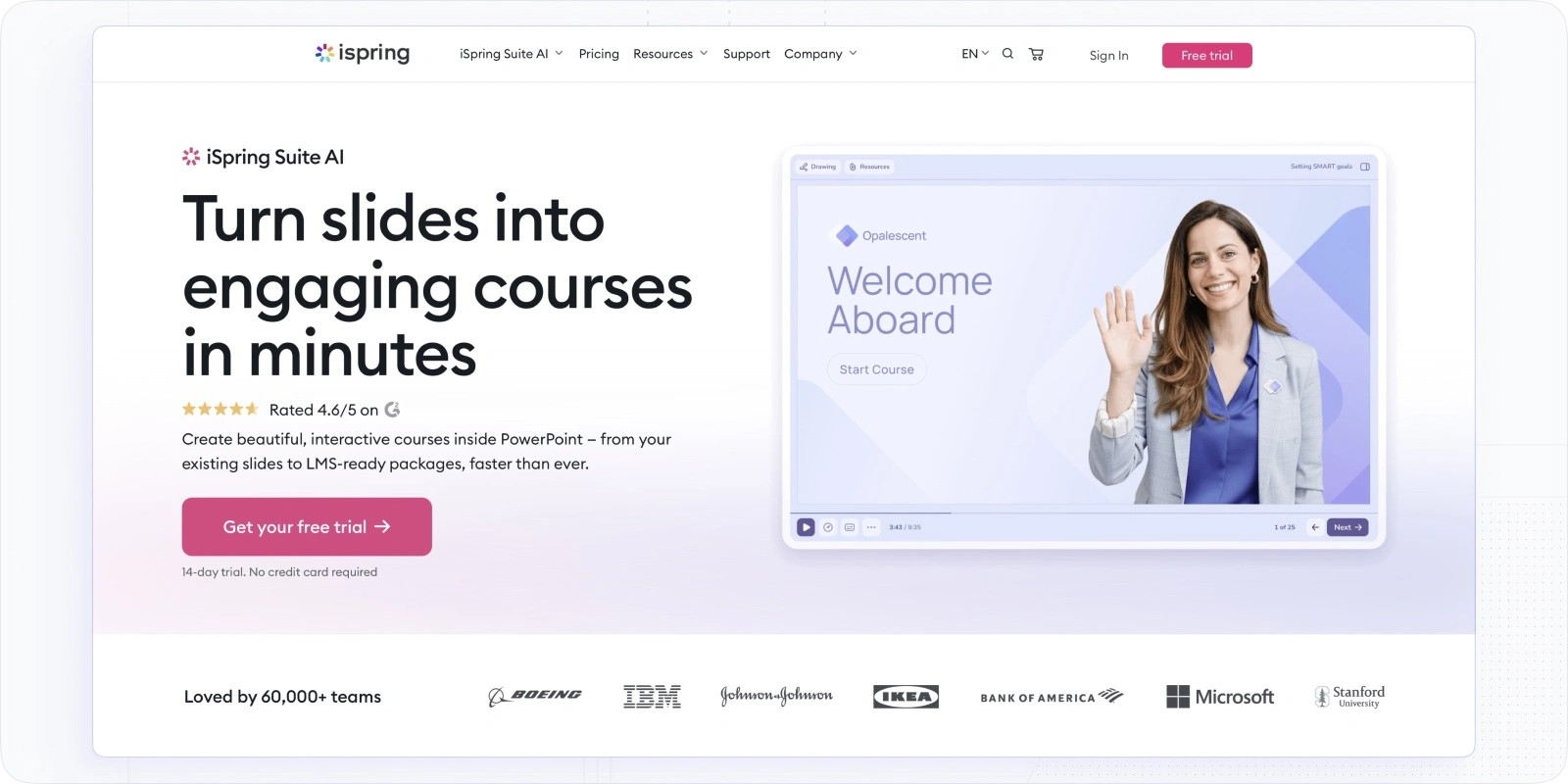
iSpring Suite will be an excellent basis for the creation of materials, content, and activities for L&D programs. Why? It is pretty comprehensive, offering a variety of formats and activities. Also, it offers LMS as a separate product that L&D teams can use.
The greatest advantage of this learning and development software is that it builds into PowerPoint, offering more advanced content creation features. For instance, you can use AI, SCORM format, record narration, or add videos. Yet, this tool also can be a bit over-dependent on PowerPoint and lacks customization.
iSpring now includes an AI assistant that drafts text, quizzes, and voiceover, so first drafts come together faster. This platform is ideal for scenario-based sessions and simulations. You can create animated characters to support different learning scenarios or create settings for role plays. Besides, it has a solid video and screencast editor for the creation of guides, tutorials, talking heads, etc.
iSpring’s authoring strengths
- Quiz and assignment builder. iSpring offers a decent quiz builder with 14 types of questions to be used, from simple to advanced ones.
- Library of templates. For better and streamlined course creation, iSpring provides a decent library of course templates and images.
Pricing: free trial; iSpring Suite Plan is $770/year per author; iSpring Suite Max Plan is $970/year per author (Text to speech; Content Library and Cloud); iSpring Suite Premium Plan is $1,970/year per author (VIP Support); discounts on volume and plans on separate tools are available.
💡Highlight: iSpring Suite can be a solid addition to your L&D strategy if you use PowerPoint a lot for your training programs or need video content for guides, training, or onboarding.
Articulate 360: The Authoring Standard, Now With Rise AI
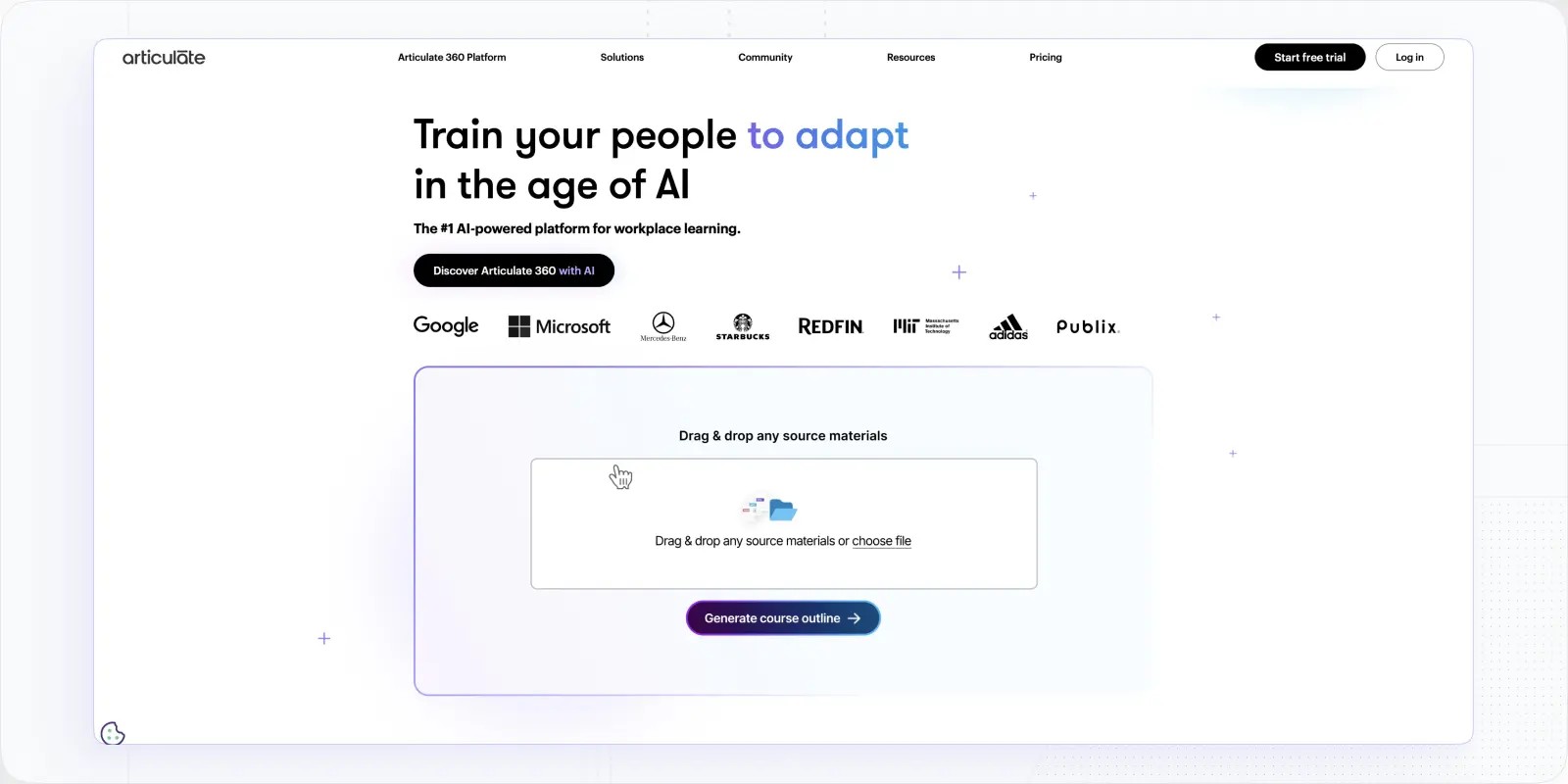
Articulate 360, including Rise and Storyline tools, is an excellent L&D tool for program authoring due to its simple and easy-to-use editor, diverse features, and a vast library of course assets. What is good about this L&D platform?
It uses PowerPoint principles to operate with content but takes it to a far more advanced level. Articulate 360 has several unique features that make program creation much easier and add to skill development significantly.
In particular, it provides an On-demand Training feature to access experts and request training for your employees. Besides, there are over 12 million course assets that include multimedia, interactive elements, and templates. Rise 360 now bakes in AI that drafts course outlines, blocks, quizzes, and images from a prompt, so first drafts come together faster. However, if you are looking for advanced program creation, there may be better options.
What Rise and Storyline do well
- Online stakeholder review. This feature allows you to get feedback about the program, organize a discussion in a thread on a slide, or start collaboration.
- Articulate Rise Authoring tools. Rise offers a very flexible and intuitive editor with multiple formats, including SCORM, and interactive elements for the creation of responsive programs.
Pricing: free trial; Personal Plan is $1,449/year per user; Teams Plan is $1,749/year per user (billed annually).
💡Highlight: Articulate 360 offers very easy-to-use features for the program creation and backs it with on-demand training options that can answer the need for third-party courses or coaching.
Adobe Captivate: Advanced Simulations and Interactive Builds
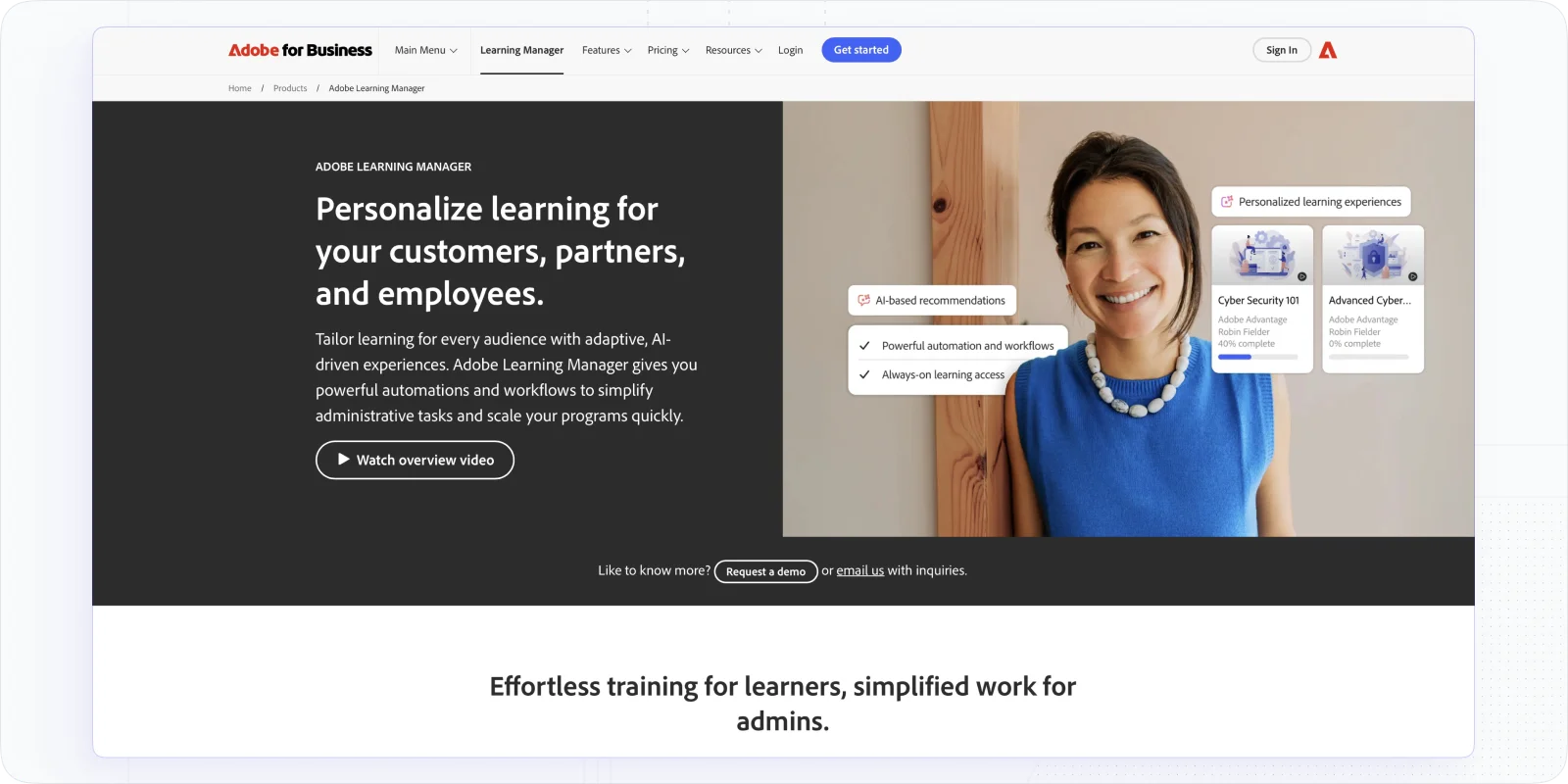
Adobe Captivate is a solid L&D tool that offers advanced options for program creation and fosters responsive and interactive learning. What sets it apart from other platforms is the set of tools and features for more complex courses or programs.
In particular, it offers sounding software simulations and image and video editing capabilities, like screen recordings. With them, L&D professionals produce complex and advanced learning experiences. This is especially true regarding interaction, multimedia, and gamification.
Besides, it provides elegant design options and powerful animations that make learning more engaging. Yet, a possible downturn is that, due to so many features, it can be heavy and difficult to use.
Adobe Captivate’s advanced toolset
- Editing capacity for better productivity. Adobe Captive ensures streamlined program creation because of ready-made out slides, SCORM compliance, interactions panel, native audio editing, and closed captions.
- Interactive learning options. This L&D platform brings to the table such elements for better interaction with learners: bookmarks, a video grid for slides, interactive and customizable components, and overlay slides.
Pricing: free trial; Plan for Individuals costs about $33.99/mo; Teams and Enterprise pricing is available on request.
💡Highlight: Adobe Captivate, putting image and video content in the center, is excellent for advanced programs involving a high degree of interaction and engagement.
Further reading: Best Instructional Design Software For Awesome Courses
Synthesia: AI Video Creation for Engaging Courses
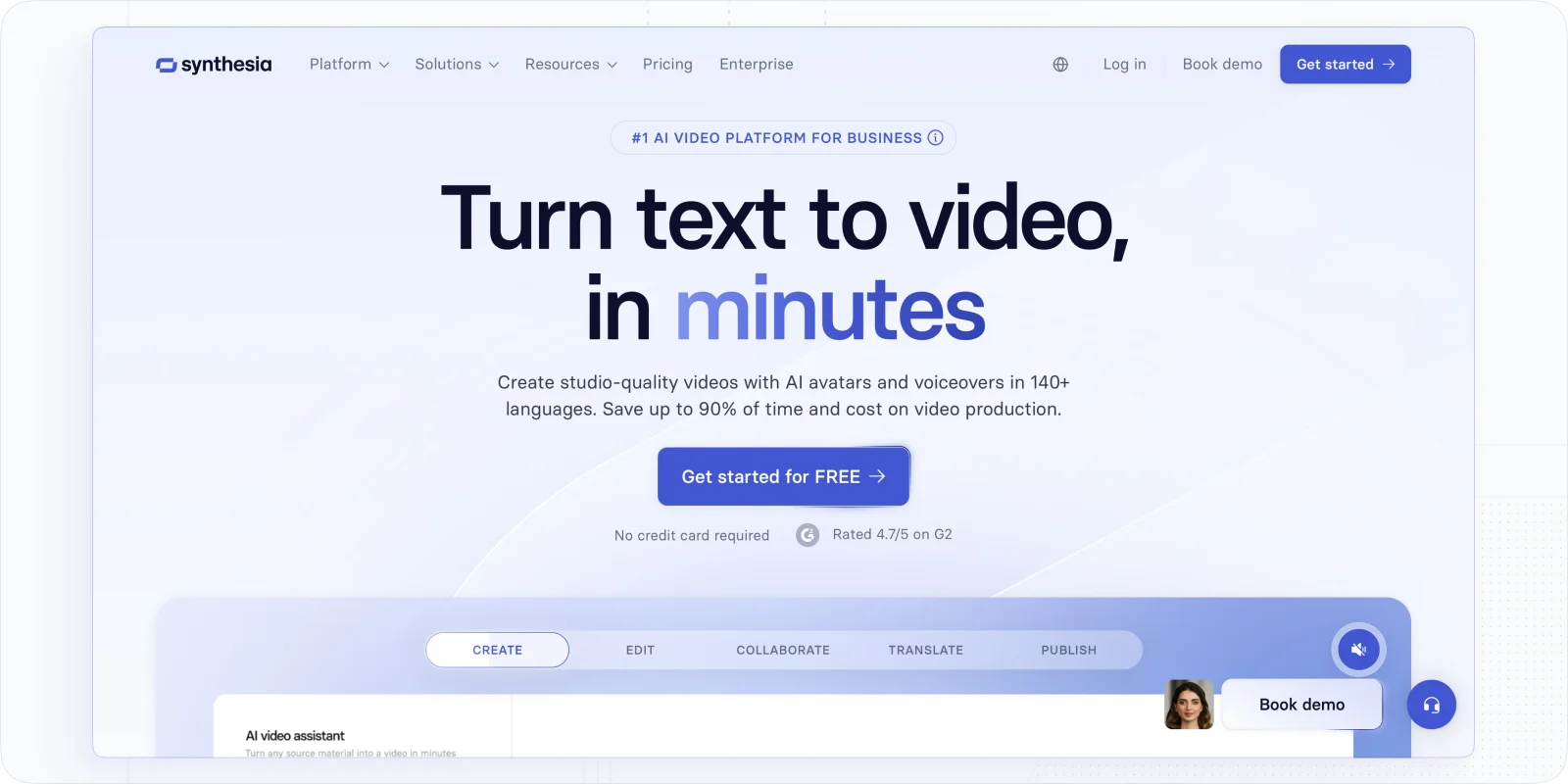
Video-based learning is also an option for your L&D strategy, right? That’s why we added Synthesia to this list of course authoring software.
Synthesia is an AI-powered video platform with which L&D teams can create interactive training videos quickly and at scale. First of all, it provides numerous templates and great features for the creation and editing of videos. With them, you can simply write a script and turn it into a polished video with AI avatars and voiceovers.
Besides, Synethesia shines with localization features, supporting 140+ languages and offering easy updates. Plus, you can embed videos into LMS platforms and track engagement within the piece.
When we tested Synthesia, it felt like a PowerPoint, and I didn’t need any video editing skills. That’s why if your L&D wants to upgrade the programs by adding videos, guides or explainers, this L&D platform is a great start.
Synthesia’s video superpowers
- AI avatars and voiceovers. It is not necessary to record yourself, as you can select from 200+ avatars to back your content up.
- Screen recorder and templates. Other than that, it offers diverse templates, while a screen recorder with the ability to edit video makes turning manuals into explainers a breeze.
💡 Highlight: Synthesia is perfect for teams that want to set engaging video-based learning and development programs using tools like Zoom.
Popular Online Course Providers
- LinkedIn Learning: Offers a large pool of courses and an analytics tool
- Udemy: Provides pre-made business courses and leadership programs
Any L&D strategy contemplates that you adopt continuous learning and implement a culture of growth. So, you will have to foresee and answer to the training needs of your employees.
Half of these needs can be dealt with via internal resources, expertise, and databases. The other half usually requires on-demand training, coaching, or courses via third-party providers.
🔎Read more: Best Cohort Based Courses
Here are the most popular L&D platforms with courses you can use to support upskilling:
LinkedIn Learning: An Off-the-Shelf Skills Catalog at Scale
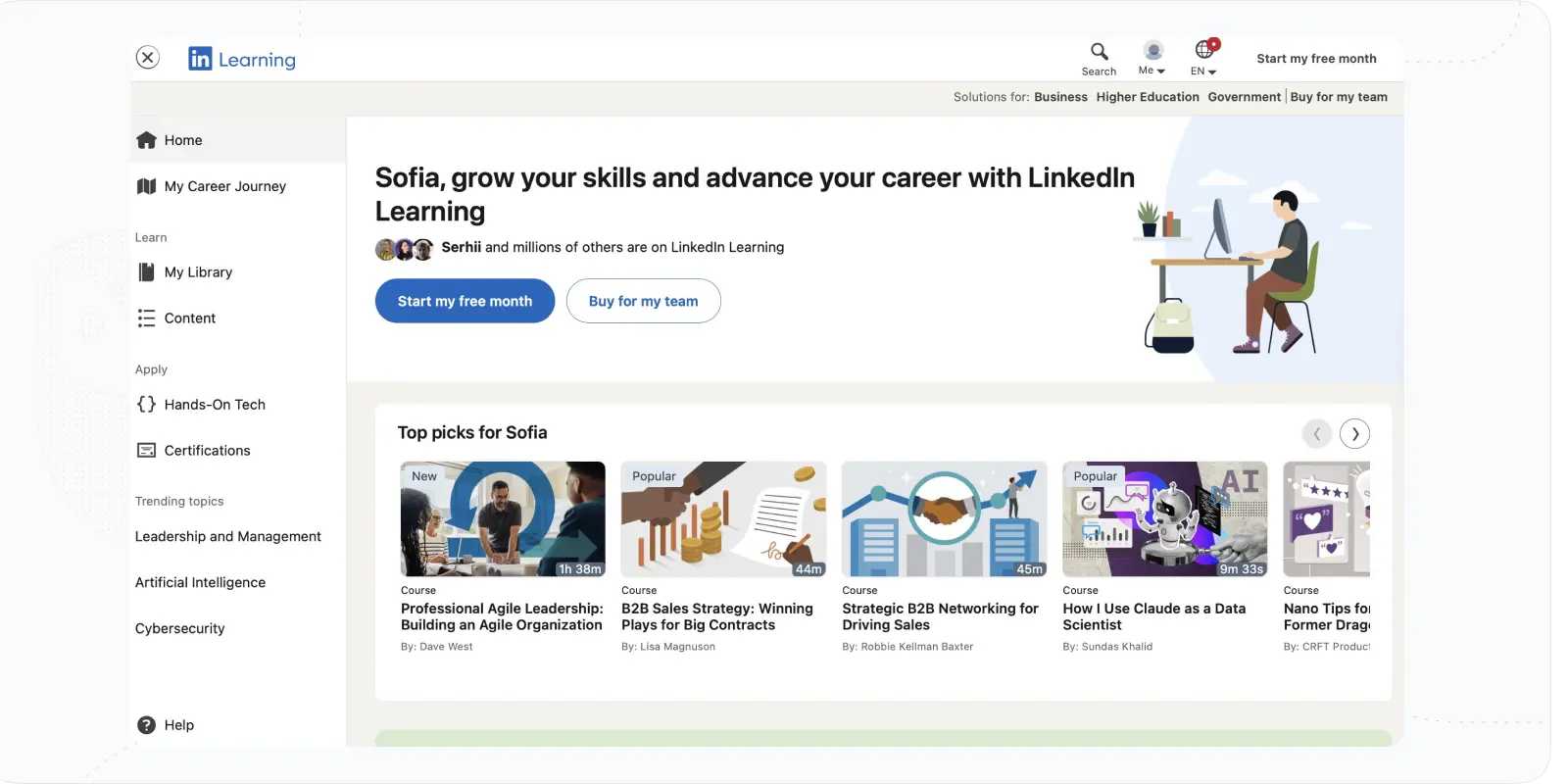
LinkedIn Learning is a good solution for L&D specialists to drive continuous learning and development within their organizations. Why? Well, firstly, LinkedIn is a mecca for professionals and experts in fostering a culture of continuous learning.
Secondly, LinkedIn Learning provides a vast content library, claiming to have over 21,000 courses and 60 courses a week. It includes programs related to business, technology, and creativity produced by specialists.
Other advantages of this platform relate to data analytics tools and completion certificates. Thanks to data, the L&D department can align individual needs to organizational goals and see the skills an organization has. In 2026 LinkedIn added an AI Career Coach that builds personalized paths and AI role-play coaching for practising real conversations.
Pricing: LinkedIn Learning for Teams (2-20 users) costs $379.88/a year per seat; LinkedIn Learning for 21+ users is available upon contact with sales.
Udemy Business: On-Demand Courses + a Leadership Academy
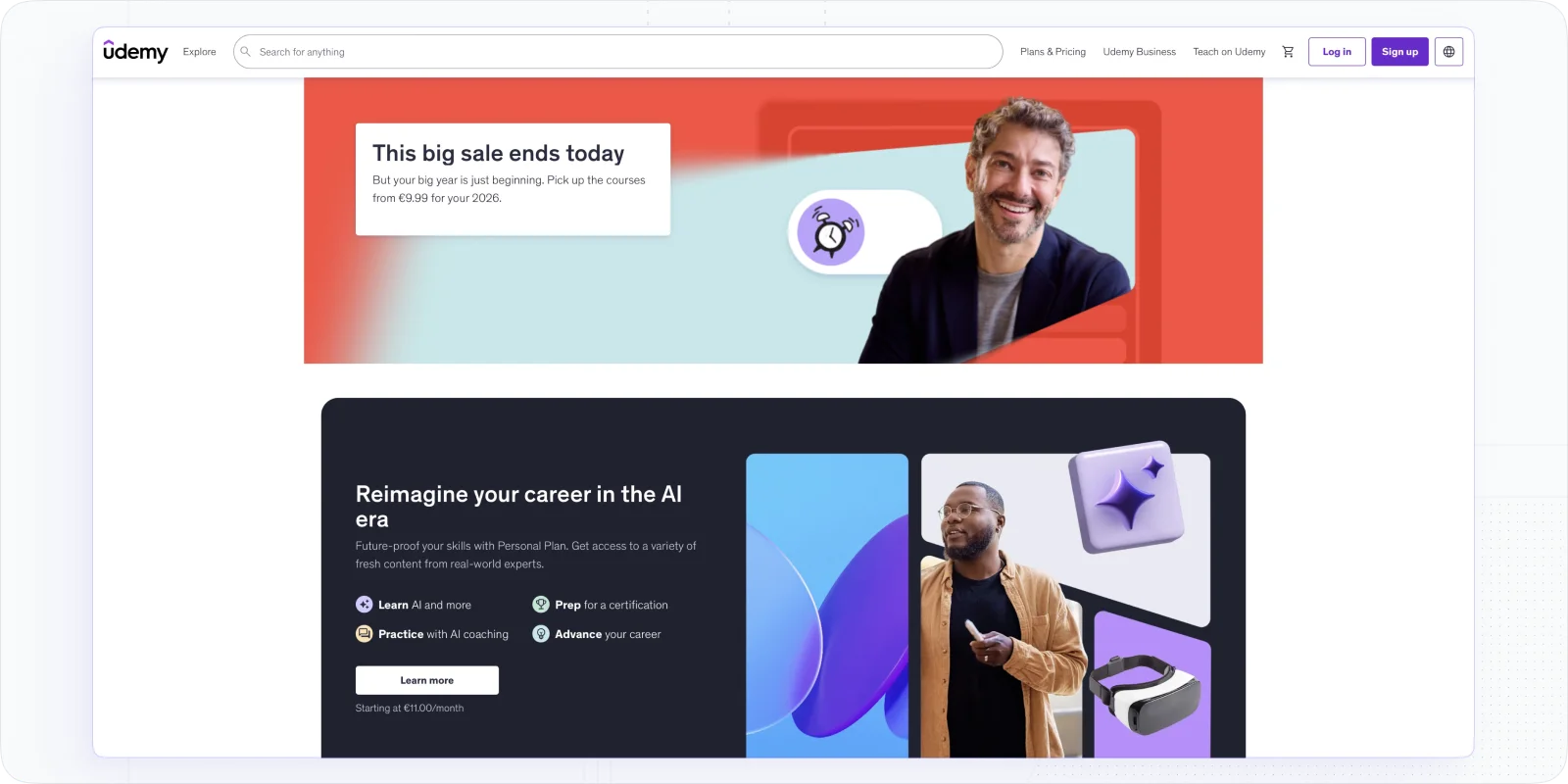
There is one more effective L&D platform that provides courses for organizations — Udemy Business. Udemy Business offers intelligent software backed with AI that underlines personalized paths, on-demand learning, and resource sharing.
Notably, Udemy Business offers more than 25,000 (under Enterprise Plan) top courses and a unique Leadership Academy. Its AI tool will help you find the best learning and development tools for your business based on the request. Besides, it offers cohort and interactive learning courses focusing on collaboration and assignments.
Udemy has also added AI role-play and AI assistants that turn passive courses into practice. And you can build learning paths with pre-built templates, offer certificates, and gain visibility into how the organization learns through analytics dashboards and behavior data.
Pricing: Team Plan is $30/mo per user (2-20 users); Enterprise Plans (more than 20) and Leadership Academies are available upon contact with sales.
L&D Tools for Knowledge-Sharing and Collaboration
Apart from course providers, you may want to create a solid internal space for collaboration, knowledge-sharing, and content provision. Why? It is just a place to share internal knowledge, ask for expertise, and keep all the training materials related to your niche and operation.
In this regard, creating a separate space, database, or workplace for knowledge-learning and development resources is the best strategy to support a culture of continuous learning. The L&D department can use it for onboarding, expertise sharing, or just as a wiki and offer a place for self-learning.
🔎Further reading: Best Collaborative Learning Tools
Here are a bunch of learning and development tools that will help you develop such a place or fill it with content:
Confluence: The Training Wiki for Atlassian Teams
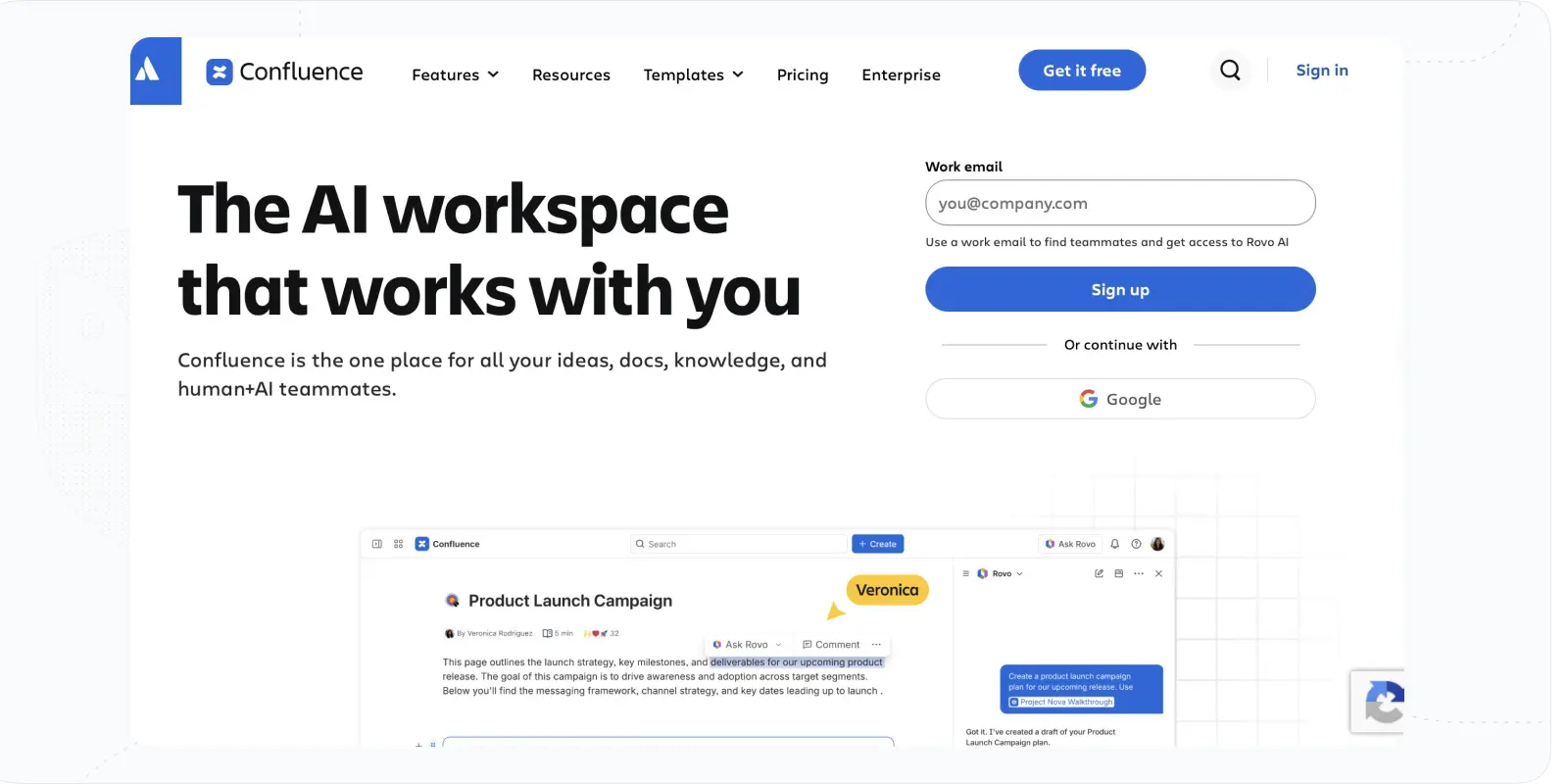
Confluence, made by Atlassian, is a go-to tool for effective knowledge management and project collaboration. Why is it good for your L&D operation? It can serve as a powerful knowledge base for any organization, especially if they use Jira for task management.
This learning and development software is ideal not only for curating training materials. Users can create and discuss work on pages, brainstorm ideas on whiteboards, and organize content in spaces. Also, with the Atlassian Intelligence feature, teams can enhance communication, highlight insights, and support training curriculum.
Confluence integrates with Figma, Google Docs, and YouTube, enabling real-time editing and collaborative commenting for effective L&D strategies.
Pricing: may change depending on the number of users/employees. Confluence offers a free plan; the Standard plan starts around $5.42/mo per user; the Premium plan around $11.55/mo per user; Enterprise is available on request.
Loom: Async How-To Video in One Click

Today, video materials and explainers are a must for any training. Some companies build the whole onboarding process with them. Thus, an engaging screen-recording tool can save you plenty of time.
Loom is a super easy and intuitive content-sharing tool for creating screen-recorded training materials and video guides. Importantly, you can engage students with user-friendly video recording and that way foster interactive learning experiences. Another advantage of the L&D software is that you can incorporate customizable links to direct learners to relevant resources and gain insights into video engagement.
Lastly, there are drawing tools to emphasize key points and encourage feedback through rich reactions. That way, you will save time on recording responses and complement the curriculum with supplementary video resources.
Pricing: free plan; Business plans start around $12.50/mo per creator (billed annually); Enterprise is available on request. Loom is now part of Atlassian, so expect tighter Jira/Confluence ties over time.
Notion: A Flexible Knowledge Base and L&D Workspace
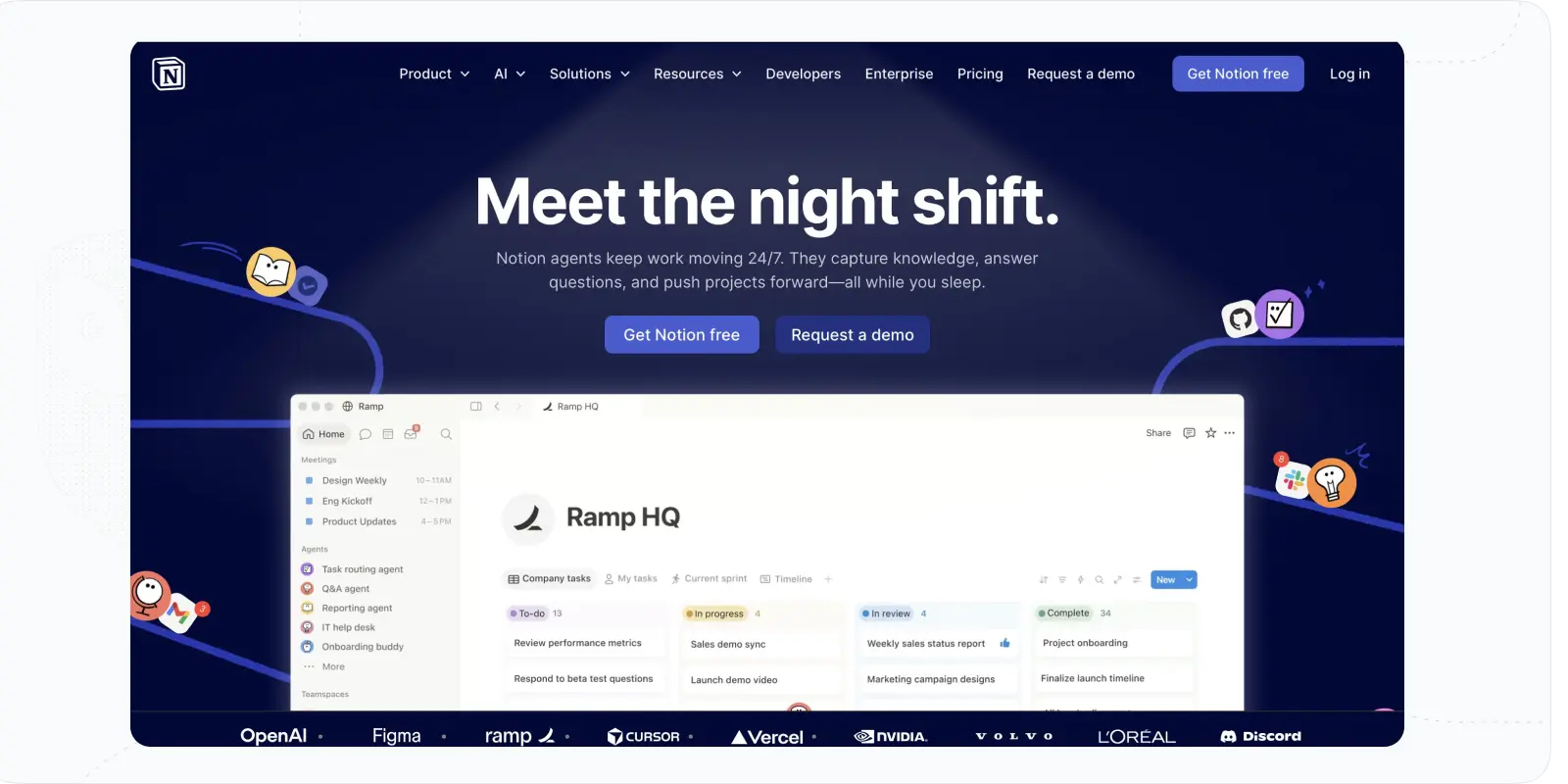
Notion arises as a comprehensive knowledge database and management L&D tool. It provides excellent features to organize notes, tasks, and assignments in one central workspace and link all of them to the organizational goals or growth of employees.
Moreover, it offers access to a plethora of templates to create pages to organize information, learning and development resources, and collaboration.
It is possible due to powerful editing tools, including embedded media, and drag-and-drop editor. It allows you to create dynamic and interactive learning materials. This learning and development tool offers a calendar that helps to manage events and set reminders.
Pricing: Free; Plus is $10/mo per user; Business is about $20/mo per user with Notion AI included; Enterprise is available on request.
Guru: AI Search Across Your Scattered Knowledge
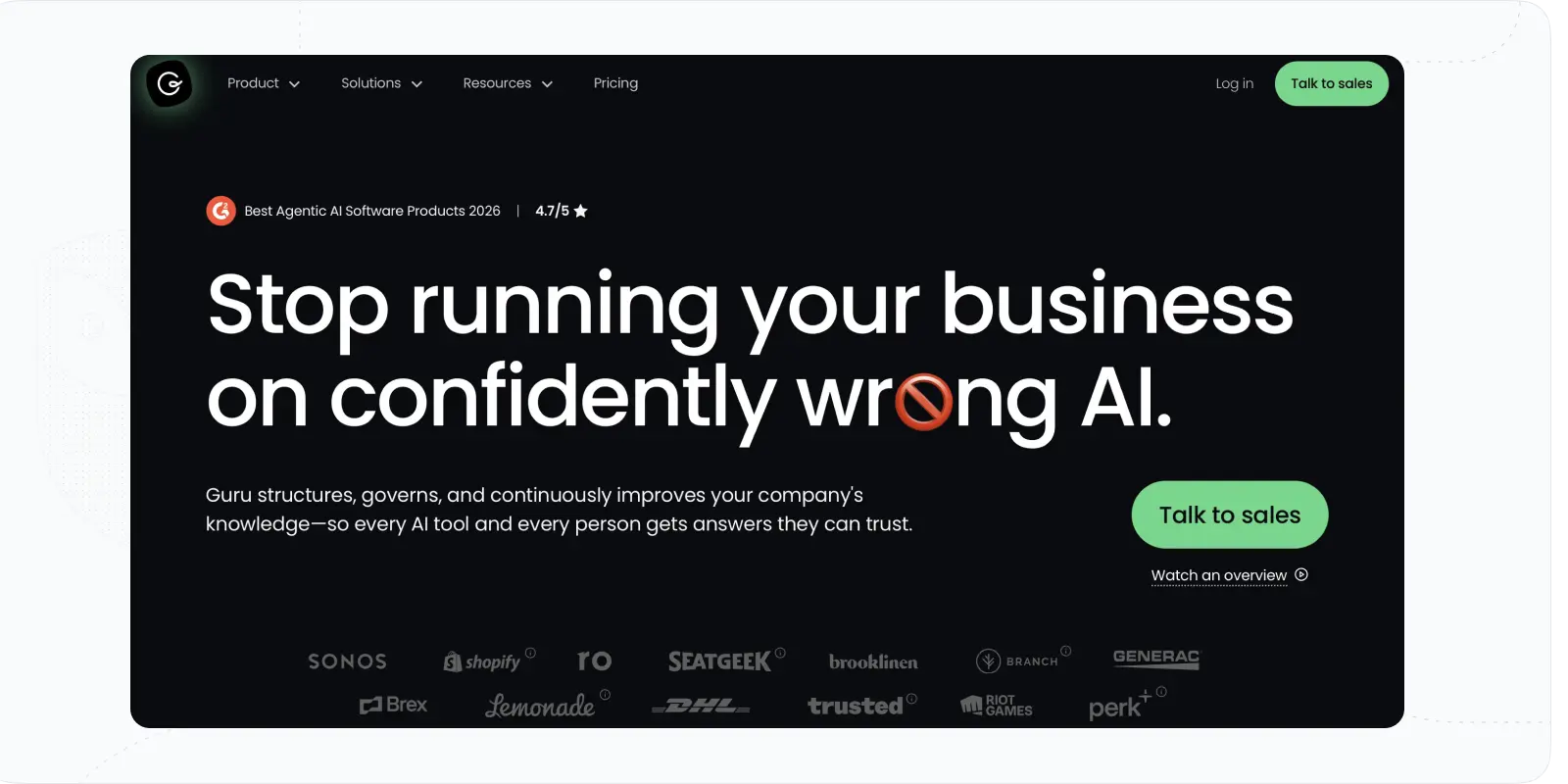
Guru appears as a supportive learning and development solution that can significantly help you with connecting knowledge for your learning programs and training. How? Guru combines powerful AI-driven search, intranet (a network for information sharing), and wiki functionalities.
With these options, you gain a centralized and unified system of materials, courses, and assessments. AI can help you answer the questions on finding any topic from connected spaces. Also, there is flexible space for creating customizable learning portals for better knowledge access and even collaboration.
In the end, Guru offers automated content verification features to add to knowledge accuracy, while knowledge triggers are perfect for getting training materials and announcements to employees.
Pricing: free trial; paid plans start around $15/mo per user (billed annually); Enterprise is available on request.
Nuclino: A Lightweight, Structured Training Wiki
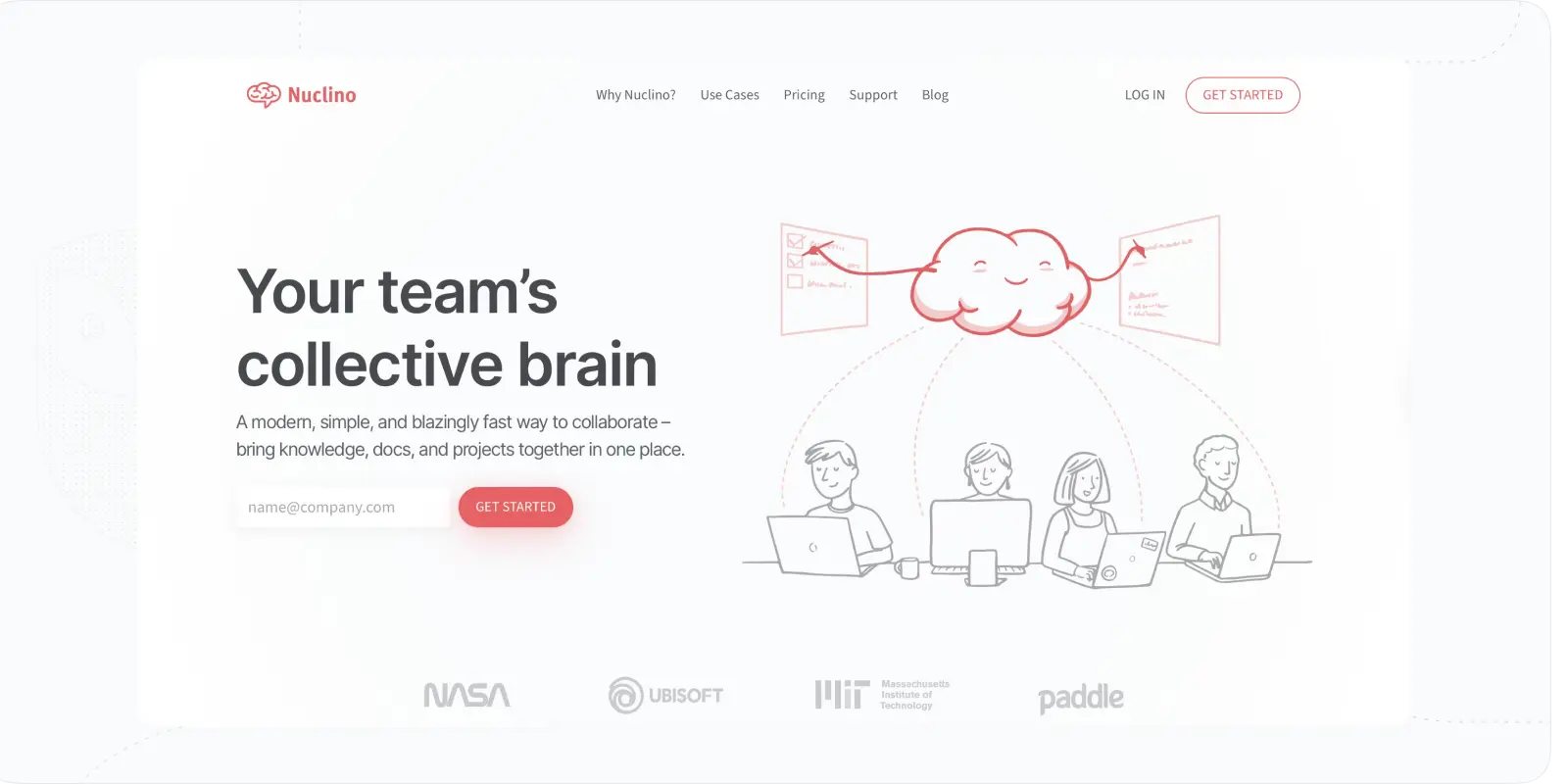
Nuclino makes it simpler to organize and share knowledge within one unified workspace or hub. Similar to Notion or Guru, the particular L&D software offers an extremely straightforward system to organize content into wikis.
Thanks to customizable spaces and collaborative features, you can set up a library of materials and have a place for notes. Besides, it offers a search feature and solid integration tools. Additionally, such options as access control and an audit log offer opportunities to monitor learning groups and see insights on knowledge sharing.
All in all, export options and versatile templates are very effective L&D needs, from making employee handbooks and engineering wikis or making portals for onboarding.
Pricing: free plan; Starter is about $6/mo per user; Business is about $12.50/mo per user (billed annually).
Learning and Development Tools for Assessment
- Aha Slides: Suitable for training events, group learning, and engagement
- iMocha: Innovative tool for skill validation
Any training program needs assignments and quizzes for learners to better retain knowledge and understand whether the learning meets the goals. Sure, you can use tools that LMSs or course software provide. Yet, sometimes, more advanced software is needed.
One clinician building out training told us the hard part isn’t giving the quiz — it’s reading it: “we’re looking at these assessments and nobody’s answering this question… we gotta go back and reevaluate.” That feedback loop only works with real learner analytics behind it.
Here are exciting options for your training events and workforce’s skill validation:
#16. AhaSlides: Live Engagement and Polling for Group Training
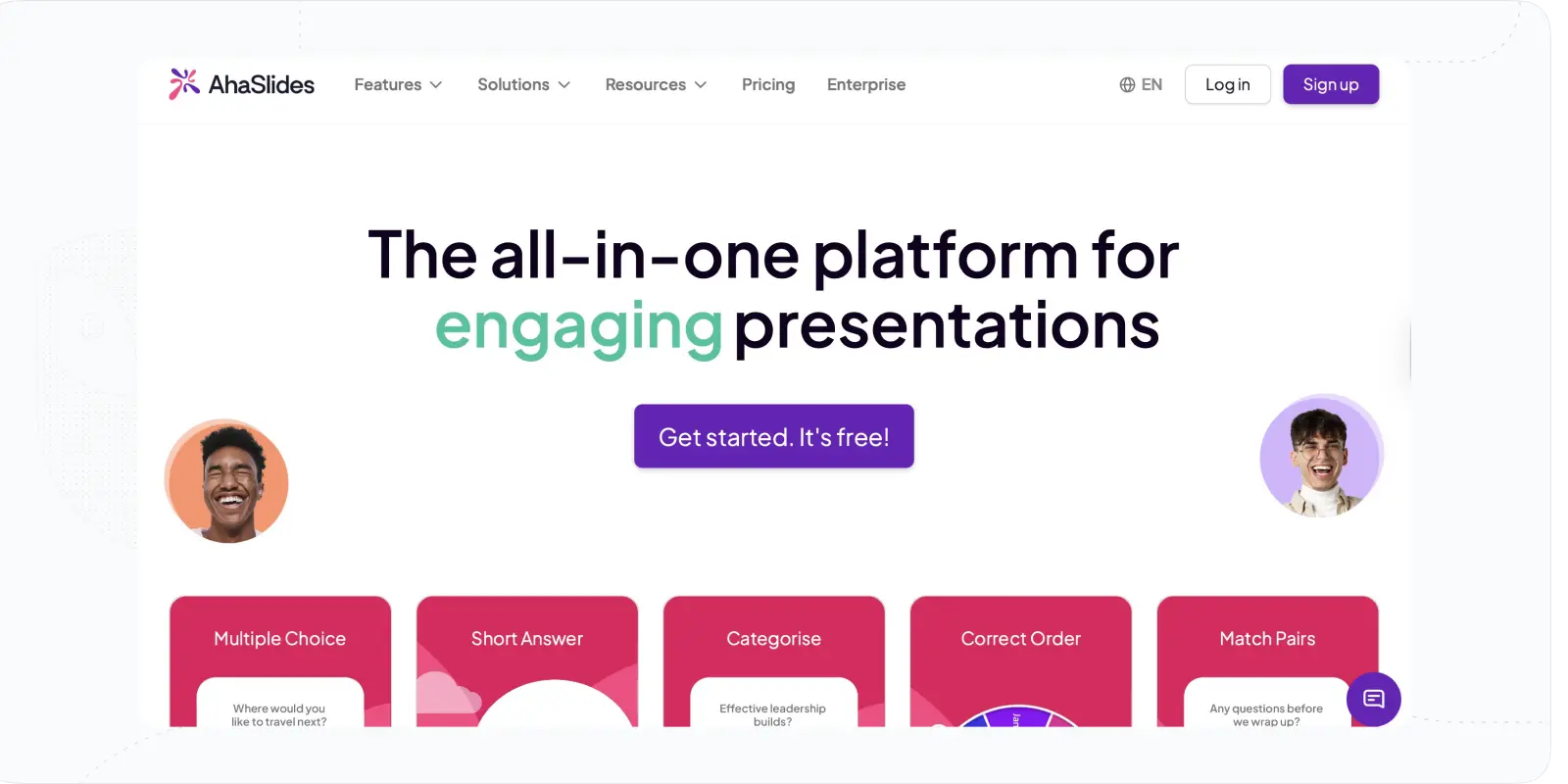
AhaSlides can be an invaluable tool for L&D departments. The reason is its emphasis on interactive learning and engagement, suitable for assessments and quizzes within community learning, group training sessions, and large learning events.
Its live polls, quizzes, and Q&A sessions promote active participation and knowledge retention. Also, it offers real-time analytics providing insights into learner engagement and comprehension.
Overall, AhaSlides enhances the effectiveness of training session events and collaborative L&D programs by fostering interactivity and engagement.
Pricing: free plan; paid plans start around $7.95/mo and run to about $15.95/mo for larger sessions (billed annually).
#17. iMocha: Skills Validation and Gap Analysis
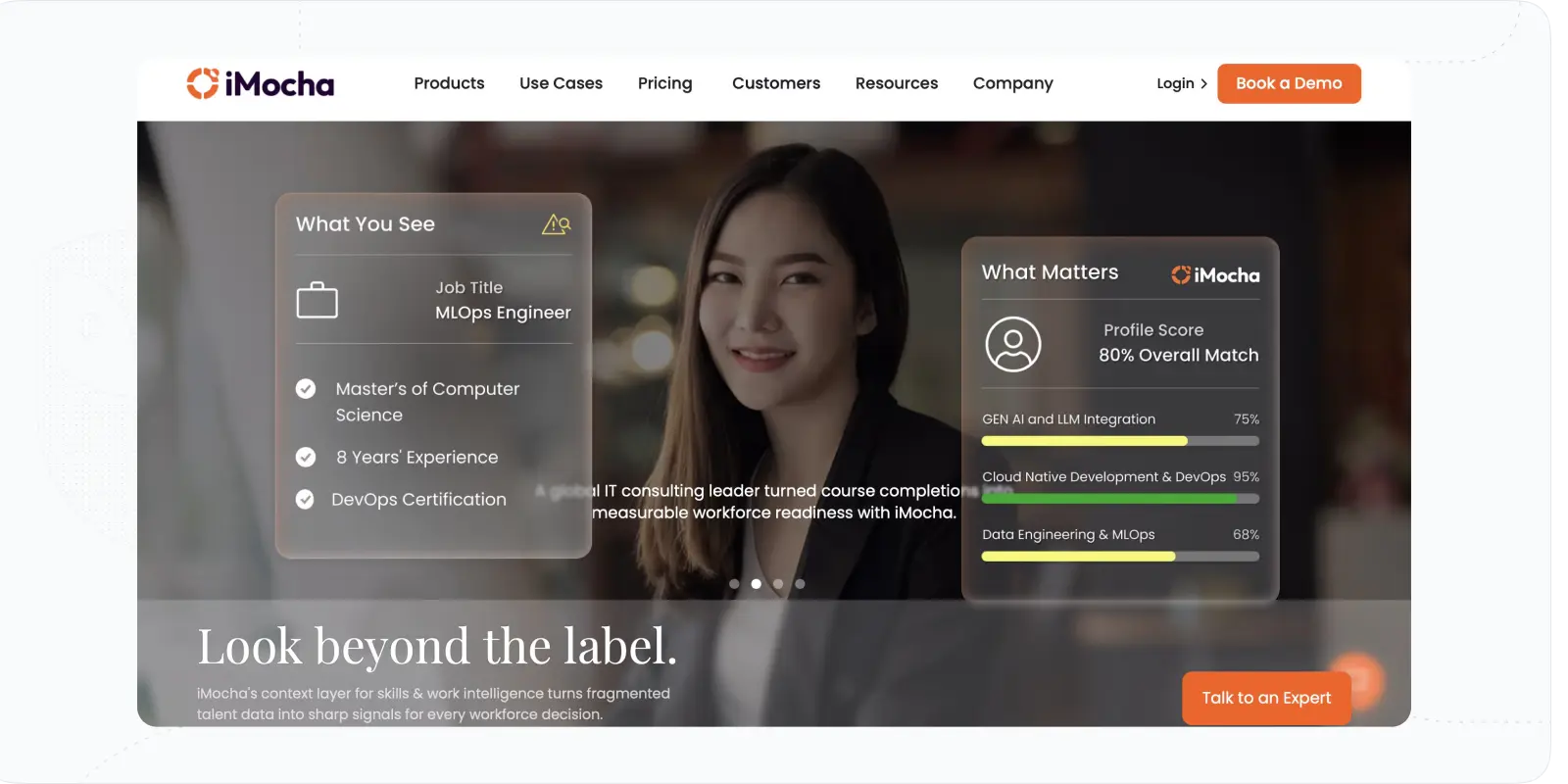
iMocha is an innovative L&D tool for skill validation, transforming training management for HR and L&D professionals in middle and large companies. It best works for the validation of skills before or after the programs to evaluate the skill gaps or evaluate the impact of the programs.
With AI-powered features like AI-LogicBox, assessment templates library, and coding simulators, it allows pretty diverse assessments. Besides, tools referring to skills taxonomy, gap analysis, and benchmarking seem to be integral for any strategy aimed at upskilling and reskilling. Finally, this L&D tool brings executive dashboards that offer actionable insights for better decision-making.
In the end, iMocha is an intelligent platform that the L&D department may need to provide specific and data-driven talent development programs.
Pricing: only available upon a demo or contact with sales.
| Tool | Type | Best for | Key capabilities |
|---|---|---|---|
| EducateMe | LMS | Mid-sized teams (50–1,000) running structured training across multiple audiences | AI Course Builder — full courses from prompt, URL, or fileAI Roleplay Coach — scored practice scenarios with rubric feedbackRule-based auto-enrollment by role, region, seniorityMulti-tenancy and white-label portals10+ reporting metrics, skill gap detection |
| 360 Learning | LMS / LXP | Mid to large orgs focused on internal expertise sharing | Learning Needs feature — peer-to-peer knowledge requestsCollaborative course creation with comment threads and forumsImage-based questions and interactive activitiesFlexible LMS/LXP hybrid |
| Docebo | LMS | Large enterprises building a data-driven learning culture | AI-powered Skills Dashboard with personalised course suggestionsContent Marketplace as built-in course providerStrong automation for enrollment and administrationGamification — badges, leaderboards, points |
| Sana Labs | LMS | Large orgs wanting fully automated, personalised learning journeys | AI agents for data management and reporting workflowsPDF-to-course with voice narration and translationSmart enrollment with auto-rules and triggersReal-time analytics and custom dashboards |
| iSpring Suite | Authoring | Teams building PowerPoint-based courses and scenario simulations | PowerPoint-native editor with SCORM exportAnimated characters for role-play scenariosQuiz builder with 14 question typesVideo and screencast editor for guides and tutorials |
| Articulate 360 | Authoring | L&D teams wanting easy-to-use authoring with rich asset libraries | Rise and Storyline editors with SCORM support12M+ course assets — multimedia, templates, interactionsOn-demand training access for employeesOnline stakeholder review with slide-level comments |
| Adobe Captivate | Authoring | Advanced programs with high interactivity, simulations, and multimedia | Screen recordings and software simulationsNative audio editing and closed captionsInteractive components, bookmarks, and overlay slidesSCORM-compliant output with animation and gamification |
Conclusion: Picking the Best Training and Development Tools
Learning and development tools play a pivotal role in bringing order, aiding in course creation, and fostering engagement with learners. From learning management systems (LMSs) to assessment tools, each type of L&D software serves a certain purpose and helps to answer organizational goals and needs.
There, you should consider the tools that will add to your strategy and allow better opportunities for your program development.
If you are looking for a flexible LMS, you should choose EducateMe, offering powerful management and collaboration tools. Try it or schedule a demo to know whether it will fit your organization.
- On the other hand, there are decent 360 Learning and Docebo that have great tools for skill development.
- Concerning content authoring L&D tools, iSpring Suite is ideal for PowerPoint users and scenario-based learning, Articulate 360 offers ease of use and a variety of tools, while Adobe Captivate is the best option for advanced L&D learning programs.
- To support your courses, you can resort to online course providers like LinkedIn Learning and Udemy Business offering vast libraries of courses tailored to organizational needs.
- Learning development software like Confluence, Loom, and Notion support knowledge sharing, collaboration, and content provision within organizations.
- For assessment purposes, platforms such as AhaSlides and iMocha bring interactive learning experiences and skill validation, enhancing the effectiveness of training programs.
Frequently asked questions
Fewer than most vendors suggest. Start with one core platform (increasingly an AI-native LMS or LXP) then add tools only where it leaves a real gap. A common working stack is a central LMS, an authoring tool for polished content, a knowledge base for reference material, and an assessment tool for skill validation. Adding tools you won't fully use just creates admin overhead and disconnected data. And don't buy a tool for its AI badge alone: map your actual training workflow first, then buy against the gaps.
It depends on your priorities. Consolidating into one platform keeps data connected, reduces admin, and simplifies the learner experience — worth it when your needs are fairly standard, and AI-native platforms are now pulling more of the stack (authoring, coaching, analytics) into one place. Best-of-breed separate tools win when you need depth a single platform can't match, like advanced video production or specialized assessment. The tradeoff is integration work and scattered reporting. Many mid-market teams lean toward consolidation. EducateMe, for example, folds course creation, AI role-play coaching, and analytics into one system to cut that tool sprawl.
Budget by learner and by function, not a flat figure. Core platform pricing ranges widely — some LMS and authoring tools publish per-user rates, while enterprise systems run quote-based into five or six figures annually. Add content library subscriptions, authoring licenses per creator, and any course-provider seats on top. Note that the newer AI capabilities often sit in higher tiers, so price the plan that actually includes what you need. A practical approach: price your core platform first, then allocate a separate line for supplementary tools, and watch for per-author and per-seat fees that scale faster than headcount.
Tie learning activity to business outcomes, not just course completions. Track leading indicators (completion rates, engagement, assessment scores) then connect them to results like retention, faster ramp time, fewer compliance gaps, or improved performance. As one L&D lead told us, the point isn't running the assessment, it's reading it: spotting the questions nobody gets right and fixing the content. That feedback loop needs proper learner analytics behind it. Skill-gap analysis before and after a program shows real capability change, and the clearest ROI picture emerges over a full year, comparing program cost against measurable improvement. EducateMe surfaces completion and skill-gap data across 10+ metrics to support exactly this kind of tracking — book a demo to see it applied to your goals.