
10 Best Trainual Alternatives to Try in 2026

By Sofia KondratSofia KondratCorporate Training Expert & Content EditorHey there! I’m Sofi Kondrat, your go-to corporate training advisor here at EducateMe. I’ve been navigating the highs…Read more
Corporate Training Expert & Content Editor
12 min read
I've spoken with teams that used Trainual for over a couple of years before finally calling it. The breaking point is almost never cost. It's usually a UI change that disrupts a workflow people had quietly relied on, or a feature gap that only becomes visible when your training needs scale past "SOP library with a quiz at the end."
One of our customers switched after Trainual removed the side-panel module view. New hires stopped seeing the full course outline, started double-clicking past screens, and missed required onboarding documents. She'd catch it weeks later: payroll forms not submitted, compliance modules skipped. After years on the platform, one UI update was enough.
That's the pattern. Trainual works well for small teams who need clean SOP documentation and basic quizzes. When you need sequential course navigation, real analytics, multi-audience delivery, or anything AI-powered beyond text generation — you start looking.
Here's where I'd look.
Why Teams Look for Trainual Alternatives
Based on Trainual G2 reviews and what I hear in demos, the most common friction points are:
- Rigid organisation. Trainual's folder structure doesn't behave like a true LMS. Content that belongs in multiple paths has to be duplicated or manually linked.
- Limited customisation. Formatting options are narrow, and branded learner experiences aren't really possible.
- Navigation changes. The 2025 UI update removed the sidebar view that let learners see everything inside a module at once. For structured onboarding, this is a serious problem.
- Weak analytics. Completion tracking exists, but cohort-level data, drop-off analysis, and certification reporting require exports.
- Cost at scale. Seat-based pricing climbs quickly as you add external audiences (customers, partners) that never needed a full Trainual seat.
How I Chose These Alternatives
I focused on platforms that do at least one of these things meaningfully better than Trainual:
- Structured learning paths with proper sequential navigation
- Multi-audience delivery (employees, customers, partners) under one account
- Real automation — rule-based enrollments, reminders, certification workflows
- AI features that are actually built in, not cosmetic add-ons
- Analytics beyond basic completion rates
EducateMe – Best Trainual Alternative for Corporate Training
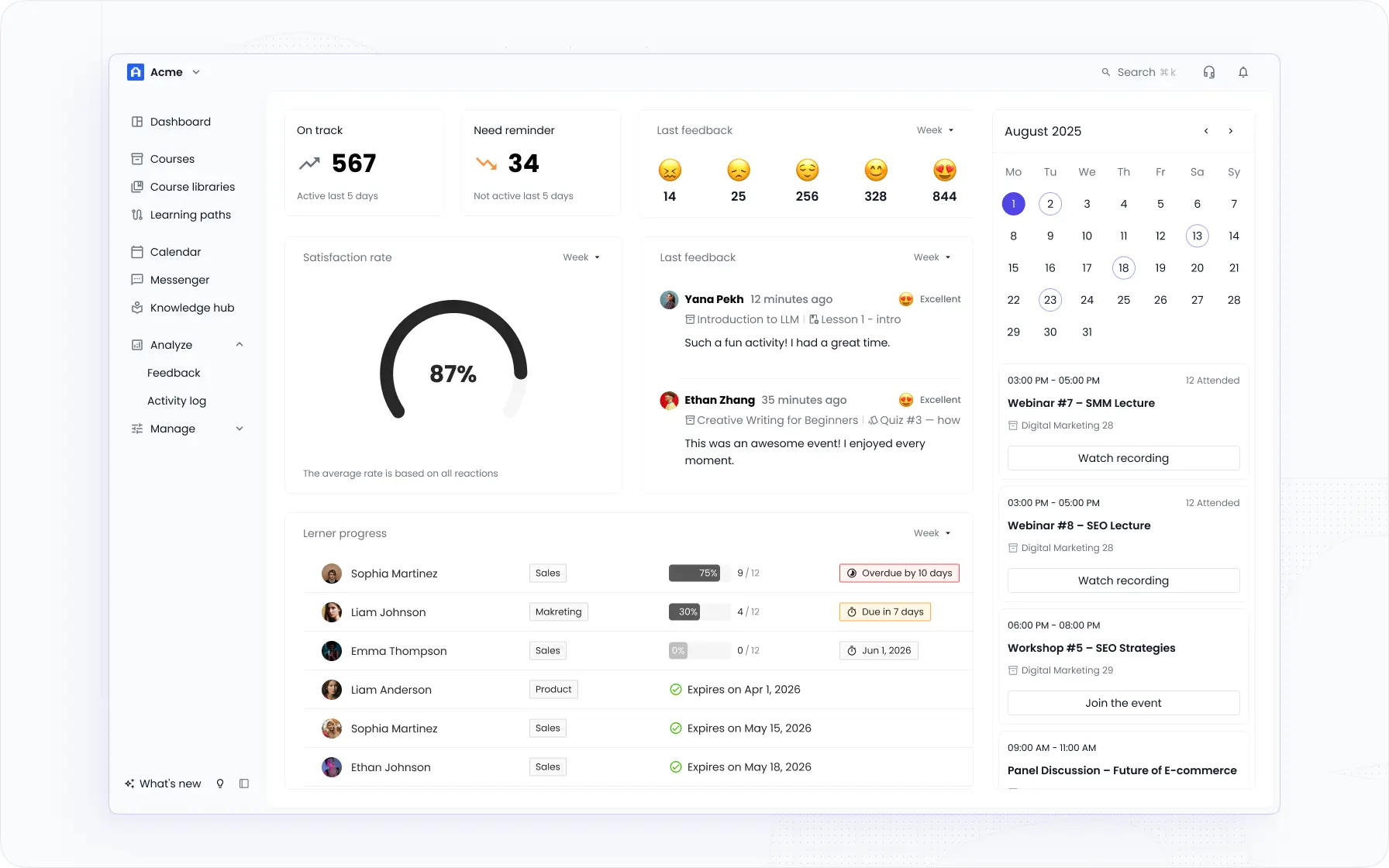
EducateMe is an AI corporate training platform I'd recommend to most teams switching from Trainual — particularly if you're running structured employee onboarding, compliance, or sales training across multiple audiences.
Trainual's 2025 update removed the sidebar that showed learners the full module outline at a glance. Without it, new hires scroll through content linearly, miss steps, and skip required documents, often without realising it. EducateMe displays a persistent course outline alongside lesson content, so learners always see where they are, what's ahead, and what's required. One of our customers caught the difference immediately: her team had been missing payroll forms and compliance modules for weeks before she traced it back to the navigation change.
Best for: SMBs and mid-market teams (50–1,000 employees) running structured onboarding and upskilling training. Particularly strong for healthcare and real estate companies with high employee turnover.
What I'd highlight beyond navigation
- AI course builder. Generate a full course from a prompt, PDF, URL, or file upload. Our data shows 3x faster course creation vs. building manually.
- Rule-based automation. Auto-enroll by role, seniority, or region; trigger reminders; issue certificates on completion. No manual chasing.
- Analytics. Drop-off rates, completion velocity, activity logs, per-manager dashboards. Not just "who finished.
- Transparent pricing. EducateMe publishes its pricing openly — Pro at $239/mo, Premium at $399/mo, Scale at $999/mo, with a 14-day free trial available. No sales call required to find out what you'll pay.
- Customised paths for different teams. Tailor training for every department using flexible role management and a tagging system, so a new sales hire and a new ops hire get a completely different experience, without building separate platforms for each team.
Honest limitations: No native iOS/Android app — the platform is mobile-responsive, but if your learners need offline access on a phone, that's a real gap. Gamification (leaderboards, points, badges) is also lighter than some competitors.
TalentLMS – Best for SMB Simplicity
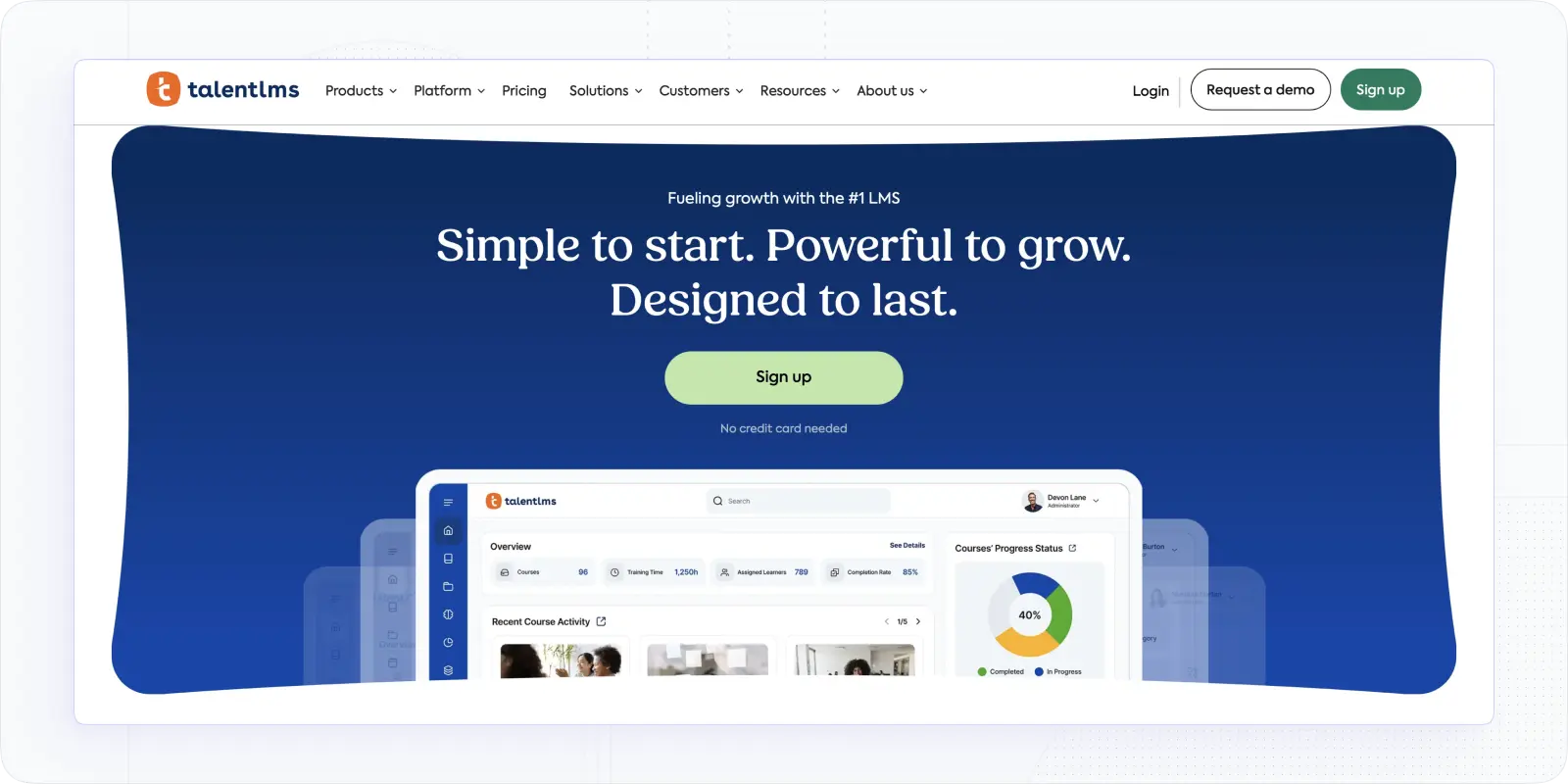
TalentLMS is the platform I'd suggest if your main requirement is "get something running fast with minimal admin overhead." Courses, SCORM, gamification, ILT sessions, and branches for user segmentation — all present, all configured quickly.
The built-in gamification (points, leaderboards, badges) gives it a clear edge over Trainual for teams where engagement metrics matter. The mobile experience is solid. For small teams that don't need multi-portal architecture or advanced automation, it's a sensible step up.
Best for: SMBs wanting fast rollout and solid learner engagement basics.
The part that usually wins the demo
- Gamification built in. Points, leaderboards, and badges are native, not add-ons; useful for teams where completion motivation is a real problem
- Branch structure. Segment users by department, role, or region into separate sub-portals under one account
- SCORM + ILT support. Upload existing SCORM packages and schedule instructor-led sessions alongside self-paced modules
- Automation rules. Handle enrollments and reminders automatically so managers aren't chasing completions manually
- Mobile experience. Solid native app for learners on the go, which covers a gap Trainual never addressed well
Limitations: Deep branding requires paid add-ons. Advanced analytics typically mean exporting to a BI tool. The branch structure can feel linear if you're managing more than two audience types.
Pricing: Free plan; paid tiers from $149/month (monthly billing).
360Learning – Best for Collaborative & Blended Learning
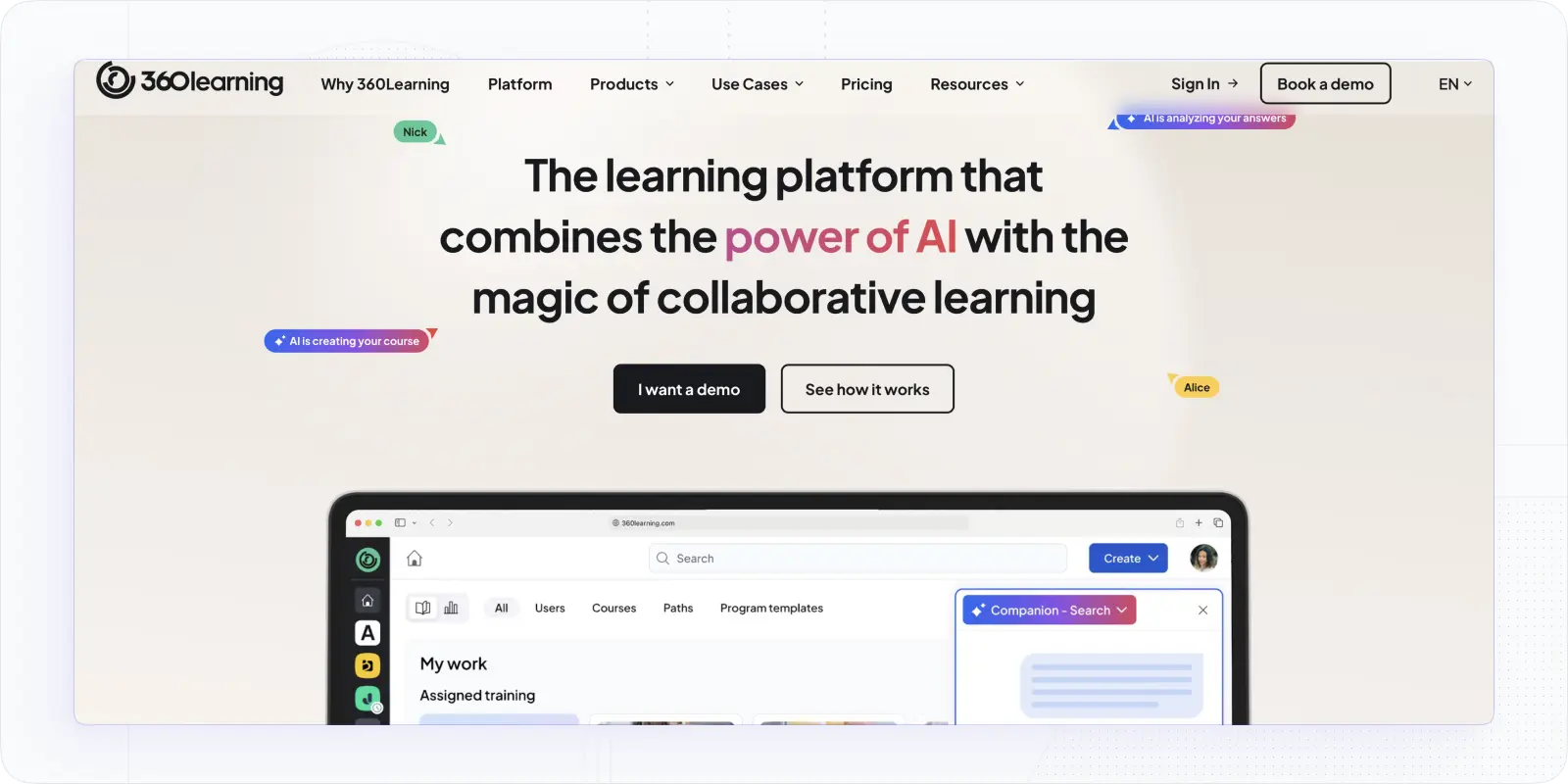
360Learning model is built around internal expertise. Subject matter experts create courses, learners comment and react, admins see contribution analytics. It's a social loop that keeps content current without a central L&D team doing all the heavy lifting.
Blended learning paths that weave live sessions with self-paced modules are a genuine strength, not an afterthought. If peer learning and distributed content creation are central to your training culture, this is worth a close look.
Best for: Distributed teams where peer learning and blended programmes are core strategy.
Beyond the basics, here's what stands out
- Collaborative authoring. SMEs build bite-sized courses with inline feedback; learners comment, react, and ask questions directly inside modules
- Contribution analytics. See which internal experts and which lessons actually drive outcomes, not just which ones were completed
- Blended learning paths. Weave live sessions with self-paced modules in one sequential path, with proper scheduling and attendance tracking
- Built-in gamification. Maintains momentum across longer programmes without requiring a separate engagement layer
- Content iteration tools. Admins can curate, update, and retire content so the catalogue doesn't accumulate outdated material
Limitations: Enterprise roll-ups often require BI integration. SCORM import is fine, but native authoring is where the platform shines — if your team prefers to upload existing SCORM packages and move on, some of the value is lost.
Pricing: Team plan ~$8/user/month (≤100); business/custom tiers available.
LearnUpon — Best for Mid-Market Teams Scaling Beyond Trainual
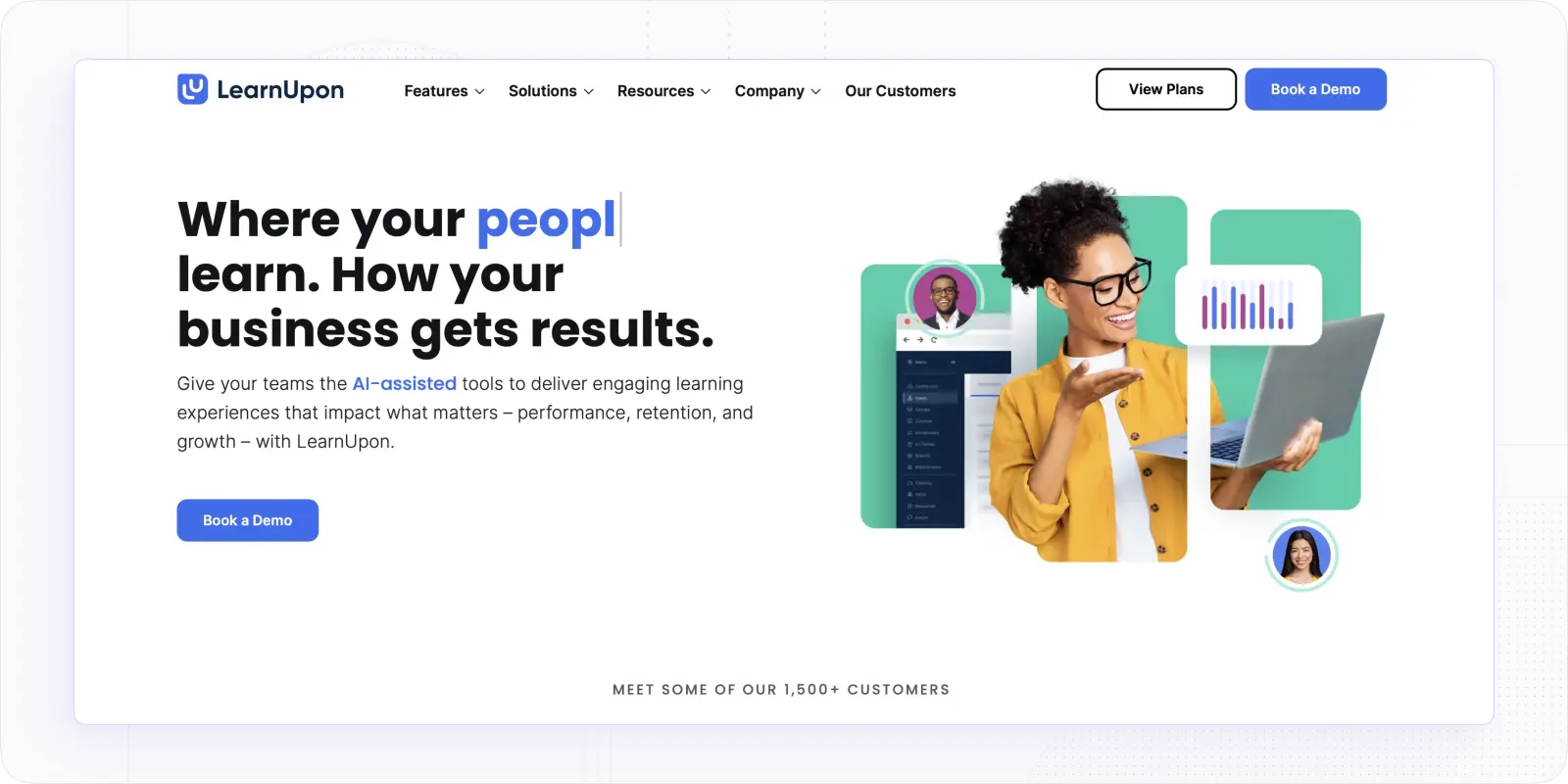
LearnUpon is an LMS built for organisations that have outgrown basic SOP tools and need a structured, reliable platform for employee, partner, and customer training, without the complexity of enterprise-tier systems like Docebo or Cornerstone.
The comparison to Trainual is direct: more than 1,500 businesses use LearnUpon, including Zendesk, BambooHR, and Gusto — teams that need training to actually connect to business operations, not just document them.
The most significant recent development: LearnUpon launched Create+ in March 2026, bringing AI-native content authoring directly into the platform following their acquisition of Courseau. Create+ converts existing materials (PDFs, documents, videos, and links)_ into structured, interactive learning modules in minutes. This directly closes the content creation gap that makes switching from Trainual feel daunting.
Best for: Mid-market teams (150–1,000 employees) running structured training across employees, partners, or customers who need a reliable, well-supported platform with a growing AI layer.
Why teams switching from Trainual land here
- Create+ AI authoring. Converts internal expertise into structured, research-backed learning content at up to 50 times the speed of traditional development; upload existing Trainual documents and generate structured courses directly, no rebuilding from scratch.;
- Learning Journeys — automates and personalises learning at scale; assign multi-step learning programmes that progress automatically based on completion, role, or milestone — something Trainual's linear SOP structure can't replicate.
- Multi-audience portals — run separate training environments for employees, partners, and customers under one account, each with its own branding and catalogue; Trainual is built for internal teams only.
- SCORM and xAPI support — upload content built in Articulate, Rise, or any compliant authoring tool; all completion and attempt data tracked within the platform.
- Reporting and analytics — cohort-level completion data, engagement trends, and exportable reports; a meaningful step up from Trainual's basic tracking.
Honest limitations: LearnUpon primarily supports mid-sized companies with over 400 employees — smaller teams may find the platform more powerful and more expensive than they actually need. AI features via Create+ are separately priced — worth confirming what's included in your tier before signing. No self-serve free trial; you need a demo conversation to get started.
Pricing: Plans start at $18,000 USD annually. Custom quotes required; confirm Create+ inclusion with their sales team.
WorkRamp — Best for Sales & Customer Enablement
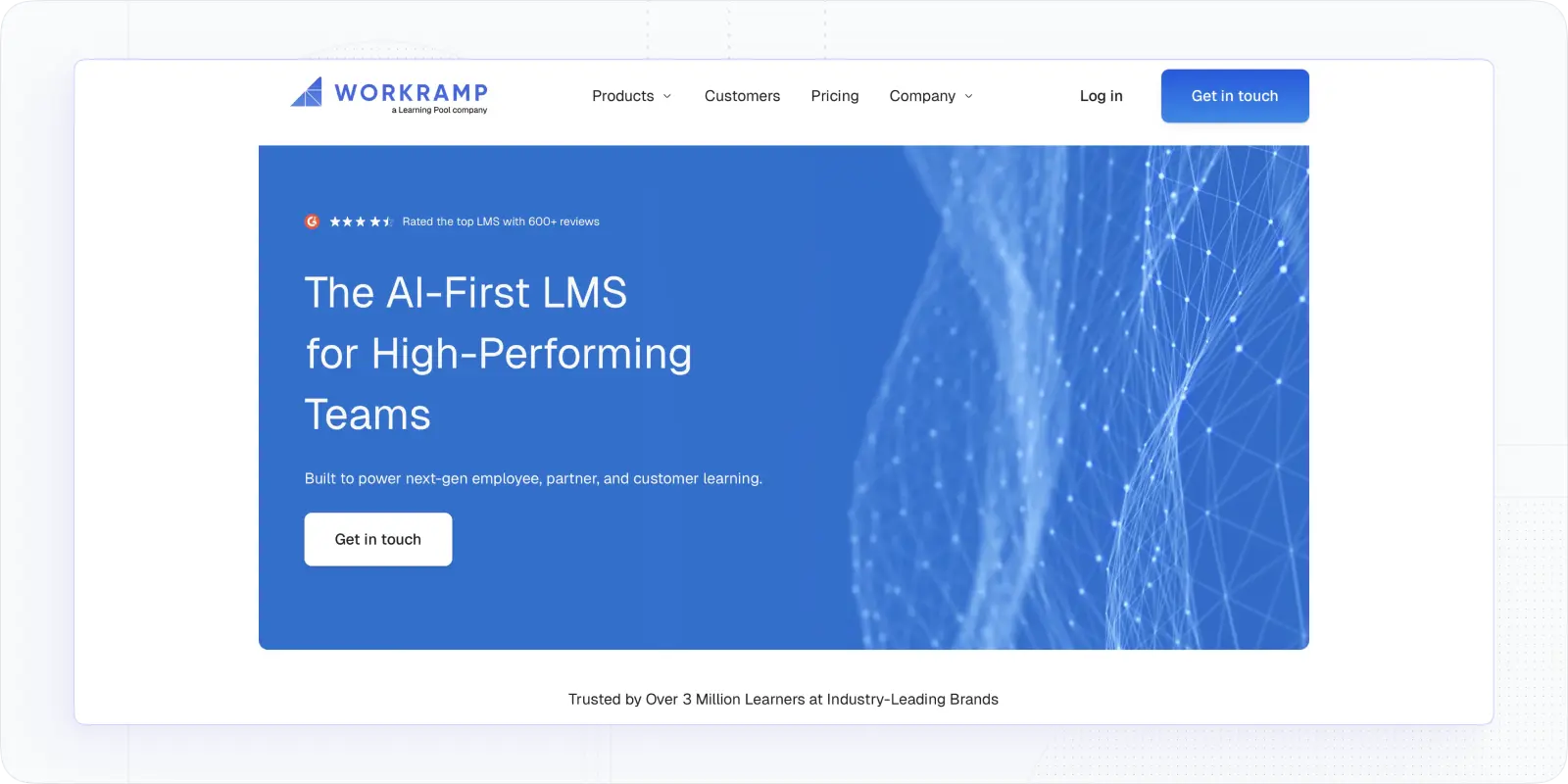
WorkRamp's Learning Cloud brings employee, customer, and partner training into one platform with a modern authoring interface, certification workflows, and strong analytics. AI-assisted course creation, AI Reviewers for scalable assessments, and an Analytics Studio round out a platform that's built specifically for revenue and customer-success use cases.
It's a good fit for teams running enablement, onboarding, and customer academies in parallel — the unified hub removes the tool-juggling that happens when you try to run customer training out of an employee LMS.
Best for: Revenue enablement and CS teams that need one LMS for internal training and external academies.
What makes it worth the switch
- AI-assisted course creation. Generate course outlines and content from existing enablement material, reducing time from sales update to published training
- AI Reviewers. Scalable assessment at volume; AI evaluates open-ended responses and roleplay submissions against defined criteria, so managers aren't manually reviewing every rep
- Analytics Studio. Connects training completion and assessment data to business outcomes; useful for proving enablement ROI to revenue leadership
- Unified audience management. Run internal enablement, customer onboarding academies, and partner certification under one admin account with separate branded experiences
- Blended programme support. Schedule live coaching sessions alongside self-paced modules in one learning path
Limitations: Pricing is opaque and varies significantly by use case. The broad feature set requires admin enablement to realise its value — this isn't a quick-start platform.
Pricing: Custom; third-party data suggests median around $18k/year.
Docebo – Best for AI-Powered Personalisation at Scale
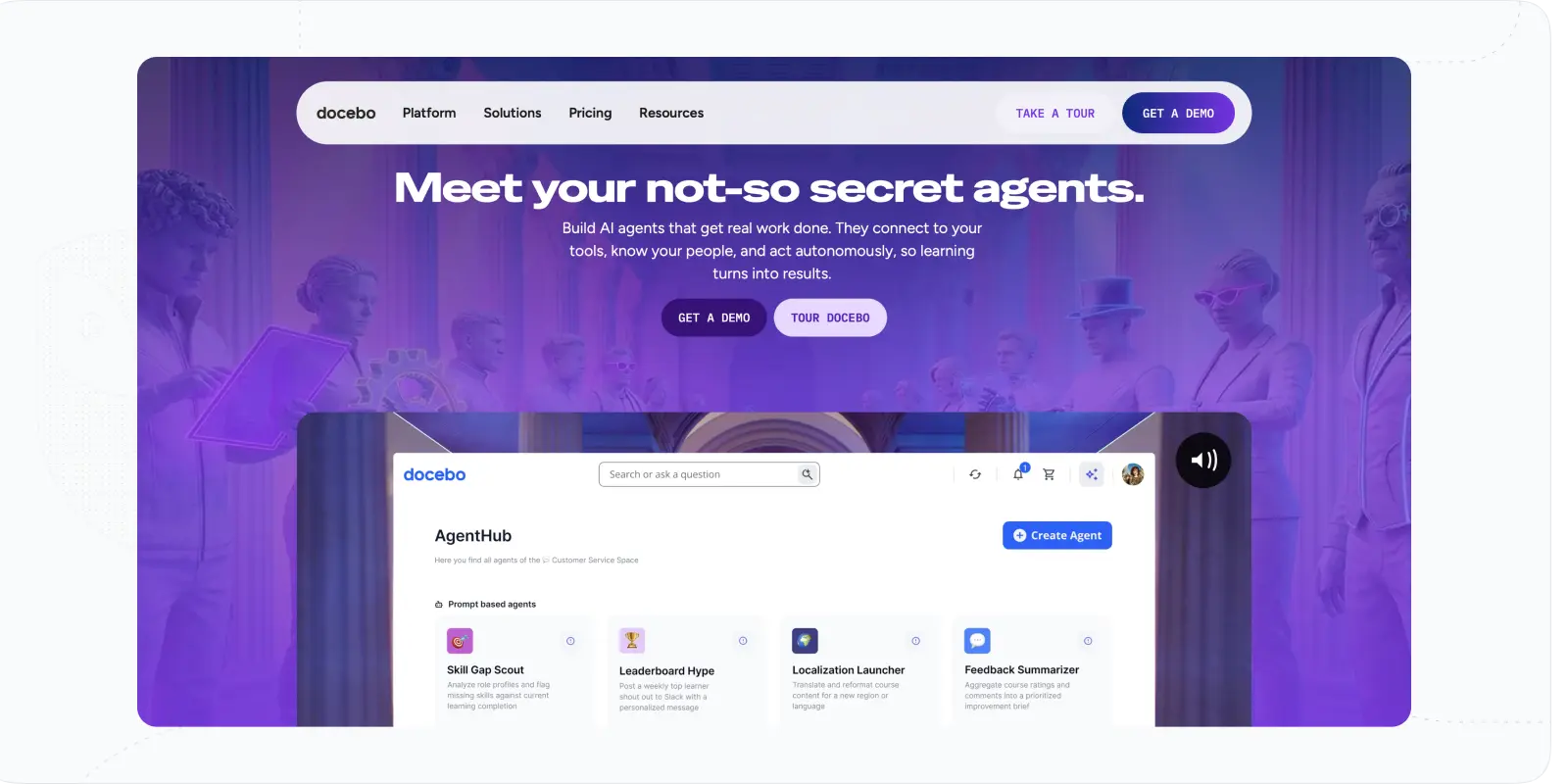
Docebo layers AI across curation and delivery: auto-tagging content, mapping skills, and recommending learning so catalogs stay relevant with less manual effort. A modular ecosystem lets you add extended enterprise, marketplaces, and more without re-platforming. Robust APIs/SSO and data connectors move training signals into HRIS/CRM/analytics for lifecycle automation.
Global features (languages, hierarchies, localization) support international scale. While configuration breadth can feel heavy, it pays off in personalization and governance. For organizations seeking to operationalize learning at scale, Docebo brings future-ready depth.
Best for: Medium to large enterprises prioritising AI-driven personalisation, skills architecture, and long-term platform extensibility across complex global programmes.
Where it actually pulls ahead
- AI content tagging and recommendations. Automatically tags uploaded content and maps it to skill profiles, then recommends learning to individuals based on gaps; reduces the manual curation work that kills L&D team capacity at scale
- Skills architecture. Build a skills framework and track individual and team competency over time, not just course completion
- Modular ecosystem. Add extended enterprise features, content marketplaces, and integrations without re-platforming as needs evolve
- Global readiness. Multi-language support, regional content hierarchies, and localisation tools built for international training programmes
- Robust API and data connectors. Training signals move into HRIS, CRM, and analytics platforms for lifecycle automation and workforce planning
Honest limitations: Configuration breadth can overwhelm L&D teams without dedicated admin capacity — this is not a platform you configure in an afternoon. Costs stack quickly as modules are added. Heavy branding and layout customisation often requires developer involvement.
Pricing: Custom quotes; many buyers report starting around ~$25k/year.
Disprz — Best for Frontline & Skills Development
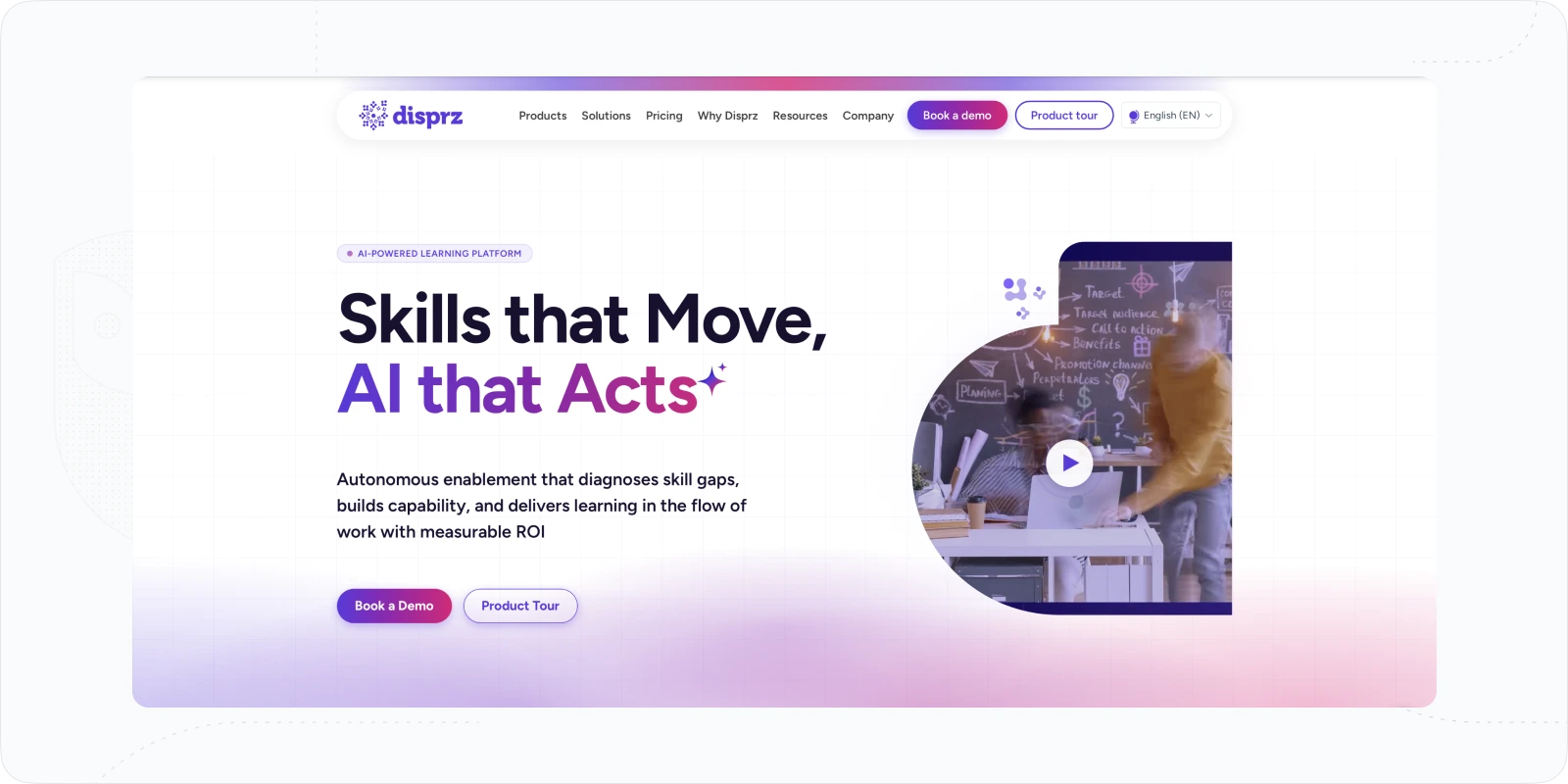
Disprz is an AI-powered platform that combines LMS, LXP, and skills intelligence into one system, built specifically for large, distributed workforces where role-based skill mapping and frontline enablement matter as much as course completion rates.
Best for: Mid-market teams in industries like retail, BFSI, and manufacturing that need to train distributed or frontline workforces at scale with genuine skills intelligence, not just completion tracking.
Why teams switching from Trainual land here
- AI skills taxonomy. Maps every job role to a defined skill profile, identifies individual gaps against that profile, and automatically recommends learning to close them; removes the manual work of deciding who needs what
- Frontline enablement module. Mobile-first, multilingual delivery designed for deskless workers; includes QR-based attendance tracking, on-the-job training workflows, and KPI-linked coaching that most LMS platforms don't attempt
- AI content authoring. Generate learning content from existing materials or from scratch; the platform auto-tags content to skills so it surfaces in the right learner's path without admin intervention
- Proctored assessments. Built-in exam integrity tools for compliance and certification programmes that require verified completions
- Analytics linked to business outcomes. Tracks skill development over time and connects training completion to performance metrics, not just course completion rates
Honest limitations: The platform skews heavily toward enterprise — the majority of verified reviews come from large organisations, and the setup reflects that complexity. Mid-sized teams without a dedicated LMS admin will find the configuration involved. Pricing is not published and requires a sales conversation. Support quality has been flagged in some reviews as inconsistent outside core markets.
Pricing: Confirm directly with their sales team.
Absorb LMS – Best for Enterprise Automation & External Training
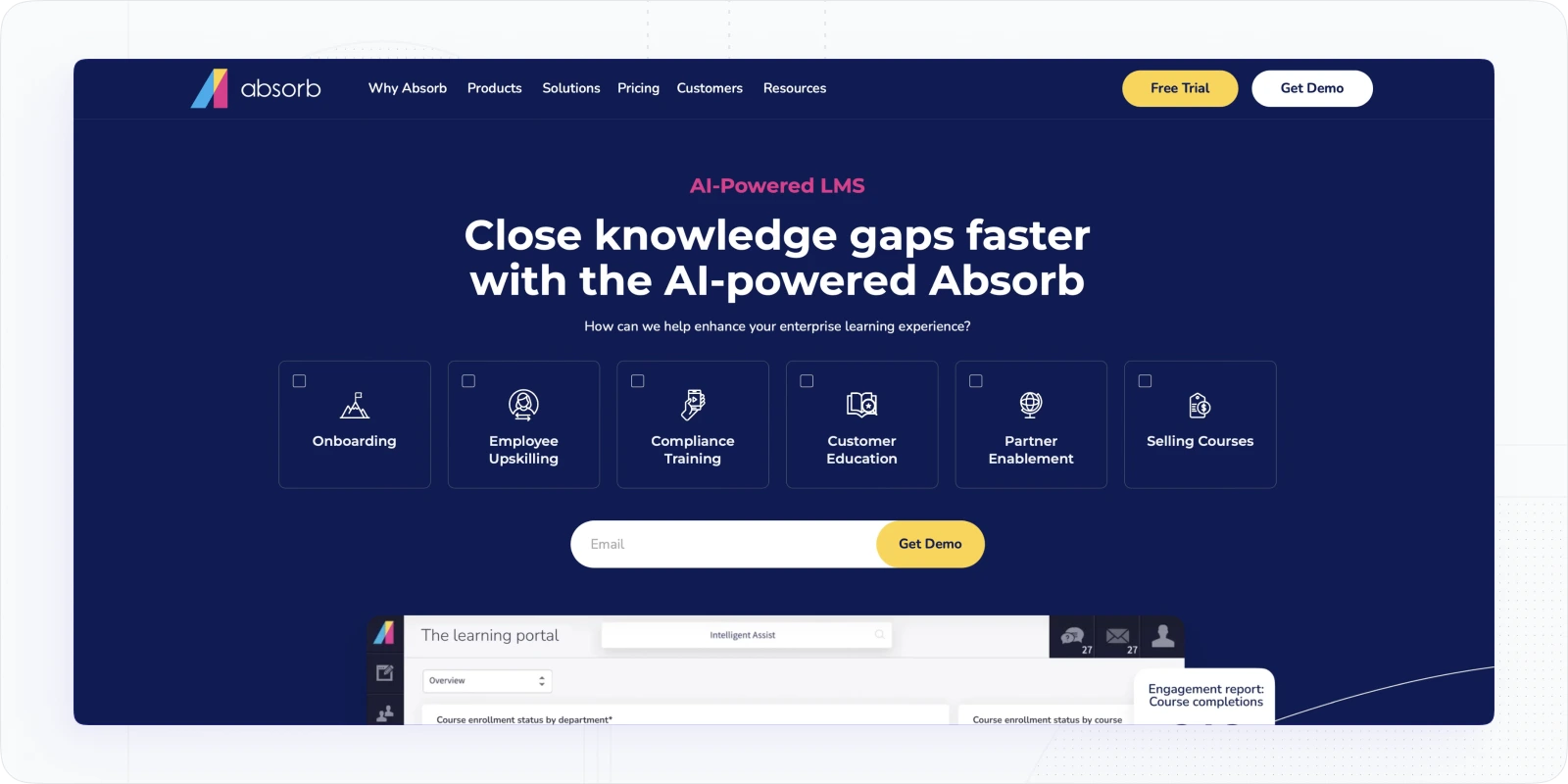
Absorb blends a polished learner UI with enterprise-grade automation and optional e-commerce, making it strong for both internal and customer training. Smart enrollment rules, observation checklists, surveys, and certificates support skill validation, while multi-portal branding serves different audiences cleanly. Native iOS/Android apps keep mobile learners engaged.
Admin tools are comprehensive, with optional BI dashboards for deeper analysis. It’s capable without being fussy, though initial setup takes planning to realize its breadth. For organizations monetizing content or running at a large scale, Absorb reduces tool sprawl.
Best for: Enterprises that train employees and educating/selling to customers.
Why choose Absorb
- Smart enrollment rules. Automate assignments based on role, department, location, or custom attributes; reduces admin hours for large-scale programmes significantly
- Multi-portal branding. Separate branded learner environments for employees, customers, and partners, each with its own URL, logo, and content catalogue
- Native iOS/Android apps. Full mobile experience including offline access; one of the clearest differentiators for field teams or learners in low-connectivity environments
- Observation checklists and certificates. Supports skill validation beyond quiz completion; useful for compliance programmes that require observed performance sign-off
- Optional BI dashboard. Deeper analytics than most LMS platforms offer natively, including cross-programme reporting and custom metric tracking
Honest limitations: The advanced analytics module is paid separately, which adds cost for teams that need it. Initial setup requires planning to realise the platform's full capability — don't expect to be live in a week. Enterprise pricing may not be justified for teams under 500 users.
Pricing: Contact sales; typical first-year totals vary widely (often $20k+).
SAP Litmos – Best for Fast Global Rollouts & Compliance Kits
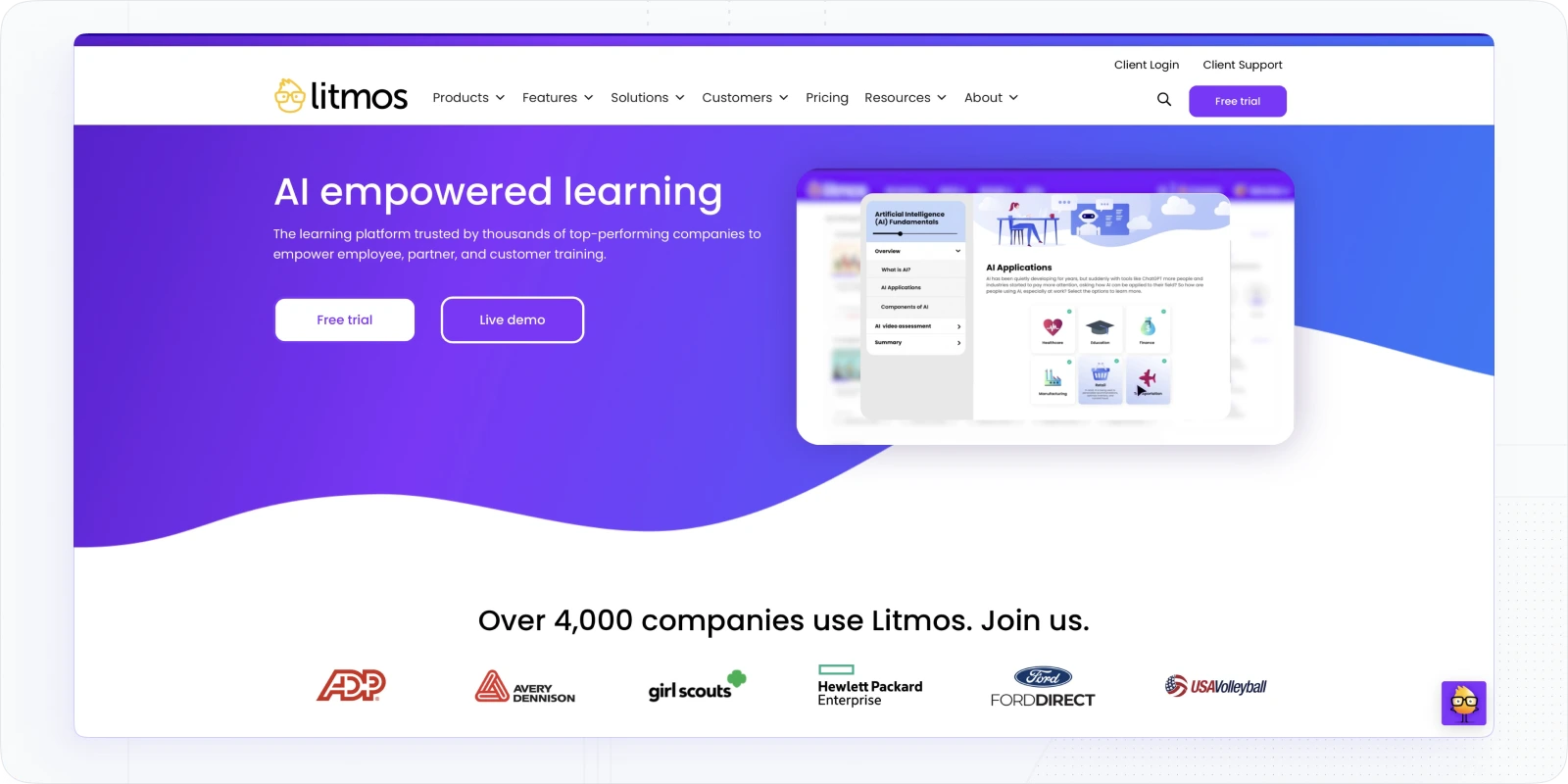
SAP Litmos emphasizes speed and scale. An out-of-the-box course library accelerates compliance and soft-skills rollouts, while straightforward UI and automation drive on-time completion. SSO and integrations align identity and data with your stack. Mobile/offline access maintains continuity for field teams.
Global readiness (languages and deployment patterns) helps enterprises standardize quickly. Analytics cover essentials; deeper BI can be layered via exports. For organizations that need production-ready training yesterday, Litmos is a proven path to consistent delivery across regions.
Best for: Mid organisations that need fast, consistent compliance and skills training deployed across distributed teams or multiple global locations, particularly where SAP integration is already part of the stack.
What I'd tell a colleague evaluating this
- Out-of-the-box content library. Hundreds of ready-made courses covering compliance, soft skills, and technical topics; LaborMAX Staffing used it to train staff across 132 locations, utilising over 3,000 courses and saving $192k in costs — it's built for decentralised delivery at volume
- AI video assessment. AI-driven feedback on video uploads for soft skill development; learners record themselves, the platform scores the response against defined criteria without a manager reviewing every submission
- AI assistant and content recommendations. AI for content creation assistance, recommendations, text search, and intelligent reporting; reduces the admin work of keeping learning catalogues relevant
- Automation rules. Assign learners to courses automatically based on job roles; reminders and scheduled reports run without manual intervention
- SAP ecosystem integration. Native connections to SAP HRIS and a wide integration library including Salesforce, Okta, BambooHR, and Articulate; useful for enterprises already in the SAP stack
Honest limitations: Some reviewers find Litmos expensive, especially as features are added, and dislike unclear pricing — the custom quote model makes budget conversations harder than they need to be. Users highlight limitations in reporting flexibility, so teams with complex analytics requirements often end up exporting data to a separate BI tool. Branding customisation requires basic CSS/HTML knowledge rather than a point-and-click interface.
Pricing: Typically starts around $6–$10 per user/month depending on volume and content licensing; three tiers (Foundation, Platinum, Platinum AI) with custom quotes required. A 14-day free trial is available.
iSpring Learn – Best for Rapid Authoring & Compliance
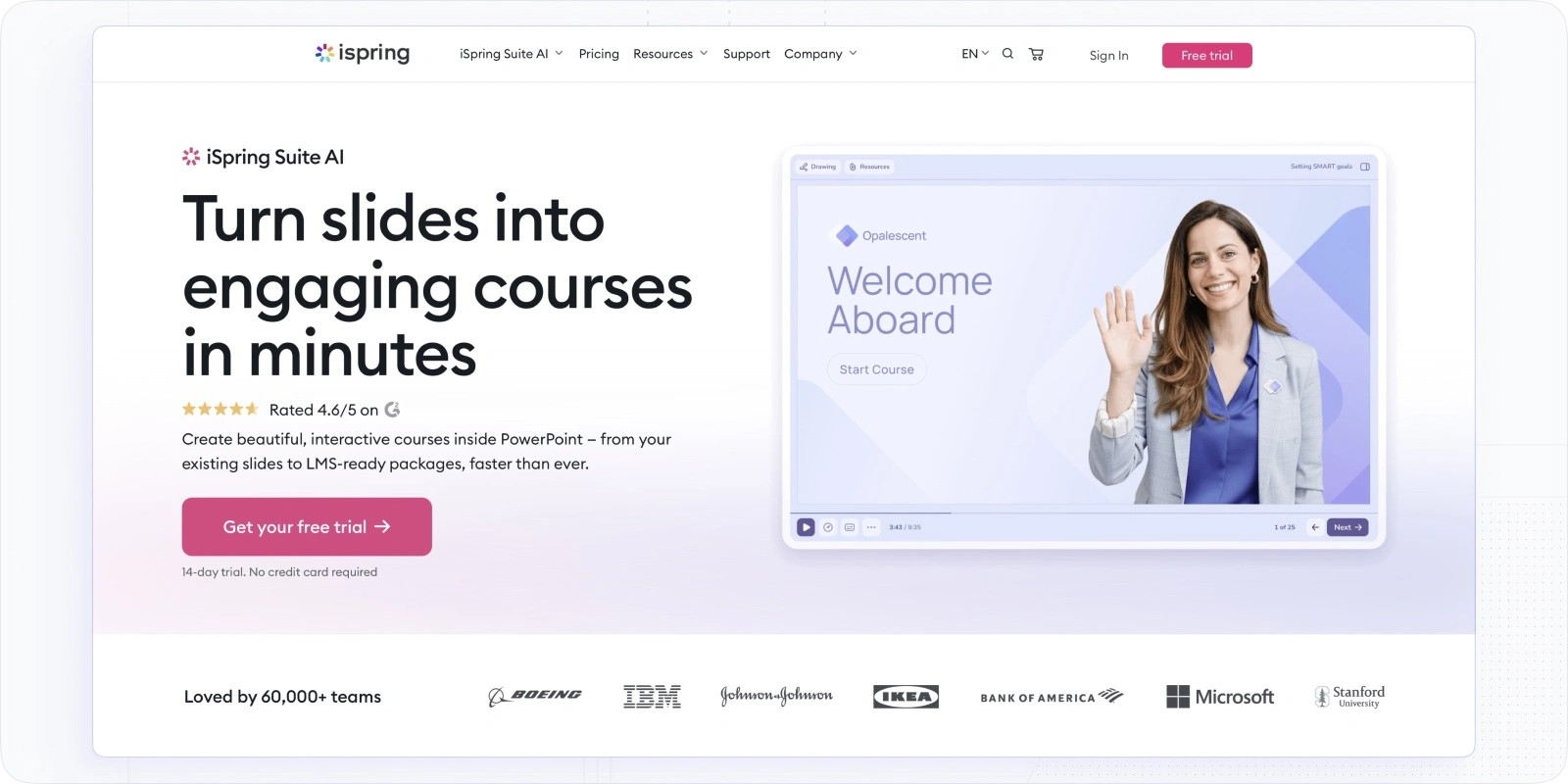
iSpring Learn pairs tightly with iSpring Suite, turning PowerPoint and video into polished SCORM/xAPI modules, perfect for SMEs authoring in familiar tools. The platform adds granular tracking of attempts, questions, time-in-lesson, and completions for audit-ready compliance. ILT/VILT scheduling sits alongside self-paced modules so programs feel cohesive. Learning paths and prerequisites enforce mastery, while mobile apps with offline sync keep field learners progressing.
Best for: Mid organisations that need fast, consistent compliance and skills training deployed across distributed teams or multiple global locations, particularly where SAP integration is already part of the stack.
Why choose iSpring Learn
- PowerPoint-to-SCORM pipeline. iSpring Suite turns existing slide decks into interactive modules with quizzes, branching scenarios, and voice-over without leaving PowerPoint; cuts production time significantly for teams with large existing content libraries
- Granular attempt tracking. Question-level analytics, time-in-lesson data, and attempt history give compliance teams the evidence trail auditors require
- ILT/VILT scheduling. Live sessions sit alongside self-paced modules in one learning path, with attendance tracking and completion records
- Learning paths with prerequisites. Enforce mastery sequencing so learners can't skip ahead through compliance content
- Mobile app with offline sync. Field learners continue progressing without a reliable connection; completions sync when connectivity returns
Honest limitations: Per-user costs rise if you have large numbers of occasional or seasonal learners — the pricing model rewards consistent active users. Social and collaborative learning features are lighter than 360Learning or Docebo. The content storefront is basic and not suited to organisations selling training commercially.
Pricing: ≈$3.75–$6.70 per user/month (annual billing).
Quick selector: which Trainual alternative fits you?
| Platform | Best For | AI Features | Mobile App | Multi-Audience | Pricing Starts At | Free Trial |
|---|---|---|---|---|---|---|
| EducateMe | Corporate training, onboarding, sales enablement | AI Roleplay Coach, AI course builder, AI search | Mobile-responsive (no native app) | Yes — employees, customers, partners | $239/mo (Pro) | Yes — 14 days |
| TalentLMS | SMBs wanting fast rollout | Basic content recommendations | Yes | Yes — via branches | $149/mo (monthly billing) | Yes — free plan available |
| 360Learning | Peer learning, blended programmes | AI content suggestions | Yes | Limited | ~$8/user/mo | Yes |
| LearnUpon | Mid-market teams scaling employee, partner & customer training | Create+ AI authoring (PDFs, docs, video to course), Learning Journeys | Yes — iOS and Android (no offline) | Yes — employees, partners, customers | From $18,000/year | No — demo only |
| WorkRamp | Sales enablement, customer academies | AI course creation, AI Reviewers | Yes | Yes — employees, customers, partners | ~$18k/year | No |
| Docebo | Enterprise AI personalisation at scale | AI tagging, skills mapping, content recommendations | Yes | Yes | ~$25k/year | No |
| Disprz | Frontline and distributed workforce training | AI skills taxonomy, AI content authoring | Yes | Yes | Contact sales | No |
Final Thought
Lots of teams start with Trainual, get the basics in place, and then hit the ceiling: you want smarter automation, clearer analytics, cleaner multi-audience delivery, or a better learner vibe so people actually finish what they start. That’s exactly where the tools on this list shine.
My take: don’t overcomplicate the decision. Pick your top two priorities (e.g., faster onboarding, external/customer training, compliance evidence, AI personalization), then shortlist 2–3 platforms that spike on those. Run a 30–45 day pilot with a real cohort and a couple of representative courses. Keep the scorecard boring and objective:
- Adoption: logins, session length, and completion rates
- Speed: time to publish a new module, time to assign and certify
- Ops load: admin hours saved (enrollments, reminders, reporting)
- Data: clarity of dashboards + how easily data flows to HRIS/CRM/BI
- Learner feedback: quick pulse survey at week 2 and week 4
Bottom line: The “best Trainual alternative” is the one that removes today’s bottleneck and won’t force another platform jump next year. If you’re leaning toward a modern, multi-tenant hub with AI authoring and practical automation, EducateMe should be first on your list.
Try EducateMe with a 14-day free trial and see how quickly your playbook turns into a real learning system.
Frequently asked questions
Most platforms accept PDF and document exports, which covers the majority of what Trainual stores. EducateMe's AI assistant can rebuild modules directly from uploaded PDFs or public URLs, so if your Trainual content lives in documents, the migration is faster than it sounds. The harder part is quizzes and branching logic, which rarely transfer cleanly between platforms and usually need rebuilding manually. Budget a day or two for a team of 20–30 active courses.
Yes, several on this list handle it well, but the requirements differ. For sequential onboarding where learners must complete steps in order and submit documents, EducateMe's learning paths with locked sequential navigation solve the exact problem Trainual's update created. For regulated compliance with audit trails, attempt-level tracking, and proctored assessments, iSpring Learn and SAP Litmos are stronger. The deciding factor is usually whether you need evidence of completion for an external regulator or just reliable internal onboarding — the two have different requirements and different right answers.
Run the pilot in parallel, not as a replacement. Pick one upcoming cohort (ideally new hires who haven't been through your existing programme), and build two or three representative courses in the new platform. Measure completion rates, time-to-finish, and how often learners need help navigating. Four weeks is enough to know whether the platform works for your team. Don't migrate existing learners mid-programme; the disruption skews the data and frustrates people who already know where everything is.
Completion history almost never transfers automatically between platforms — most LMS platforms don't have a shared data standard for historical records. What you can do is export completion reports from Trainual before you close the account, store them in your HRIS or a shared folder, and use those as the record of prior training. For certifications with expiry dates, note the renewal dates before migrating so nothing lapses in the gap. Going forward, your new platform tracks everything from the switch date onward.